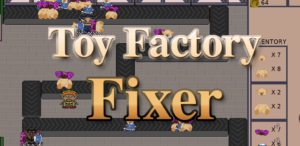
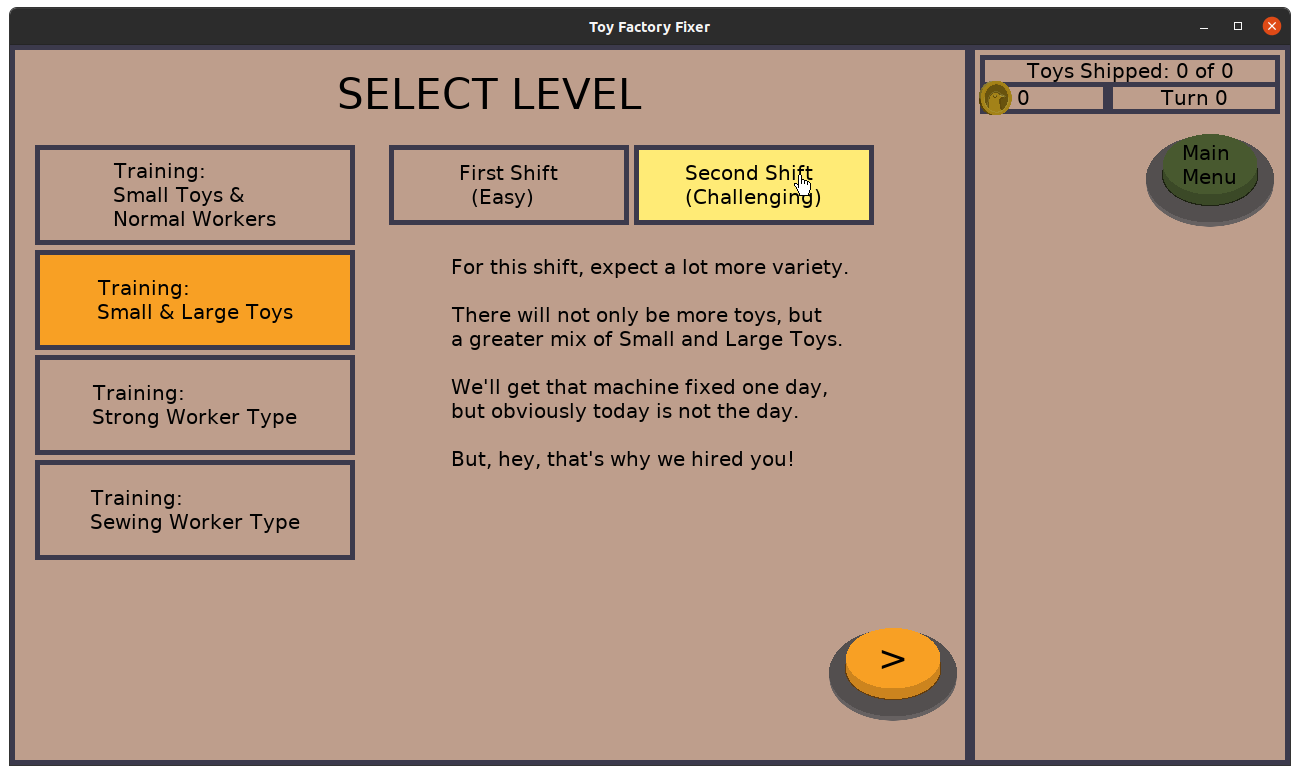
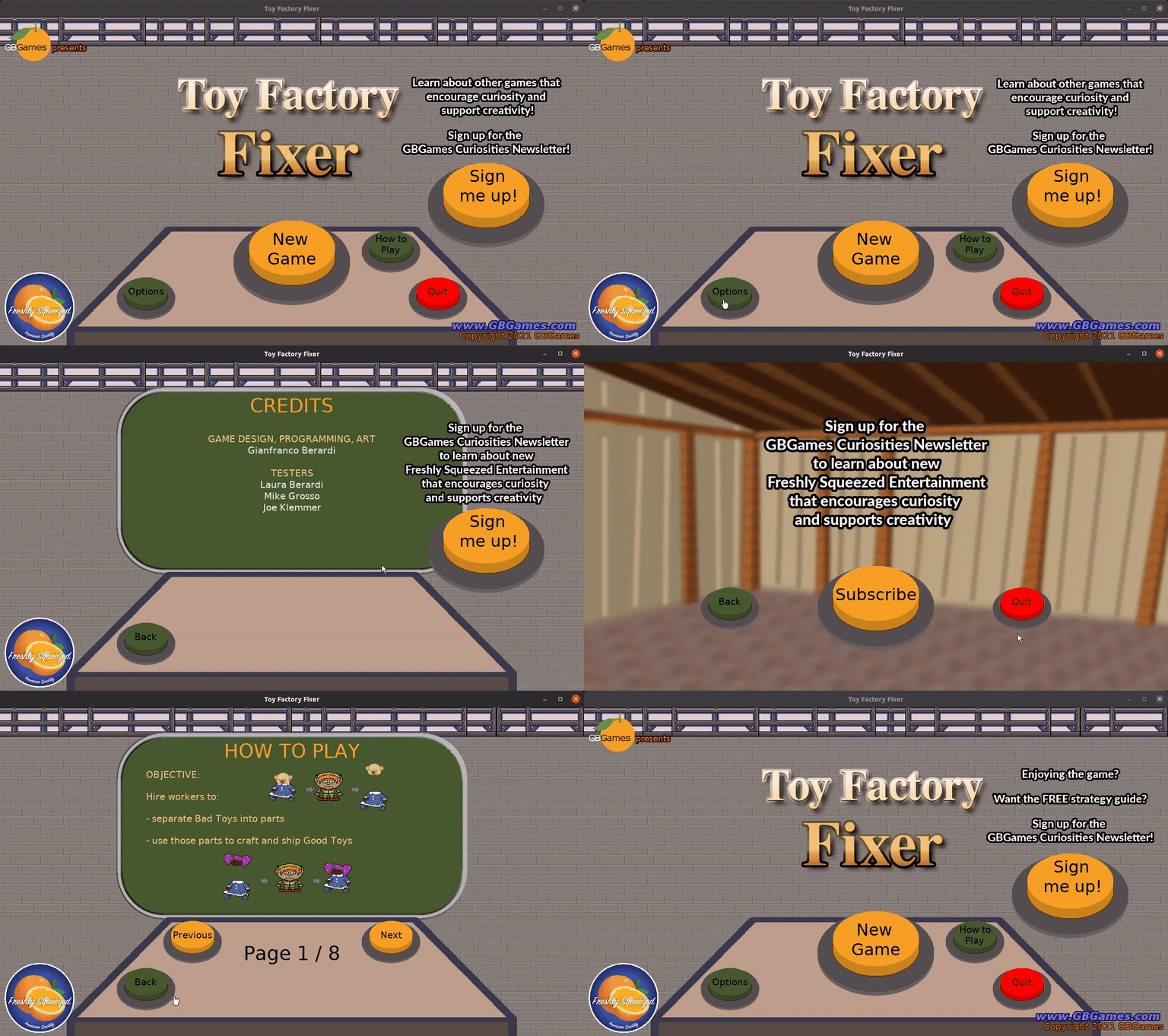
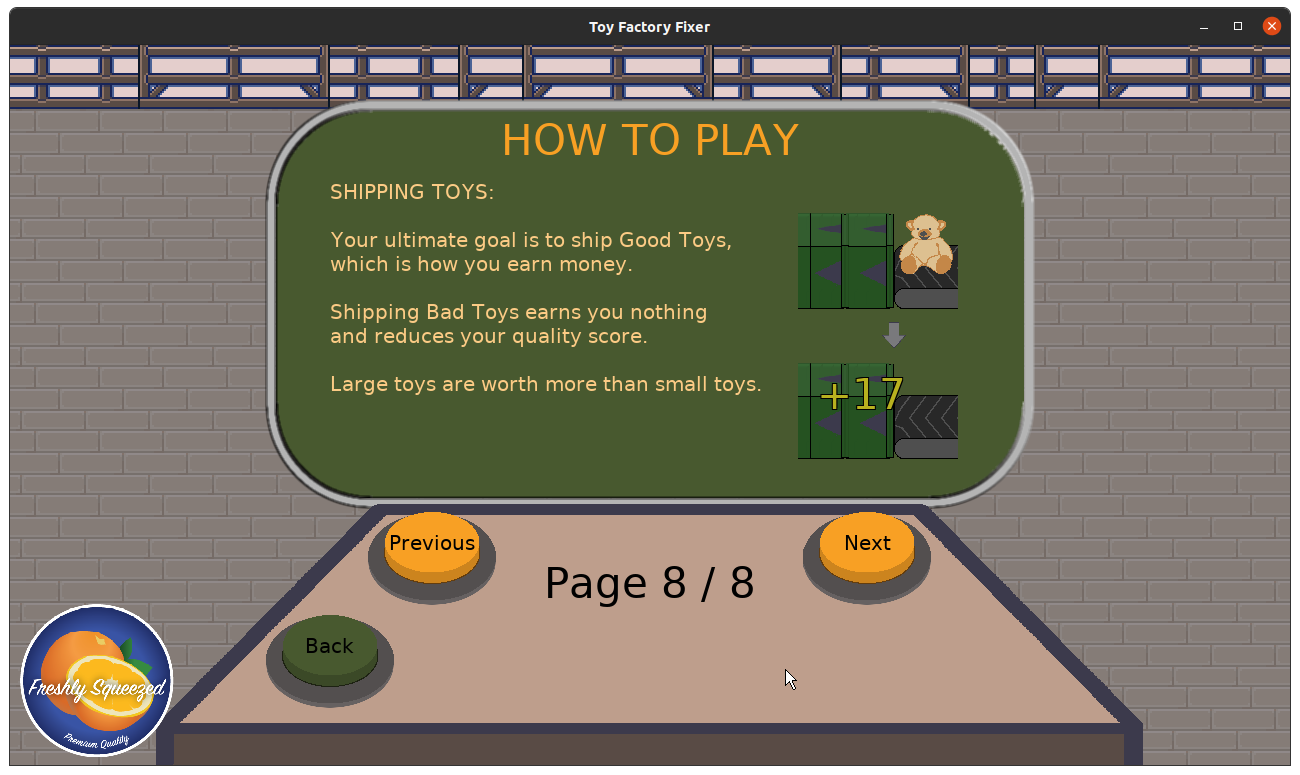
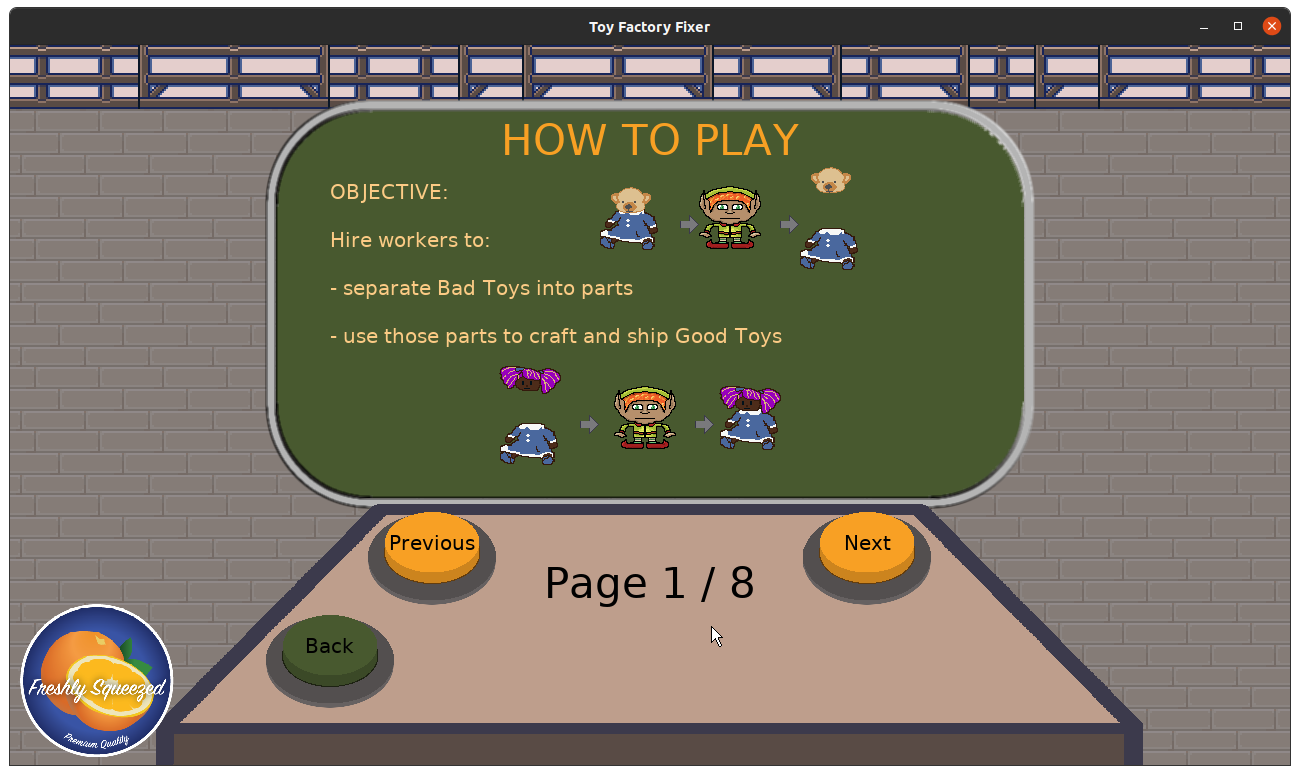
Now that my first Freshly Squeezed game has been out for a few weeks, I thought it would be a good time to look back and see what lessons could be learned for future projects.
So I’ll start by saying that Toy Factory Fixer was meant to be a one month project, with a target deadline of December 25th, 2020.
Ha.
I ended up publishing the game in the Apple App Store and on Google Play on December 14th, 2021, over a year after I started.
For the mathematically inclined of you, you probably noticed that it definitely took much longer than a month.
But this is a post-mortem! Let’s talk about what went right, what went wrong, and what lessons can be learned from the experience.
- Paper prototypes helped me narrow in on the concept and game play early
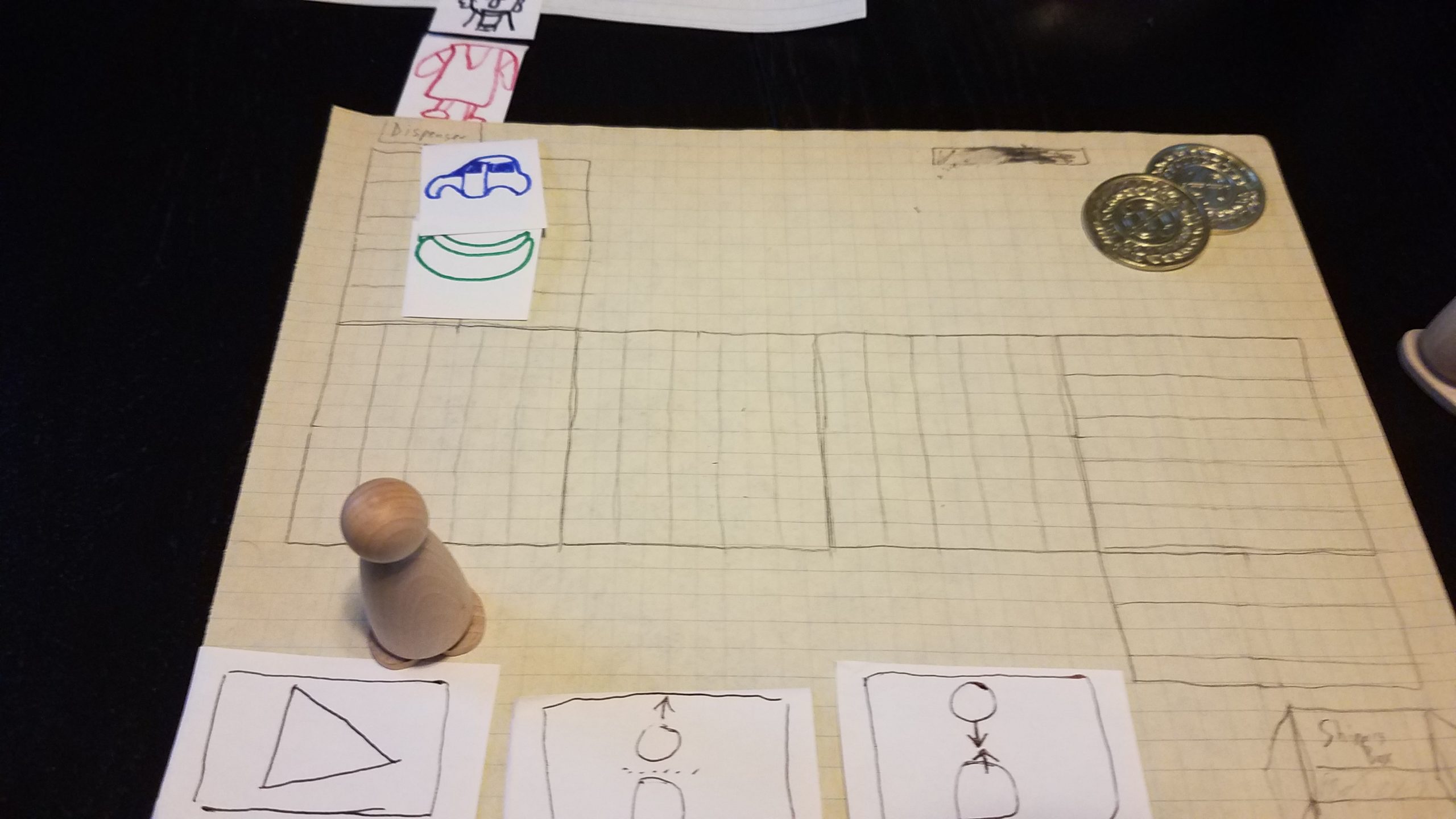
At the end of November, right after my latest published update of Toytles: Leaf Raking, I already came up with the general idea for Toy Factory Fixer. So right away, I had the concept on paper. Originally, it was a Christmas-themed game, with the idea being that the in-game shipment deadline was Christmas Eve and Santa needs those toys.
But how would the game play? It could be anything.
When you have the proverbial blank slate, there is a lot of potential, with many directions to go in, and it can be quite exciting.
But you can’t stay in this amazing realm of imagination where anything is possible. At some point, you have to make decisions, which means cutting off some options as you choose others.
Within days, I thought about a tower defense-style game, with a conveyor belt and workers (and machines, but those didn’t make it into the game).


Now, I could have started coding and creating digital art, but that is an expensive thing to do upfront, especially in terms of game design. It’s faster and cheaper to use paper and markers.
And doing so helped me to figure out the answer to some early design questions related to what the player would do within the game and how the various parts would work together.
Should workers be able to do things automatically or require the player’s micromanagement?
What obstacles would be in the player’s path?
Should there be a turn limit?
How does a worker get the parts to put together a Good Toy?
How do toys on a belt interact with other toys?
While not everything explored through this phase made it into the final game, it did help inform implementation details. For instance, I knew that I had to figure out what it meant to have multiple toys share the same location on the conveyor belt early on, and when it came time to actually write the code, I had already thought of a few solutions thanks to the quick paper prototypes I was able to come up with and ended up picking one that I thought made the game better than I had originally anticipated.
I love the benefits of paper prototyping, and I wish I had done more of it, but for the amount I did, it definitely had a huge impact in terms of speeding up development and design work.
- Light-weight project planning helped me stay on task for the long-haul
I’m a big fan of Agile software development, and so I am habitually used to focusing on value-delivery, working in short sprints, breaking down work into bite-sized pieces of value, baking in quality, and keeping the stakeholders/players in mind.
I know some indie game developers work with a simple list of tasks, or maybe a list of must-haves and a list of want-to-haves, and it works for them.
And maybe my spreadsheet is just a glorified collection of such lists.
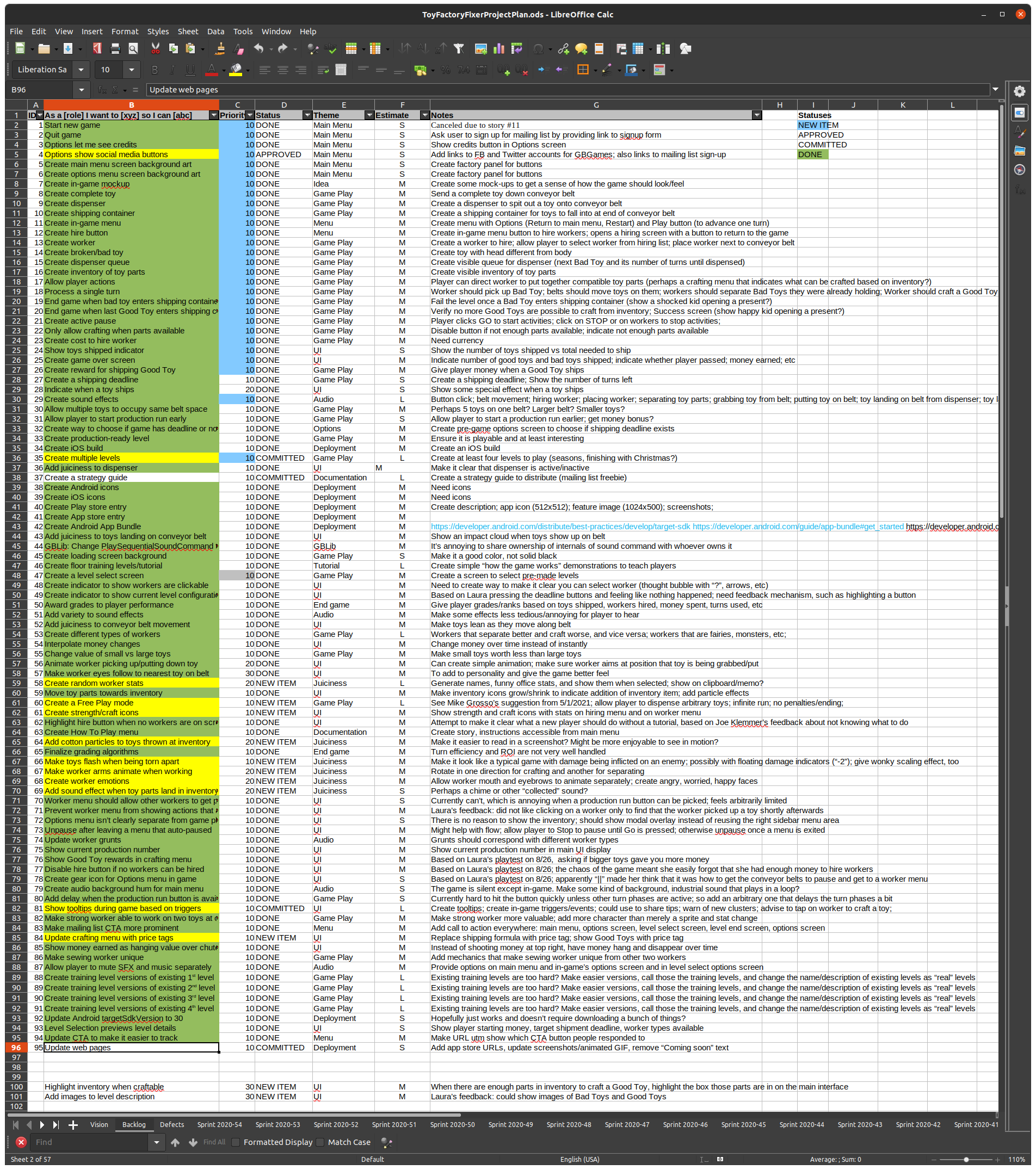
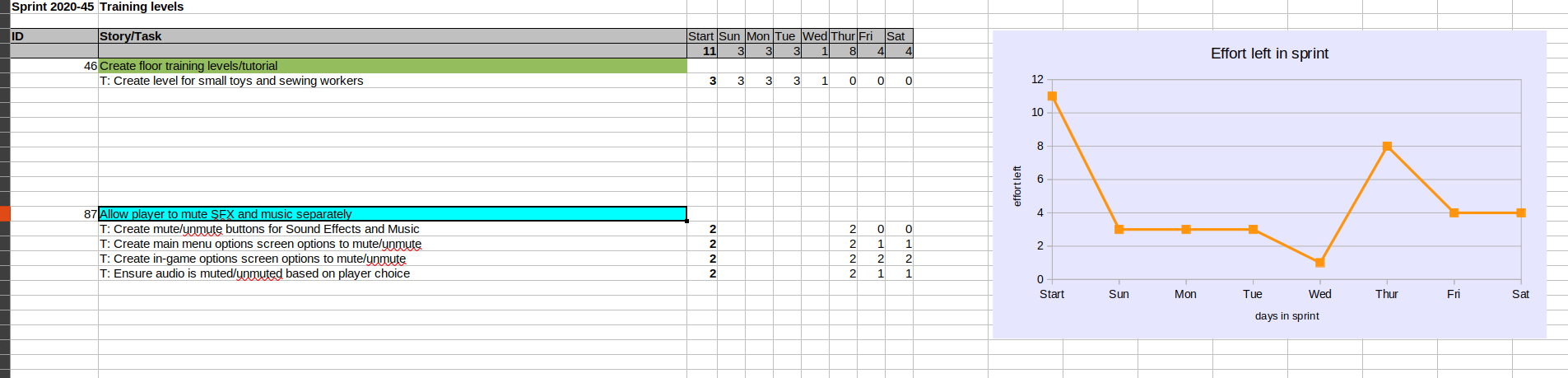
But from the beginning of this project, I created a backlog of features and tasks, then for a given week, I took a subset of the backlog and tried to get it finished. Then I repeated until I was done.
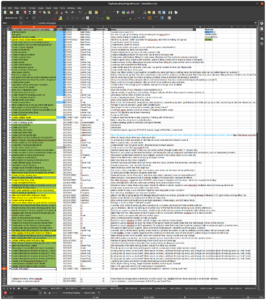
And that’s oversimplifying it, but that was the secret that kept me going for a year of very, very part-time development outside of the day job, the family time, and other obligations.
I basically had a small set of things to do at any given time, and at the end of the week, I assessed how it went (usually by writing a sprint report blog post), took a few minutes to plan the next week’s sprint, and repeated.
The slightly longer explanation is that I estimated how much work any given set of tasks was going to be when it is in the backlog using t-shirt sizes (Small, Medium, Large), and when I planned the sprint, I broke down those items into more detailed tasks so I knew what needed to actually be done. Then whenever I was doing game development, I’d look at the spreadsheet, pick a task, and focus on it until it was done.
And since I usually didn’t get more than hour of game development at a time, I found great success with small and specific tasks rather than high-level, vague descriptions that leave a lot up for interpretation even though I’m the one who wrote it in the first place.
I had a daily habit of putting in game development, and my project plan helped keep each day’s game development session connected to the previous one. Even if I went a few days without doing any game development, keeping my project plan front and center meant that it was easy to get back into it.
I am not saying that everyone should do what I did. I’m merely saying this is what I did, and it worked well enough to keep me focused until the project was finished.
- Light-weight project planning helped me adapt to changes discovered mid-development
I’m not going to pretend that games are special in terms of the need to deal with changing requirements, since so many software (and non-software) products also deal with it.
But quite frequently I would add a feature, playtest it, take a step back, and realize that the player is going to need more feedback to know what is going on.
That is, mechanically something might be in the game, but if the player gets no indication, it can be easy to miss.
So sometimes I would discover partway through the work that there was more work to do.
And no, I wouldn’t describe this as feature creep.
Let’s take the time I added the ability to earn money when you ship a Good Toy.
When you ship a Bad Toy, nothing happens (and maybe I should have added some negative feedback there like I’ve thought about doing for months, but ah, well). When you ship a Good Toy, it looks like nothing happens even though you earned money. If you were paying attention, you would see the money value is different.
But as a player, you aren’t paying attention to that part! You’re trying to pay attention to everything else going on in the game!
So I did a few things. One, I changed the value of everything by an order of magnitude. Workers used to cost 10 Money, and then they were 100 Money. Why?
So that way I could more easily make it obvious that the player’s Money interpolated as it changed from one value to another. There is something satisfying about seeing numbers change over time instead of instantly changing at once.
Of course, once I did so, I realized that it felt too slow when the numbers change a lot, so I even tweaked it to interpolate faster with larger changes in value.
And I had the money the player earned fly from the shipping chute towards the Money balance at the top of the screen.
These were small bits of polish that really helped sell what was happening to the player, and I didn’t anticipate them when I started.
But I had a plan! Didn’t these changes get in the way of the plan? Didn’t they slow me down?
No, that’s another thing about Agile that I like. You learn things as you work on a project, and that learning should inform the work.
So my light-weight planning tool was easy to modify on the fly. I could be days into a given sprint, and I might realize that a given feature had a few extra unidentified tasks in it before I could say it is truly complete. I have the option to add those tasks to the sprint or create a new feature in the backlog if I decide I’ll work on it in a future sprint.
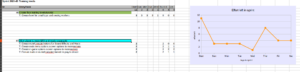
It’s mere seconds of work to update the plan, and I can get back to work.
Now, I could argue that the downside is that I allowed for scope to balloon for any given task, but I’m alone in this project. I didn’t need to argue or justify or push back against someone else’s requests. I just had to make a judgment call on whether or not I should add work. And while I often did, which led to the year-long project, I also had quite the backlog of new ideas that never made it into this initial release because I was trying to keep scope down.
I think it is easy to let the light-weight part mean that I didn’t put on my producer’s hat often enough, but it did let me make changes on the fly fairly easily while keeping on top of it all, and I think the game is much better for it.
- Having testers meant finding major issues and getting feedback right away
At one point, I put out a call for testers, and two people replied.
And they made a huge impact, both in terms of game play and in terms of basic functionality.
When you are targeting mobile platforms, you have to deal with regular cycles of sometimes seemingly-arbitrary changes to those platforms. They aren’t changes I care about other than the fact that they might break how my games work on those platforms.
So imagine my surprise when I was regularly testing my game on my Android device only to find that a tester couldn’t get past the main menu on his Android device. He said it looked like the game was frozen. And after adding some debug code, we verified the game was not frozen but was, in fact, working quite well except for the tiny detail of touch inputs not getting processed.
WHAT?!
Weeks later, I finally figured out that the major culprit was that Android 10 somehow handled touch input differently from my much older Android device, or at least differently enough that libSDL2 wasn’t really behaving the same way. My workaround was to exit out of a message pump any time I process any input, which allowed my code to detect when a player pressed and released a button. It otherwise wouldn’t notice because the press and release happened at the same time and so the before and after input state would look the same.
Separately, the testers frequently told me what was confusing or what worked well, and a lot of their feedback made it into the game in one form or another (further adding to the scope, but I think for the better). Some of their feedback is still in my backlog as things I want to add to the game but that didn’t make it into this initial release.
Also, it is quite gratifying to have testers tell you that the game is fun. When you’ve been doing your own testing of an in-development level over and over and over again, falling asleep at the computer (and worrying that the game is boring enough to make players also fall asleep?!), it is so great to hear that someone else is enjoying what you’re making.
I probably could have been in more frequent contact with the testers, but I was also trying to be mindful of the fact that they were volunteering and had their own obligations and time constraints. As things stand, though, I am really thankful for their efforts.
- Little bits of polish went a long way towards making the game look interesting
I already talked about the money interpolation thing above, but at some point I realized that the game has a lot going on but looked like nothing was going on.
Still frames and screenshots are fine, but animated GIFs and video tell quite the story. Except they were boring-looking stories.
And at some point, I had accepted that this project was taking a lot longer than a month, and I wanted to give it the best chance to find an audience, so I thought it was important to add some “juiciness” to the game.
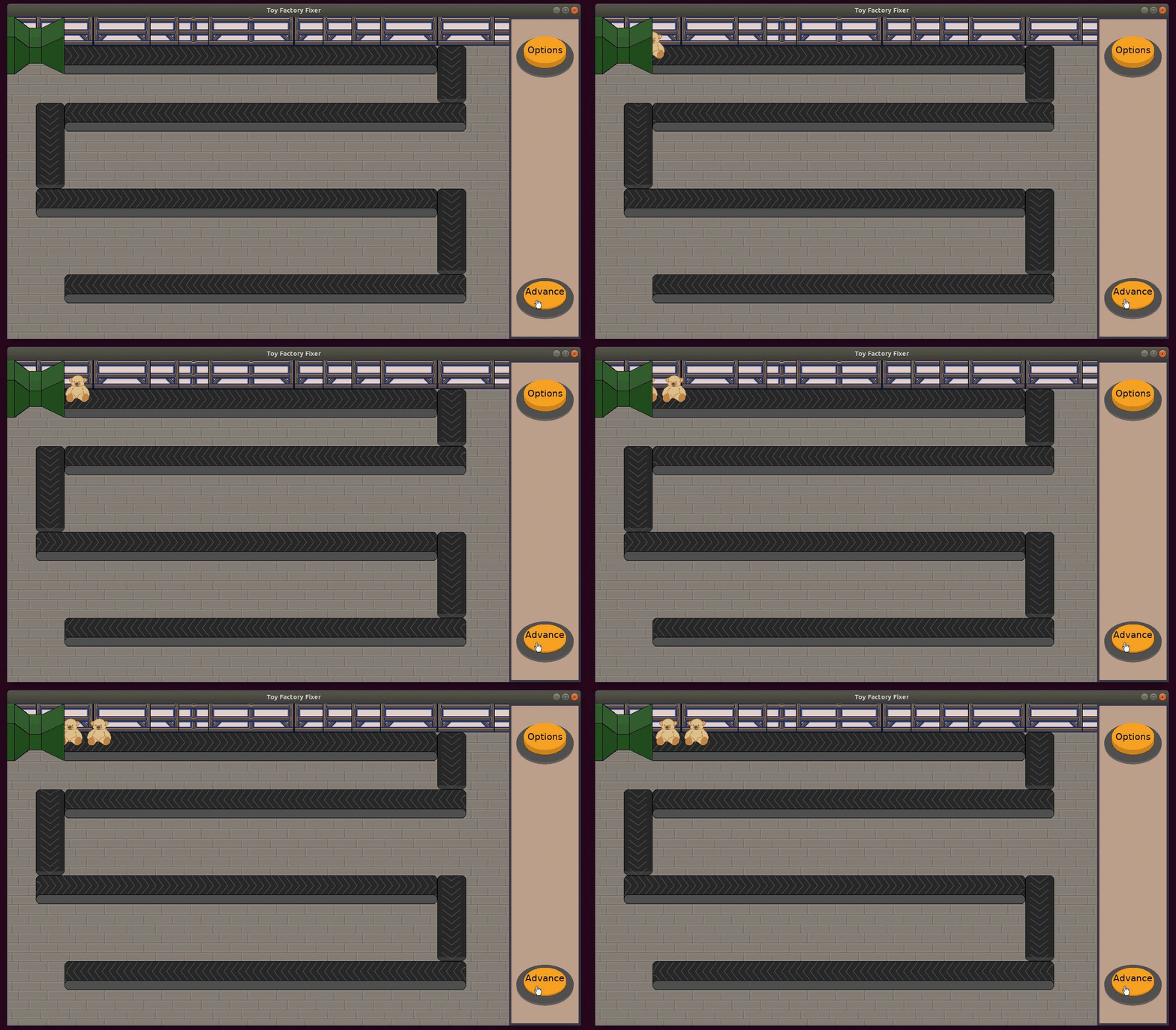
I added animations, such as having the toys lean back as they are moved forward on the conveyor belt, or having the workers move their arms when they are finished separating a Bad Toy, or having the worker’s eyes look at a nearby Bad Toy.
Here’s what it looked like in January:
And here’s what it looked like in September:
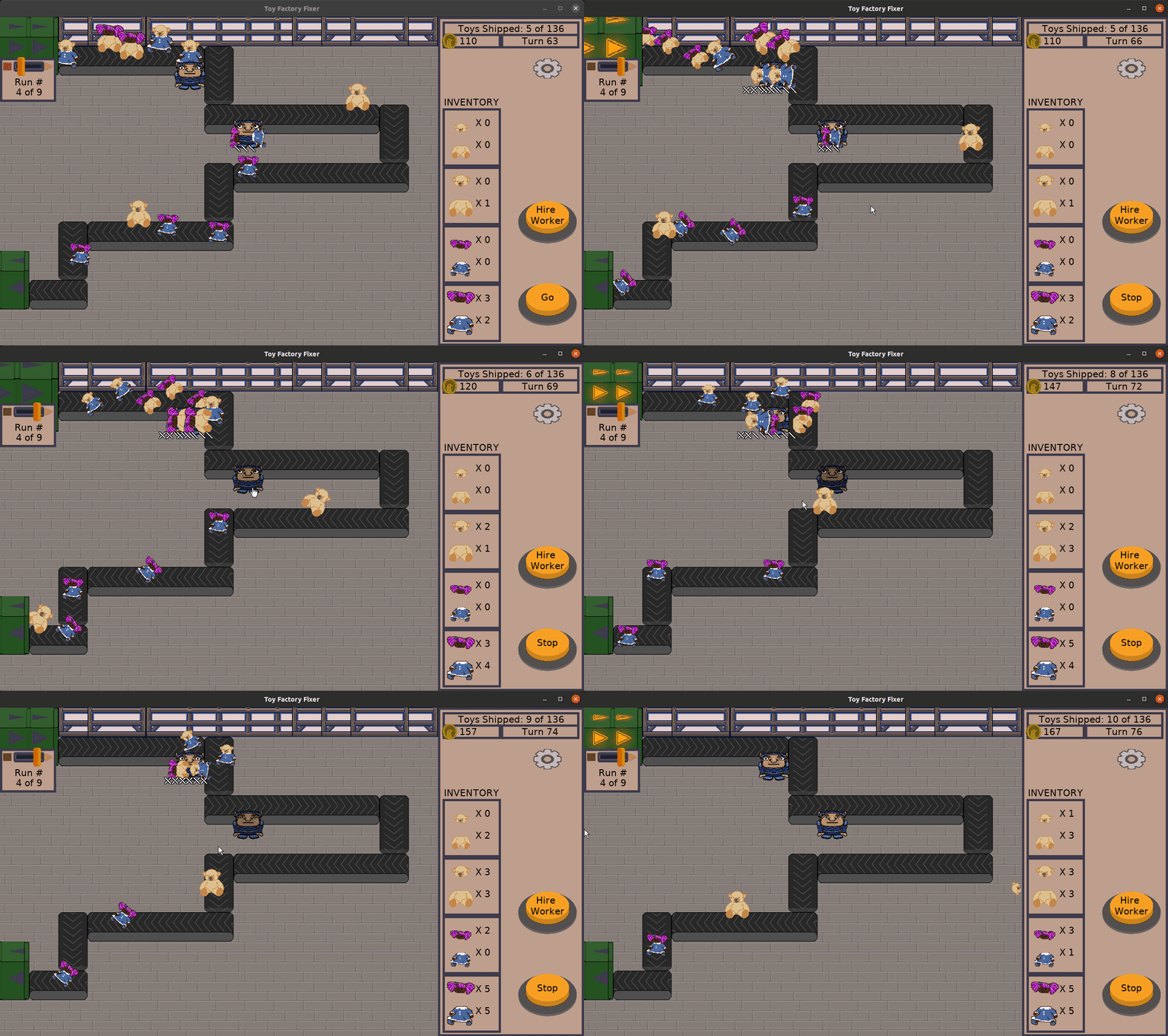
My favorite animation is a toy arcing into the air and back down to land on the conveyor belt with a thud. There’s a small dust ring that appears, and the squash/stretch of the toy as it moves it subtle yet works really, really well. And the sound effects really sell it.
Most of this work didn’t feel like it took too much time to implement, and some of the effects were purely aesthetic, but a lot helped communicate to the player what was happening. Seeing floating numbers appear as toy parts were added or taken away from the inventory worked way better to let the player know that the quantities changed.
And it made the animated GIFs look way, way more entertaining.
- I stressed myself out with my arbitrary one month deadline…for months
Freshly Squeezed games were supposed to be quick. I wanted to create one-month prototypes. But I also wanted them to be polished and finished enough that someone could say “Yeah, that was a complete experience…and I want more.”
And every week after the one-month mark was another week that my game was overdue and in which I failed to do the “simple” task of creating and releasing a game.
I especially felt bad after three months had passed. That’s 90 days! I should have had a Minimum Viable Product by then!
No one was promised this game in one month. I had no customers or stakeholders who paid for it. And yet, I felt pressure to get it done.
I mean, the longer this one game took to make, the fewer games I could make for the remainder of the year. And without even one published game, I couldn’t find out if the Freshly Squeezed “give away polished prototype, hope people subscribe to learn about future games” idea was likely to work. The entire product development strategy felt like it was in jeopardy! I needed to ship!
Now, it turned out that I had underestimated the amount of work it would take to make something I would feel proud of releasing. A key part of Freshly Squeezed games was that they were not going to be shoddily-made, and it turns out that quality takes time.
And as I wrote throughout the year, game development time was not something I had in abundance.
The game ended up taking as long as it did. I don’t like saying “It’ll be done when it is done” because, you know, I did want people to play the game before I turned 80-years-old. I don’t have the luxury of working on games forever.
In a well-run Agile project, if there is an arbitrary deadline, you work on the most valuable thing and have something to ship as soon as possible, and you build on it so you always have something functioning and ready to ship. And you expect that a lot of items in your backlog won’t make it into the final product by the deadline, but you know you got the key things in, AND that there is no other optimal way to do it that wouldn’t require inhumane working hours.
I wanted to have both that arbitrary deadline AND the ability to keep expanding the scope of the work, and it doesn’t work that way. I probably should have realized early on that, no, this project was going to take longer than a month, then figure out what my minimum release criteria was as early as possible.
Of course, the version that did get released feels like it is already fairly small in scope. Anything smaller, anything I would have released earlier feels like it would have been a much lesser game for it.
Perhaps going forward, I limit myself to a maximum of 90 days for any one project, and I hold myself honestly to that deadline. It would require me to spend more of my time upfront exploring the basic game play, and only then can I polish it up.
But it definitely requires me to rethink my product development strategy going forward.
- No real design document meant a lot of wasted energy wondering what should and shouldn’t be in the game
I’ve never spent time creating massive 300+ page design documents, of course.
But in the past I have found that even a 48-hour game jam went more smoothly when I made use of a living design document.
Unfortunately, I didn’t use one for this project.
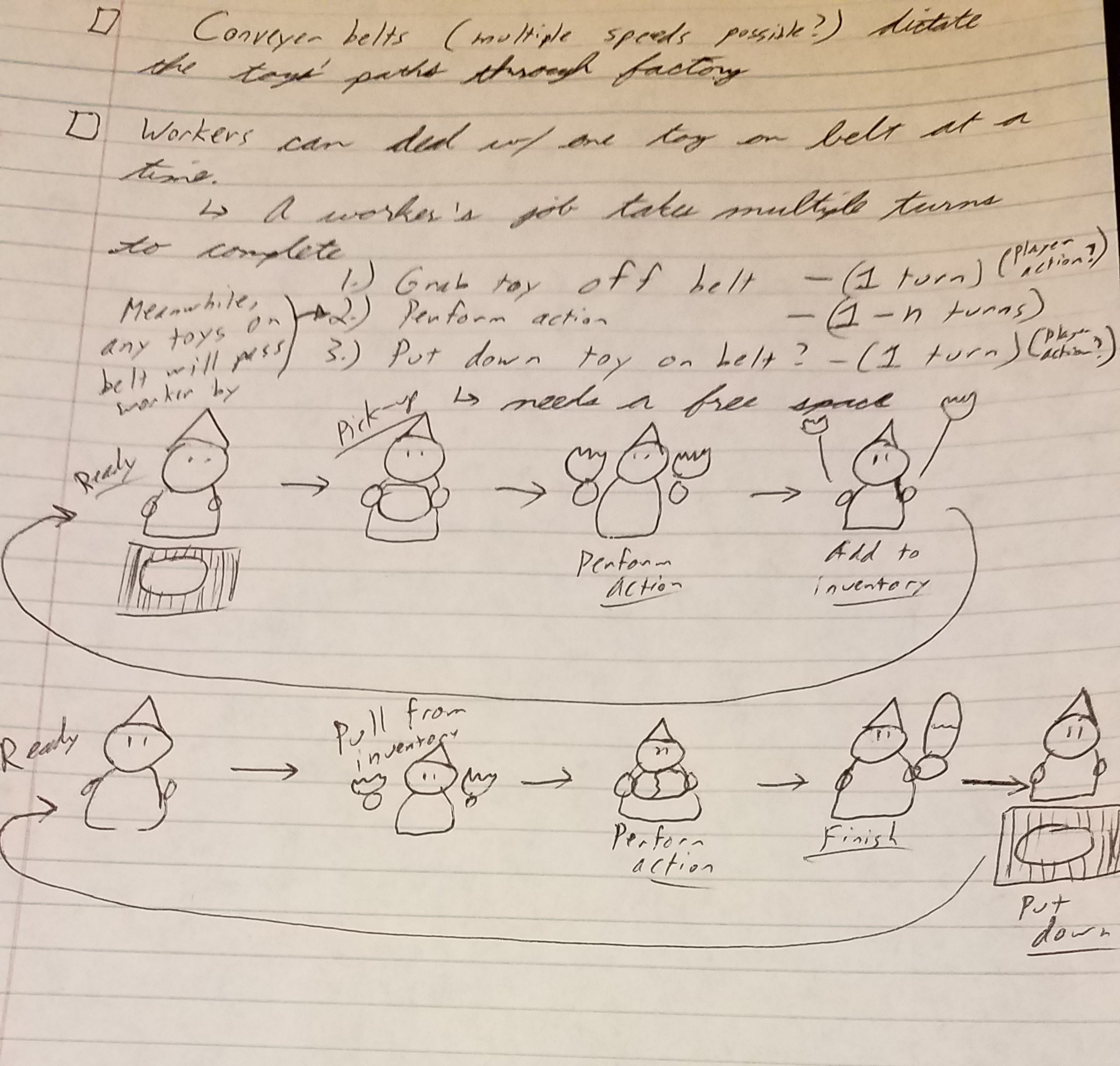
Instead, I had random notes on sheets of paper, random notes in my development notebook, and the random ideas and features I threw into my project backlog.
My project plan is in a spreadsheet, and one tab had a vision for the project, but it was very much focused on the purpose it had as a Freshly Squeezed game, as well as some guiding principles such as a desire to make the game family-friendly.
So, when it came to making decisions about what to put into the game, I didn’t have much of a North Star to guide me.
I had a lot of ideas, but they were not together in one place, which made it hard to think about them cohesively.
I used different individual tools separately, and to great effect. For instance, to get the look of the workers in the game, I found images of Christmas elves online. I found a lot of reference art, which helped inform the creation of the sprites for the elves (hey, that’s almost a pun…).
I doodled and sketched out ideas, and some ideas made it into the game partly because that prework helped me figure out how to make it real.
But it definitely felt like I was randomly deciding what features were key and which were optional, and it would have been nice to codify that decision even if it was after the fact. That way, when I was revisiting an area of the game months after I last touched it, I wouldn’t have to remember why I chose not to do something or why I went in a certain direction.
- I spent time on polish before I spent time on nailing the game play down
I think reading and watching videos about adding “juiciness” to games got me thinking that my game looked lifeless, and I needed to address it.
Some of the work was quick, such as making the toys animate as they move down the conveyor belt.
I’m very proud of the polish I put into the game, but added up, all of this polish and “juiciness” took a substantial amount of time.
Which is fine, except that even after a lot of polish work, I kept adding major game-changing features since the game felt incomplete without them.
Now, I’m not sure if it is necessarily wrong to polish existing features before moving on to adding another feature. After all, if I intend to ship any day, having a prototype that looks like it was hacked together is less appealing than a prototype that looks like a finished product.
But I think the fact that I didn’t have a clear idea of what needed to be in the finished product until almost a year later made it easy to keep extending the work by adding animations, particle effects, and more.
They were always justified, of course. The animation and sound effects act as powerful and immediate feedback for the player. They aren’t just eye-candy. They actually help the player significantly.
But I think being more deliberate about fleshing out the core game mechanics first would mean it is cheaper to try exploring a few ideas before settling on them.
Adding polish basically means I’m baking the features into the game, and they become harder to change.
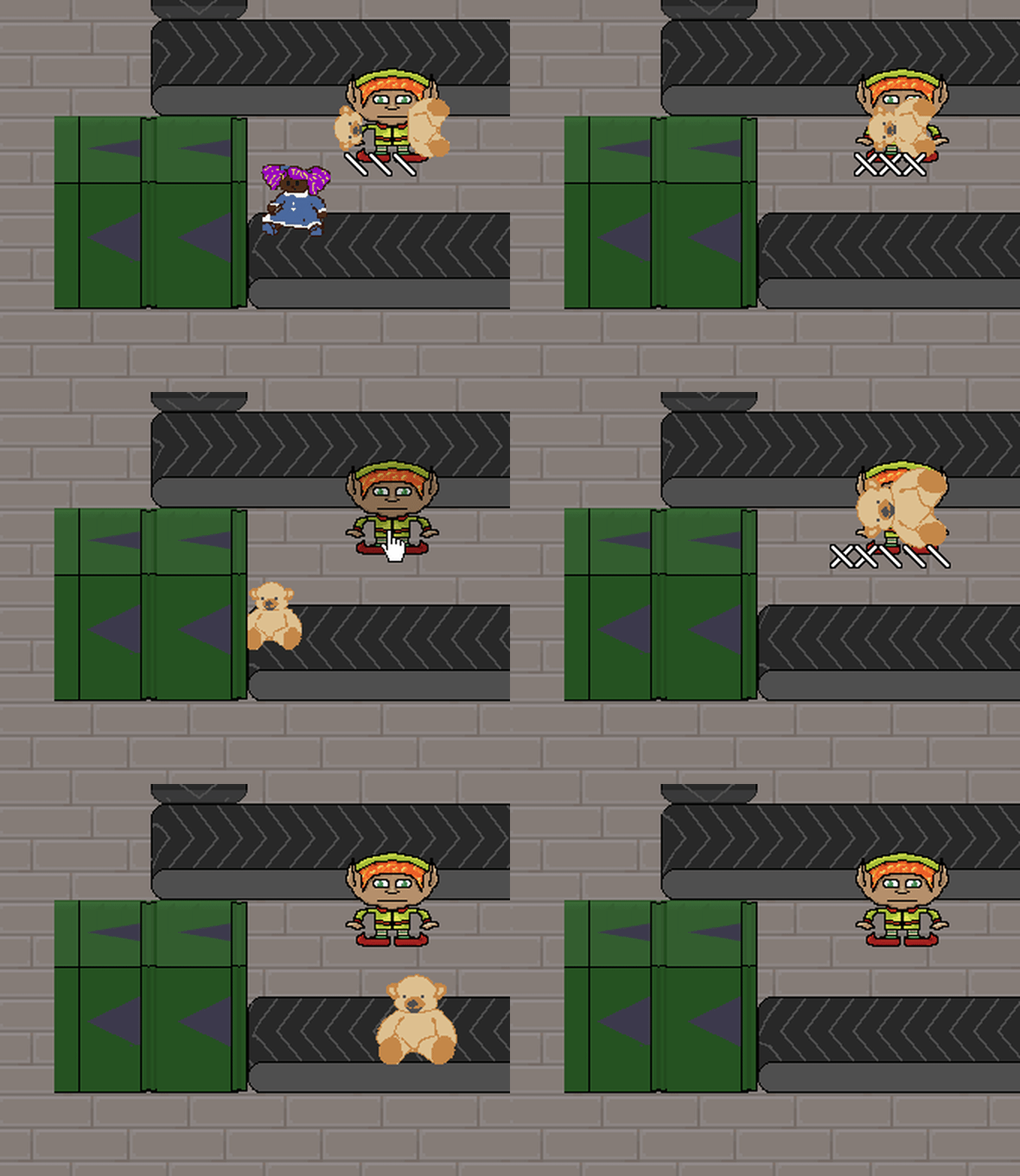
I can always iteratively add polish, revisiting things instead of trying to get it right the first try.
My first pass at income generated from shipping Good Toys was functional and non-obvious to the player when it happened. My second pass added an animated amount that flew towards the player’s money balance at the top right, but it was hard to read as it went too fast and if it went slower it would be distracting. My third pass was to change it to floating numbers that disappeared after a short period of time.
I think purposefully identifying potential iterative passes for polish might help balance between focusing exclusively on functionality and spending too much time on making things look and feel good before that functionality is all in.
- Being very, very part-time meant not a lot of time dedicated to experimenting with game design
Rereading all of my progress report blog posts, one common theme was that I wish I could dedicate more time to game development.
I lamented the lack of hours. A lot.
So, I apologize if you got tired of reading it.
But besides forward progress being slower than I would have liked, a lack of time meant I had to limit the amount of exploration of the game design space I could do.
Game development is iterative and incremental in nature. You make something, then you build on it. And sometimes what you build is only obviously wrong after the fact, when you can experience it in motion, so you throw it away and try something else.
If you could experiment with game play once a day, you could learn a lot about the game you are making, and you can find all of the dead ends right away, and you can find the more entertaining experience sooner. Any one option is cheap to try.
But if your experiments only come once every few months? Now your changes are expensive to make. A choice to try something is more likely to become permanent simply because there isn’t time to replace it with something better.
For example, at one point early on, I was worried that it was tedious to direct individual workers to craft toys. And frankly, I still am. But how much experimentation can I do with such a core part of the game, especially when I thought I was almost done for most of the lifetime of this project?
So that mechanic stayed as it was.
I did create the Go/Stop buttons partly as a result of tester feedback, so there were some things I thought of that eventually did get experimented with, but the point remains.
If I wanted to release a playable game in a relatively timely manner, any game design experiments would have to be focused and quick. Maybe instead of fully exploring a design aspect, I try two proposed ideas and pick the best one. Or I try one and see if it works well enough, then move on.
Much better would be to focus full-time on game development, but until my circumstances change to make that possible, I’ll need to figure out an approach to game design that let’s me maximize design exploration in as little time as possible.
- I didn’t pay attention to release criteria until near the end
I laugh today at how optimistic I was about how soon I expected the game to be released. First, it was by Christmas. Then it was by the end of the 2nd month. Then the 3rd month. My birthday in July? Before a year of development was done. At least by the end of a year of development!
I didn’t have game play for months, and it was almost six months into the project before I felt comfortable handing it off to testers to try. Why did I think I was almost done when I didn’t have any levels to play in?
There is a difference between a wish (“I’d like to release this project within 30 days”) and a reality-based plan to accomplish it.
I somehow fooled myself into believing that I was somehow going to finish the game just because there was a day I said I was going to be done. Even if that day changed every time I missed yet another deadline.
Much of development early on was infrastructure and scaffolding. I created kind of a template for a menu system that all future Freshly Squeezed games will use. But that didn’t help me get a game done quickly.
Later, I was solving platform-specific issues with newer Android OS versions, and then I was dealing with iOS build issues. They were important, but they delayed work on the game itself quite a bit.
And I kept adding scope to the game. Sometimes it felt legitimate, like adding animations to help communicate what was happening in the game to the player, but sometimes it was plain old feature creep.
I tried to separate my backlog between must-haves and would-like-to-haves, but the must-haves list kept growing in scope.
I had 25 items in that must-have backlog when I started, and ended with about 95, with another 40 or so ideas that I decided not to include.
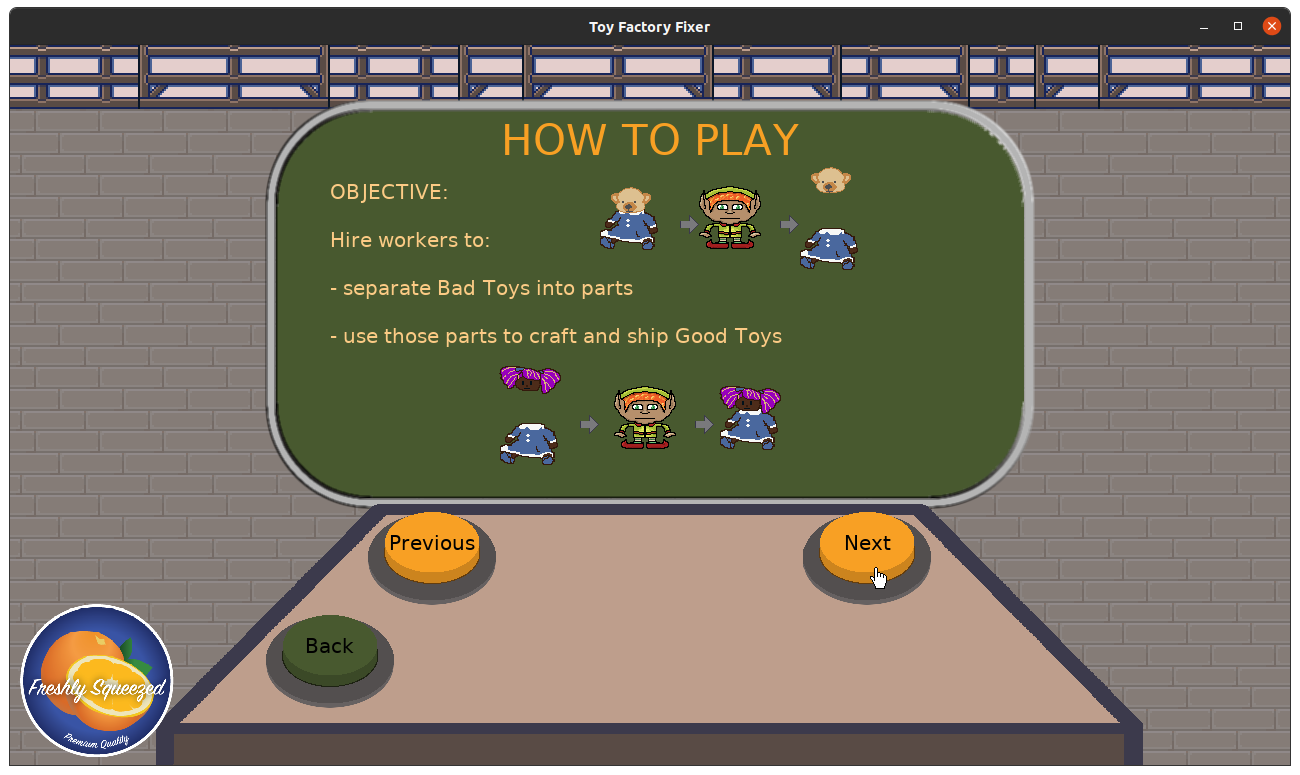
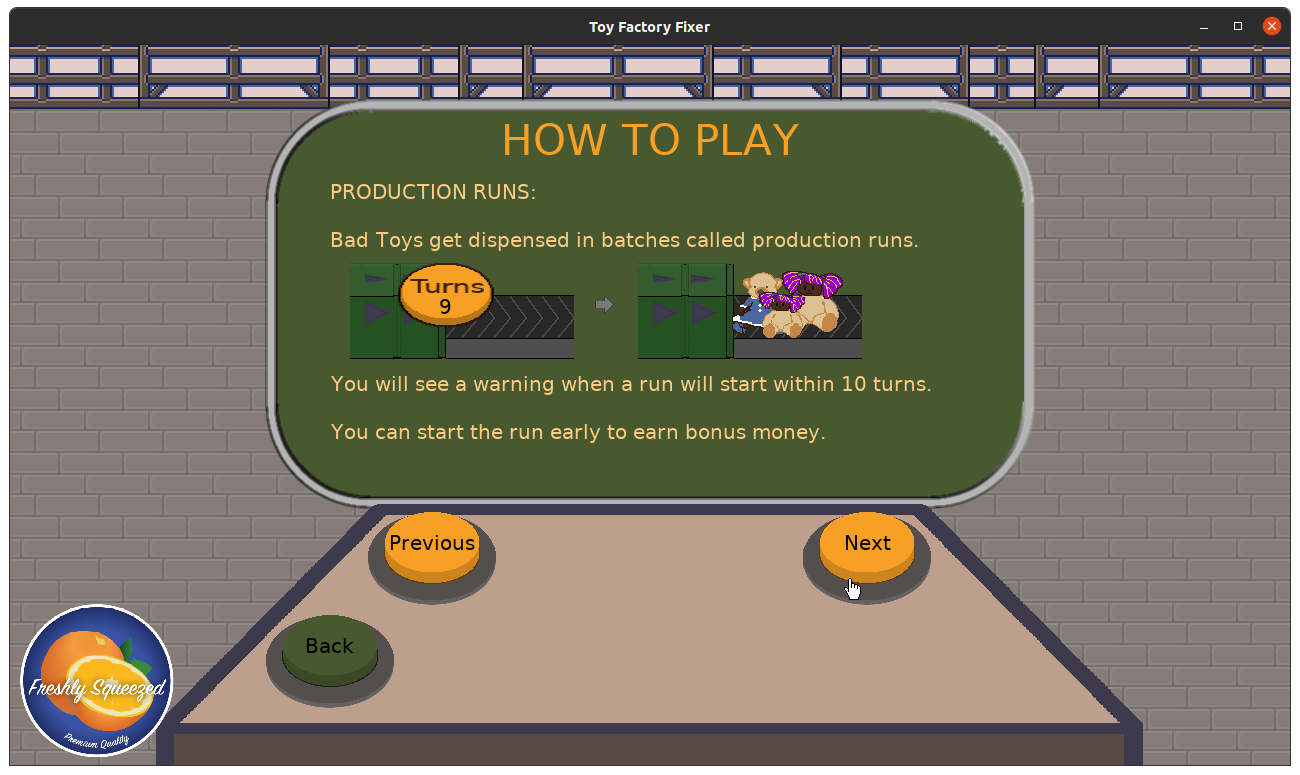
At some point in late October, I decided that what was possible to do in the game good enough, and I created a hard list of things I needed to do to finish v1.0 of the game. The biggest “real” task was deciding on and creating the number of levels I would ship with, but the rest included some key areas of polish, options to toggle sound and music, and creating an in-game help.
Having that release criteria helped me focus on finishing in the final months. What would it have been like if I had decided earlier on the nature of levels in the game? Maybe that design document above would have helped inform other features.
But the point is that I spent quite a long time thinking I was almost done, only to identify a significant amount of work late that I could easily have seen if I was serious about releasing a publishable game as early as I would have wished for.
I’m not saying that a plan would have been perfect, that I would have been able to predict with 100% accuracy how long the project would have taken. But I am saying that I had a plan, and I could have paid attention to it more to give me clues.
- Prioritizing the work is important enough to make time for
Each week, I took a few minutes to plan the next week’s work. Sometimes it took more than a few minutes.
With limited capacity in terms of hours, one might think that every minute of development counts, and I should spend less time on project planning. Simply work on game development until the project is done.
But having limited time meant it was even more important to invest some of my time in planning. I always had a direction to go in, I always knew what I was working on next, even if that work was “figure out how to solve this particular problem.”
My weekly planning cadence produced a lot of benefit.
That said, I think I could stand to wear my producer hat more often. I overscoped a lot of my sprints, which meant that while I was making steady progress, I was also using any given sprint backlog less as a prioritized list of the most important tasks and more like a sub-backlog.
Now, I’m generally fine with the work being fluid. If I learn things about a given chunk of work, if I come across defects, I throw them into mid-sprint backlog. Fine.
But if I only get about two major features done in a given sprint, what sense did it make to add five of them to my sprint backlog? Again, wishful thinking served me poorly.
What it did was give me permission to say “Well, any work unfinished will just carry over to the next sprint.” Which gave me permission to start work on some items without thinking through them, since, hey, I was just going to work until I thought it was done.
Which meant I sometimes spent too much time on a given item of work. Or I allowed myself to work on a task that probably shouldn’t have been a higher priority, such as the amount of time I spent trying to create a background image for the game despite the fact that I am not an artist by trade and that all the time and effort I would put in would just result in a slightly less bad piece of art.
And if I really wanted to make a game quickly, even if I was going to be fine with it taking longer than a month, why didn’t I take advantage of the t-shirt sizing I did to create a rough roadmap or something similar that would help me understand just how much time might be needed to work on the game? I might still underestimate it, but I would probably be able to recognize that I wasn’t “almost done” for so many months if I could see that even the initial work I could identify upfront was going to take more than four weeks of work.
- A little polish and juiciness goes a long way
I think it is safe to say that Toy Factory Fixer is my most satisfying game to play out of all of the games I’ve ever created.
Most of the games I have worked on in the past were 48-hour game jam entries, and my efforts were focused on putting together a functioning game quickly and not necessarily on how it looks. In fact, many of those games were silent, with at most some sound effects thrown in at the last minute.
Many years ago, I read a quote from a game developer saying that the lion’s share of game development is in the interface, and at the time I thought, “Ok, yeah, so there’s code and there’s art. Duh.”
But then around that time while discussing how Model-View-Controller works, I had a realization that the interface to the underlying game system can itself be very complex. For example, when you click on a unit in a real-time strategy game, there is a lot of visual feedback. Sometimes the unit gets a little circle around it to make it clear which one you are currently looking at. The menu might update with the unit’s picture. A sound effect might play, like a worker’s bark. And when you click on a button to issue a command, the buttons will change to indicate which one you selected.
And all of this isn’t strictly necessary in terms of the bare minimum to issue that command to that unit. That is, the underlying game simulation probably has no idea any of these clicks are happening.
But the player’s experience? It is greatly enhanced. It is a lot less confusing, and it can often be a key source of the entertainment of the game on its own.
When I added transitions to the screens of Toytles: Leaf Raking, I found that I loved how something as simple as fading in and out made the game feel better to play. The game is mostly static still, but it’s better than it was, even if only slightly.
With Toy Factory Fixer, the toys went from merely traveling down the conveyor belt to feeling like they had actual weight and momentum. Functionally, they still moved one tile at a time, but visually and audibly, they arced into the air, landed with a heavy thump, then got pulled down the conveyor belt each time it moved. The toy parts flipped in the air as they soared towards the inventory.
And when the toys got so much work done, I felt I needed to enhance the workers. They soon talked, blinked, looked at nearby toys, and waved their arms. You got a sense of their personality.
And floaty numbers made it easier to see when you earned money and when you gained or used items in your inventory.
Juiciness wasn’t just animations and particle effects, though. I had a list I created in July of various opportunities to add enhancements to the game, and some were more useful than others in terms of player feedback, and less than half of the ideas made it into the game.
Some ideas were silly and meant just for fun. I always wanted to give the workers random names and irrelevant stats, such as “Laziness: 7” or “Disgruntled: 2”. Apophenia is a powerful thing to take advantage of, but it will have to come in a potentially future update.
Other ideas that didn’t make it in might have helped communicate the state of workers, such as animations that indicate what they were doing, or communicate the lore of the game, such as letting the player see a description of individual toys.
But even with the few enhancements I did implement, the game came alive, felt great to play, and seems to delight players.
If I learned anything, it’s that I want to try to focus on adding personality to the game earlier rather than as an afterthought.
- The best of intentions isn’t a substitute for an actual plan
Between assigning myself too much scope in any given sprint and allowing the game’s overall scope to grow throughout the project’s lifetime, I kept fooling myself into thinking I could do a lot more than I was demonstrating.
I think feeling like I was supposed to be finished yesterday meant that I was mindful of keeping scope down, but I always felt like I was trying to figure out what was the actual minimum amount of scope I could feel good about.
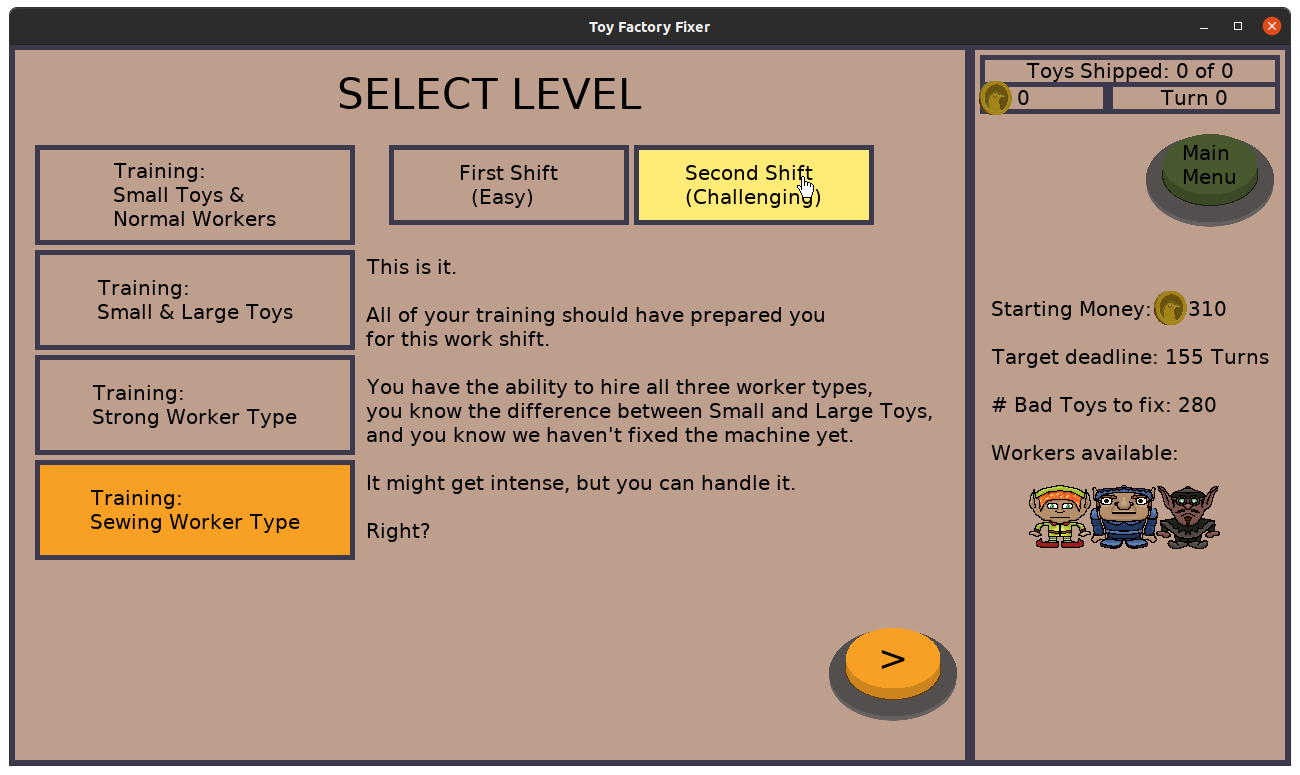
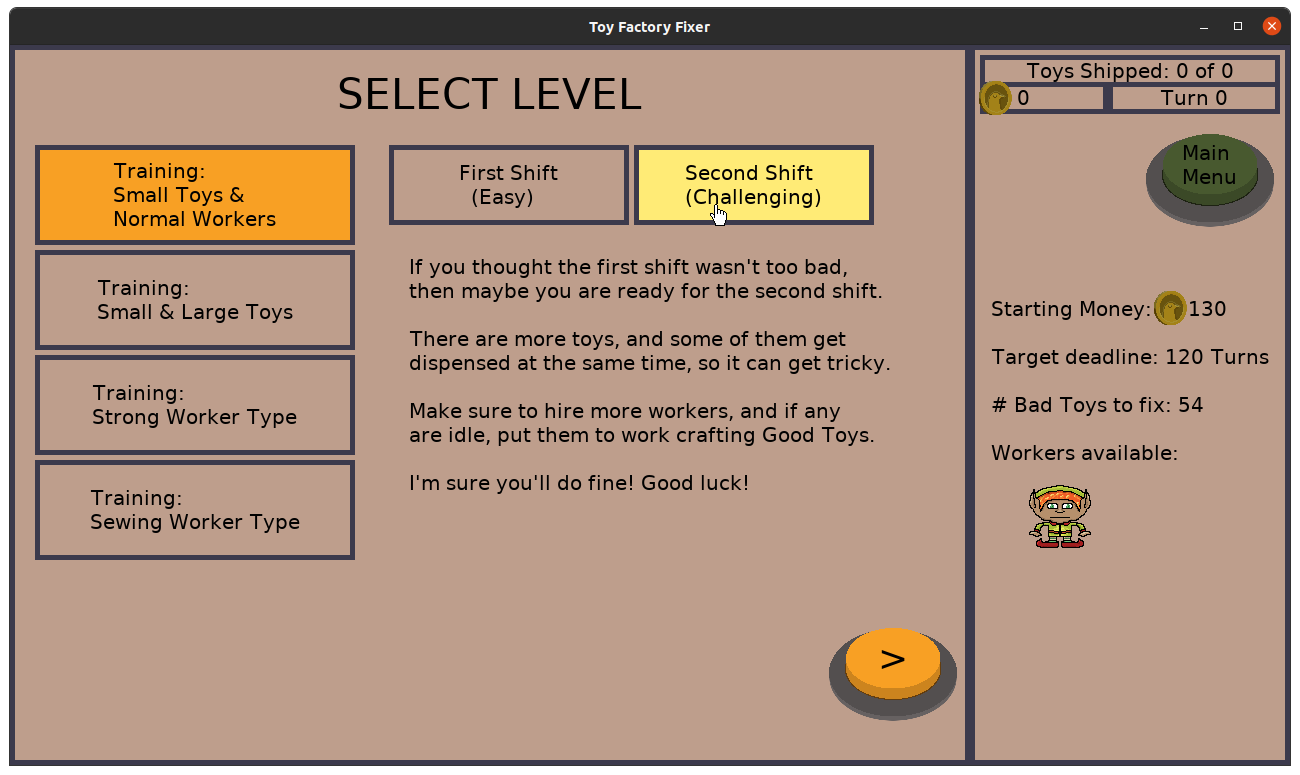
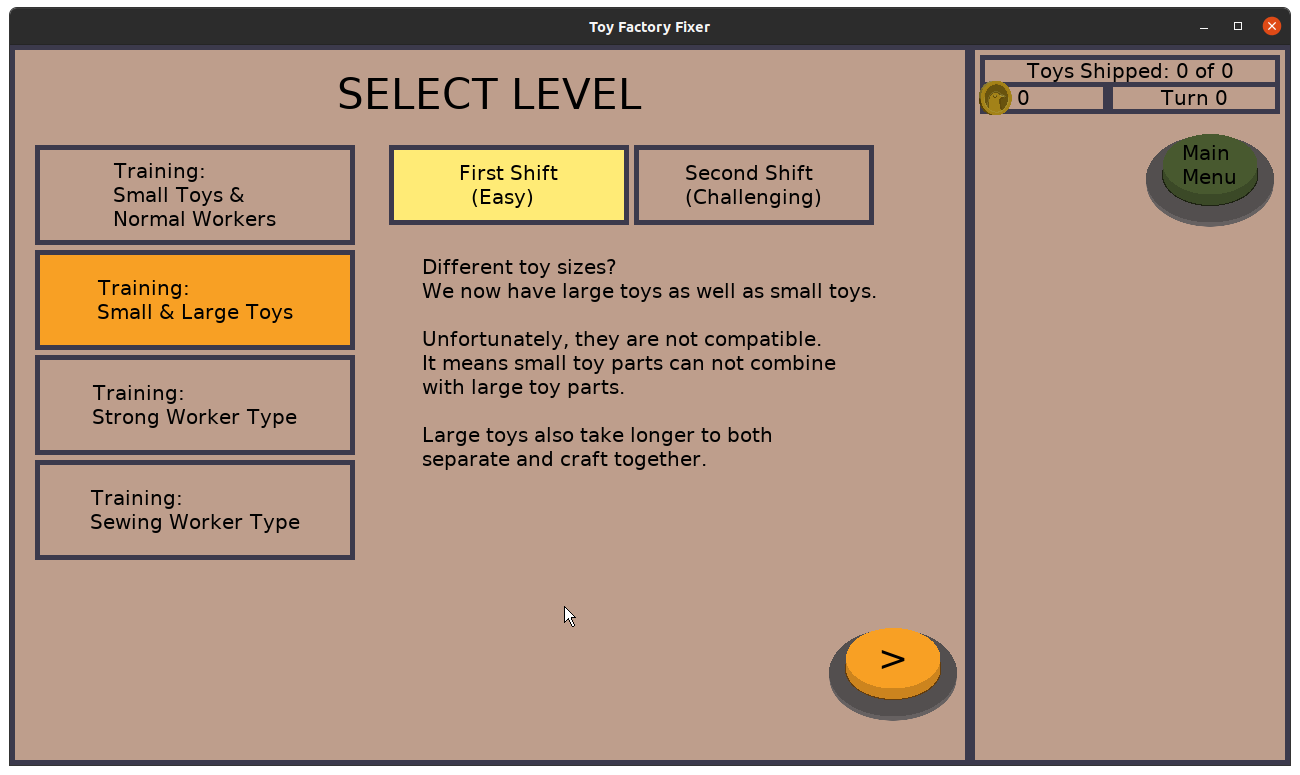
After one year, the game has 3 workers, 2 toys types, 2 toy sizes, 4 level layouts with 2 shifts each, and the option to play with a hard deadline or not. And a bunch of polish.
What would this project have looked like if I was able to actually focus on game play for a month? Maybe one worker type? One level? Would the general design be quite a bit different to make up for the lack of variety of things in the game? And how little juiciness would it have? And is that fine for a short prototype?
I think wondering about the above is fine, and in fact, it is probably what I should have been doing if I was serious about getting something out quickly. What wasn’t fine was pretending I was trying to make something quick while also not actually operating like I was.
My original plan was to create polished prototypes, with a guess that a game might take up as much time as a 48-hour game jam entry might. After all, I have shown myself capable of creating a decent enough game in that time, and having that time spread over a month should be fine.
But none of my games look and feel as good as Toy Factory Fixer did, which required an order of magnitude more hours to develop.
In hindsight, I think with my current development capacity, perhaps a one month project is too short to explore the design space and develop something I’d be proud of.
But I definitely can’t pretend my next project will only take a month if I just want it badly enough. I have to actually do the work of managing scope and/or my schedule.
A project that I allow myself to work on until it is done is going to operate very differently from a project that that has a real deadline.
- Slow and steady can still cross the finish line eventually
Looking at my records, I put in some game development time every week until the game was released.
My best week was in May at 11.25 hours, and my least productive week was in December right before release at 1.25 hours, which makes sense as I was spending time on writing blog posts and email newsletters. My next least productive weeks were 2 hours each. Otherwise, I generally averaged 6.1 hours per week, which is a bit more than my 5 hours per week goal.
This project took 299 hours in 2021 and another 32 hours at the end of 2020, for a total of 331 hours.
It is about the equivalent of a little over two months of full-time effort, although when I was a full-time indie game developer I found that the most I could put in on any given day was about 5 hours, so let’s say it likely would have taken me between two months and four months if I was focused full-time.
But I wasn’t full-time, so it took me a lot longer, which required a sustained effort over 13 months.
Don’t get me wrong. I much preferred those days in which I was able to put in multiple hours, especially when solving a big problem. All things being equal, five hours in one day allows me to focus and work faster than five hours spread across a week. I didn’t need to leave breadcrumbs and notes for myself so I knew where to pick up the next day.
But on the other hand, having a daily cadence of at least some game development time made it easier for me to keep each development session connected to the previous one. Those weeks in which I went multiple days without any game development made me glad I took notes about what I was doing (and curse myself if I didn’t), even if I caught up by putting in a lot more hours than usual. Otherwise, I wasted time trying to remember what I was in the middle of.
I think that daily cadence, with a weekly goal, did two things for me to help me finish a long project part-time.
One, I was always focused on outcomes. Whatever I was working on needed to contribute to the finished product.
Two, so long as I was focused on outcomes, I just needed to put in the hours. Those outcomes weren’t going to happen unless I was sitting in front of my keyboard working on them. And a steady pace was better than crunching and needing to recover, both for my health and my family’s.
Maybe 20 years ago, I once calculated that after you account for sleep, hygiene, mealtimes, and an 8 hour day job, I still had four hours with which to work on game development if I so chose.
Today, it feels like there is a lot less time, as there is cooking, cleaning, and chasing after kids, among other things.
I found I watched a lot of TV shows and movies with my family. I attended baseball games, helped coach soccer, and volunteered. Every so often I played video games, either alone or with someone else.
And yet I still finished a game because I just kept working at it, day after day, week and week, until it was done.
- Player feedback as early as possible is huge
I wrote about how important polish and juiciness was in terms of player feedback, but the biggest influence of my decision of what to work on came from other people playing my game and telling me how confusing it was.
Even now, the v1.0 release of the game could probably use some more clues. I’ve seen players try to tap on things that aren’t interactive, or wonder what to do, or get frustrated when it isn’t clear how to get a better grade.
But it was worse mid-development, and I knew because my testers informed me.
Outside testers had access to devices that I didn’t, which helped me identify major defects with the Android version of the game early on. When it came time to actually publish the game, it was a relatively smooth review process because I already tackled the requirements earlier.
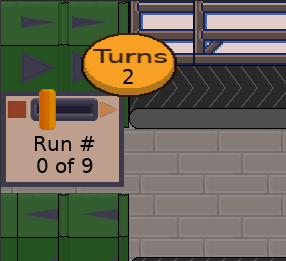
I would periodically make time to play the game myself, preferably on a mobile device, and there is value to doing so. I sometimes noticed things that weren’t operating correctly, or weird graphical glitches, or game-breaking bugs. And sometimes I would notice when I wished I had something in the game, and then make it happen, such as the indicator that tells you which production run you are currently on.
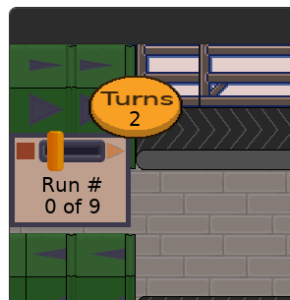
But working on the game everyday has the downside that I’m too familiar with it. I know how to play the game. I won’t run into the problem of wondering what to click on or what my goal is at any given moment because I already know.
But reading the detailed reports from my testers helped me to see where someone who isn’t as acquainted with the game ran into trouble, and often it’s a matter of the game not providing feedback.
Early on, the way turns worked was that they would be continuous until you either hit the Stop button or you opened a menu. Then, it stopped advancing turns until you hit Go. This made sense to me.
But I got feedback from a tester that it was confusing that the game stopped. If you open a menu and it stops the conveyor belt, then closing the menu should start it, right?
I didn’t initially want to change the way things worked, but as I played it and felt it was tedious, I decided to implement the suggestion.
Which introduced a problem in that you had less control over the turns advancing. If you open up a worker’s menu and told them to craft a toy, then immediately the next turn starts. But what if you wanted to tell three workers to craft toys, and you didn’t want to waste turns?
So I added the Stop button to every menu, which gave you the option to take a temporarily paused turn advancement into a stopped one. Once you were ready, you could hit Go.
And in the meantime, I added a visual indicator that told you if the game was paused or stopped.
So it was a lot of work sometimes, but the feedback I got from testers helped me see gaps in feedback from the game. Sometimes the solution I came up with was different than what was suggested, and sometimes I had to cut a suggested feature for lack of time.
But testers helped me take this game to another level in terms of ensuring it had the best chance of delighting players.
Between Google Play and the App Store, I can see that I’ve had over 90 downloads of Toy Factory Fixer since I announced it.
I didn’t do a big launch, send the game to reviewers, or anything like that. I only announced it on my mailing list, on my blog, and on social media.
What is most interesting to me is that people are still finding it and downloading it weeks after the announcement.
I don’t know if the game or the posts I made about the game led to it, but Toytles: Leaf Raking sold a couple of copies last month after no sales for many months, which is a great outcome I am attributing to Toy Factory Fixer.
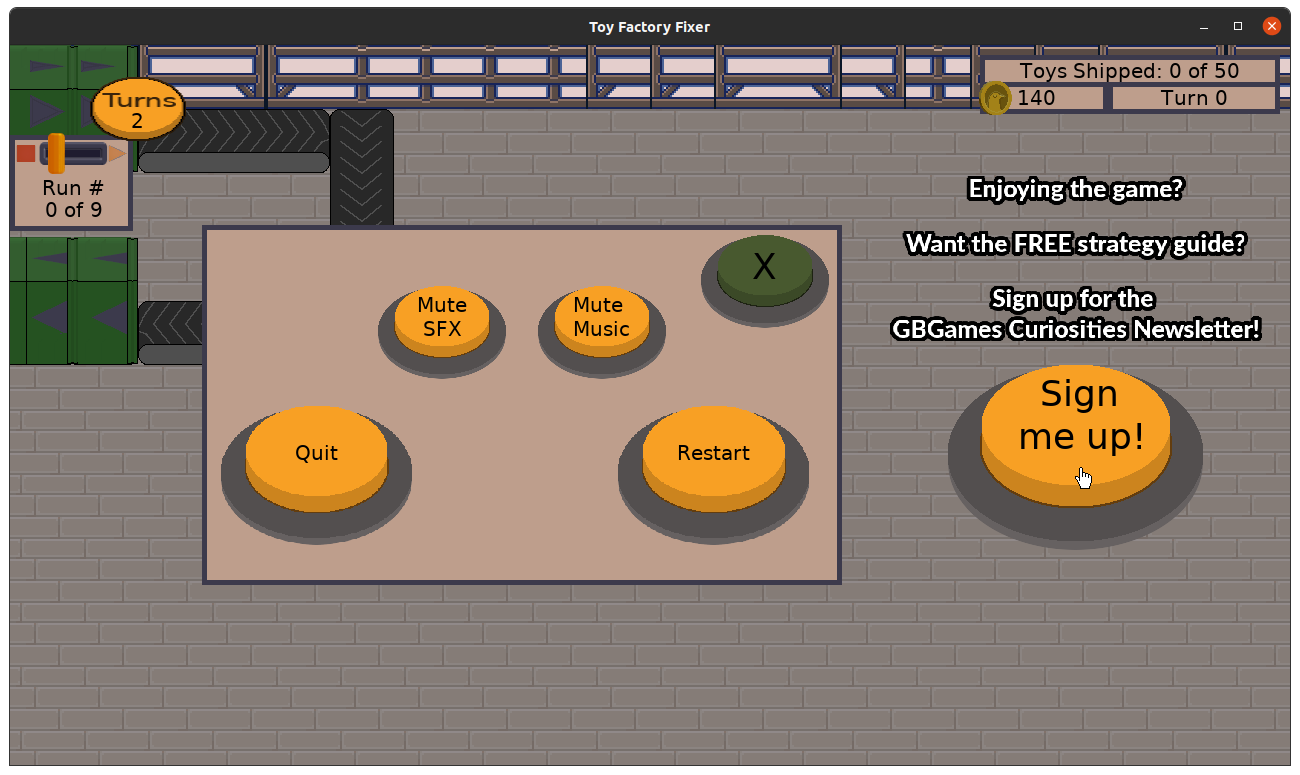
So far, even though periodically people do go to my newsletter’s signup form from my game’s menus, only one person signed up for it, and it was someone I know, so it remains to be seen if strangers will decide to subscribe.
The game took longer to make than I would have liked, but I am glad I put in the effort I did to make it understandable, entertaining, and enjoyable.
I once again validated an Agile approach to product development while also recognizing areas of production in which I could improve in the future.
It’s not exactly a complete success in terms of what I set out to do originally, but this first Freshly Squeezed game is published, getting played, and is acting as an ambassador for GBGames to the public.
Want to learn when I release updates to Toytles: Leaf Raking, Toy Factory Fixer, or about future Freshly Squeezed games I am creating? Sign up for the GBGames Curiosities newsletter, and get the 19-page, full color PDF of the Toy Factory Fixer Player’s Guide for free!