Categories
Game Design Game Development Geek / Technical

Freshly Squeezed Progress Report – Final Level, Fixed Major Defects, and…Feature Complete?

In my last sprint report, I talked about adding Calls to Action in the menus and creating easier versions of the existing levels in Toy Factory Fixer.

In the past week, I finished the work of adding an easier version of the fourth level, added level previews to the level selection screen, and fixed a bunch of defects, including one really, really big, game-breaking one.

Sprint 50: Release criteria

Planned and Complete:

  • Create training level versions of existing 4th level
  • Level Selection previews level details
  • Defect: Dispenser bonus menu can show different amount than what player is rewarded with

Not Planned and Complete:

  • Defect: In-game options CTA seems to persist despite closing the options menu
  • Defect: Main menu CTA seems to persist on How To Play Screen even if it shouldn’t be there
  • Defect: Possible to click on dispenser button after “1 turn left”, meaning the next production run to start is the next-next one, skipping toys and preventing the game from ending

Planned and Incomplete:

  • Update Android targetSdkVersion to 30

As I said last time, with the Thanksgiving holiday, I wasn’t sure if I was going to find myself with a lot of time to work on the game or hardly any, and as it turned out, I ended up doing no game development after Wednesday.

Despite putting in less than four hours of game development, I managed to get quite a bit accomplished somehow.

I finished creating easy and challenging work shifts for the four levels, essentially doubling the game’s levels to a total of eight.

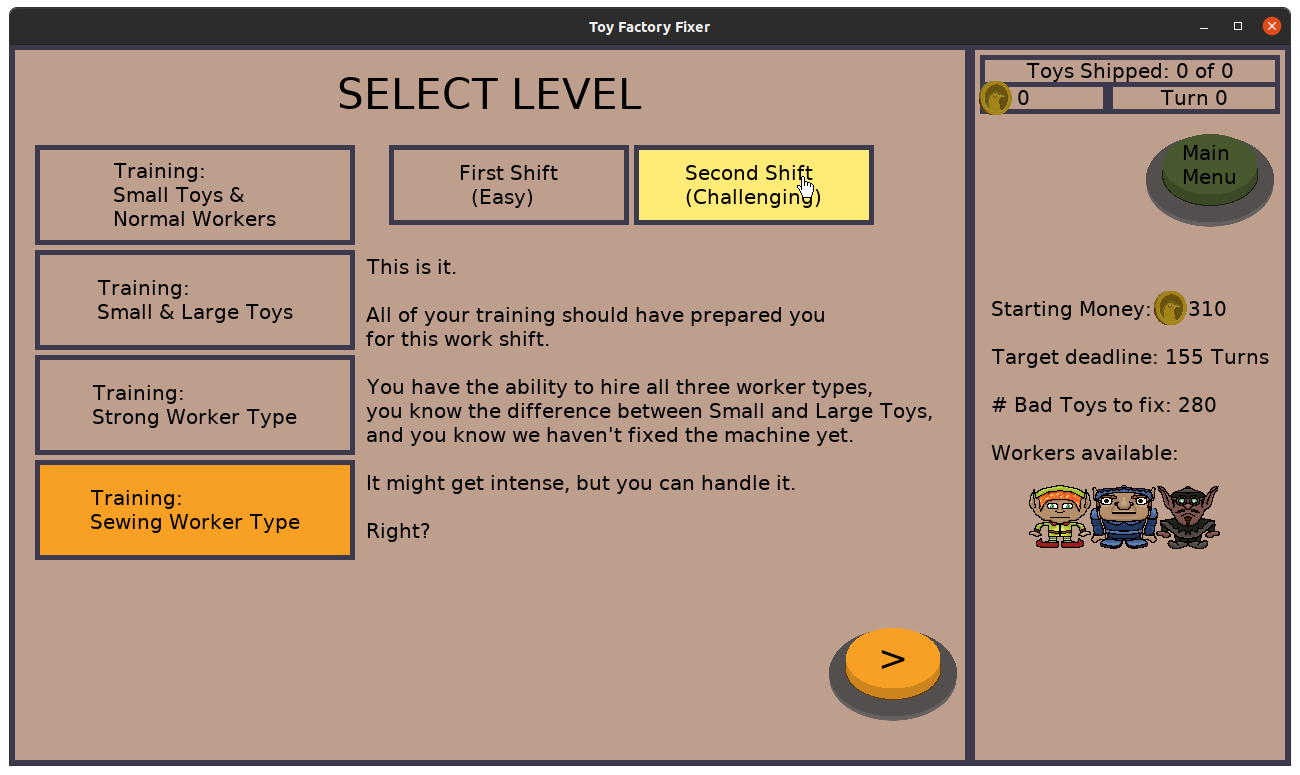
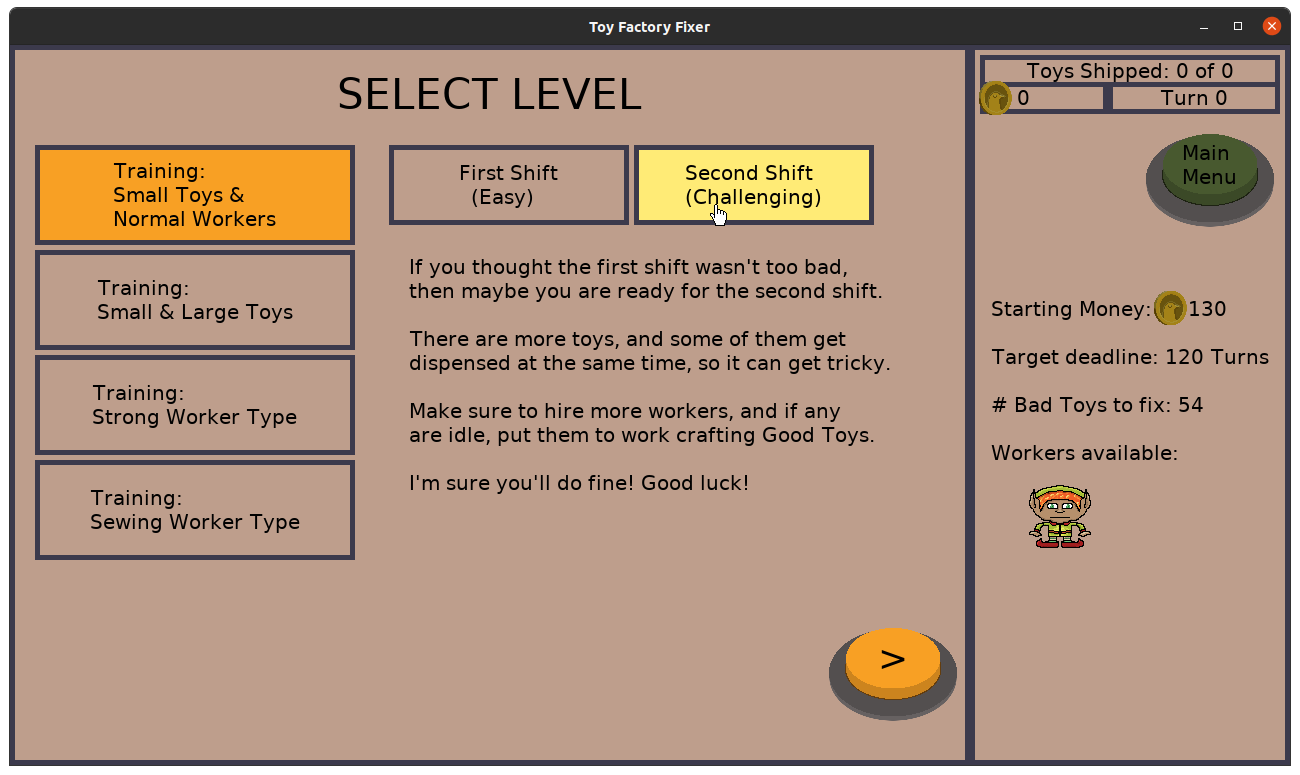
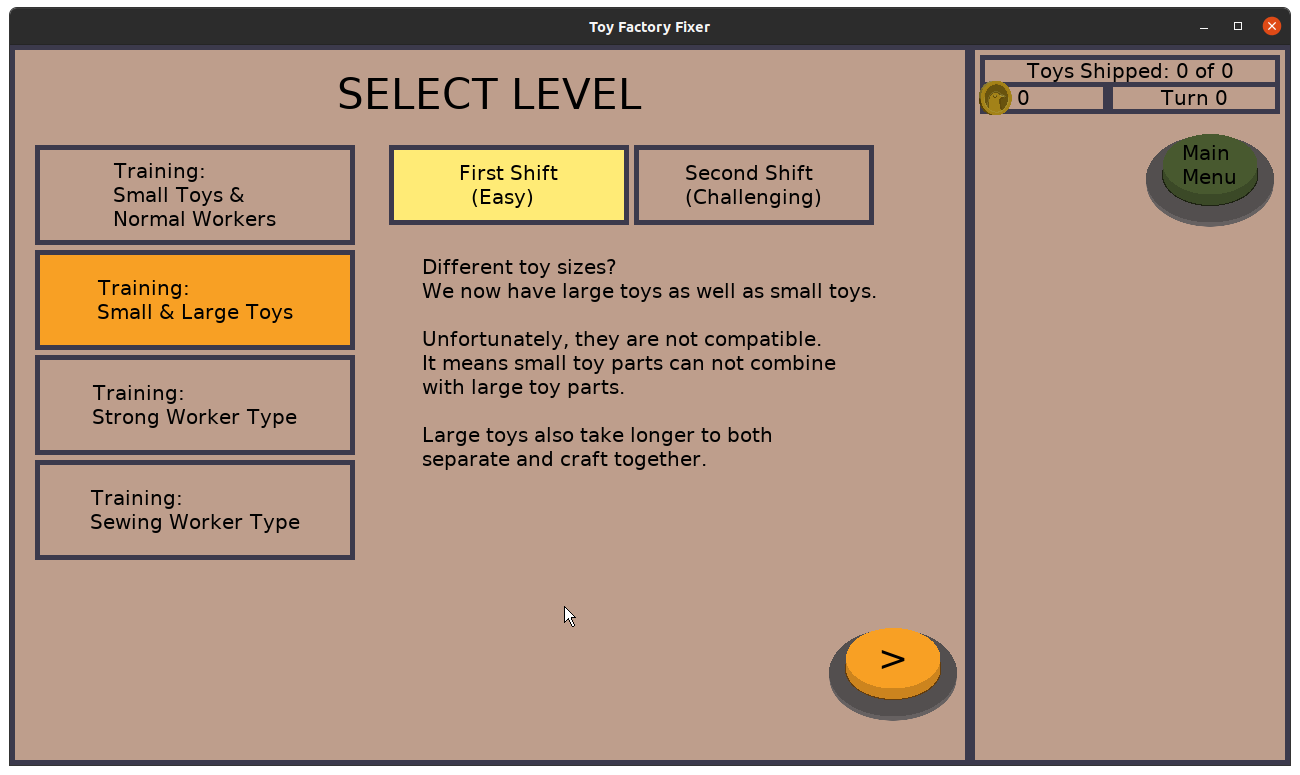
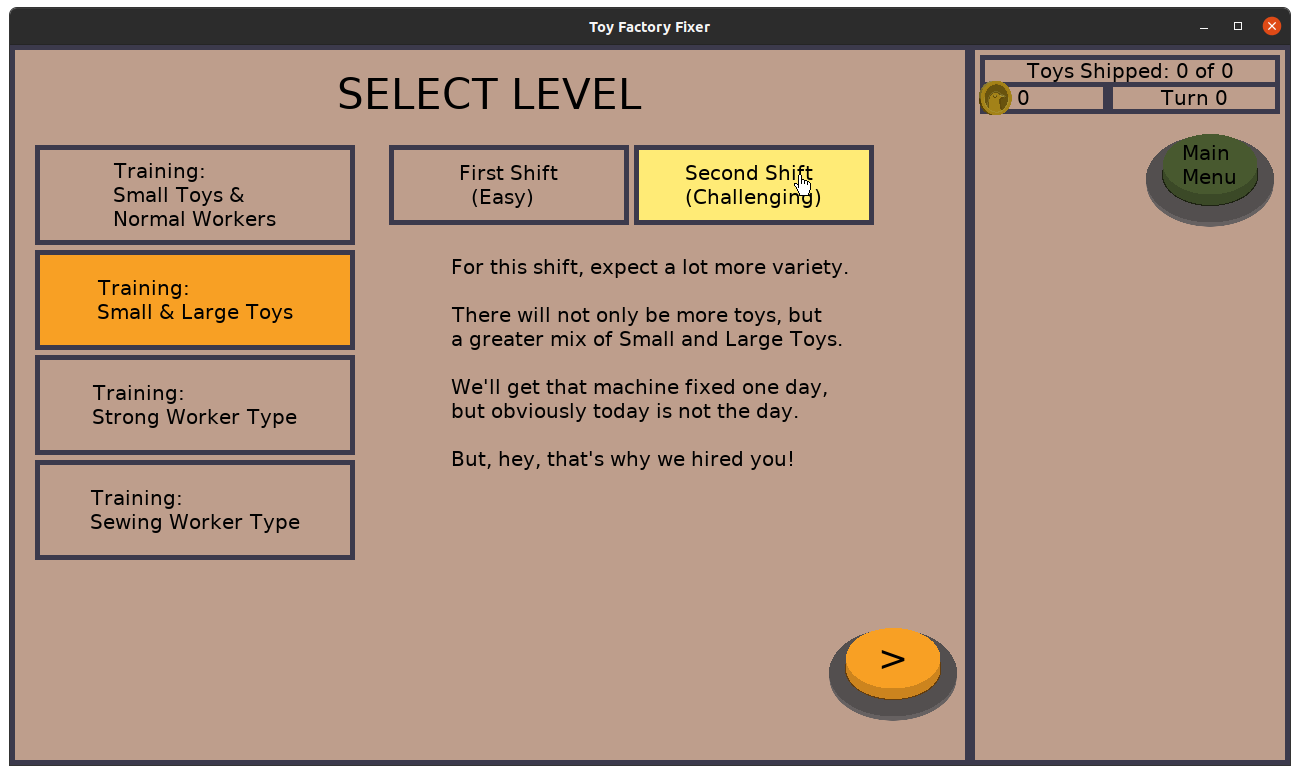
I realized partway through the previous sprint that I would love it if I had an indication of what each level involved when I was selecting it, so I added a preview on the right side:

Toy Factory Fixer - Level detail preview

Toy Factory Fixer - Level detail preview

Fixing the dispenser defect was more involved than I originally anticipated. Originally, I thought the issue was that if you opened the dispenser detail menu, it would tell you that you would earn 50 pigeon coins (or whatever the amount was), but when you actually started the production run early, you would instead earn less.

And that was AN issue, but it wasn’t the only one.

Basically, once a turn starts, it must end, but it was possible to be on this menu screen and not have it update with the new turn number (and associated pigeon coin bonus). So I made sure to update it at the appropriate time (which was more involved than it might seem).

But then I discovered that you could do something even more than merely miss out on some coins.

If you opened the menu when there was one turn left, but that turn ended, then technically, the production run has already started, but the menu will now update with the NEXT production run’s data even though you shouldn’t be able to get to this menu. So if you start the production run early, you actually skip one of the production runs.

And I was able to consistently skip multiple production runs, so it was easy to reproduce the issue. But when I got to the end of the game, the dispenser thinks it still has Bad Toys it hasn’t dispensed, but it would have no way to dispense them, so the game would never end.

So I had to prevent this defect by basically checking for this special case and closing the dispenser detail menu if you somehow managed to open it and can see it when you shouldn’t.

It’s probably the ugliest, most special-case code in the entire project.

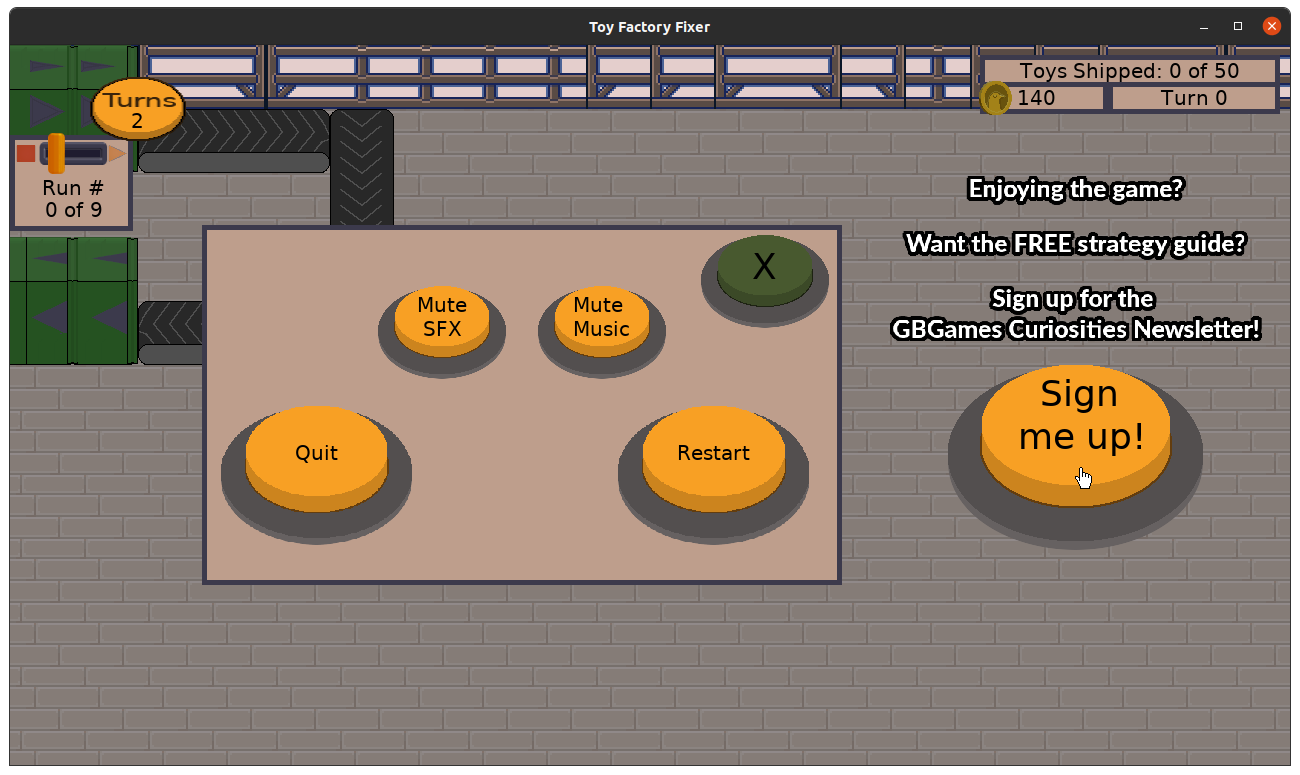
Anyway, I then discovered that my new Call to Action buttons were showing up where they shouldn’t. Or rather, they didn’t show up but acted like they had. That is, it was possible for the buttons to appear and then not exactly go away, so even if you didn’t see them, you could still accidentally tap on them.

Whoops. So I fixed it both in the main menu and in the in-game options menu, mainly by writing code that essentially says “Only handle this button when these particular menus are active and ignore it otherwise.”

And then…I was done?

The game is done?

I mean, there are a lot of other features and updates I would love to do, but for v1.0, the game is basically ready to go.

Except I have worked on it for so long that I now need to make sure I don’t need to update any SDKs or libraries or built tools in order to package it up properly for both Google Play and the App Store, each of which has updated their requirements in the last year.

But assuming I don’t get stuck figuring that part out for too long, I just need to build, package, and upload the game to the stores, create the store pages, including any pictures or videos, then wait for their reviews to tell me what I need to fix…

Well, it is hard to say how much longer it will be, but I’m hoping you’ll be able to play the game before Christmas!

Thanks for reading!

Want to learn when I release updates to Toytles: Leaf Raking or about future Freshly Squeezed games I am creating? Sign up for the GBGames Curiosities newsletter, and get the 24-page, full color PDF of the Toytles: Leaf Raking Player’s Guide for free!

Categories
Game Design Game Development Geek / Technical

Freshly Squeezed Progress Report – Creating Work Shifts for Each Level

Last week, I reported that I finished adding custom grunts/barks for the three worker types and made good progress on adding prominent Calls to Action in Toy Factory Fixer.

This past sprint I finished up the Call to Action work and started creating easier versions of the existing levels in the game.

Sprint 49: Release criteria

Planned and Complete:

  • Make mailing list CTA more prominent
  • Create training level version of existing 1st level
  • Create training level version of existing 2nd level
  • Create training level version of existing 3rd level

Planned and Incomplete:

  • Create training level version of existing 4th level

Not Planned and Incomplete:

  • Level Selection previews level details
  • Defect: Dispenser bonus menu can show different amount than what player is rewarded with

I got a bit of an early start, knocking out the Call To Action work and even getting the new first level work finished on Sunday.

Toy Factory Fixer - Call to Action on options screen

So the idea behind creating easier versions of the levels is that each of the four existing levels might be too challenging for new players. Once I finished creating the easier first training level, I realized I had a problem to solve on the level selection screen.

If I was adding four new levels, do I now have to create a way to scroll through the eight levels to choose from?

Instead, I rearranged the screen layout so that I could fit two new buttons at the top so that the player can choose a level and then choose a work shift:

Toy Factory Fixer - work shifts

Toy Factory Fixer - work shifts

After all, the level layout is the same, but the amount of money the player starts with, the target shipping deadline, and the configuration of the toys that come out of the dispenser are what is different.

I then worked on easier versions of the the remaining levels, but I ran out of time before I could finish the fourth level.

The good news is that the level design work has been straightforward and simple compared to the more challenging ones I made before. One reason is that I know the game’s systems a lot more intimately now, but another is that with the easier levels I am less concerned with providing a precise challenge for the player.

Each of these easier levels ramps up the production runs relatively slowly, and I found that trying different strategies and performing different actions can still result in different outcomes. The player should much more easily be able to get an A+ rating across all three categories at the end of the level, but it is still possible to do less well depending on how they play.

On Friday, I realized through play testing that it wasn’t clear what the difference between the two shifts could be, as all you see is a different description. Normally I am trying to avoid extra work before my 1st release, but I think adding the details on the right side of the screen is a quick task that will add a lot to the experience.

I also confirmed a defect that I wasn’t sure if I had encountered before. Basically, since turns will continue until they finish, it is possible to click on the dispenser button shortly after it appears in the middle of a turn update.

So you might see that the next production run will start in 9 turns, and the menu tells you that if you start it early, you’ll earn an extra 50 gold pigeon coins.

But when you do start it, you only earn 20, which is how much you would earn if there was 8 turns left.

So what I think is happening is that the turn updated and finished, but this particular menu didn’t get refreshed to reflect that fact. I expect it to be an easy fix, but it was also one I didn’t get to finish before the end of the week.

So this coming week, being it is Thanksgiving on Thursday, I’ll either have lots more time or hardly any time to finish these tasks. It’s hard to say because while I will have time off from the day job, that time can easily get filled with holiday and family logistics.

Once the above are done, I will work on creating the builds to submit to the App Store and Google Play for review. I don’t anticipate it taking much time, but this is a new project and not an update of an existing project, and I know each store has updated their requirements over the last year I’ve been working on Toy Factory Fixer.

Thanks for reading!

Want to learn when I release updates to Toytles: Leaf Raking or about future Freshly Squeezed games I am creating? Sign up for the GBGames Curiosities newsletter, and get the 24-page, full color PDF of the Toytles: Leaf Raking Player’s Guide for free!

Categories
Game Design Game Development Geek / Technical

Freshly Squeezed Progress Report – Finished Custom Worker Barks, Adding Calls to Action

In my last sprint report for Toy Factory Fixer, I had finished up work on the in-game help pages and made a lot of progress towards updating the worker barks/grunts so that they were more varied and specific to one of the three worker types.

I continued the audio updates this past week.

Sprint 48: Release criteria

Planned and Complete:

  • Update worker grunts

Planned and Incomplete:

  • Make mailing list CTA more prominent

I managed to put in more game development time than usual, which allowed me to finish the worker barks for all three worker types.

The Strong Worker has a deeper voice, the Normal Worker has a squeaky voice, and the Sewing Specialist sounds kind of weird with an echo-y, gruff voice, as if they might be a machine or otherwise augmented.

In summary, I went from having three barks for “attention” (when you click on the worker and they effectively say, “Yes?”) and three barks for “affirmation” (when you command the worker to do something and they say “Yes!”) that played randomly no matter which worker was involved, to having each worker personalized with five attention and five affirmation barks, for a total of 30 audio files.

For those who are interested, I saved them as mono Ogg Vorbis files to keep the download size down, as stereo would have effectively doubled the size of the files for no real gain.

Now, as Toy Factory Fixer is the first of my Freshly Squeezed line of games, which are meant to be freely given away in the interest of finding my audience more easily, I wanted to make sure that that audience knows how to connect with me.

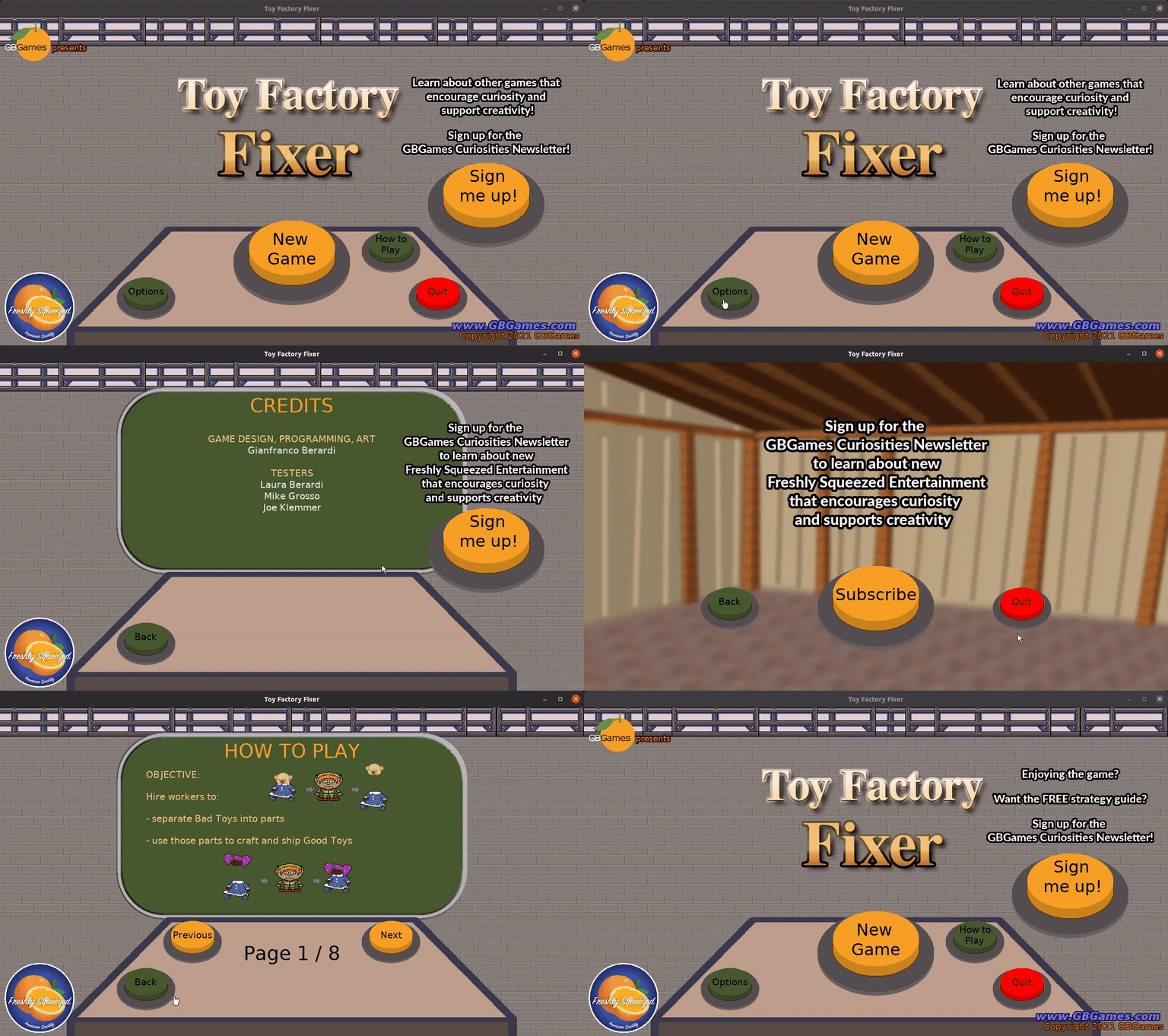
So at the suggestion of a colleague, I wanted to add more prominent Calls to Action asking the player to sign up for the GBGames Curiosities newsletter.

I already had one on the Quit Verification screen, but I wanted to add some to the main menus and to the in-game options menu, and potentially at the level end menu, but I don’t know if there is room for the widget I came up with.

Toy Factory Fixer - animated Call To Action widget

As you can see, the giant orange button has some text (really, an image of text) floating above it that animates by scaling up and down repeatedly. There are four variations on that text, so hopefully it captures the player’s attention each time they see it.

Is it obnoxious? Maybe. You can’t miss it, as it is the main thing animating on the screen, and the point of it is to make it clear that there is a mailing list and you want to sign up for it.

And the point of giving away the game for free is to attract players, and if they like my game enough, I want them to want to hear from me to know when my next games are coming out.

I’ve also considered adding more calls to action asking people to follow me on Twitter or like my Facebook page. Maybe either of those is a lower-barrier-to-entry ask, but I think the mailing list is better in terms of the kind of engagement I want with my players.

Unfortunately, I didn’t get to finish up the Call to Action work when it comes to the in-game options menu, as it overlaps the existing modal dialog that is there, so I need to rearrange some UI elements, but it’s almost finished and I expect to get it done early this week.

In the coming sprint, I’m going to be creating “easier” versions of the game levels already in the game, and I’ll need to finish up packaging for both Google Play and the App Store.

Then, the last thing I will want to do before the game is released is create a strategy guide PDF, much like the Toytles: Leaf Raking one you can currently get (see below!) as a free extra incentive for people to sign up for my newsletter. I can write the copy quickly enough, but taking screenshots, cropping the images, and placing them in the text can be annoyingly tedious if my past experience will be any indication.

So I anticipate between two and four weeks left, depending on how smoothly the level-design work goes.

This is it. Don’t get scared now.

Thanks for reading!

Want to learn when I release updates to Toytles: Leaf Raking or about future Freshly Squeezed games I am creating? Sign up for the GBGames Curiosities newsletter, and get the 24-page, full color PDF of the Toytles: Leaf Raking Player’s Guide for free!

Categories
Game Design Game Development Geek / Technical

Freshly Squeezed Progress Report – Finished Help Pages, Custom Worker Barks

Last week, I reported that I was making decent progress towards the last tasks before Toy Factory Fixer was ready for a v1.0 release, starting with adding music to the menus, allowing the player to mute and unmute the audio as they please, and starting work on the in-game help menus.

I continued my work this past sprint.

Sprint 47: Release criteria

Planned and Complete:

  • Create How To Play menu

Planned and Incomplete:

  • Update worker grunts

I did not get as much game development in the last week as I usually do. That said, I finished the in-game help, including giving the player an indication of which page and how many pages they are currently viewing.

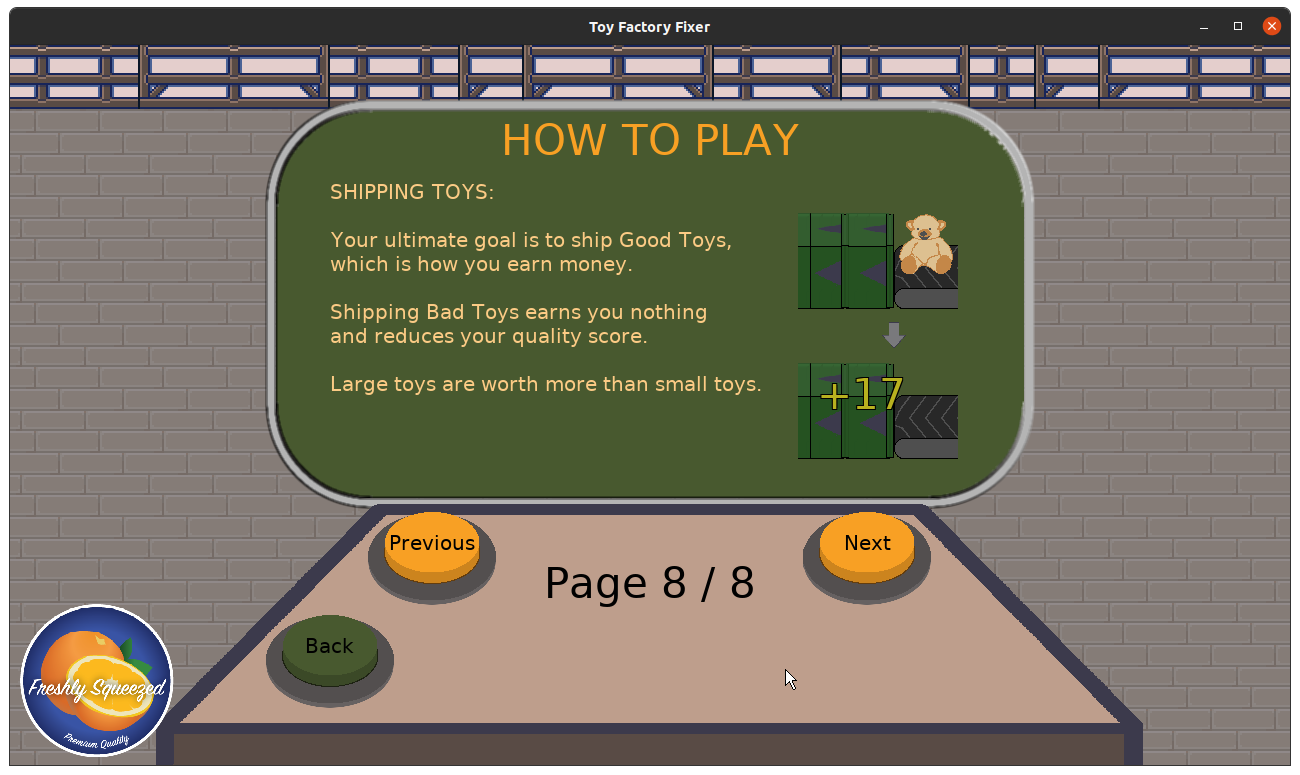
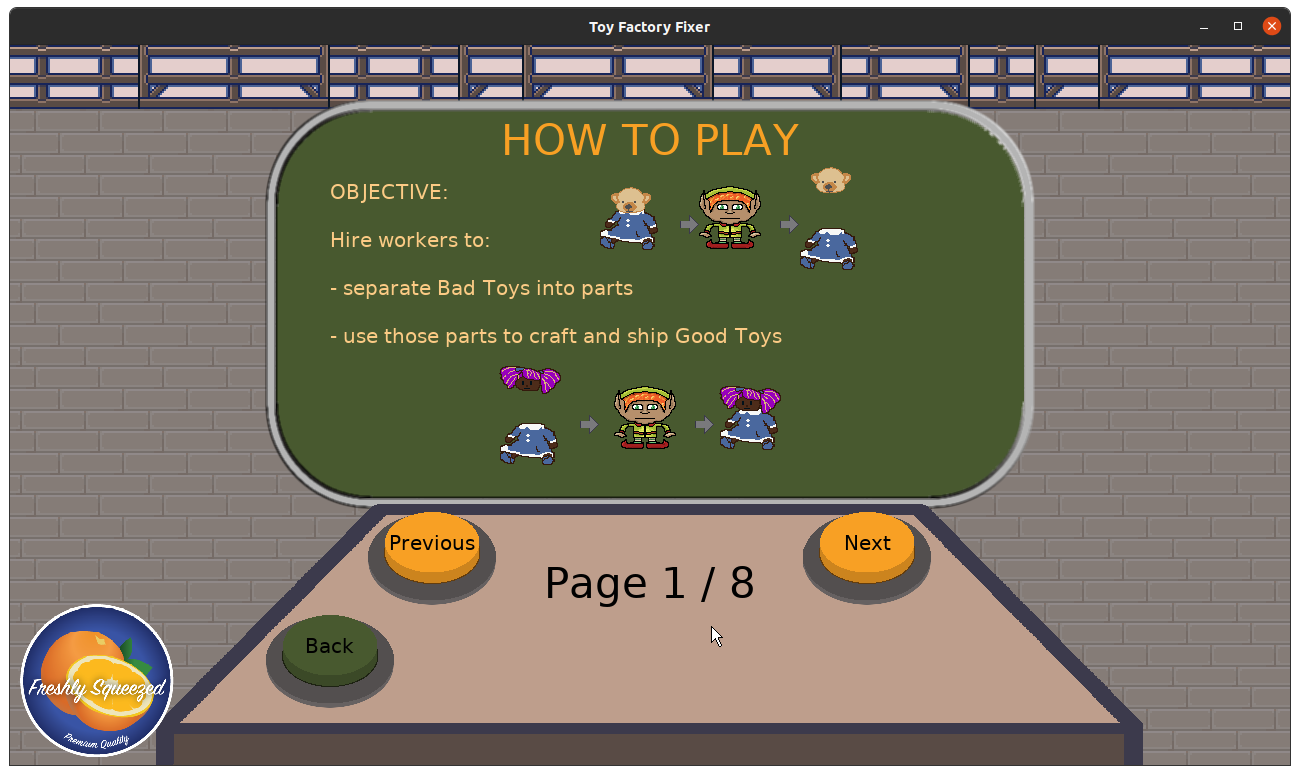
Toy Factory Fixer - help page

Toy Factory Fixer - help page

As for the worker grunts/barks, the current audio that plays comes from a royalty-free collection of audio I got either from a GDC giveaway from Sonniss or a Humble Bundle. Unfortunately, there wasn’t enough variety in those collections, so I decided to make my own.

I spent part of an evening in a room recording myself saying various phrases that I want the workers to say. My USB microphone and laptop weren’t giving me the quality I needed, so I used a Sony IC Recorder I bought in 2012 for a conference I was helping to run as I was recording the presentations.

When I felt I had recorded enough options, I used Audacity and sorted the phrases into tracks so I could choose from among the best options.

Toy Factory Fixer - Audacity with multiple worker audio tracks

I cleaned up the noise, lowered the pitch down on a few clips, and ended up with a bunch of barks for the Strong Worker to say.

Unfortunately, since I didn’t get as much time in for game development, I didn’t get to repeat the same kind of work for the other two worker types.

I expect I will be able to finish it early this coming week, and despite having a relatively slow week, I think I’m still on track to get this game out later this month.

Thanks for reading!

Want to learn when I release updates to Toytles: Leaf Raking or about future Freshly Squeezed games I am creating? Sign up for the GBGames Curiosities newsletter, and get the 24-page, full color PDF of the Toytles: Leaf Raking Player’s Guide for free!

Categories
Game Design Game Development Geek / Technical

Freshly Squeezed Progress Report – Muting, New Menu Music, and Help Pages

In the last sprint report, I got a another level completed, and I put together a plan for the final pieces of work to do before I release v1.0 of Toy Factory Fixer.

I put a decent dent into that plan last week.

Sprint 46: Release criteria

Planned and Complete:

  • Allow player to mute SFX and music separately
  • Create music for main menus

Planned and Incomplete:

  • Create How To Play menu

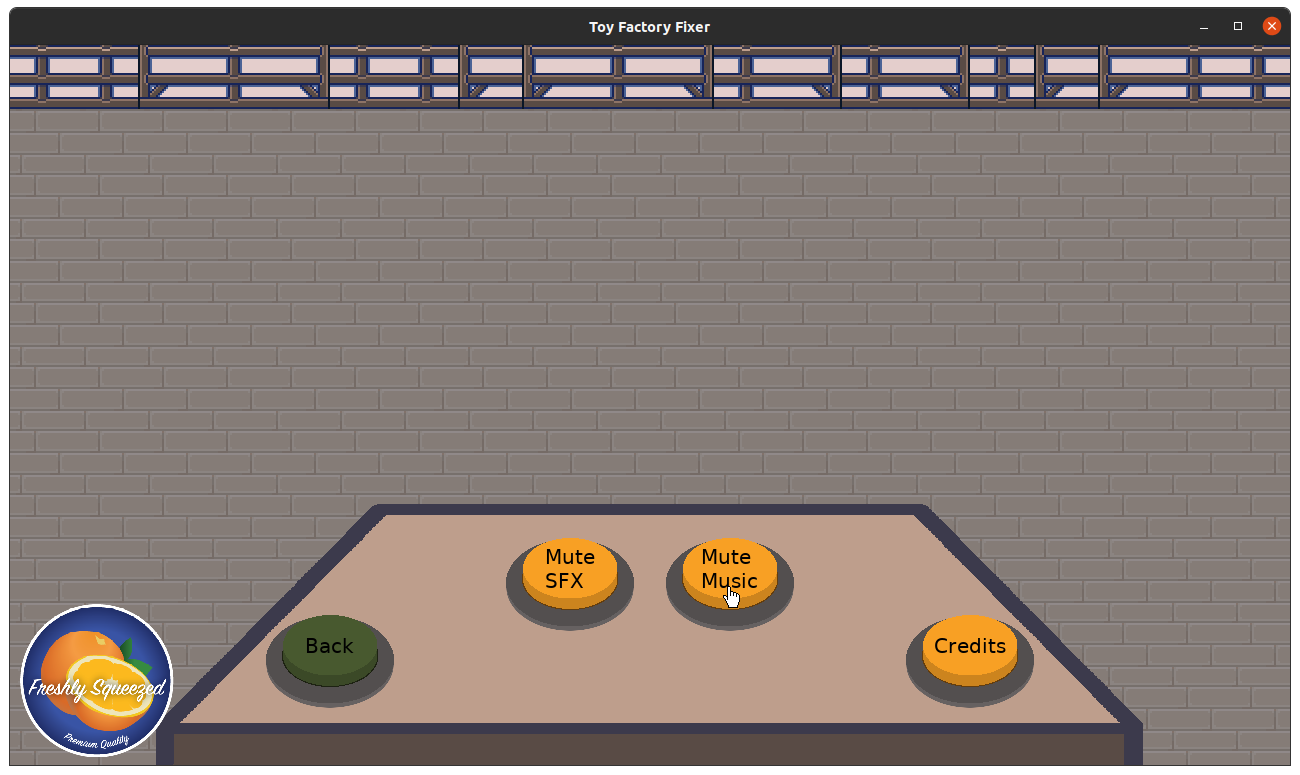
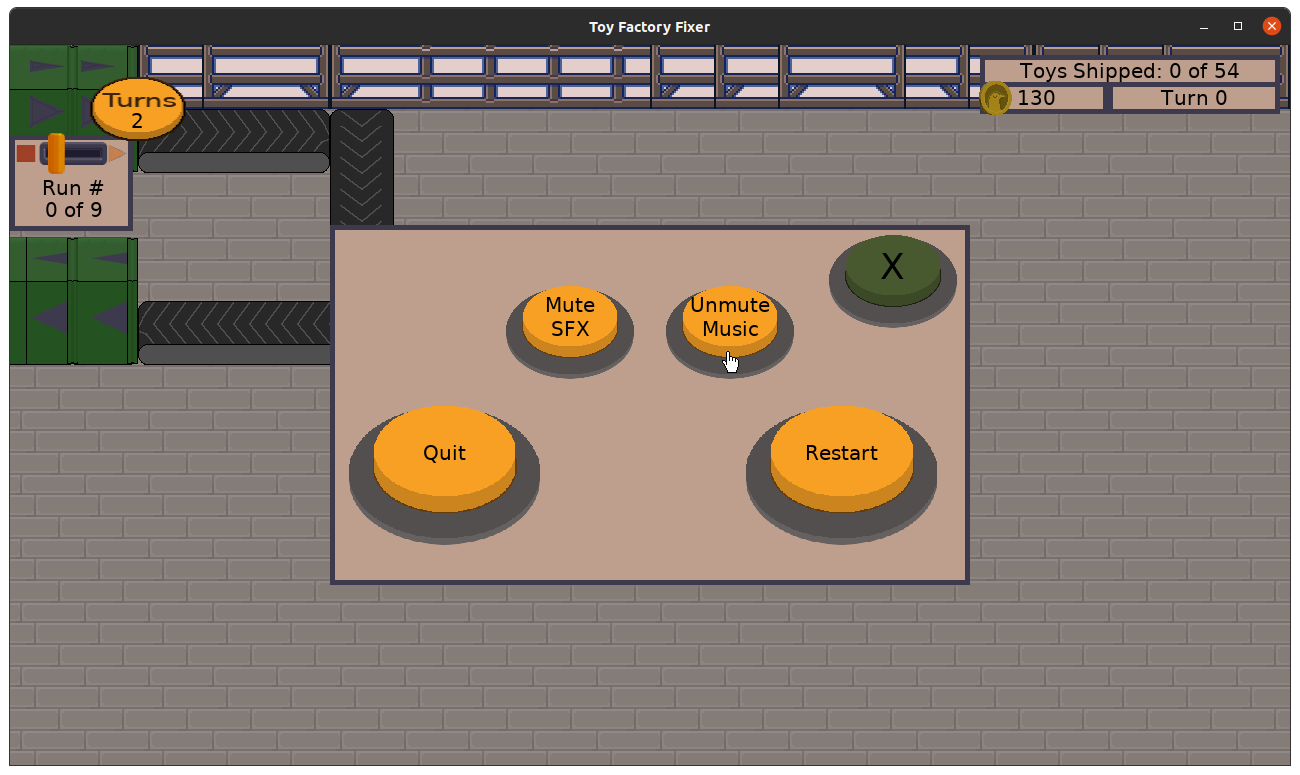
I easily finished the work I started to create mute/unmute toggle buttons in my first hour of development.

Toy Factory Fixer - mute button toggles

Toy Factory Fixer - mute button toggles

And since the game is fairly silent outside of a game level being played, I added music to the main menu screens. I basically slowed down the in-game music so that it is rhythmic and industrial-sounding. I thought about having a droning factory hum, but I liked the music, and the hum was distracting, so I took it back out.

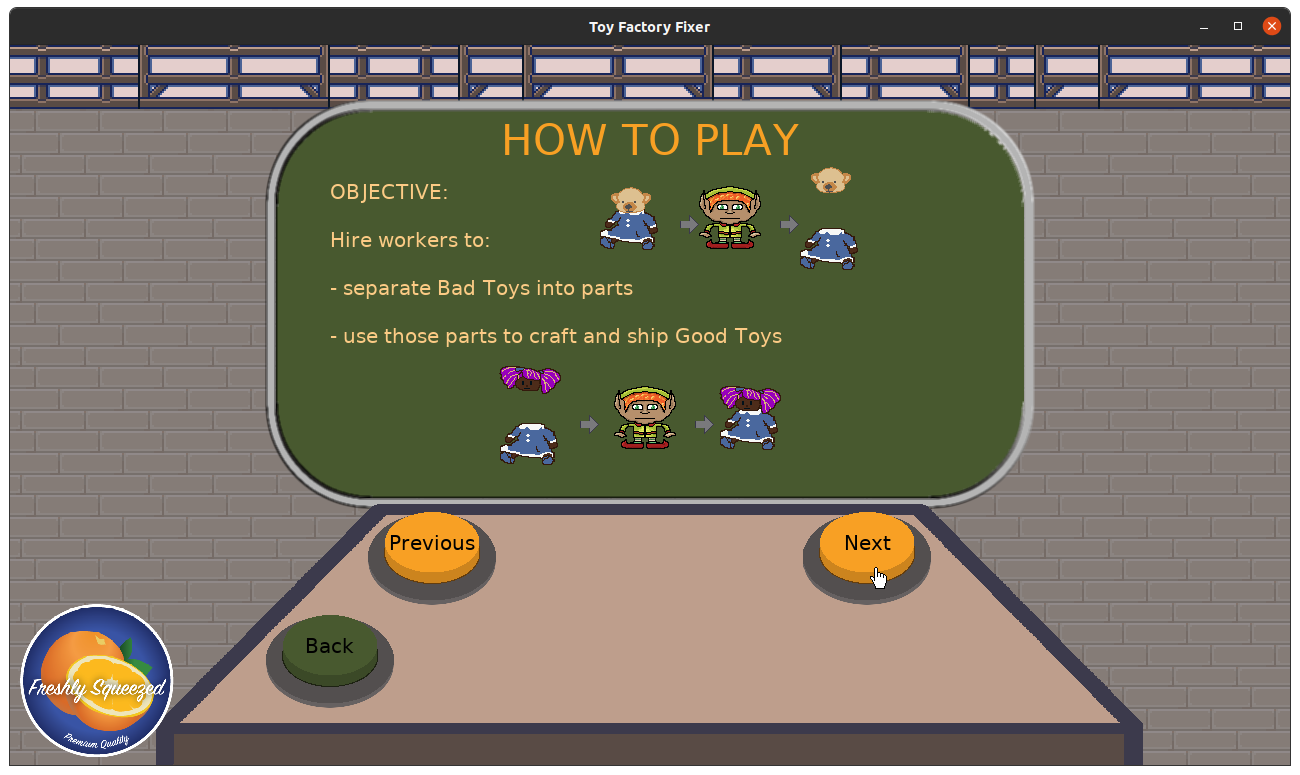
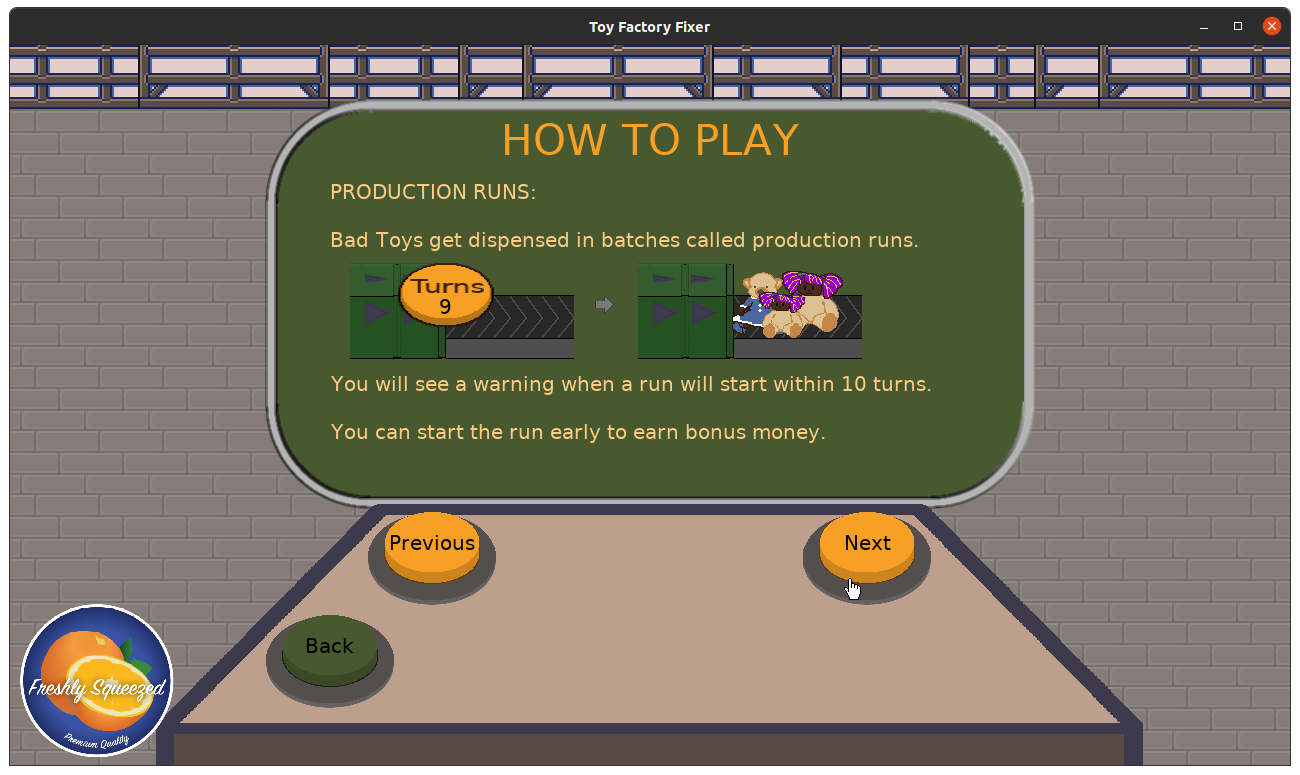
So the rest of the week was spent working on creating help pages. I know that even if I had done everything I could to make the game as intuitive and as clear as possible, someone would still have questions about it, so having in-game help seemed like a vital thing to have before release.

Of course, it required coming up with what help I wanted to show the player.

I used the same in-game “screen” that I used for the Credits and the end-of-level summary, and since it is so much smaller than the actual game’s screen, it helped me be concise and to the point. I’m still worried I was too verbose, though, and I worry that having too many pages of help text is also overwhelming.

Toy Factory Fixer - help page

Toy Factory Fixer - help page

Unfortunately I wasn’t able to finish creating the last few pages before the end of the week, so I will continue that work this week. Then, I’ll update the worker barks so that they are distinct for each worker type before moving on to the rest of the release criteria tasks I identified.

Thanks for reading!

Want to learn when I release updates to Toytles: Leaf Raking or about future Freshly Squeezed games I am creating? Sign up for the GBGames Curiosities newsletter, and get the 24-page, full color PDF of the Toytles: Leaf Raking Player’s Guide for free!

Categories
Game Design Game Development Geek / Technical

Freshly Squeezed Progress Report – Finishing the Final Training Level, Muting Audio

As I said in the previous sprint report for Toy Factory Fixer development, I had spent time adding feedback to the player and fixing defects, including a major one that ended the game prematurely even if you had plenty of toys to craft.

I continued work on finishing the last of the training levels in this past sprint.

Sprint 45: Training levels

Planned and Complete:

  • Create floor training levels/tutorial

Unplanned and complete:

  • Allow player to mute SFX and music

The only task I wanted to focus on was finishing the final training level that introduces the sewing specialist. Originally the layout was derivative of a level I was using to do general play testing and experimenting, but I modified it so that workers placed near the beginning of the conveyor belt were less effective than those placed farther down the line.

Toy Factory Fixer - original play testing level layout

Toy Factory Fixer - finalized training level layout

Most of my time was spent designing the production runs of toys, and my main worry is that this training level is too intense.

Toy Factory Fixer - too intense?

However, it is possible to finish the level with an A+ rating in all three criteria.

Determining the First Release Criteria

Since I finished creating the level and it was the only task in my sprint, that meant I had time to work on something else. But what?

I decided that at the very least the player should have the option to mute the sound effects or music, so I started working on that functionality. It is mostly there, and the only thing left is to make the button labels change from “Mute” to “Unmute” when pressed.

Meanwhile, every Saturday I try to work on a non-routine improvement, and one of my goals this month was to put together a solid set of criteria for things that must be done before I feel comfortable creating a v1.0 release of this game.

So here’s the list I came up with:

  • Number of levels
    • 4 training levels
    • At least 1 non-training level
  • Polish
    • Worker grunts need to be worker-type specific
    • Need music/audio background for main menus
  • Need call to action (sign up for GBGames Curiosities)
    • Main Menu
    • Options Screens
  • In-game help
  • Create a strategy guide
  • Allow player to mute

I decided against any kind of persistence for this first release, even though I have some ideas and plans for it, such as a factory map with levels/floors that unlock as you finish them.

I’m most sad about not creating a Free Play level, which is a play tester request that I loved and also had plans for. Also, having only one more non-training level for a total of five levels may not sound like much when many other games have something like 20 or 100 levels, but this is a v1.0 release of a free game. Maybe I’ll work on a new update that includes more levels and features if there is enough feedback from players, but for now, I need to cut scope if I want to release this game anytime soon.

Then again, I keep worrying that these training levels are way too hard, and I think that I could always create shorter, easier versions as the training levels and use the existing level designs as more intense versions of them. I had originally envisioned the idea of reusing a level layout with different “shifts”, so each shift acts as a separate level with different production runs. So I could take the existing four levels and double it to eight levels if I create easier versions of them, getting both quantity AND an easier onboarding process for new players. Hmm…

Now, dear reader, you tell me. Is this actually feature creep, or is this just the nature of wearing multiple hats, including the producer hat?

Thanks for reading!

Want to learn when I release updates to Toytles: Leaf Raking or about future Freshly Squeezed games I am creating? Sign up for the GBGames Curiosities newsletter, and get the 24-page, full color PDF of the Toytles: Leaf Raking Player’s Guide for free!

Categories
Game Design Game Development Geek / Technical

Freshly Squeezed Progress Report – Providing Important Player Feedback

Last week, I reported that I had a desire to communicate some feedback to the player in order to make the sewing specialist worker effective in the game Toy Factory Fixer. Unfortunately, my capacity to get it done had been more limited than usual.

But I finally got it done this past sprint.

Sprint 44: Training levels

Planned and Complete:

  • Make sewing worker unique

Unplanned and complete:

  • Show money earned as hanging value over chute
  • Defect: Worker specialty button isn’t highlighted on worker menu
  • Defect: Cannot change worker specialty in worker menu
  • Defect: Game ends prematurely even though there are plenty of toys possible to ship

Planned and Incomplete:

  • Create floor training levels/tutorial

From last week’s report, here are the things I wanted to get done in order to communicate to the player things I never needed to communicate before:

  • If the worker is idle and can’t craft due to missing parts, I want the player to know this fact instead of wondering why this worker isn’t crafting.
  • When the worker starts crafting, I want to make it clear that toy parts disappeared from the inventory, something that wasn’t necessary when the player was manually deciding when toys were being crafted.

I am happy to say that this past week was a lot more productive and that I finally got these pieces of feedback into the game.

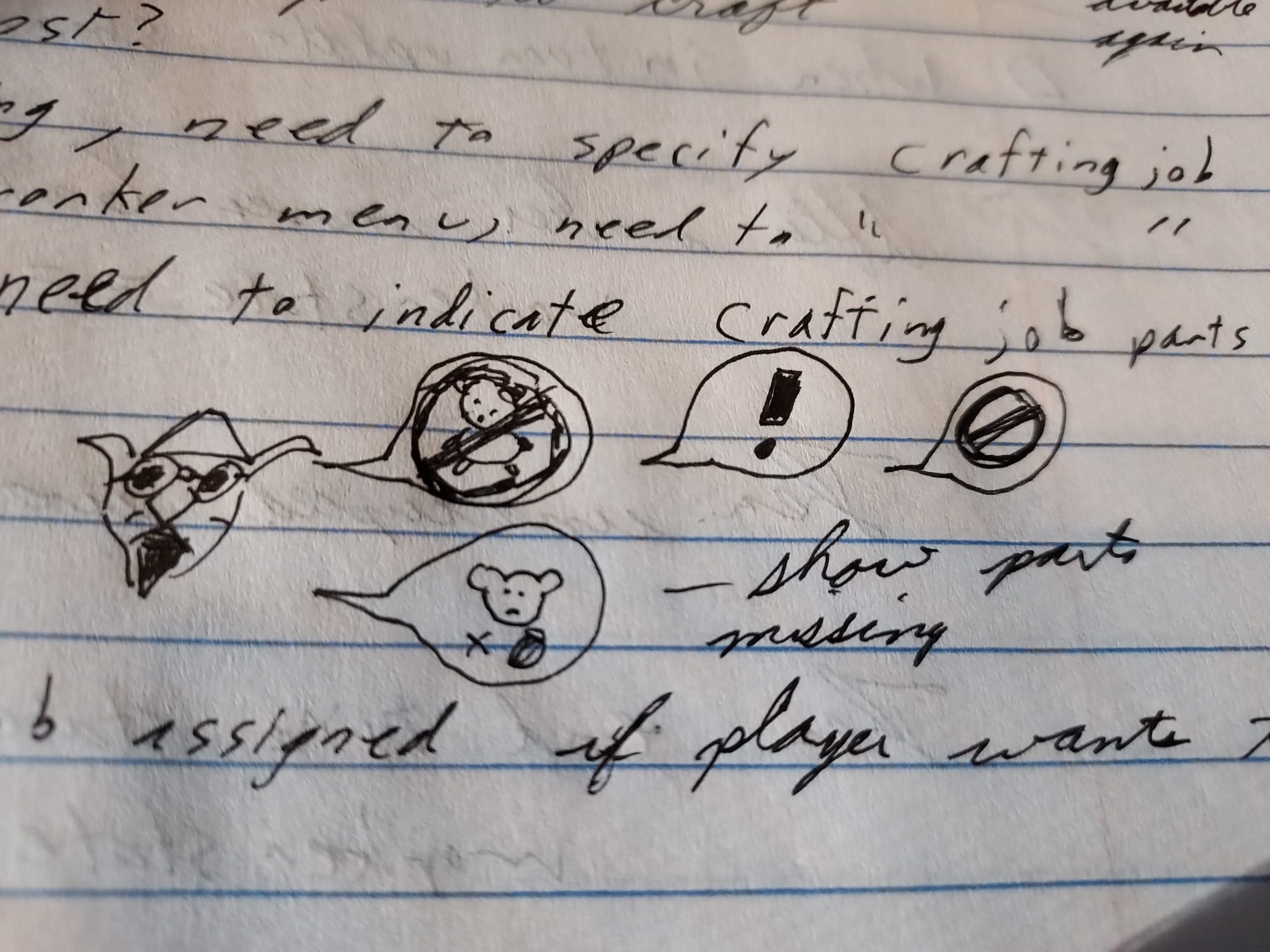
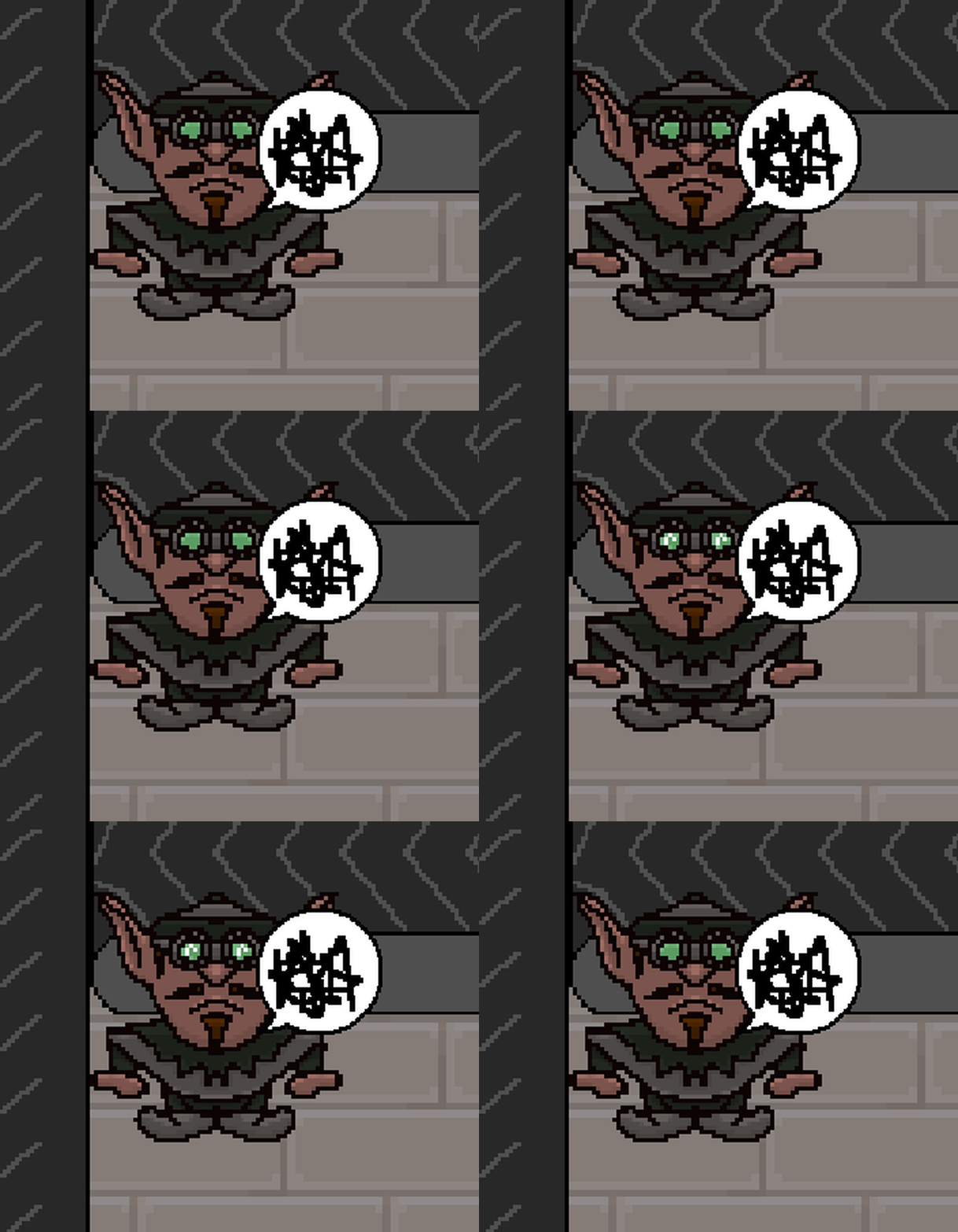
While I did have plans to create something custom for this game, instead I stole a speech bubble and some angry scribbles from one of my other games, Toytles: Leaf Raking.

Toy Factory Fixer - designs for sewing specialist feedback

Toy Factory Fixer - frustrated sewing specialist

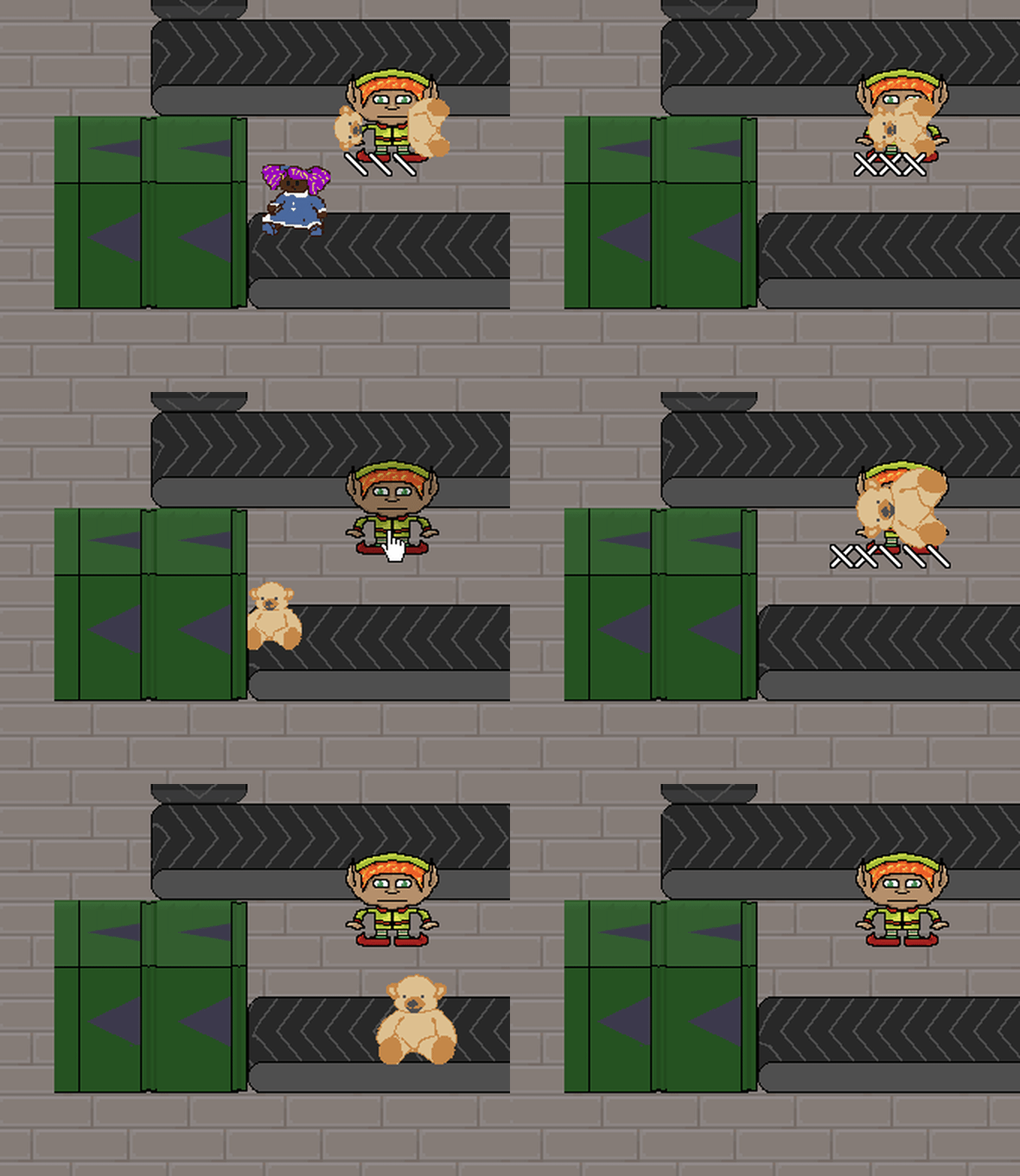
Whenever the sewing specialist doesn’t have the ability to do any work, they’ll express frustration, which lets the layer know when to change this worker’s orders to focus on crafting Good Toys from parts actually available in the player inventory.

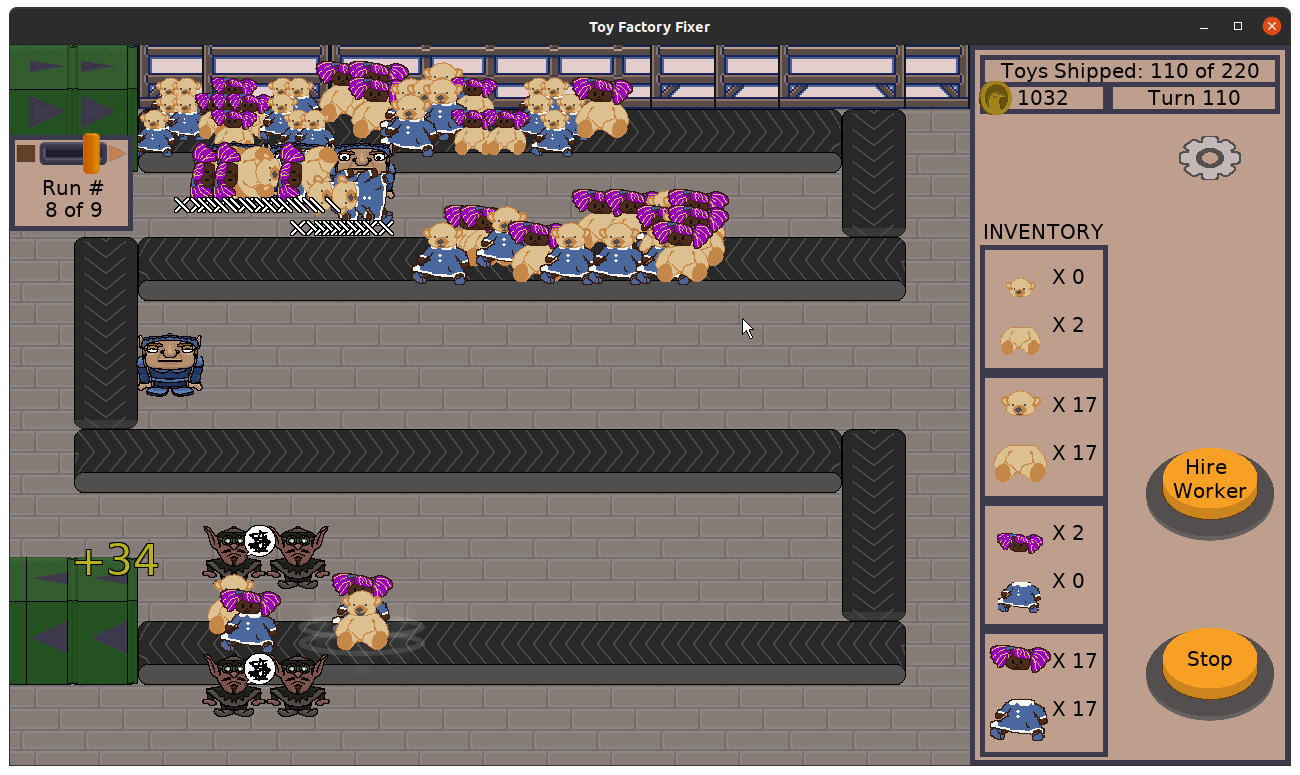
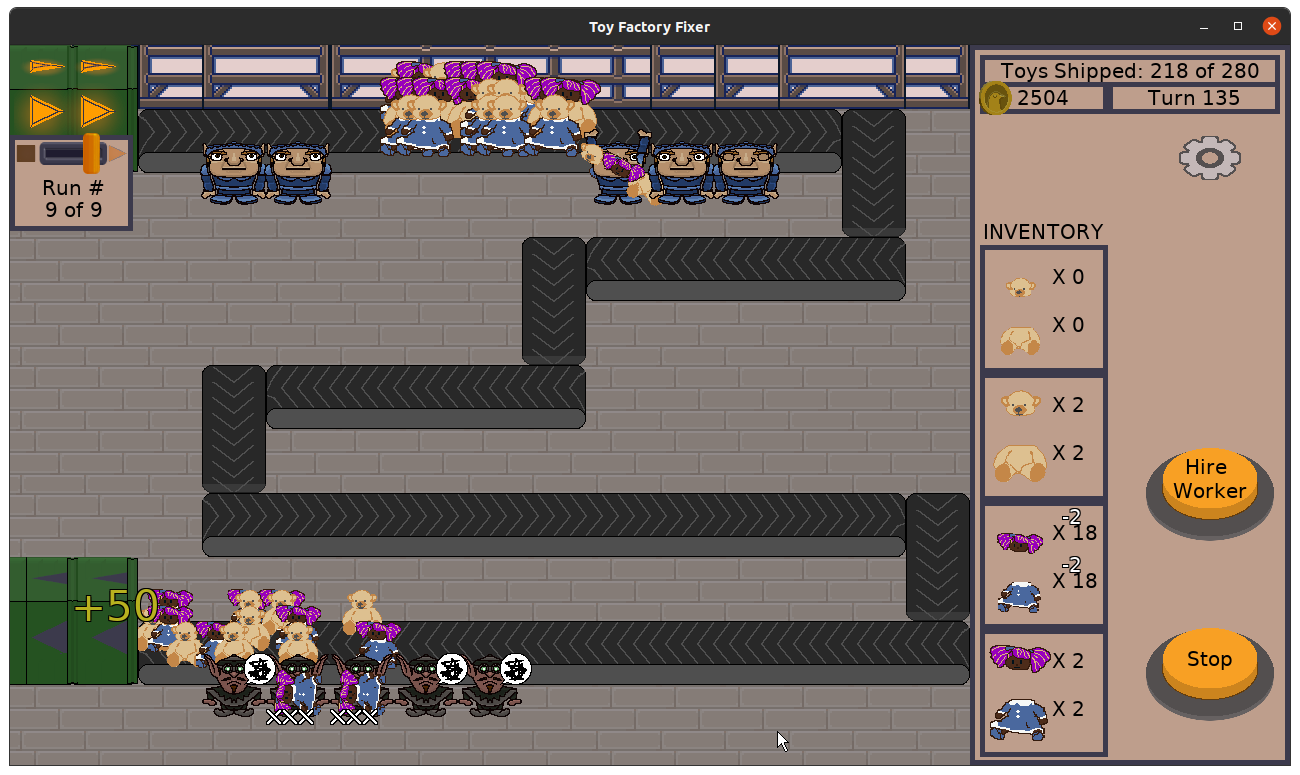
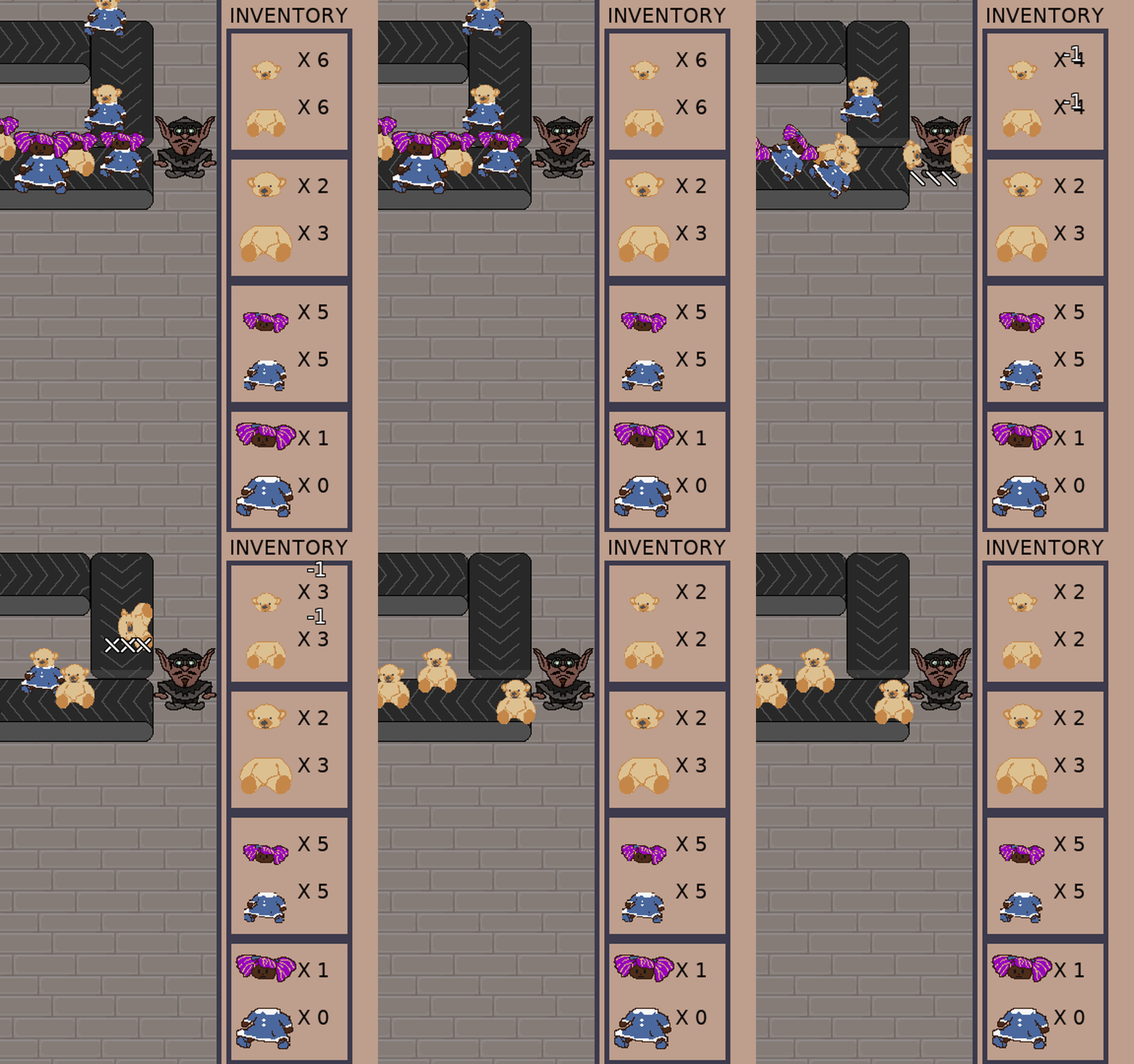
And speaking of inventory, I needed a way to indicate to the player that parts were being used by this worker type automatically. Before, it wasn’t necessary because it was obvious when the player was specifically commanding a worker to craft a particular Good Toy. If there weren’t enough parts, the button for that particular toy type would be disabled, and if there were enough parts, the player could easily see how many parts would be left if they command a particular worker to craft a toy.

So, something I’ve been meaning to put into the game anyway was floating number indicators. And it looks pretty good:

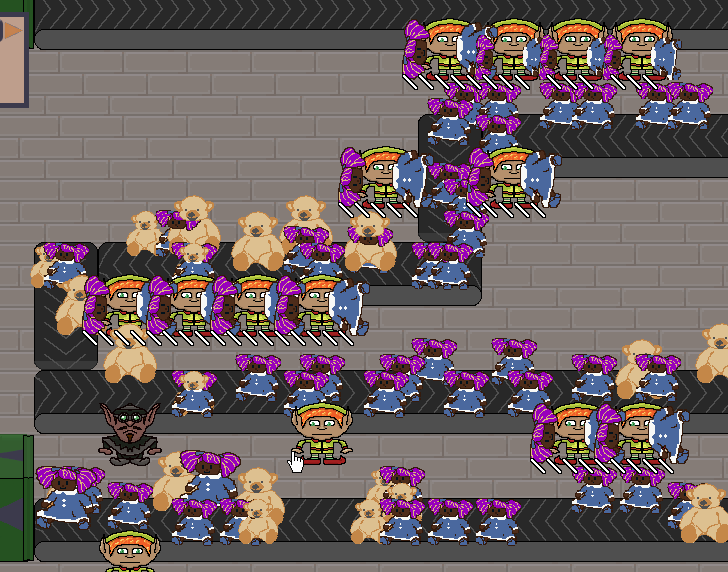
Toy Factory Fixer - sewing specialist in action

I think I need an audio effect to also indicate that toy parts are being taken, and I still like the idea that toy parts fly out of the inventory to the worker in question so it is even clearer, but I might not implement that last one before I release the game.

I also added floating numbers when toy parts get added to the inventory, but more importantly, I changed how the money bonus for shipping toys or starting a production run early looks. I already had the text showing the amount of money earned flying from the source of the money bonus towards the player’s money, but it was moving too fast for anyone to read.

So based on some feedback I’ve gotten from play testers and others I’ve talked to, I use the same text floater with different colors and a larger font:

Toy Factory Fixer - money text floaters

I also fixed a few defects, a critical one being that the game would sometimes end even if the player still had toys to craft due to a logic error in determining if the game was over.

Unfortunately I barely started work on the level that introduces the new sewing specialist, so that work will need to continue this sprint.

Thanks for reading!

Want to learn when I release updates to Toytles: Leaf Raking or about future Freshly Squeezed games I am creating? Sign up for the GBGames Curiosities newsletter, and get the 24-page, full color PDF of the Toytles: Leaf Raking Player’s Guide for free!

Categories
Game Design Game Development Geek / Technical

Freshly Squeezed Progress Report – Starting to Create Floating Numbers

As I reported last week, I settled on the features that would make the sewing specialist unique and implemented them in Toy Factory Fixer. Namely, this worker automatically crafts Good Toys assuming there are parts in your inventory for the type of toy they specialize in.

Related to this new feature, I wanted to continue working on some enhancements to communicate a few things to the player.

Sprint 43: Training levels

Planned and Incomplete:

  • Make sewing worker unique
  • Create floor training levels/tutorial

For many sprints, I always planned to get more accomplished than I actually could, and it was kind of demoralizing, so I decided to not pretend I was going to work on the tooltips functionality.

My sprint plan was supposed to be very manageable. Now that I have a third worker type, I wanted to create a level that introduces that worker. And to really finish the creation of this third worker, I basically wanted to communicate two things to the player that I didn’t need to communicate before:

  • If the worker is idle and can’t craft due to missing parts, I want the player to know this fact instead of wondering why this worker isn’t crafting.
  • When the worker starts crafting, I want to make it clear that toy parts disappeared from the inventory, something that wasn’t necessary when the player was manually deciding when toys were being crafted.

That’s it. Two visual indicators of some kind and a new level, and I figured the level would take the most effort to design and play test.

But last week was very unproductive for me. I only did game development for a total of 2 hours, which is very low even for my normally very, very part-time efforts. The last time I did so few hours was the first week of January, and, you know, it was the holidays.

Between the day job and other commitments, I found myself struggling to make time or have the energy to work on this project. It was kind of demoralizing, especially since the previous week was also a low productivity sprint.

So what did I accomplish? Well, nothing I can show yet, but I started working on showing floating numbers to indicate that toy parts are getting removed from the inventory. When the turn starts and a sewing specialist starts crafting, I want to see “-1” float up and then hover above each of the toy parts that make up the new Good Toy being crafted.

I figure these numbers can show up when you manually craft toys as well.

And some feedback I’ve gotten is to have floating numbers appear to indicate how much money you’ve earned when you ship a Good Toy.

I hope this coming week will be more productive.

Thanks for reading!

Want to learn when I release updates to Toytles: Leaf Raking or about future Freshly Squeezed games I am creating? Sign up for the GBGames Curiosities newsletter, and get the 24-page, full color PDF of the Toytles: Leaf Raking Player’s Guide for free!

Categories
Game Design Game Development Geek / Technical

Freshly Squeezed Progress Report – Introducing the Sewing Specialist

Last week, I reported that I fixed a major defect and finished creating a level that introduces the strong worker, and I started thinking about ways to make the third worker type more interesting.

I had less development time on average both that sprint and this latest sprint.

Sprint 42: Training levels

Planned and Completed:

  • Make sewing worker unique

Planned and Incomplete:

  • Show tooltips during game based on triggers
  • Create floor training levels/tutorial

For clarity, that planned work to create floor training levels? It consisted of a few separate subtasks, each of which is creating a specific level with a specific purpose.

The last task is to create a level that introduces the third worker, the sewing specialist.

Which means I needed to finalize my plans for what exactly the sewing specialist is supposed to be.

As I said with the strong worker, originally the only difference between the workers was stats and unique art. So strong workers were great at separating Bad Toys but terrible at crafting Good Toys, sewing specialists were great at crafting and bad at separating, and normal workers were average at both tasks.

After some play testing with the level in which I introduced the strong worker, I found that the strong worker wasn’t actually compelling as an option, so I changed things. Now strong workers can work on two Bad Toys at once, making them even more excellent for that task compared to the normal worker and justifying their increased cost. Nice!

Now the sewing specialist could similarly be granted the ability to craft more than one toy at the same time, but…BOOOOOORRRRRIIIIING!!!!

Also, hard. Strong workers just pick up more than one toy if it is possible, and I had to change how those toys get rendered, but that’s pretty much it.

But how do you tell a sewing specialist to craft more than one toy at a time? I would need to change the existing UI significantly for this to work, and I would need to worry about how confusing it would be for a player.

There were a lot of questions about how to implement crafting more than one toy at once, and so I decided to do something else.

I decided that not only are sewing specialists really fast at crafting Good Toys, but they’ll do it automatically. You just tell them what kind of toy to specialize in, and they’ll focus on it. If the parts are available, they’ll immediately start crafting it when the next turn starts.

Toy Factory Fixer - selecting a sewing specialist

Toy Factory Fixer - selecting a sewing specialist

Toy Factory Fixer - selecting a sewing specialist

You can also change the specialist’s specialty whenever the worker is idle:

Toy Factory Fixer - changing specialties

What’s funny is that this way of assigning work was something I was toying with as an idea for all of the workers, partly out of concern that it is tedious to need to continually tap to tell workers to craft toys. Now it is a feature that helps to differentiate a particular worker.

The only downside? I decided that they MUST have a crafting specialty at all times, and they will NOT work on separating toys.

My thinking was that this was the big tradeoff you were making when hiring a sewing specialist: a faster worker you don’t have to micro-manage, in exchange for not expecting this worker to pick up any Bad Toys that pass them by on the conveyor belt.

And now I have three very unique worker types that I hope are each compelling.

Unfortunately, I ran out of time to actually create a new level for this worker, but I can focus on it next time, as well as some visual indicators to make it clear when this worker is idle and unable to craft new toys in their current specialty.

Thanks for reading!

Want to learn when I release updates to Toytles: Leaf Raking or about future Freshly Squeezed games I am creating? Sign up for the GBGames Curiosities newsletter, and get the 24-page, full color PDF of the Toytles: Leaf Raking Player’s Guide for free!

Categories
Game Design Game Development Geek / Technical

Freshly Squeezed Progress Report – New Training Level and Fixed Defect

In the last sprint report, I reported that I had made strong workers more valuable by giving them the ability to separate two toys at once, which was a more interesting way of balancing them against normal workers than merely modifying some stats.

I continued to work on creating the level that introduces them in this past sprint.

Sprint 41: Training levels

Unplanned and Completed:

  • Defect: Workers seem to hold onto toys long after they should have been separated, eventually letting them go

Planned and Incomplete:

  • Show tooltips during game based on triggers
  • Create floor training levels/tutorial

I spent less time on game development last week than I have since May, and it was one of my top four least productive weeks of the year according to my records.

And since I needed to spend time actually figuring out what tooltips will look like and how they will function, and I needed to figure out how the third worker type will be unique, the lack of time dedicated to it wasn’t great.

That said, I did manage to finish creating the third training level, which introduces the strong worker, and while play testing it, I discovered a serious bug that had a silly cause.

Investigating and resolving a major defect

At one point I noticed that some of the workers would hold on to a Bad Toy they’ve separated. They should immediately toss the parts into your inventory, but they wouldn’t.

I added some debugging text to figure out if it was a weird issue with the health of the bear or the type of worker or something, but eventually I figured out that it was due to the fact that toys now have unique IDs.

Since workers can now work on separating multiple toys, I needed a way to tie the toys they were working on to the worker and vice versa, mainly for rendering the correct things on the screen. Toys already knew which worker was holding them, but workers now knew which toys they were holding onto by their unique IDs.

Which is fine when those IDs are, in fact, unique, but weird things happen when two toys are on the screen with the same ID.

Which happens when I configure a level’s production runs by reusing toys that I add to the dispenser.

So basically on the third level, around production run 8, there are a set of toys that are dispensed and I wanted the same type of toys to get dispensed shortly afterwards, and basically I accidentally put toys with the same ID on the screen at the same time.

So a worker would work on, for example, a toy with ID 85, but another toy with ID 85 would be on the conveyor belt elsewhere. The worker would finish separating toy #85, but when the code looked to see which toys were finished being separated, somehow it would find the non-separated and pristine toy #85, and so the worker wouldn’t let go of the toy.

So the easy fix was to just configure the level with unique toys, but the risk is still there if I forget and do the otherwise easy-to-make mistake of re-adding toys that were already created.

Eventually I was happy with how well the third training level worked, and I started working on the fourth training level, which introduces the third worker, the sewing specialist.

Making the third worker also unique

One thing I liked about giving the strong worker the ability to work on multiple toys at once was that it made the strong worker more than a mere change in stats from the normal worker. They are truly two different types of workers.

Originally the strong worker was very strong at separating and very weak at crafting, and the sewing specialist was very strong at crafting and very weak at separating.

The obvious thing to do with the third worker was to allow them to craft two toys at once, to mirror the strong worker’s ability to separate two toys at once. It was a bit more challenging a task since I would need to change the crafting menu somehow to make it easy for the player to communicate that they want two toys to be crafted, and I would need to figure out what UI challenges to overcome there.

But the more I thought about it, the more I wanted to make this worker type similarly unique and not a mere mirror of another worker type. It just wasn’t compelling enough to me to have a worker that can merely craft two toys at once.

Toy Factory Fixer - notes for designing the third worker

I thought about how crafting serves a very different purpose from separating, and how important it gets towards the end of a level when you are no longer getting more parts in your inventory but are instead trying to get as many toys put together as possible.

Maybe the sewing specialist can take two compatible Bad Toys and instantaneously turn them into Good Toys? I liked this idea, but the problem was that the toys coming down the conveyor belt wouldn’t always be compatible. So should this worker pick up two incompatible Bad Toys and try to separate them? Or should they only pick up one Bad Toy at a time unless they can pick up two compatible toys? There was a lot of complexity here.

Then I reflected on how tedious it can be to tap on a worker, tap on a button to tell that worker to craft, and repeat.

I thought about having the worker instantly craft an arbitrary number of Good Toys at once, based on parts in inventory and the worker’s capacity (2, 3, or even 10?), with a potentially long cooldown period in which that worker couldn’t do anything. I still like this idea, but then I thought of another.

What if the sewing specialist’s unique ability is to be told to craft a certain toy type once, and they will continue to craft until the parts inventory is empty for that type, and will continue once those parts are available again?

It kind of reminds me of games like Cookie Clicker, in which you manually do some tasks, but eventually you can earn enough to purchase things that automate those tasks for you. Maybe there is value in giving an option to avoid the otherwise tedious activity? Which makes the tedious activity less of a design defect and more of a purposeful part of the game?

So what’s the downside to having this worker automatically crafting toys? Maybe you would prefer to choose a different worker in a different location to craft a particular toy, but you can’t stop this worker from doing so first, which might mess with your strategy if you were trying to finish a level in the fewest turns.

More obviously this worker can’t pick up and separate Bad Toys when crafting, but should this worker not have the ability to do it at all? Is there no such thing as this worker being idle, or can the worker be idle if there are no parts to craft and so is available to collect Bad Toys on the conveyor belt?

And if the worker is assigned to crafting a single type of toy, what if you want to switch them to a different type? Should there be a cost to reassigning the task? Is the cost money, or a worker who can’t do anything for a few turns?

Some of the work I have ahead of me is figuring out how to communicate to the player which kind of toy this worker is trying to craft when they are otherwise looking like they are idle.

But the role of this third worker clearly needs more time to marinate.

Thanks for reading!

Want to learn when I release updates to Toytles: Leaf Raking or about future Freshly Squeezed games I am creating? Sign up for the GBGames Curiosities newsletter, and get the 24-page, full color PDF of the Toytles: Leaf Raking Player’s Guide for free!