Categories
Game Design Game Development Geek / Technical

Freshly Squeezed Progress Report: Polishing and Improving

In my previous report, I reported that I had pretty much finished all of the major work and was starting to see that what was left to do was primarily about finishing touches for my second Freshly Squeezed Entertainment project called Clown Alley Creator, a creativity tool about creating your own fun clowns.

I’ve been a lot less productive in the last couple of weeks, partly due to dealing with terrible legislation getting passed in Iowa, but I’m still working on finishing the project.

Sprints 2024-17 and 2024-18: Polishing/Finishing

Completed:

  • Defect: clown preview stays on screen while transitioning away
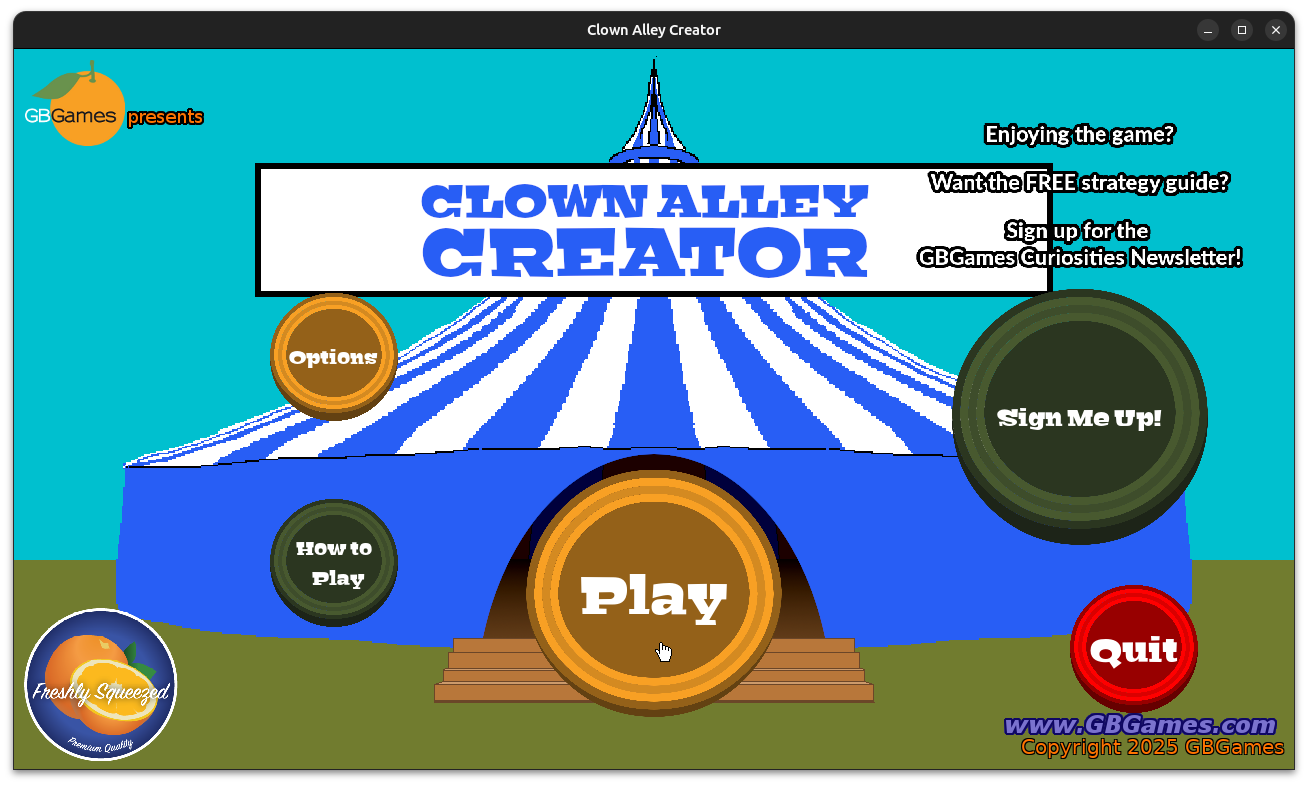
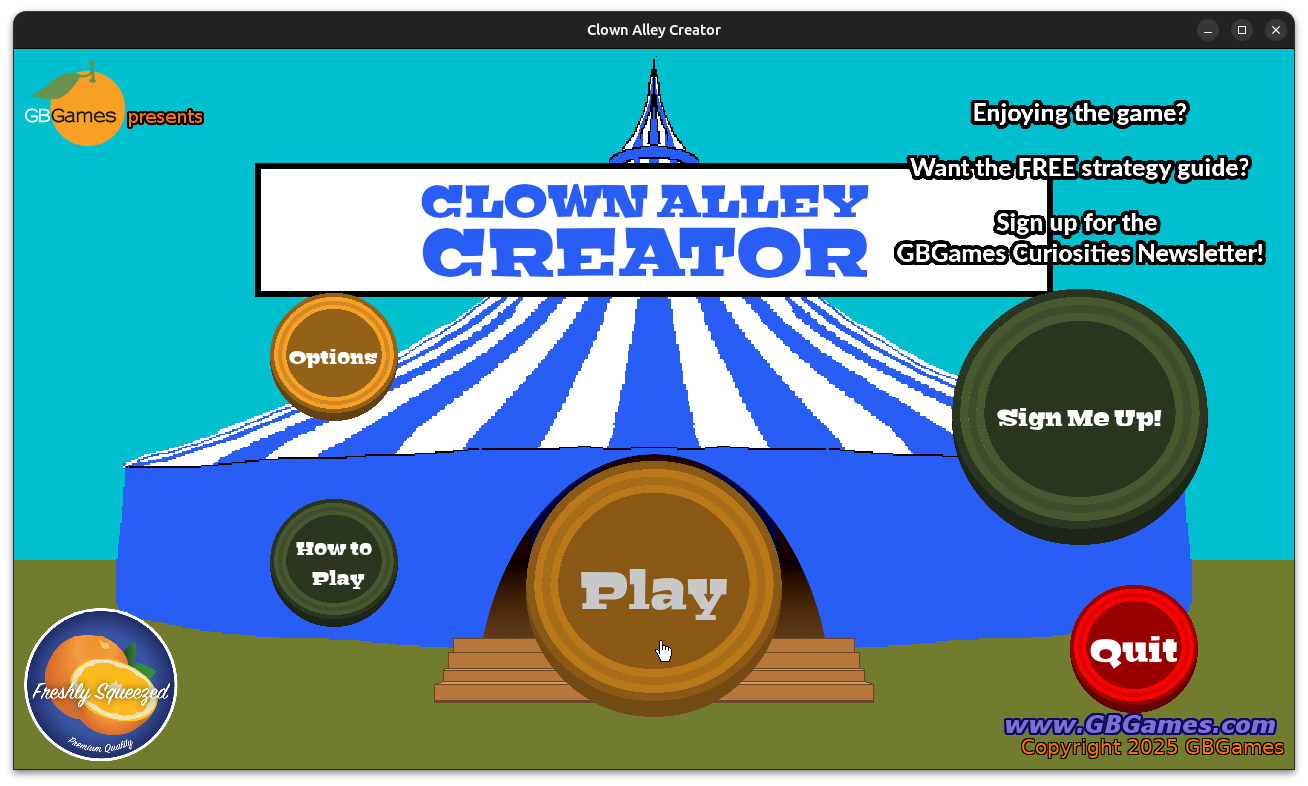
  • Main Menu button should look like text is baked on instead of separated
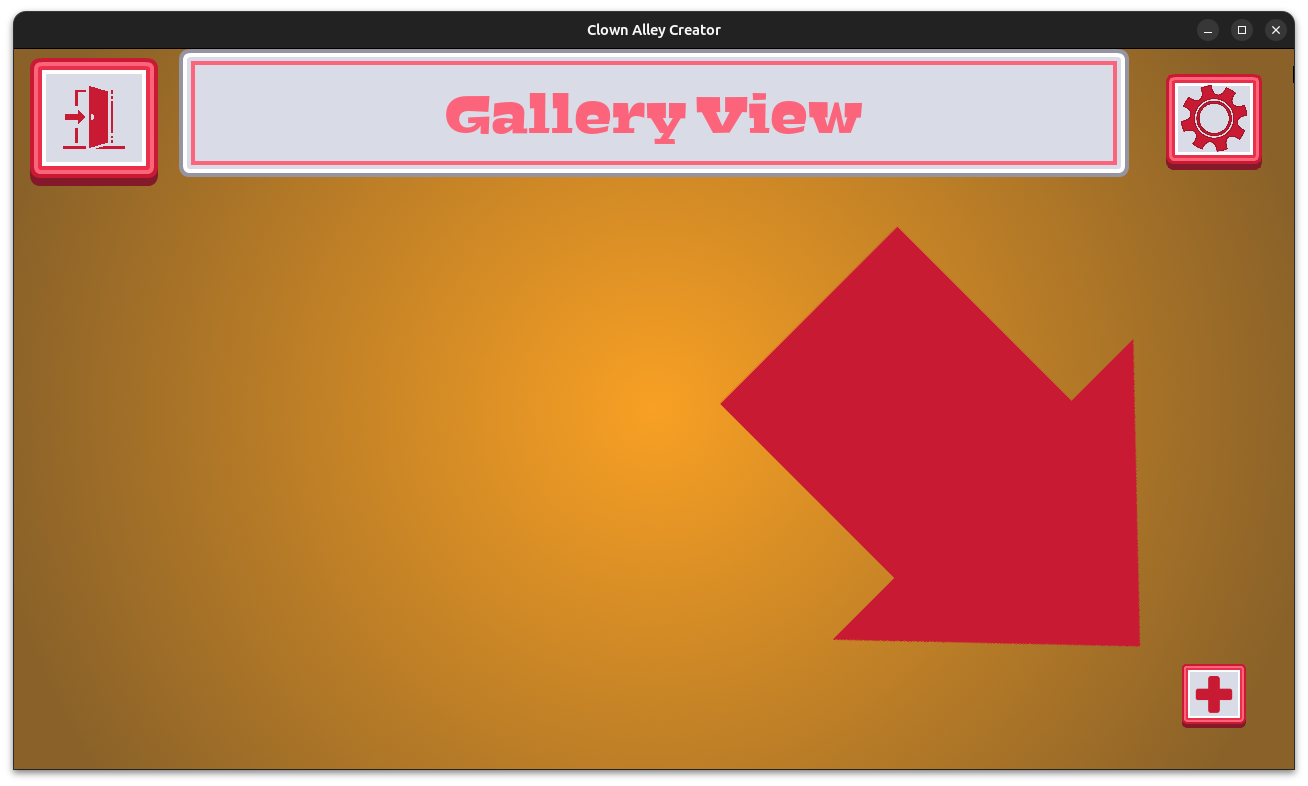
  • Call to Action button needs a visible button

Managing a project means needing to prioritize what to work on, even when something seems like a no-brainer to address, even when it seems like an easy enough thing to fix. I like to fix most problems as soon as I notice them because long-standing bugs tend to fester. Yet, sometimes I make a judgment call that some issues can stick around until I’m ready to deal with them.

For example, when you try to exit the Creator Mode, you are transitioned away to an exit confirmation menu. Basically, are you sure you want to stop creating the clown you were working on?

The clown preview stays on screen while the menus are transitioning, and it looks…off. It looks wrong. It makes the game feel amateurish.

I’ve seen it multiple times over the last couple of months, but I never addressed it until now. Why?

After all, I could immediately see that I could handle the rendering of the clown preview differently. Maybe it should be offset the same as the menu offset, so it looks like it is sliding away with the menu? That might be only a couple of lines of straightforward code.

But I left it because much of the initial work involved placeholder art, which was already going to be replaced. Maybe I would want to handle menu transitions differently by then?

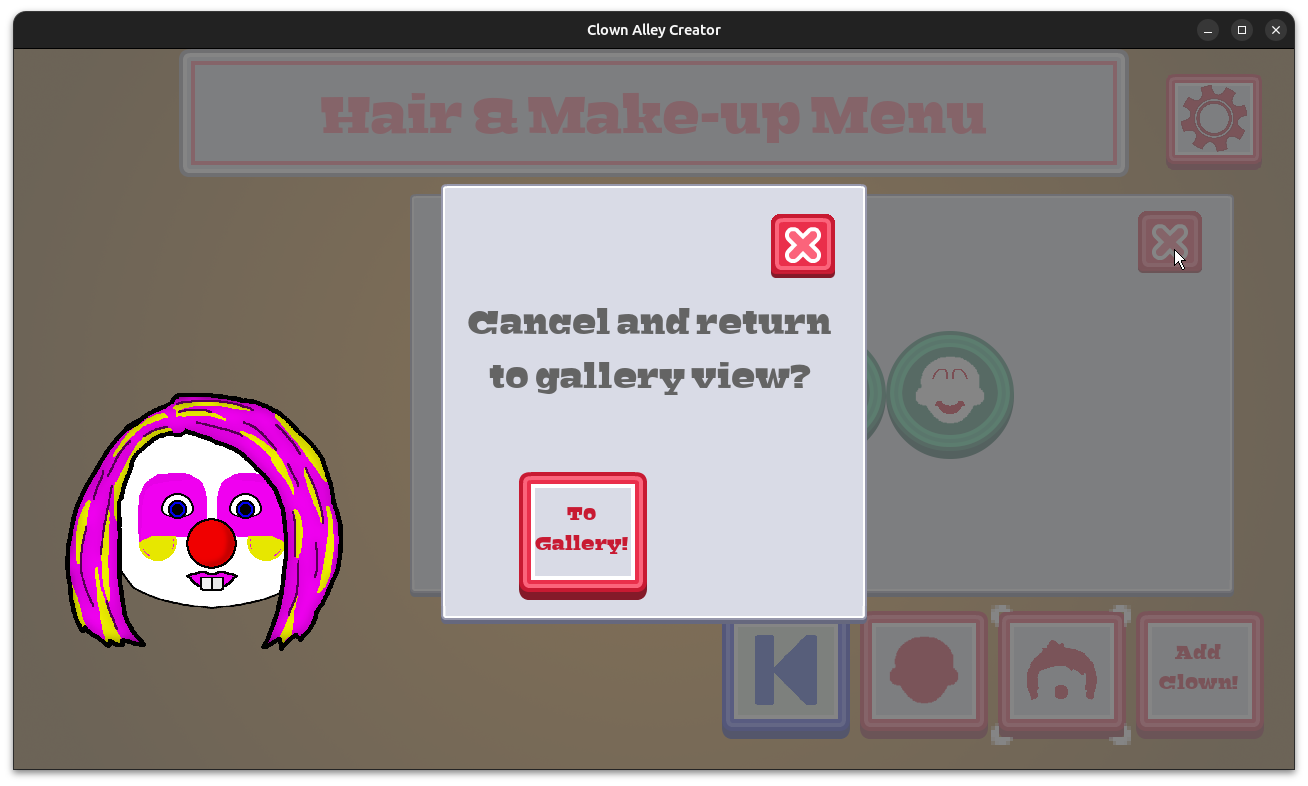
In fact, I got rid of the transition entirely. I now have modal dialog pop up, which removes the need for a transition, which means there is no “wrong” looking graphical flicker anymore. Problem solved, and in a way that means I don’t need to replace the background art for the confirmation menu, either.

Clown Alley Creator - exit confirmation dialog

Anyway, I also made the main menu look more consistent with the rest of the game, mainly by changing the buttons from being just images with text labels that are completely independent (and so seem to float even when the button is depressed) to parented widgets that make it look like a single object on the screen.

These are minor cosmetic changes, but they definitely make a difference.

Clown Alley Creator - new widget-based main menu buttons

Clown Alley Creator - new widget-based main menu buttons

Thanks for reading, and stay curious!

Want to learn about future Freshly Squeezed games I am creating? Sign up for the GBGames Curiosities newsletter, and download the full color Player’s Guides to my existing and future games for free!

Categories
Game Design Game Development Geek / Technical

Freshly Squeezed Progress Report: Starting to Finish?

Last time, I reported that I was working on adding and updating make-up options for my second Freshly Squeezed Entertainment project called Clown Alley Creator, a creativity tool about creating your own fun clowns.

I finished creating make-up options (for now) and started working on some polish and finishing touches.

Sprint 2024-16: More make-up!

Completed:

  • Create make-up options
  • Use better layer icons for make-up
  • Show labels for primary and secondary colors

The nature of this project is that I can always keep adding more. More noses, more colors, more hairstyles, more make-up. It can be challenging to know when to stop and move on.

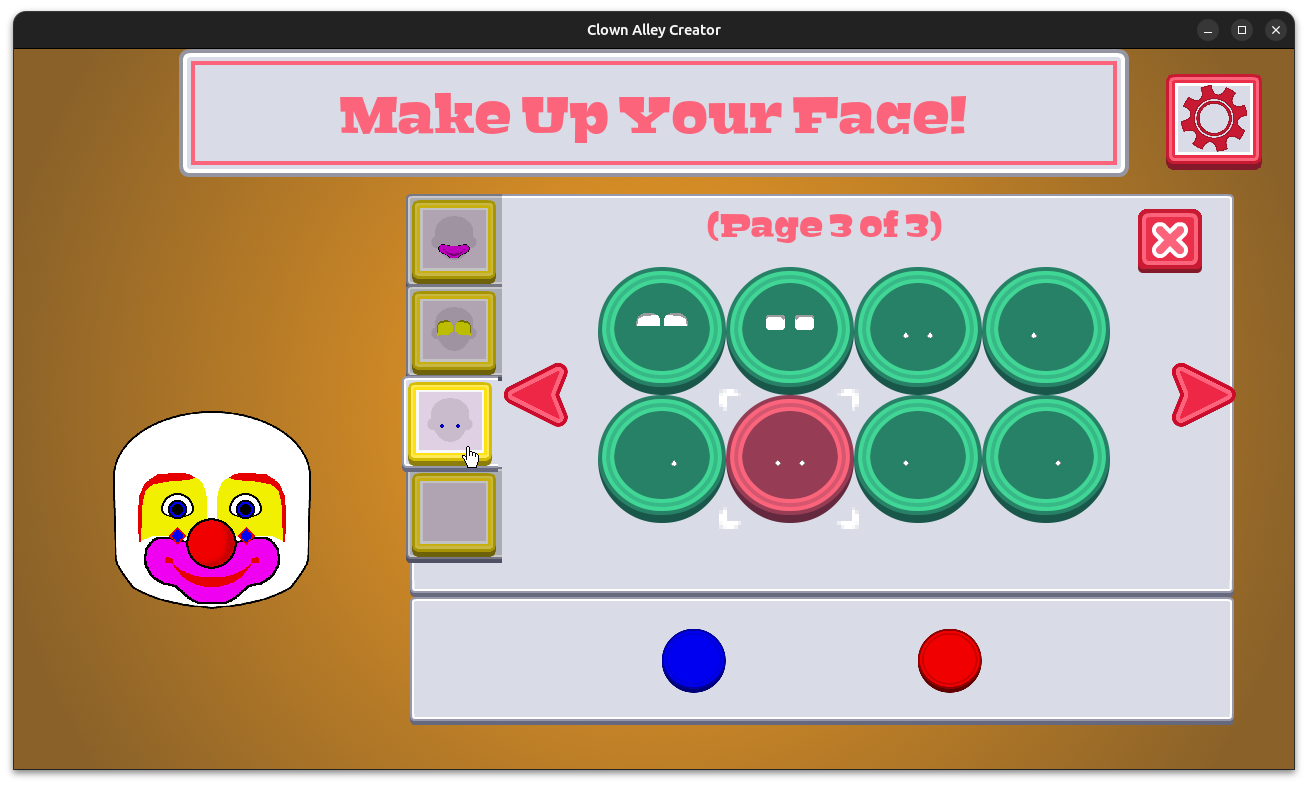
And there are so many different kinds of clown make-up options that I could provide, but three pages of options seems to provide enough variety for the player to mix and match for now.

Clown Alley Creator - three pages of make-up options

As you can see, I also updated the layer icon previews so that they are slightly bigger and also show the primary color for that layer.

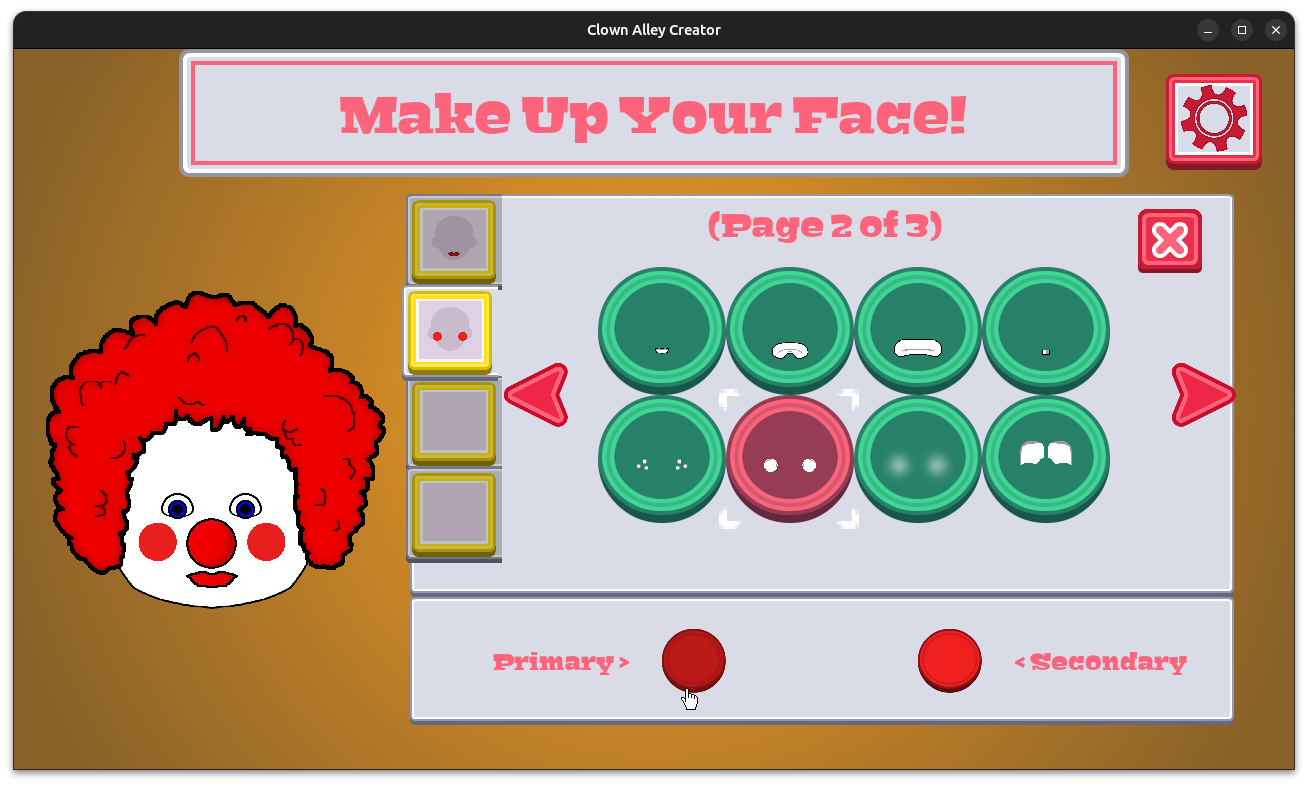
And after having the ability to pick primary and secondary colors for each option for over a month, I finally added labels to let you know what they are:

Clown Alley Creator - color labels

I fixed a few issues. The left navigation arrow was fine on non-layered menus, but it was obscured on the layered make-up menu, so I adjusted the placement of everything to make it all fit well.

And I also discovered that I wasn’t resetting the creation mode’s menu to the first menu correctly when you exit and come back, which potentially could result in seeing no options on the menu screen. Luckily it was an easy fix.

At this point, all of the major work is pretty much done. Most of the remaining work is either polishing, porting, and publishing.

The challenge is identifying what specifically needs to be done. Some of what I planned upfront is easy, such as creating an Android port. But some things can’t be figured out until you have a game to playtest and experience. Only then can I see what isn’t working quite right or what could be improved. But as I said, most of the major work is done, and I’ve already uncovered a short list of tasks.

But I’m in the home stretch, and I can’t wait for you to play this game!

Thanks for reading, and stay curious!

Want to learn about future Freshly Squeezed games I am creating? Sign up for the GBGames Curiosities newsletter, and download the full color Player’s Guides to my existing and future games for free!
Categories
Game Design Game Development Geek / Technical

Freshly Squeezed Progress Report: Making Up Make-up Options

In my last report, I had stopped working on hairstyles and started working on updating and creating make-up options for my second Freshly Squeezed Entertainment project called Clown Alley Creator, a creativity tool about creating your own fun clowns.

I spent quite a bit of time either creating or researching make-up options for clowns.

Sprint 2024-15: More make-up!

In Progress:

  • Create make-up options

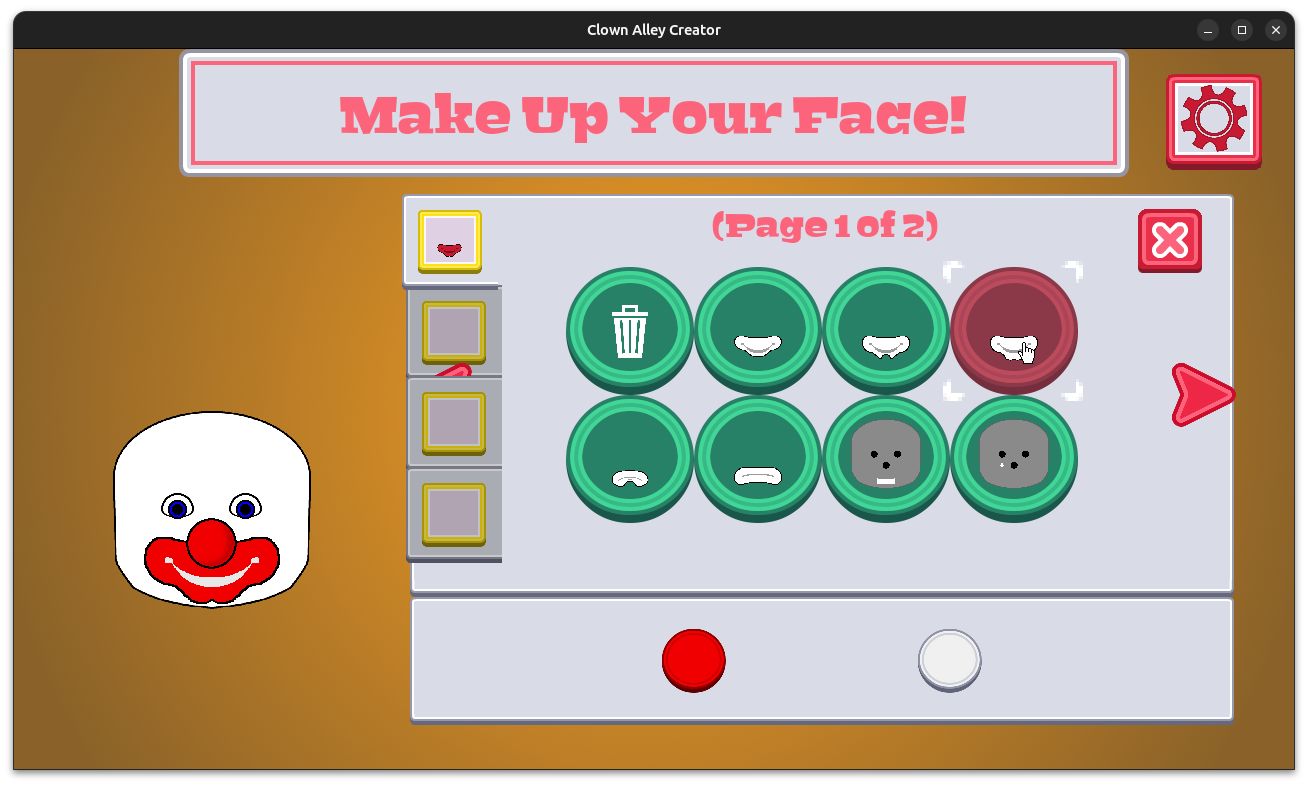
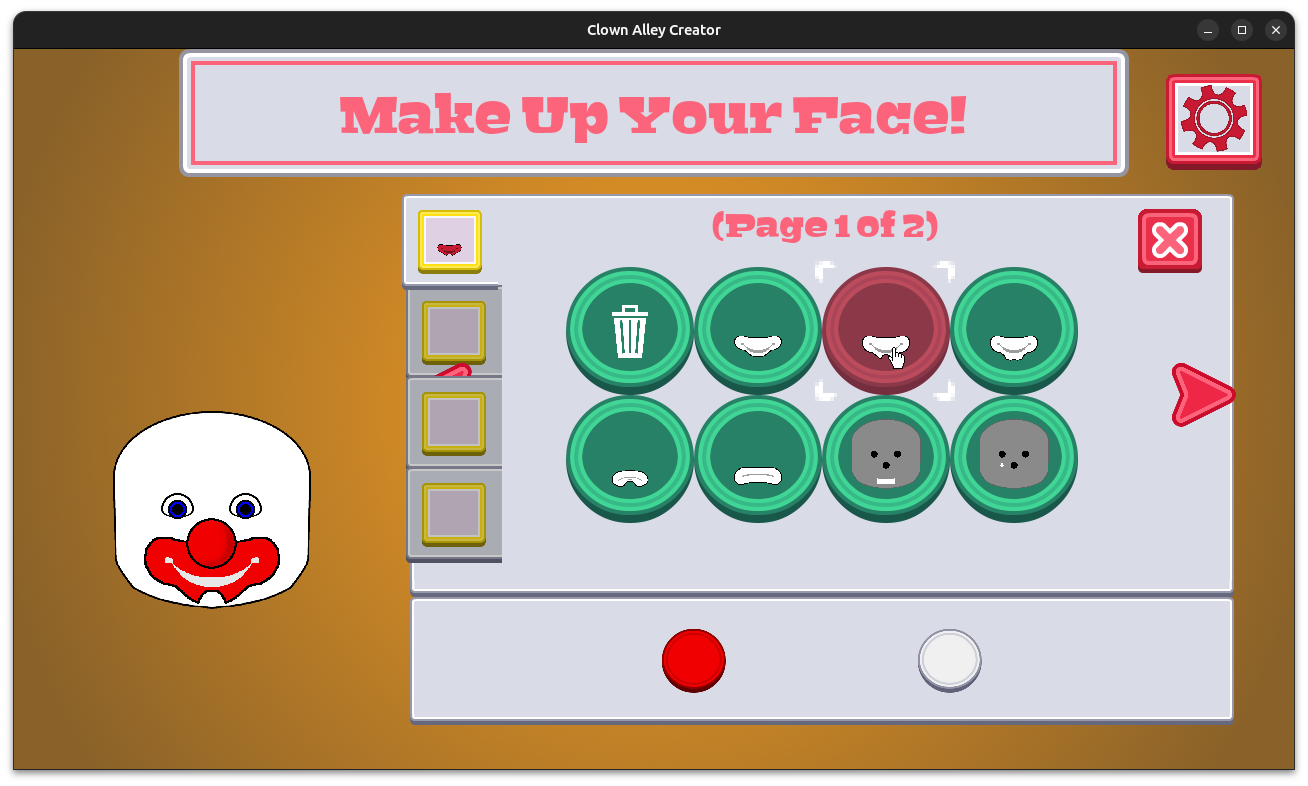
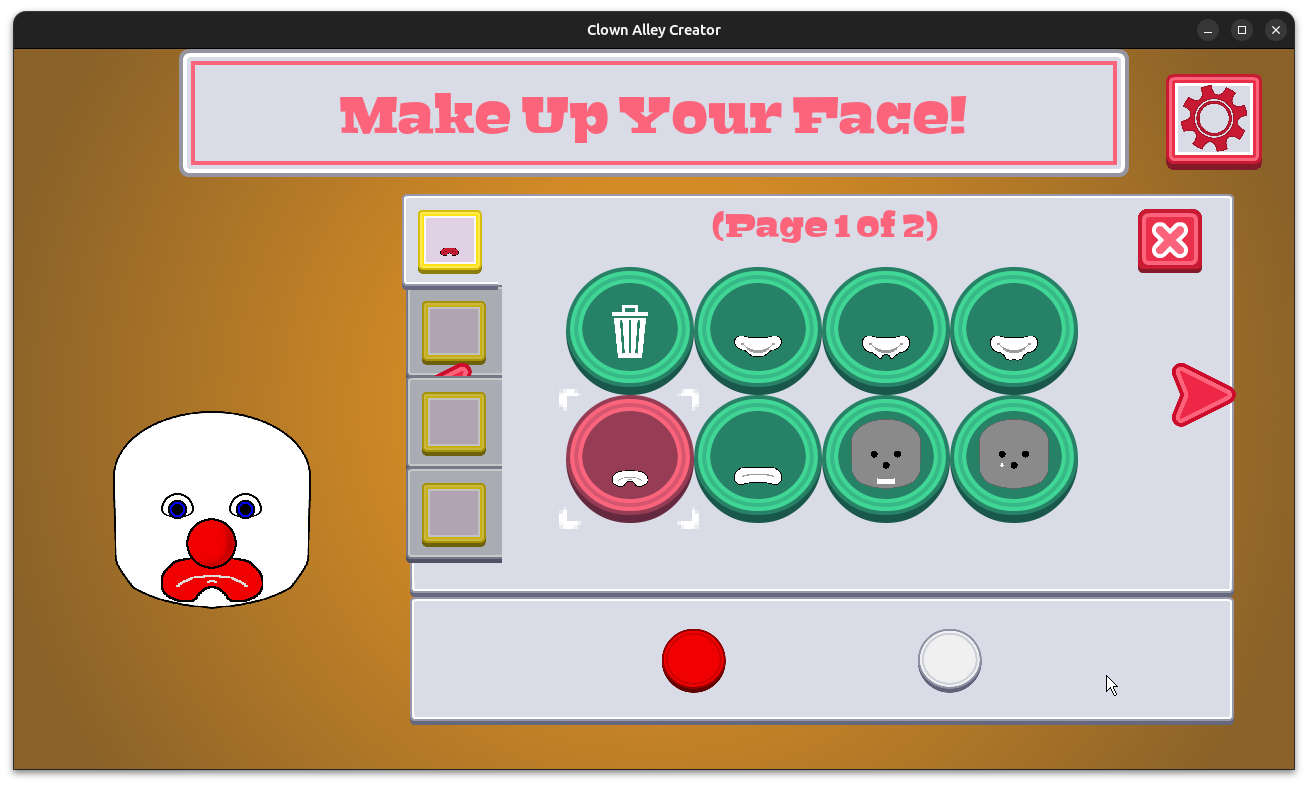
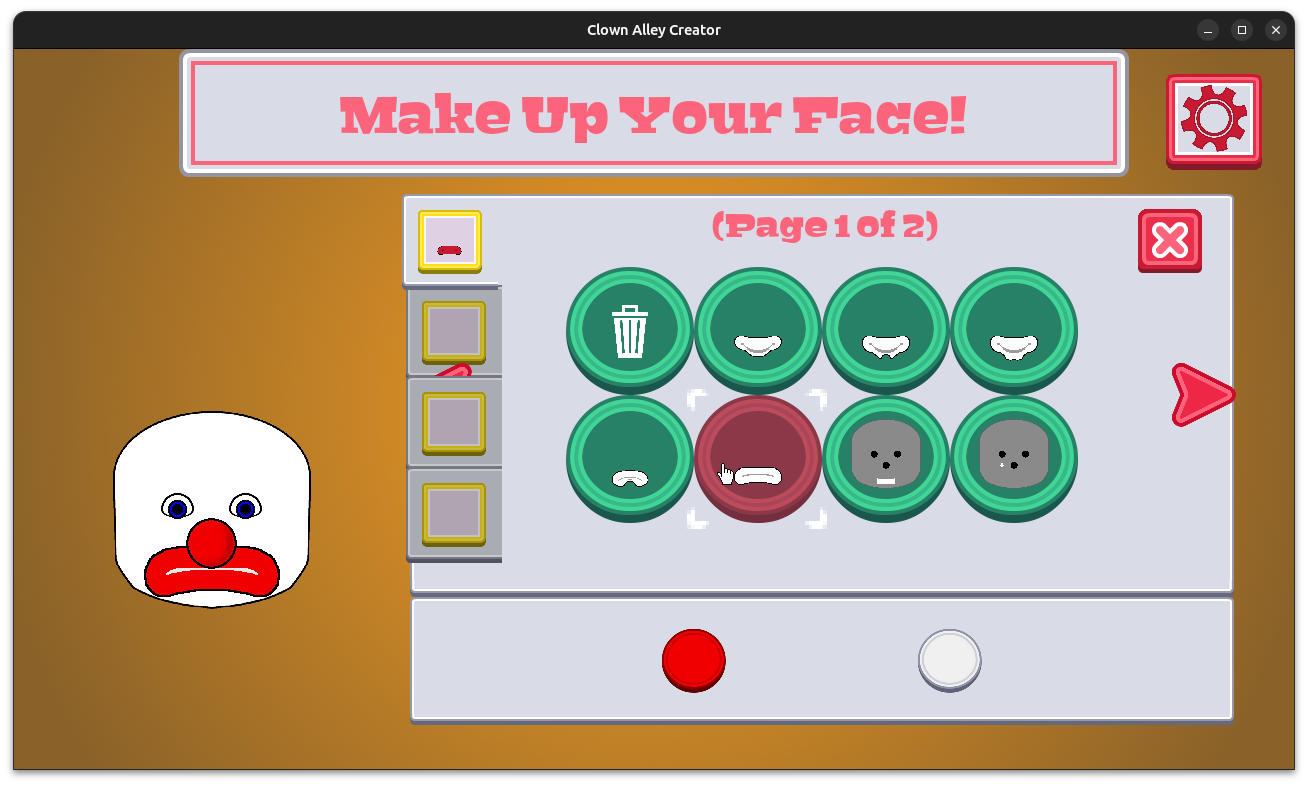
I replaced the placeholder smile and frown make-up options with a few variations that I think look a lot better.

Clown Alley Creator - make-up options

Clown Alley Creator - make-up options

Clown Alley Creator - make-up options

Clown Alley Creator - make-up options

Now I could create endless minor tweaks and variations on these mouths, and from what I could find, real clowns do have a wide variety of just mouth make-up, but I do want to make sure I address other kinds of make-up.

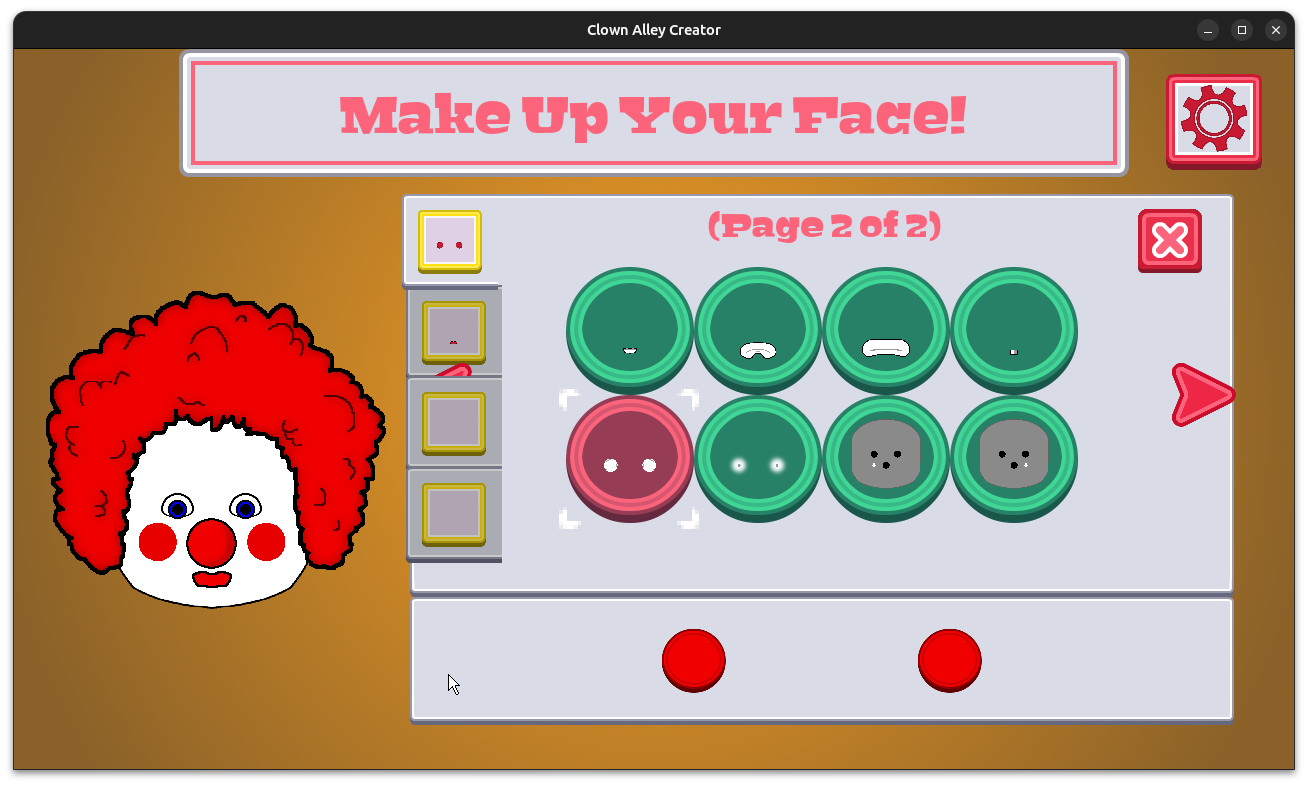
So I made an option for simple round cheek blush:

Clown Alley Creator - make-up options

You can see I also added a smaller mouth.

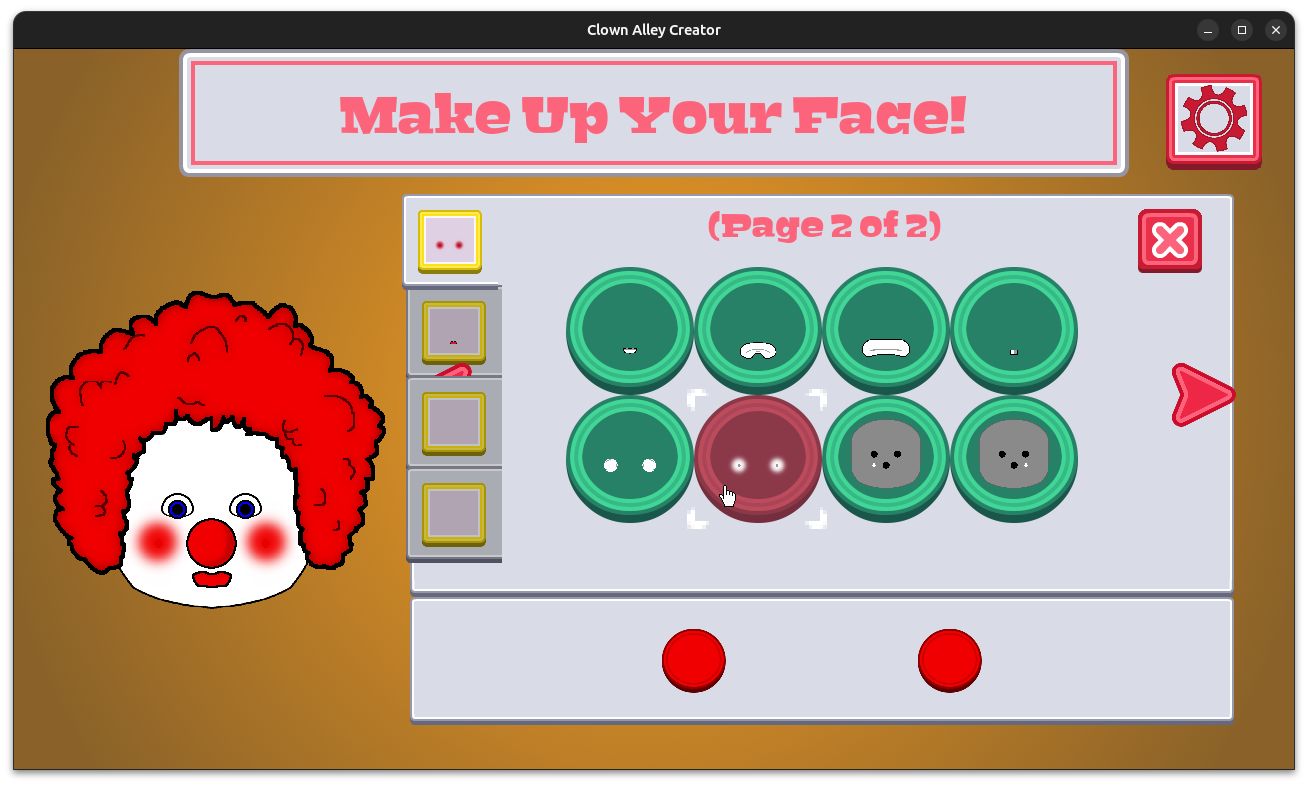
It’s not bad, but I also know some people blend the blush, so I tried to make a blended variation, and I was surprised how much it hurts my eyes to look at!

Clown Alley Creator - make-up options

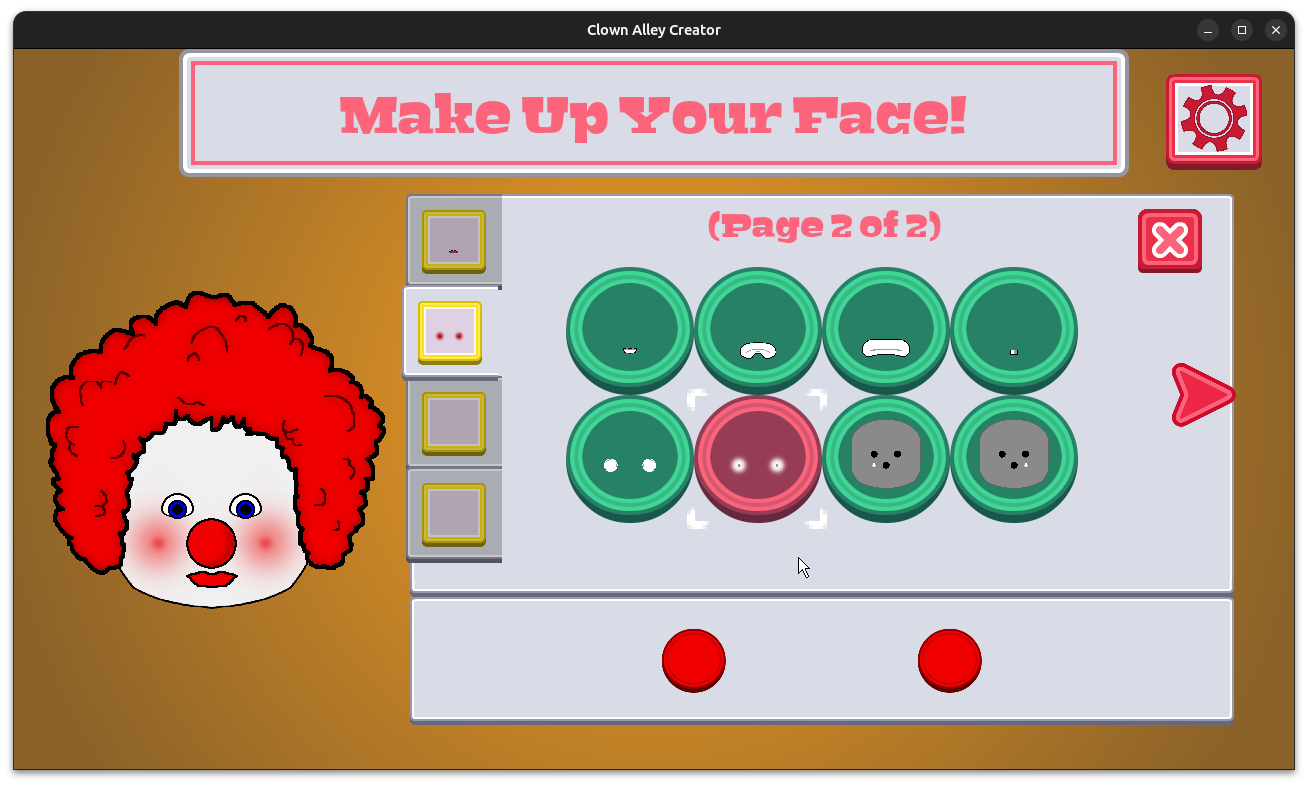
See? Or, better yet, don’t! It’s kind of annoying. Some kind of optical effect between the bright, saturated colors and the blending makes it feel like it is fighting with your eyes. Does anyone reading this know what this effect might be called?

So I ended the week trying to find ways to address it, and while I think blending it even more helped a lot, I do wonder if there is something else I could try.

Clown Alley Creator - make-up options

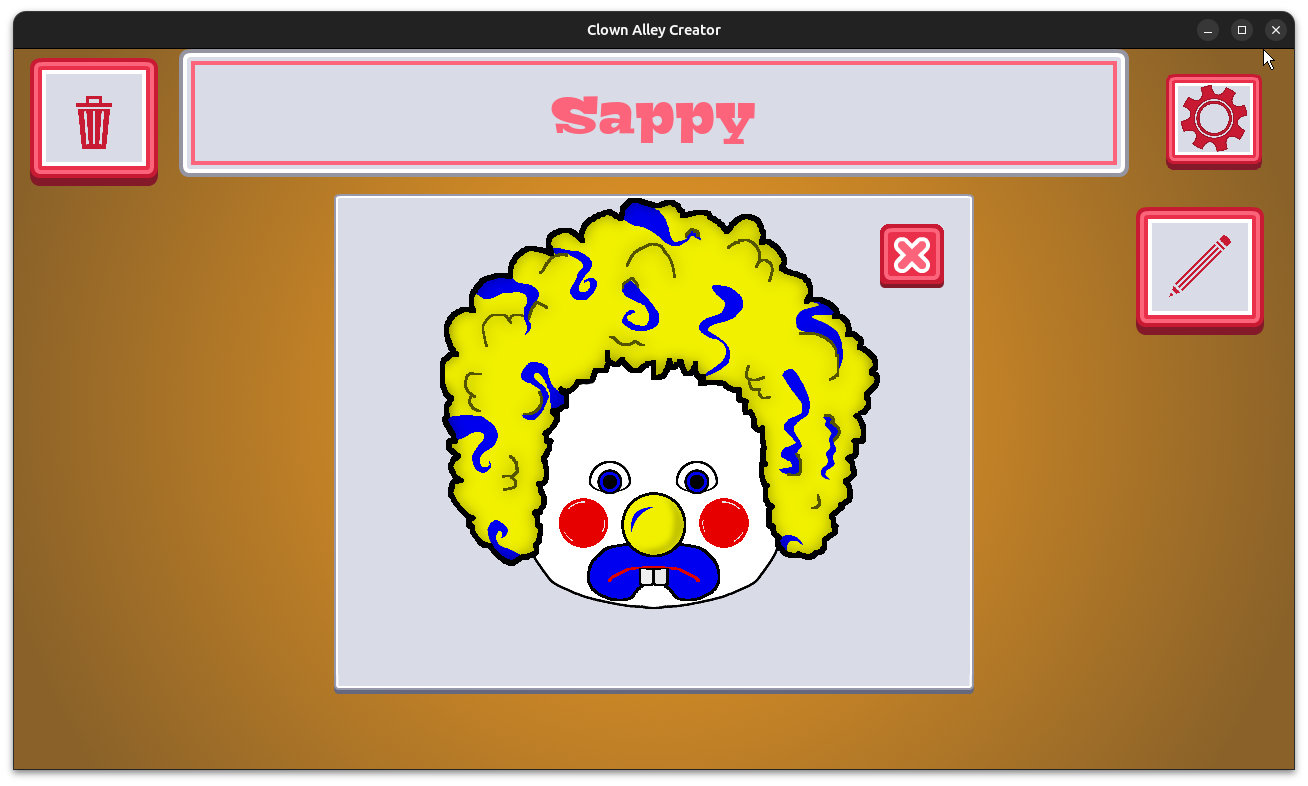
Anyway, now that I am getting rid of the placeholder art, I am pleased that the make-up layering is working out so well. Here is a clown that has buckteeth on top of a frown and with rosy cheeks:

Clown Alley Creator - Sappy with buckteeth and a frown

I will say that researching clown make-up on the Internet is challenging, partly because there are a lot of tutorials and imagery out there for scary clowns or Halloween costumes. I have found better luck by specifying Ringling Bros or major organizations such as the International Clown Hall of Fame and Research Center (which I hope to visit soon!) or Clowns of America International.

Thanks for reading, and stay curious!

Want to learn about future Freshly Squeezed games I am creating? Sign up for the GBGames Curiosities newsletter, and download the full color Player’s Guides to my existing and future games for free!
Categories
Game Design Game Development Geek / Technical

Freshly Squeezed Progress Report: More Hairstyles and New Make-up

Last time, I reported that I had finished creating nose options and had started on creating new hairstyles for my second Freshly Squeezed Entertainment project called Clown Alley Creator, a creativity tool about creating your own fun clowns.

Sprint 2024-14: More hairstyles

Completed:

  • Create hair options

In Progress:

  • Create make-up options

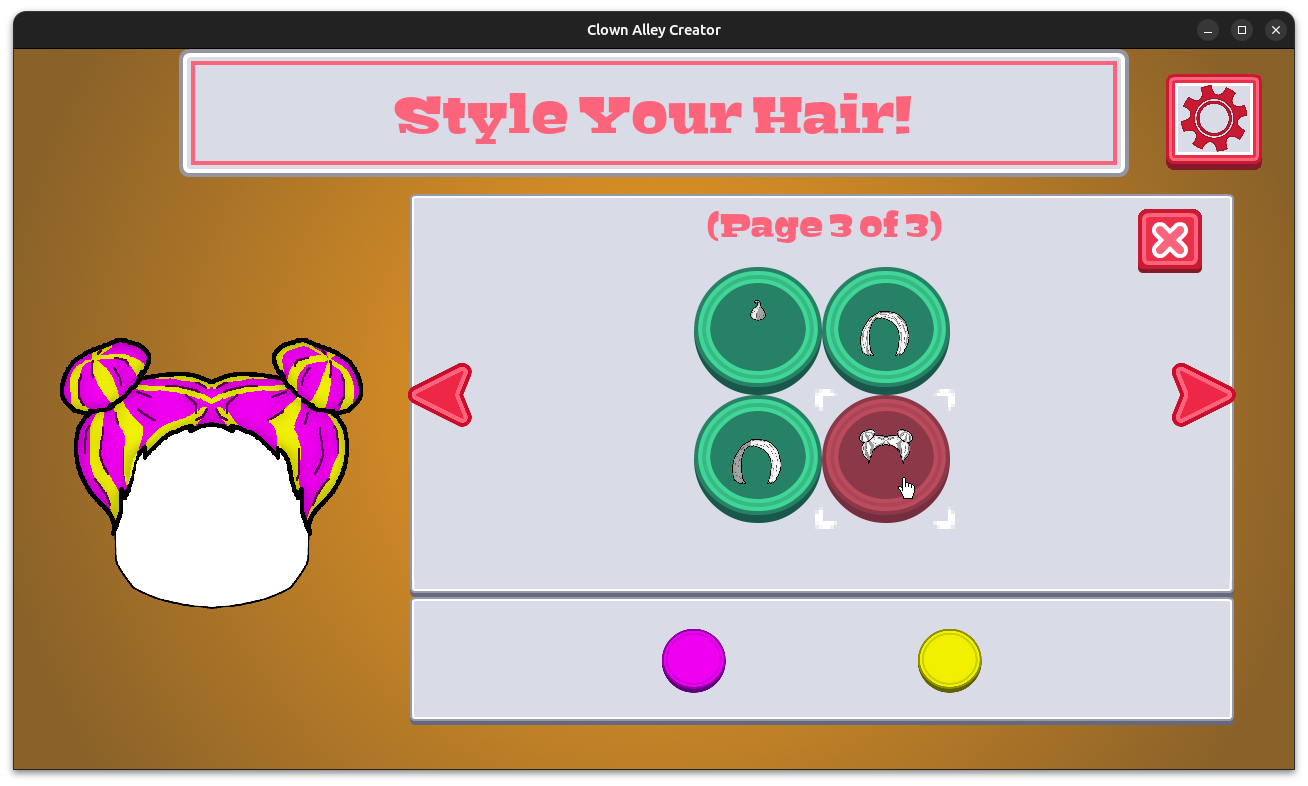
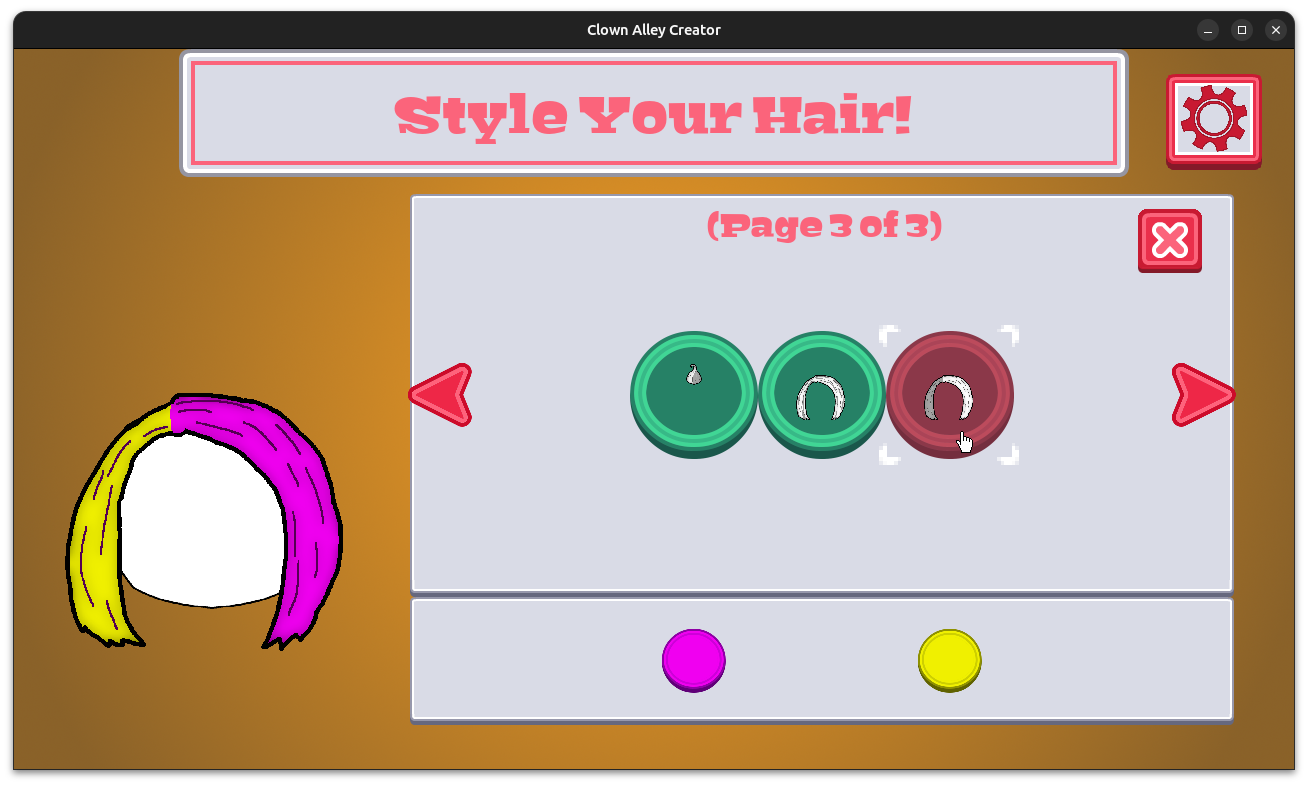
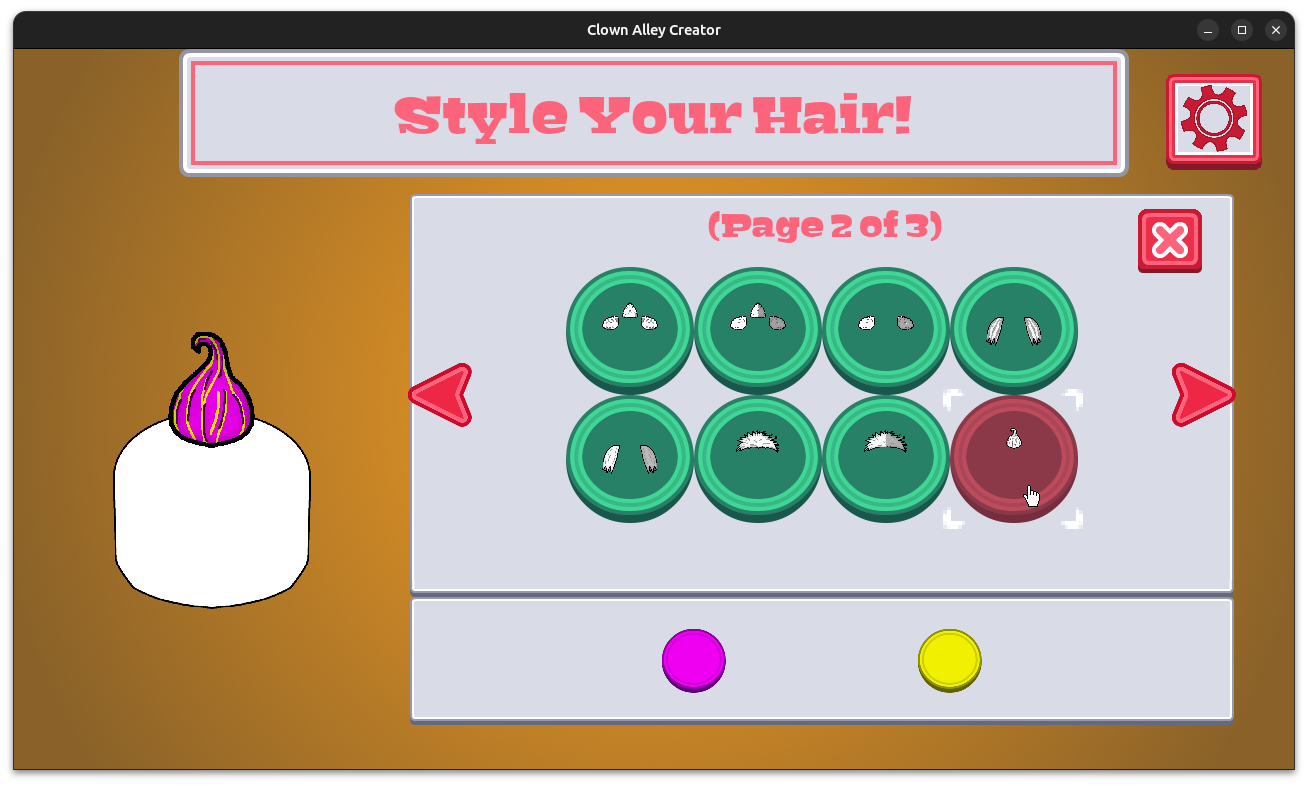
I continued working on hairstyles. Drawing hair is kinda hard.

But I think I did a decent job:

Clown Alley Creator - buns with highlights

Clown Alley Creator - split-dye bob

Clown Alley Creator - top swirl with highlights

I have ideas for more clown hairstyles, but I wanted to move onto make-up. I started out by replacing the smile.

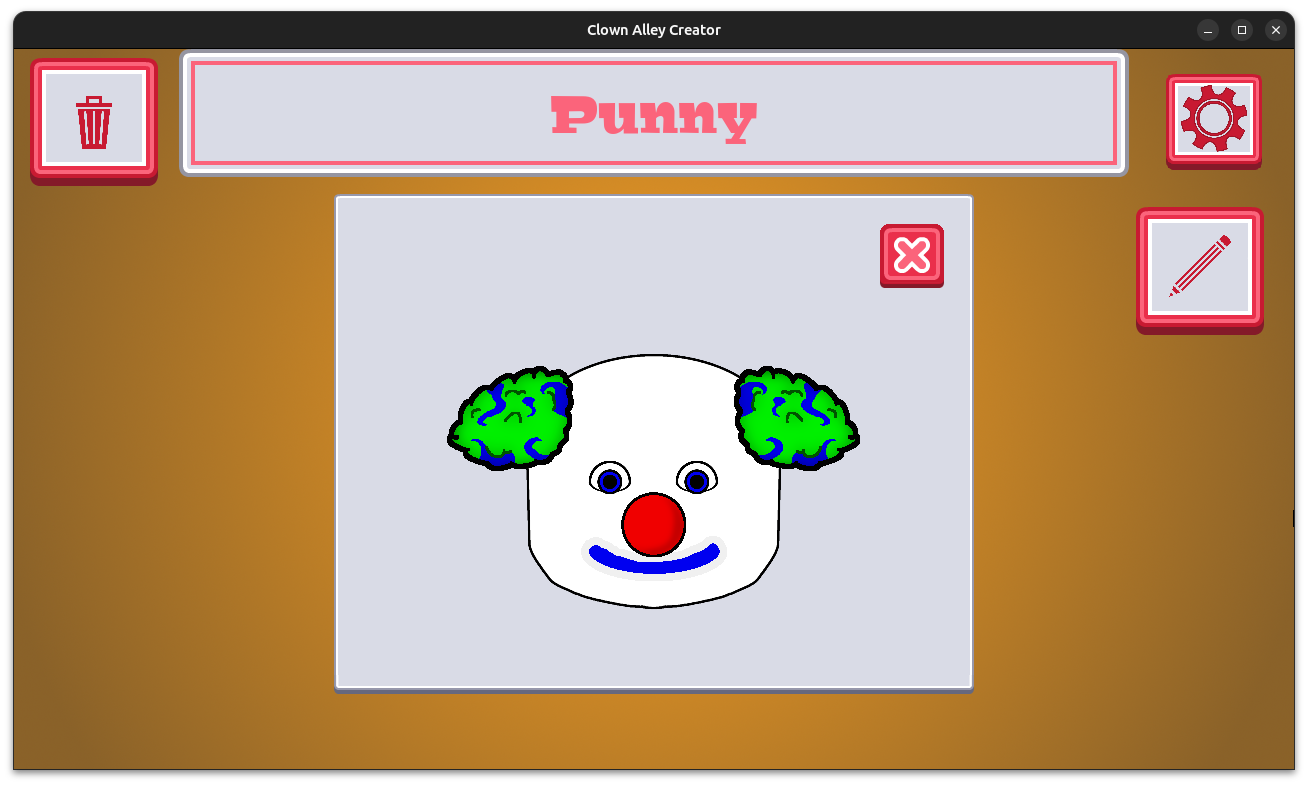
It originally looked like this:

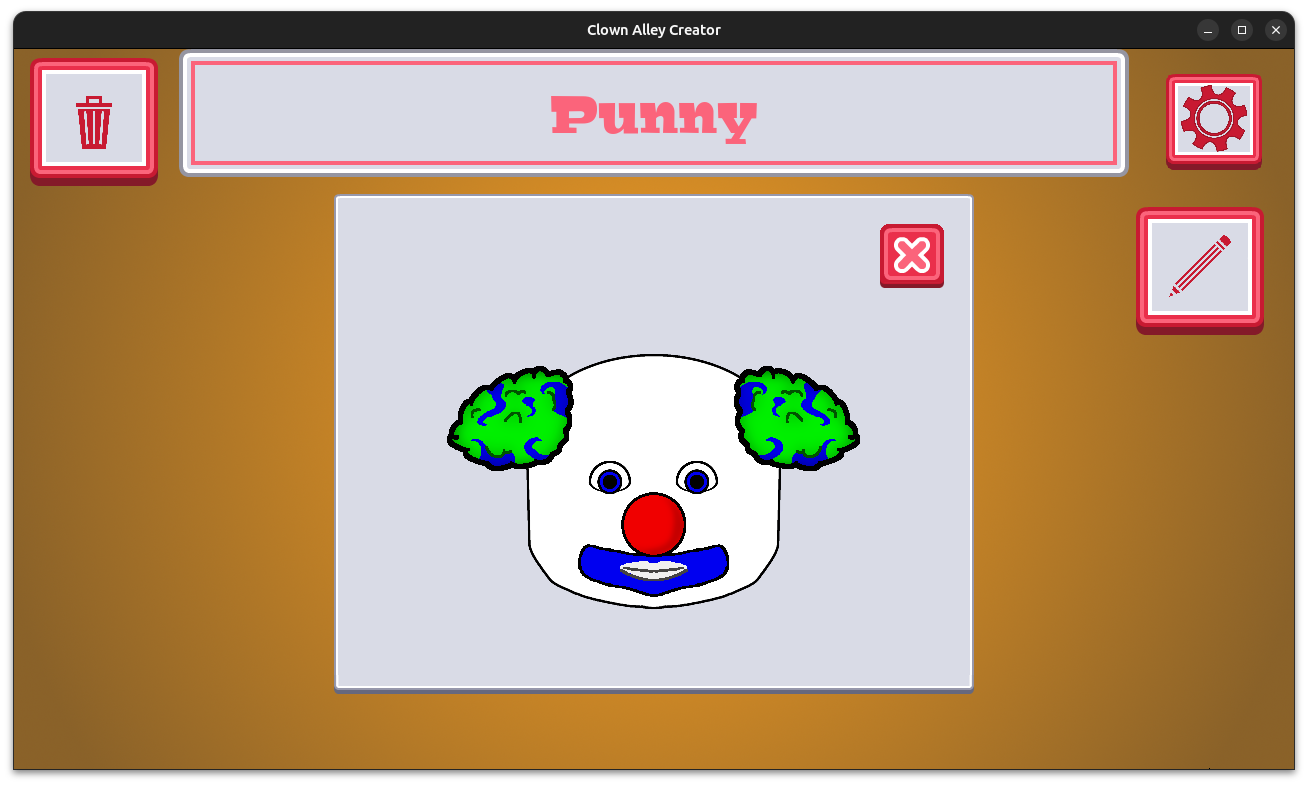
Clown Alley Creator - close-up view of Punny

But now smile make-up looks like:

Clown Alley Creator - new smile make-up

It’s…well, frankly, it’s a work in progress. I know I want some shading, but even then, this art is not making me smile, and I want another crack at it.

So this coming week I will focus on updating the existing make-up options.

Thanks for reading, and stay curious!

Want to learn about future Freshly Squeezed games I am creating? Sign up for the GBGames Curiosities newsletter, and download the full color Player’s Guides to my existing and future games for free!
Categories
Game Design Game Development Geek / Technical

Freshly Squeezed Progress Report: New Noses and Hairstyles

In my previous report, I added the ability to name your clowns and started work on providing more production-ready nose options for my second Freshly Squeezed Entertainment project called Clown Alley Creator, a creativity tool about creating your own fun clowns.

I finished adding noses and started on hair options this past week.

Sprint 2024-13: More noses and more hairstyles

Completed:

  • Create nose options

In Progress:

  • Create hair options

In this project, you can choose to customize your clown’s nose, hairstyle, and more. I was using placeholder art and options up until two weeks ago.

I’m quite happy with how the noses turned out, especially once I added shading, and now that I’ve worked on changing the placeholder hairstyles so that they are production-ready, the game overall looks and feels so much better.

Clown Alley Creator - gallery view

Clown Alley Creator - close-up view of Punny

I just wish I could also do the same with make-up, eyes, and more at the same time, because otherwise it feels like part of the game is more done than the other.

I like the idea of planning my work such that the game is always “done” at any given point, but now I am doing the work in a way that feels uneven. I’m not quite sure if there is a better way to plan the work of adding the production version and variety of options for a given type of customization. Working in a way that I would add a nose option, then a hairstyle, then an eye, etc seems weird.

Anyway, I’m fairly pleased with how the hairstyles are turning out. So far each hairstyle has two variations. One allows for a secondary highlight of color, and the other variation is what I have now learned is called “split-dye” and reminds me that sometimes game design really livens up your browser search history.

Clown Alley Creator - pink hair with highlights

Clown Alley Creator - split-dye hair

Having production noses and hairstyles, the clowns are looking much better, but I can’t wait to work on the make-up to make it more cohesive.

Thanks for reading, and stay curious!

Want to learn about future Freshly Squeezed games I am creating? Sign up for the GBGames Curiosities newsletter, and download the full color Player’s Guides to my existing and future games for free!

Categories
Game Design Game Development Geek / Technical

Freshly Squeezed Progress Report: Naming Your Clowns

Last time, I reported that I had added an options menu with audio toggles and a menu for choosing custom eyes in my second Freshly Squeezed Entertainment project called Clown Alley Creator, a creativity tool about creating your own fun clowns.

I continued adding new features this past week.

Sprint 2024-12: Name Your Clowns

Completed:

  • Allow player to name clown
  • Update navigation buttons

In Progress:

  • Create nose options

Up until now, each clown was identified merely by a number, and when you looked at a particular clown up close, that’s what you would have seen:

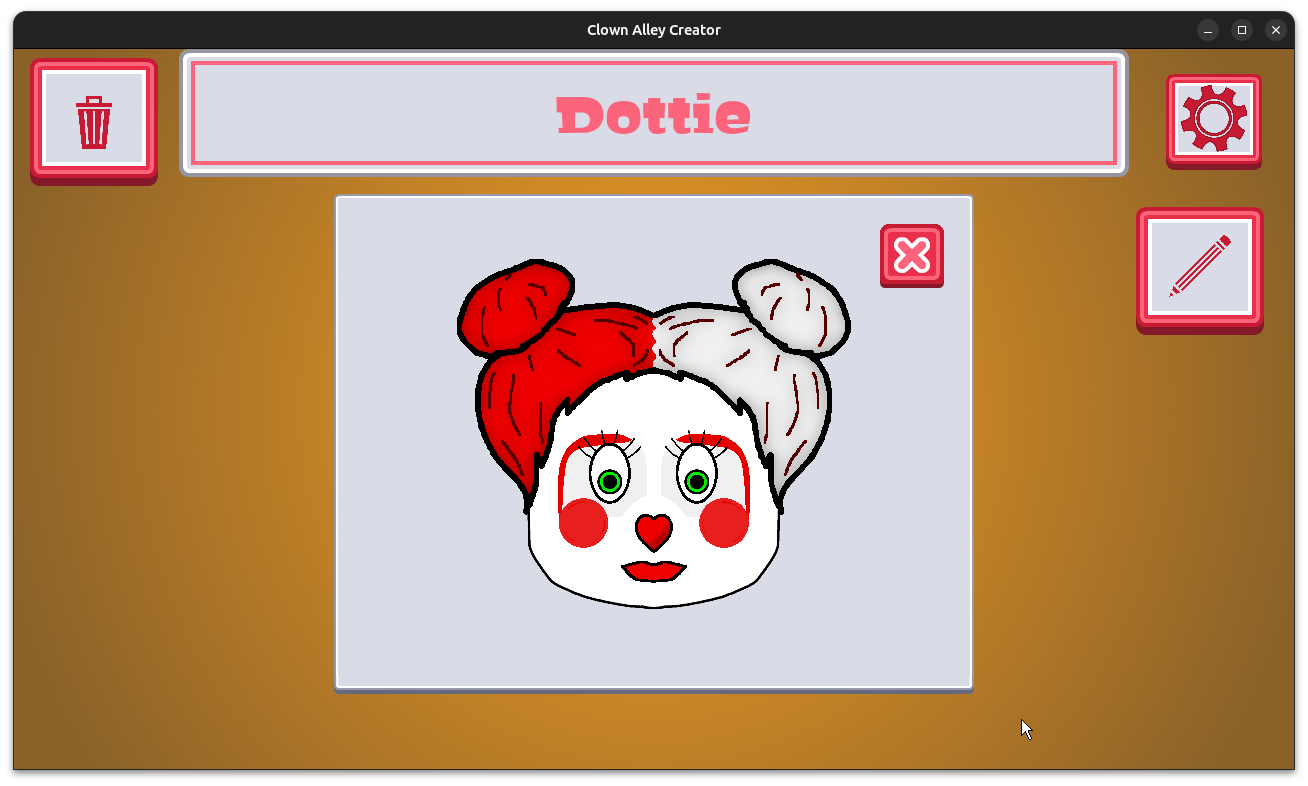
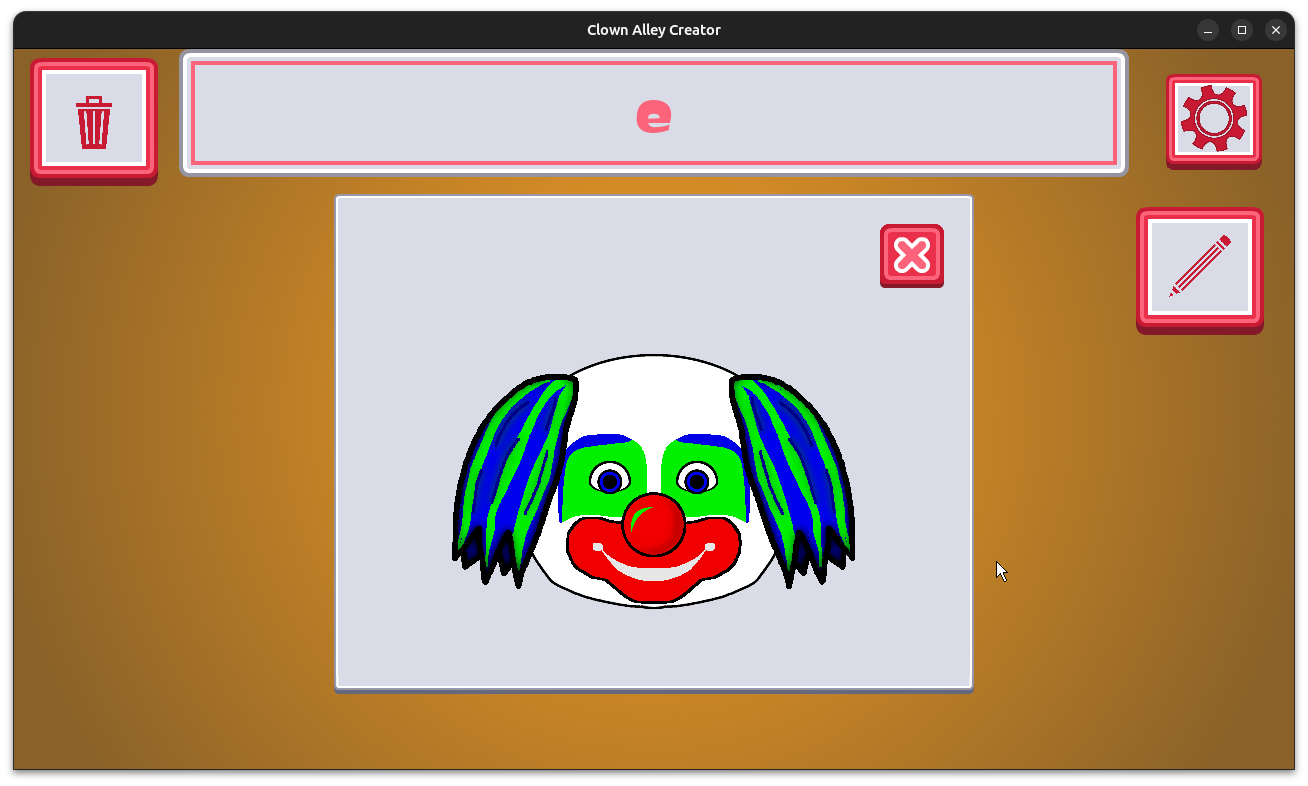
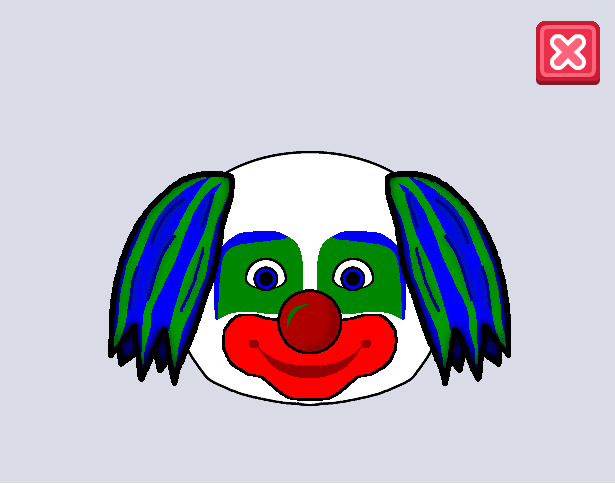
Clown Alley Creator - close-up clown view

Today, if you go to add a clown to your clown alley, you get prompted to name the clown first:

Clown Alley Creator - prompt to name your new clown

If you don’t, you get told you should:

Clown Alley Creator - prompt to name your new clown

And finally, when you view your clown, you see that clown’s name:

Clown Alley Creator - clown view with clown's name

When I first started working on this project, I had envisioned a set of navigation buttons at the bottom of the creator mode, but it was premature, and some of the features they represented got cut.

I finally got around to removing and updating the buttons:

Clown Alley Creator - new creator mode navigation buttons

If I get to it, I would also like to add a button for hats and accessories, but we’ll see in a few weeks or months how things are going.

Finally, I ended the week by updating the existing four nose options and creating a bunch more, which required adding navigation for submenu pages.

Clown Alley Creator - multiple pages of noses to pick

Some of the noses are a bit more textured and sparkly:

Clown Alley Creator - multiple pages of noses to pick

I’m not quite finished creating the various noses, plus I’d like to add some shadows to the existing ones.

Still, I am at the point in the project where much of the feature work is done, and so I am focusing on adding more and more options for each of the submenus in order to provide players plenty of ways to make their own clowns.

Thanks for reading, and stay curious!

Want to learn about future Freshly Squeezed games I am creating? Sign up for the GBGames Curiosities newsletter, and download the full color Player’s Guides to my existing and future games for free!
Categories
Game Design Game Development Geek / Technical

Freshly Squeezed Progress Report: Clown Skin Colors and Eyes

In my last report, I worked on audio sound effects and music in my second Freshly Squeezed Entertainment project called Clown Alley Creator, a creativity tool about creating your own fun clowns.

Since then, I’ve added an options menu and a few more customization options for the clowns you can create.

Sprint 2024-11: Options Menu

Completed:

  • Create gear icon for options menu
  • Allow player to mute SFX and music separately
  • Allow player to choose skin color for clown
  • Create eye options

I started the week working on adding the ability to mute and unmute music and sound effects from within the game, which is why the theme for this sprint was “Options Menu” instead of skin color and eyes, which ended up taking up the larger amount of time and effort.

There were already buttons to toggle audio from the main menu, but the player may want to do so while the game is running, so I created the gear icon and created a modal that pops up over the top of everything.

Clown Alley Creator - options button

Clown Alley Creator - options modal

Then I decided it was time to work on clown skin colors. So far the default was that you were creating a white face clown, but not all clowns have white make-up for a face.

For now, I just used the sample colors I’ve been using for everything else, which aren’t very realistic skin colors or even realistic clown make-up colors, but I’ll work on adding those skin tones and such later.

Clown Alley Creator - a clown with blue skin?

I also wanted to give the player options for eyes. The neat thing is that, assuming my math is correct, now it is possible to create over 9 billion unique clown faces with just the few options currently available! That’s a lot of creativity potential!

Clown Alley Creator - some clowns with unique eyes

And of course, over the next few months, I’ll be adding more and more variety to each menu, so you’ll be able to create your favorite clowns with just the right noses, make-up, and hair styles.

Thanks for reading, and stay curious!

Want to learn about future Freshly Squeezed games I am creating? Sign up for the GBGames Curiosities newsletter, and download the full color Player’s Guides to my existing and future games for free!
Categories
Game Design Game Development Geek / Technical

Freshly Squeezed Progress Report: Colors, Music, and Sound Effects

Last time, I reported that I was adding primary and secondary color options for each selection in my second Freshly Squeezed Entertainment project called Clown Alley Creator, a creativity tool about creating your own fun clowns.

After a somewhat productive week, I not only have finished creating most of the functionality the game needs but also added music and sound effects to make it feel more complete and real.

Sprint 2024-10: Clown Faces

Completed:

  • Create color picker for nose
  • Create color picker for hair
  • Create color picker for make-up layers
  • Create background music
  • Create button press sound effects

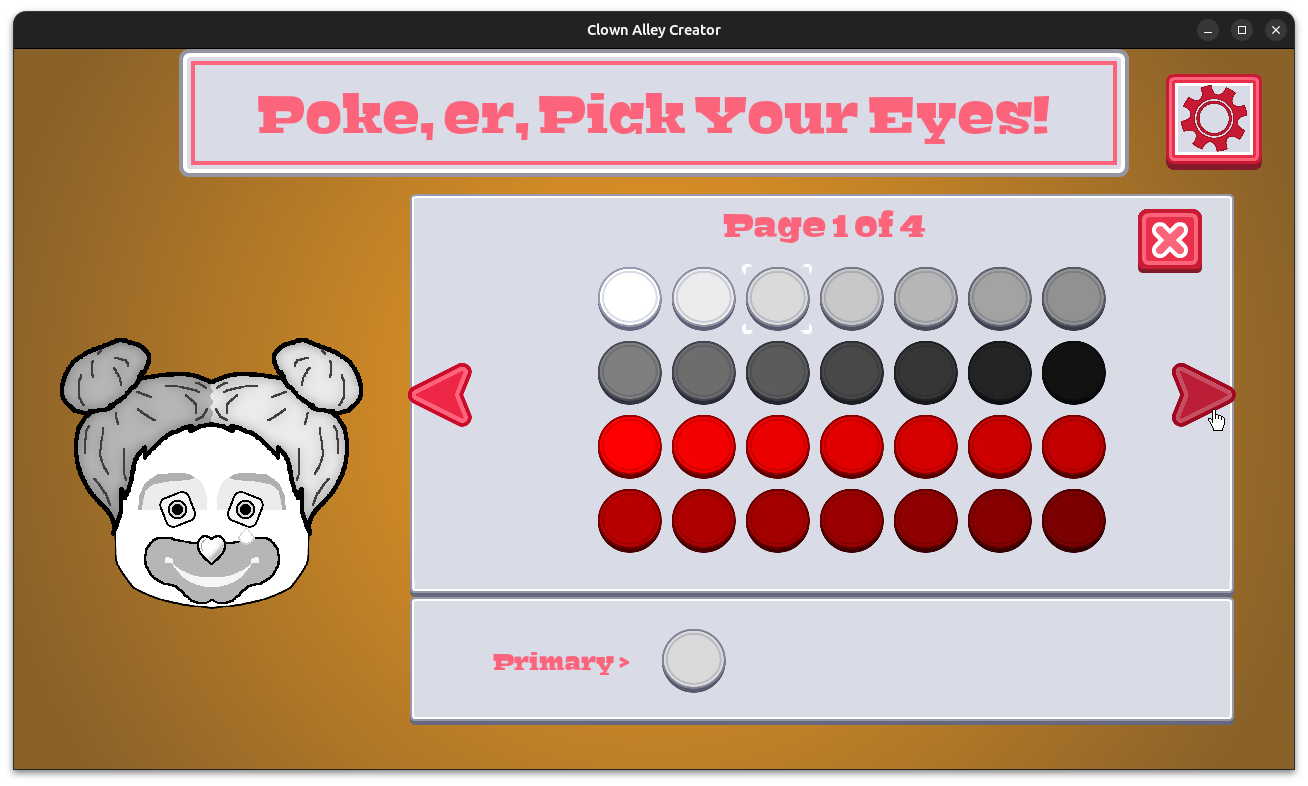
You can now not only choose a custom nose, hairstyle, or make-up layers, but for each of them you can now choose a primary and secondary color.

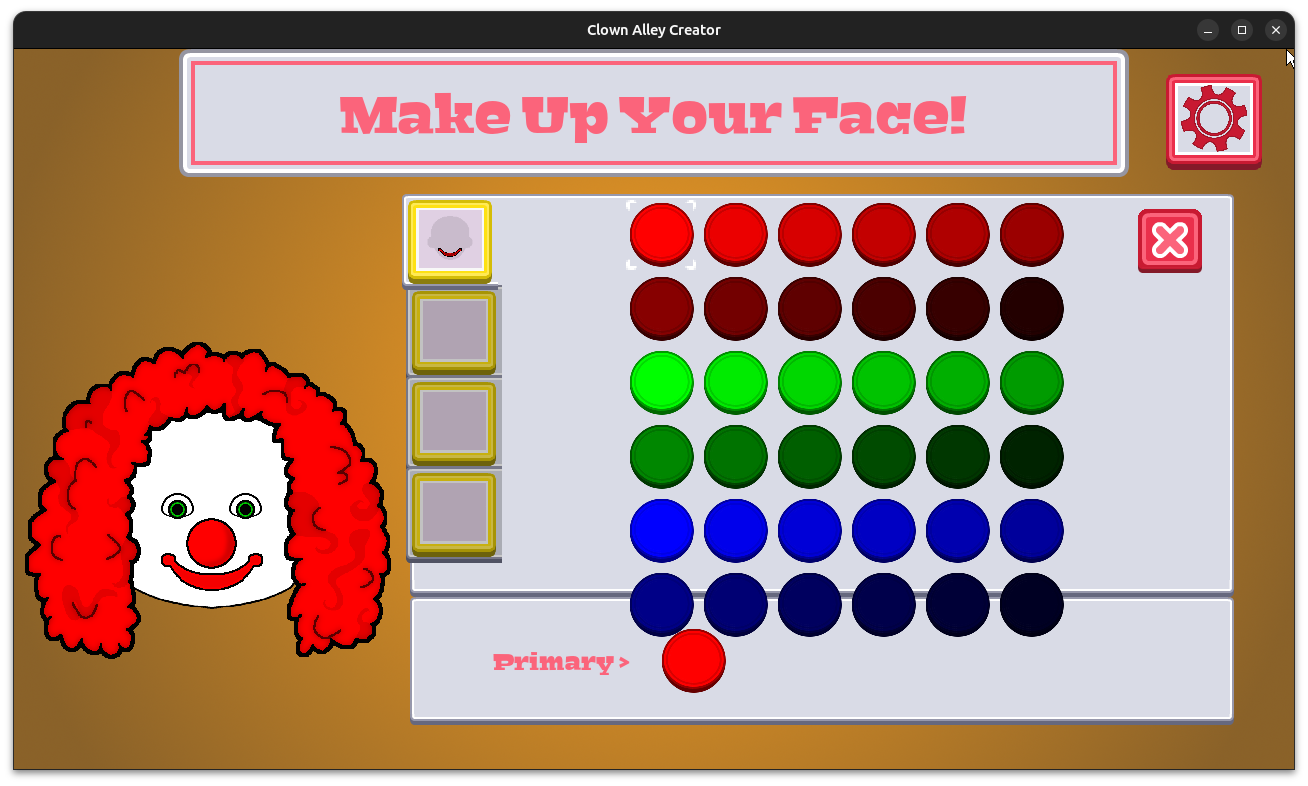
Clown Alley Creator - selecting primary and secondary colors for each option

Clown Alley Creator - selecting primary and secondary colors for each option

Clown Alley Creator - selecting primary and secondary colors for each option

Clown Alley Creator - selecting primary and secondary colors for each option

Now, please (PLEASE!) keep in mind that this is not the final art that I plan to ship with this game when it is released. The point is that each selection can be customized by having two separate colors available if you wish, giving you plenty more options for your creativity.

Normally, audio doesn’t necessarily find its way into a game until the end of a project, but I’m making good progress. As I said, most of features are finished, so in a way it already feels like the end of the project.

And I found a really nice music track on SoundRangers.com during their last Black Friday sale, so I had to get it and think it fits perfectly in this game.

You can hear and see the game in action this clip:

Even with just the test sample of options for the nose, hair, and make-up and six color options I have so far, it is possible to create over 1,000 unique clown faces!

In the coming months, I am expecting that most of the work will focus on creating the many pieces of art for more such options, giving the player a much greater variety of ways to create their own perfect collection of clowns.

And I will get to enjoy the sounds I’ve added whenever I run the game to test out any such changes.

Thanks for reading, and stay curious!

Want to learn about future Freshly Squeezed games I am creating? Sign up for the GBGames Curiosities newsletter, and download the full color Player’s Guides to my existing and future games for free!
Categories
Game Design Game Development Geek / Technical

Freshly Squeezed Progress Report: Creation Mode Layers and Colors

In my previous report, I allowed the player to choose make-up in layers in my second Freshly Squeezed Entertainment project called Clown Alley Creator, a creativity tool about creating your own fun clowns.

After doing some end-of-year review work and writing a post about it, I got back to finishing up the layer work.

Sprints 2024-8 and 2024-9: Clown Faces

Completed:

  • Create make-up option and submenu

Started:

  • Create color picker for nose

If you’re paying attention, you might have noticed that I said I already completed the make-up submenu work last time.

But I realized I didn’t have a better place to capture the idea of adding the chosen make-up icons in the appropriate boxes on the screen, which is what I had left to do.

Clown Alley Creator - layer boxes now show icons

I also added an option to clear your selection.

Once that work was finished, I noted that I definitely have some clean-up work to do, mainly in terms of how the icons look kind of awful when tinted a particular color as it applies to the entire icon and not just the relevant make-up part.

But I’ll worry about splitting the icon up into multiple images later. For now, I am finally adding a color picker menu.

Clown Alley Creator - color picker menu

Basically, there will be a primary and secondary color for each option. So far, I have created the menu to choose a color, so this week I anticipate finishing the color selection menu, saving the player’s selection, and updating the clown previews to show those colors.

I will start with the clown nose, but a lot of this work will overlap with the rest of the chosen options, so I anticipate having the ability to choose colors for every option soon.

The main trick will be separating the nose, hairstyle, and make-up into a main colored part and a secondary highlight/texture part, but that just means each option requires two sprites to be rendered instead of one, so it isn’t much of a trick anyway.

Thanks for reading, and stay curious!

Want to learn about future Freshly Squeezed games I am creating? Sign up for the GBGames Curiosities newsletter, and download the full color Player’s Guides to my existing and future games for free!
Categories
Game Design Game Development Geek / Technical

Freshly Squeezed Progress Report: Clown Make-up

Last time, I reported that I had implemented clown noses and hair and was starting to work on the more complex layered make-up menus for my second Freshly Squeezed Entertainment project called Clown Alley Creator, a creativity tool about creating your own fun clowns.

I made great progress on it and think I’ve had a surprisingly productive December so far.

Sprint 2024-7: Clown Faces

Completed:

  • Create make-up option and submenu
  • Create clown preview make-up cut-outs

Much of this week’s efforts felt like a bit of a struggle, and I’m not sure if it is because I felt like I couldn’t focus on the work or if it was just because it was complicated.

Picking a clown’s nose is just choosing from a set of options, but I had envisioned the make-up menu to be made up of multiple layers.

That is, you don’t just pick a single make-up option. You can layer make-up on top of make-up, allowing you to mix and match options to create a clown face the way you want it.

Clown Alley Creator - make-up submenu with layers

As you can see, there are potentially four different layers of clown make-up available. I created some sample options that include the mouth as a smile or as a frown, a teardrop on either side of the face, and buckteeth.

Here you can see a clown face with a frown and a left teardrop.

Clown Alley Creator - make-up submenu with two layers of menus

To finish up this work, I want to show the icon in the box corresponding to the layer it applies to, number the layers to make it clear which order they go in (I think bottom to top is intuitive, especially for people who use art programs like Gimp or Photoshop), and finally choosing colors.

Right now, make-up is defaulted to a blue color just so I can see it differentiated from the hair and the nose, but I want to allow the player to choose primary and secondary colors for each option. What this means is that the various sprites for the clown face will need to be split into primary and secondary versions. In the case of hair, maybe it look like streaks of color, and in the case of make-up, perhaps outlines around the mouth and teardrops and such.

With Christmas coming so soon, I doubt I’ll be as productive as I’ll be spending more time at family and social events, plus I’ll want to spend time creating my annual year in review blog post. Still, I feel like I’m ending this year having made some great progress on this new project.

Thanks for reading, and stay curious!

Want to learn about future Freshly Squeezed games I am creating? Sign up for the GBGames Curiosities newsletter, and download the full color Player’s Guides to my existing and future games for free!