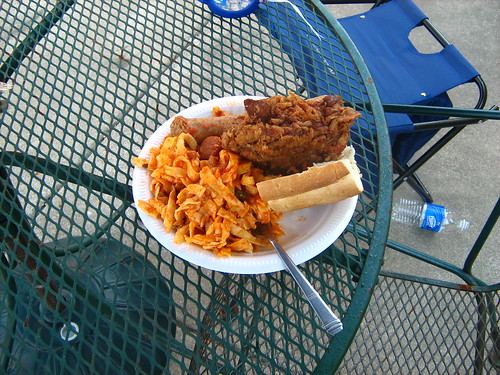
But I will eat some food while I am there.
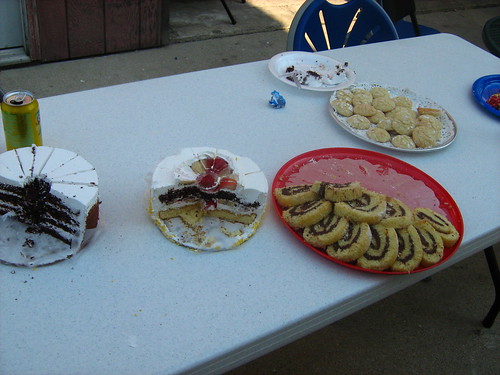
Dessert was a bit better, especially those Nutella-filled spiral thingies:
I’m back, and I have a few hours to add sound and upload a completed entry.
Happy birthday, Nana!
 GBGames
But I will eat some food while I am there.
Dessert was a bit better, especially those Nutella-filled spiral thingies:
I’m back, and I have a few hours to add sound and upload a completed entry.
Happy birthday, Nana!
My grandmother’s birthday is today, so I’ll be taking a bit of a break to go to her house and help everyone celebrate it.
I was thinking of bringing my laptop, but there probably wouldn’t be anywhere I could work with it, and knowing how things would go, there would likely be something spilled on it before I got back home.
So I’m cutting it down to the wire. As of this writing, there are 6 hours, 36 minutes left in the competition. All I want to do is add sound effects, and then I can submit the game. Will it take me long to add the sound effects? Will it take me long to package up my submission, source code and all? Stay tuned for my next entry, possibly titled “Blue wire or red wire? THERE’S NO TIME!”
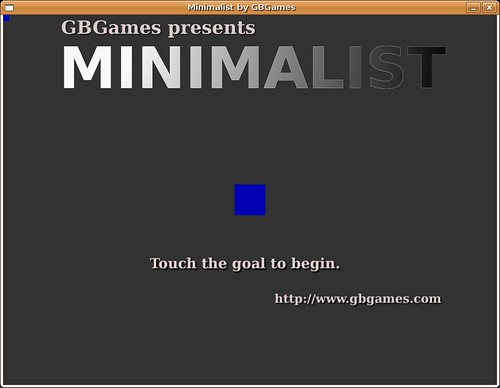
I have a main menu:
And gameplay:
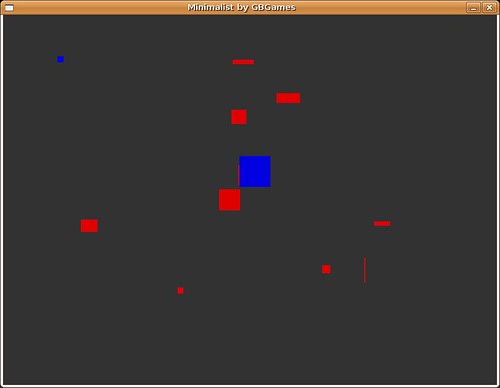
I need sound effects, but I have made a game for Ludum Dare!
I have gameplay now:
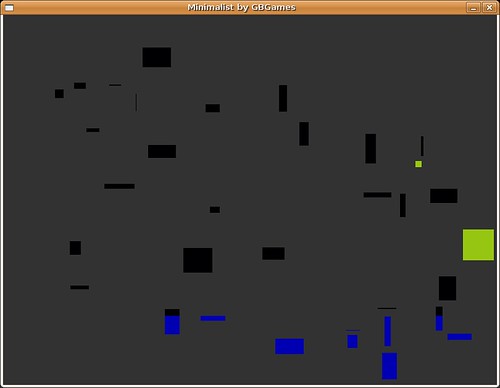
Er, you can’t tell from the screenshot, but the small square is your mouse cursor. The large square that is the same color is the goal. There are as many obstacles as the level number, so level #5 will have five obstacles.
The rectangles are obstacles you need to avoid to get to the goal. If you touch an obstacle, you go back to the beginning. They vary in size, so sometimes a single pixel can trip you up. Be careful!
Today’s breakfast was minimal:
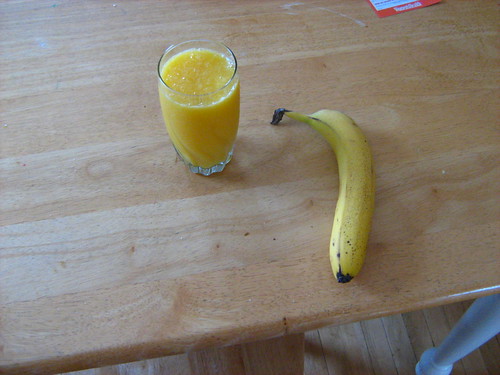
That’s orange juice with extra pulp right there. Mmm, hmm!
It’s 3AM, and I’m going to sleep.
I have a mouse cursor image, and I have a second image, and I can determine when the two are colliding. I’m getting close to a game.
I finally have graphics. These are SDL RectFills that are using random red, green, and blue attributes, and the offset matches the mouse cursor’s position:
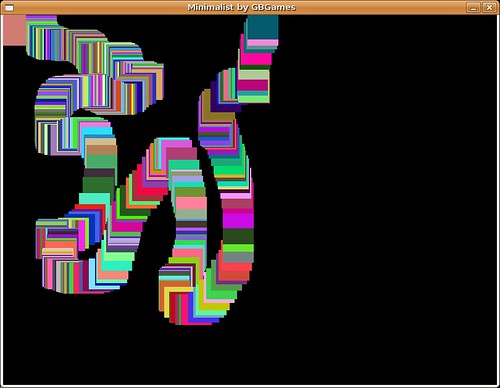
I plan on providing a sprite and making sure that there are other sprites in the playing area. I want to detect when your mouse-following sprite hits other sprites, and you will win or lose depending on which you touched.
The part that took me so long to get here was figuring out that I was using the variables incorrectly. Maybe I need more sleep. Or caffeine.
At Hour 0:
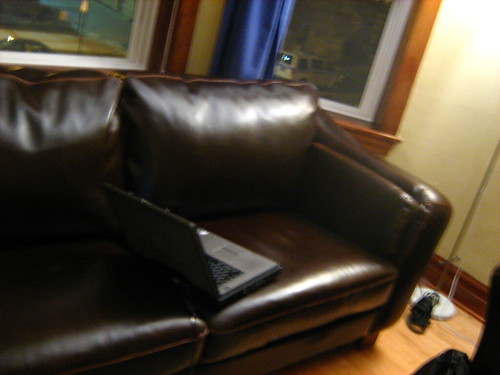
At Hour 24:

I’m rusty with libSDL and haven’t made too many games in general, so I am breaking out reference books left and right.
I decided to eat a quick dinner.
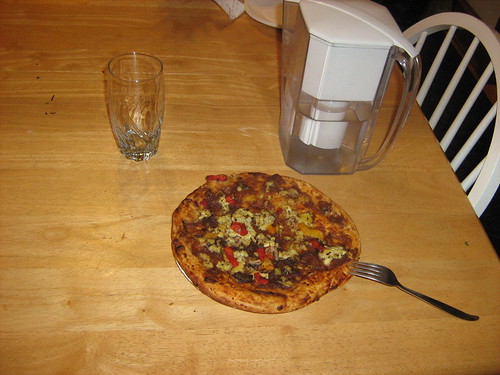
That’s a vegan pizza. Now, this isn’t a fake cheese pizza, so don’t get disgusted yet. This pizza is just made with different ingredients. It’s actually quite delicious, and it only takes 10 minutes to cook.
Unfortunately, I also found out that my fridge is leaking. I’m not sure why, but it has to have been a recent development. Luckily, the World Wide Web saves me again, and I can watch How to Fix a Leaking Refrigerator which tells me it could be one of three things.
Actually, it turned out that there was a fourth thing. The bottom of my fridge was filled with water! The best explanation is that over a month or so ago, I turned the setting down to a lower intensity, and so there must have been some condensation that I never noticed. I’ll be keeping an eye on this leak.
One day down, one more to go!
I have been adding mouse support to my game. As I never implemented mouse control before, ever, why not do so in a time-based competition?
I am surprised at how complicated it can be to support mouse input in my existing input system, but one thing it did teach me is that I think my input system design needs to be reworked. For example, if my game wants to know the status of the pause key, it has to keep track of the status and ask my input system for the current status. As you press and release keys, the input system updates an array, but the game itself doesn’t know when a key’s status is updated until it asks and sees that it is different.
Here’s my actual game.cpp code:
if (!m_pauseKeyPressed && InputSystem::getInstance()->isKeyPressed("Pause"))

    {

        m_isPaused = !m_isPaused;

        m_pauseKeyPressed = true;

        if (m_isPaused)

        {

            m_isPaused = !m_isPaused;

        }

    }

    else if (!InputSystem::getInstance()->isKeyPressed("Pause"))

    {

        m_pauseKeyPressed = false;

    }
All of that code is needed just to pause and unpause the game.
A simpler way to do it is to have callbacks. When a key is pressed or released, it will call a function called OnKeyPress() or OnKeyRelease(), and those functions can do whatever they want. If the pause key is pressed, the OnKeyPress() function can call the PauseKeyPressed() function. I no longer have to keep the state of the key in both the input system and the game.
In a similar way, mouse movement and button handling would work better with callbacks. Right now, since I don’t have callbacks, I have to make the game keep the status of the mouse and check if the mouse button had been pressed or was already pressed.
But it’s Ludum Dare. If the code wasn’t hastily put together and ugly, you were doing it wrong. B-)