Categories
Game Design Game Development Geek / Technical

Freshly Squeezed Progress Report: Little People in the House

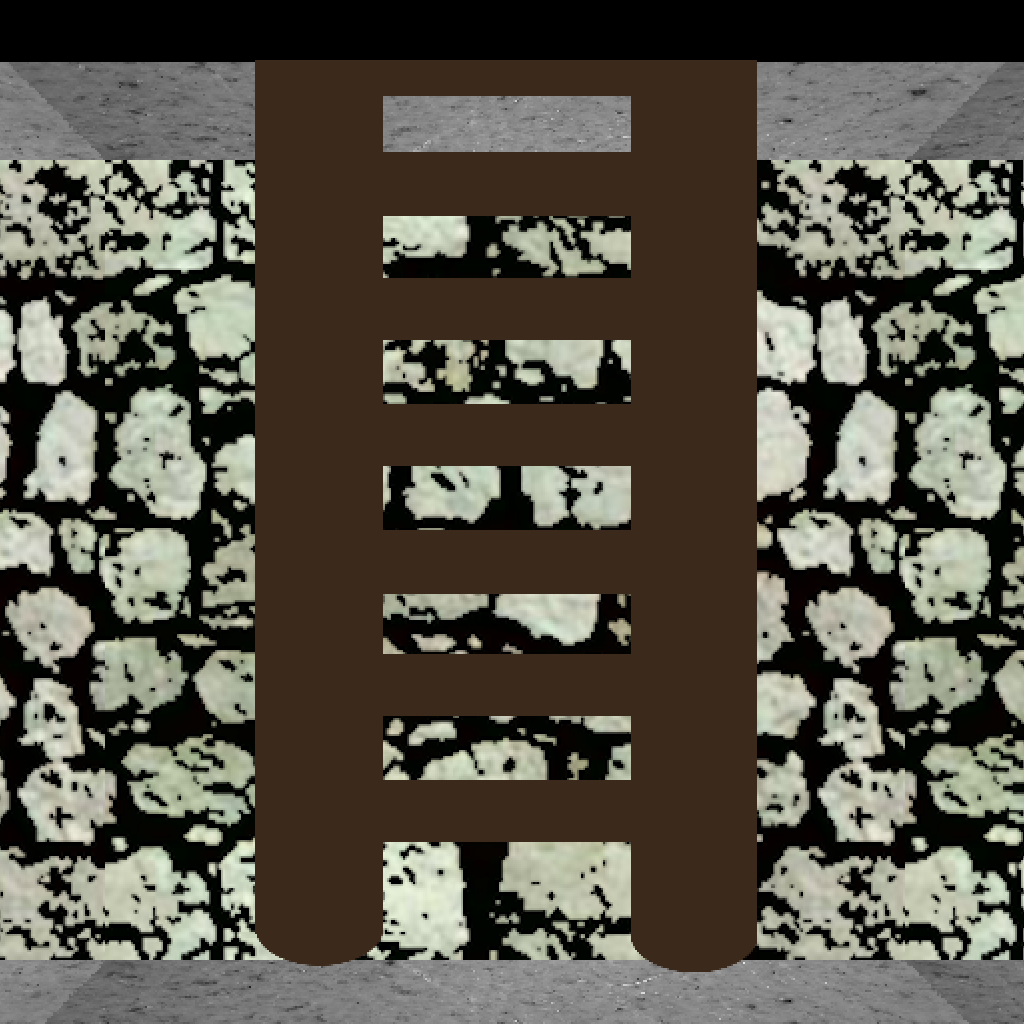
In last week’s report, I finished working on doors (for now) and got ladders into The Dungeon Under My House, my second Freshly Squeezed Entertainment project.

My intention for the next week was to make sure someone else can play the game, as it was a goal of mine for the quarter.

Sprints 24: Pre-production and initialization

Planned and complete:

  • Create Android version

Unplanned and complete:

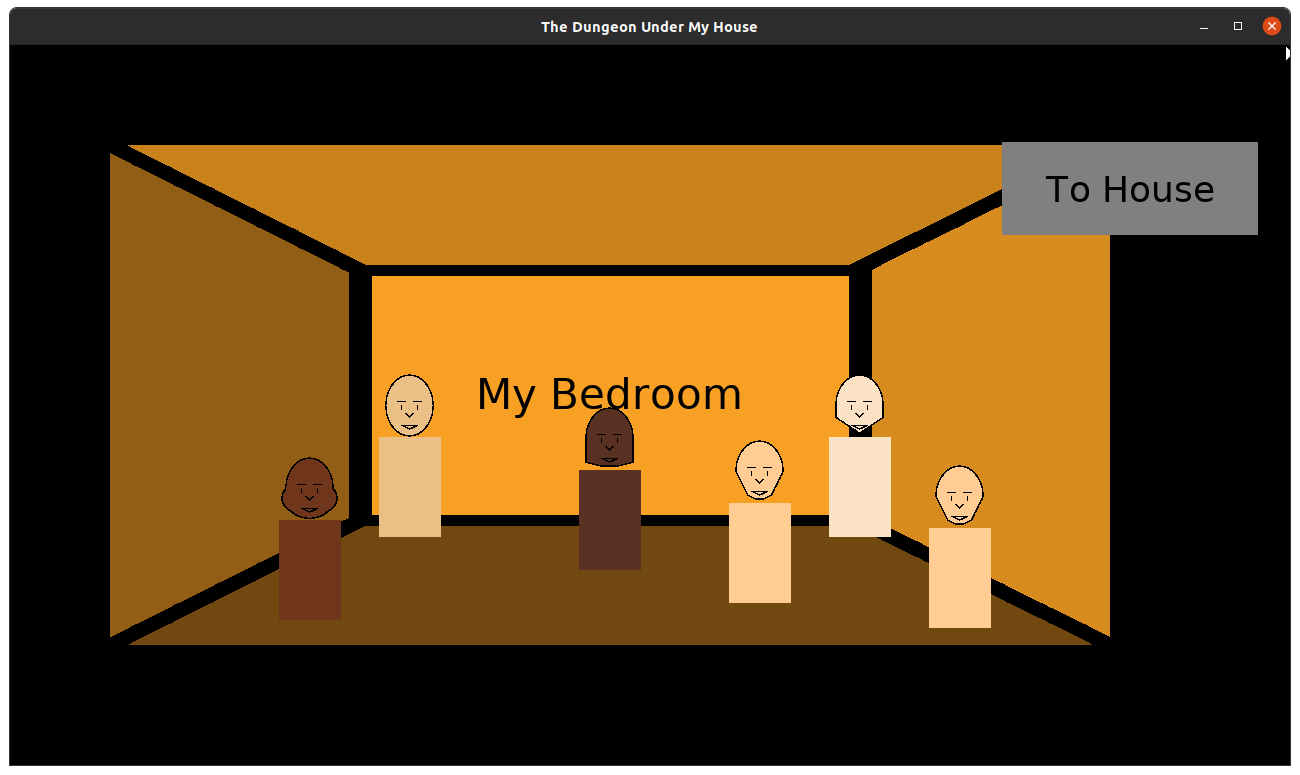
  • Place family and friends in house

Unplanned and incomplete:

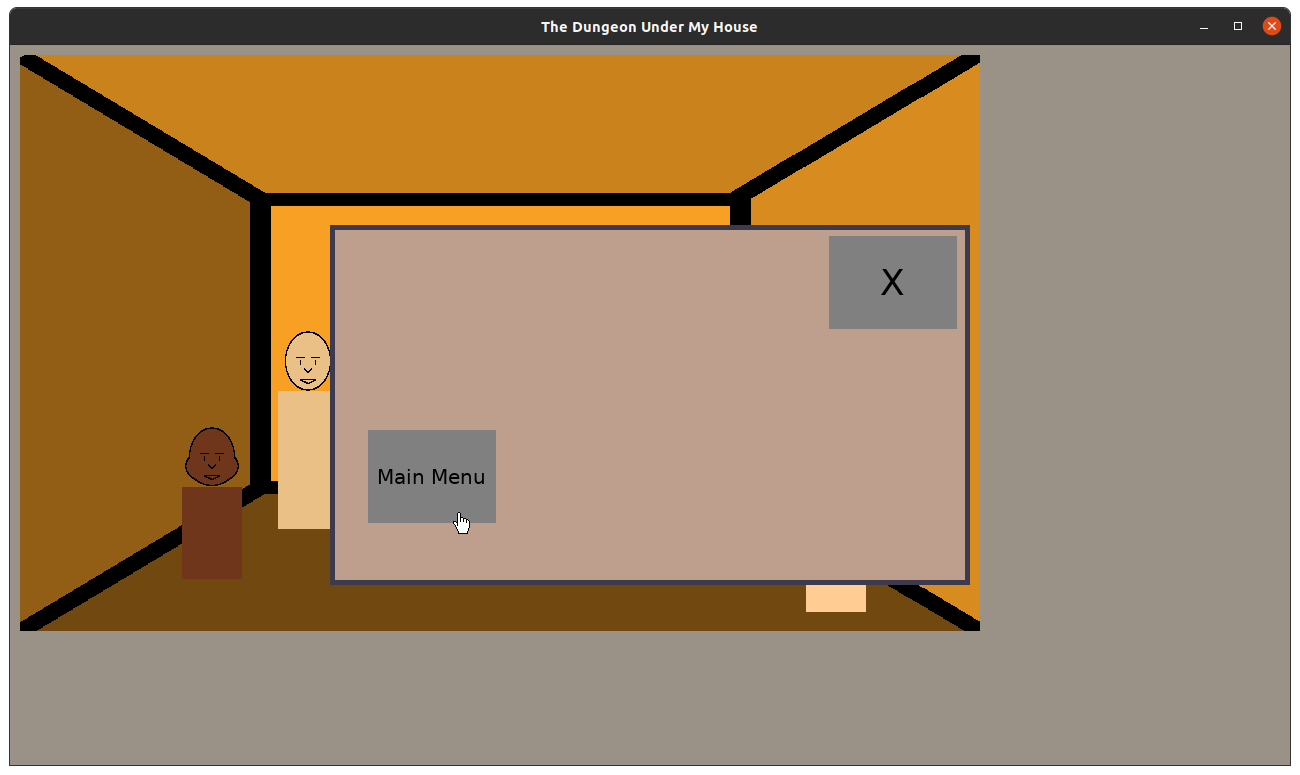
  • Quit to main menu

Creating the Android version was a lot more straightforward than I anticipated, mainly because I have the build scripts and everything I need.

All I had to do was create an app icon.

The Dungeon Under My House - App icon

It’s a temporary app icon, as eventually I want to get better, more permanent art into the game anyway, but I am wondering if there is a great icon for this game that isn’t a hallway or a door or the ladder.

Running the game on my Android phone, I found that the performance in the dungeon was not great. On the one hand, it worked. I could actually move about in the dungeon and my phone didn’t explode or burn up. But movement was a lot less smooth compared to my desktop.

I know my code wasn’t optimized, but I wonder if the issue is with the speed of the code or with the entire premise of raycasting as many columns as I have.

The final game might have a smaller viewport for the dungeon, which might make the game look a lot more blocky and pixellated than I want.

I didn’t end up sharing this version with anyone, but now I know that my game functions well enough on Android and can be easily built and shared going forward.

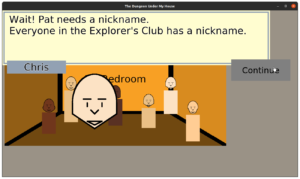
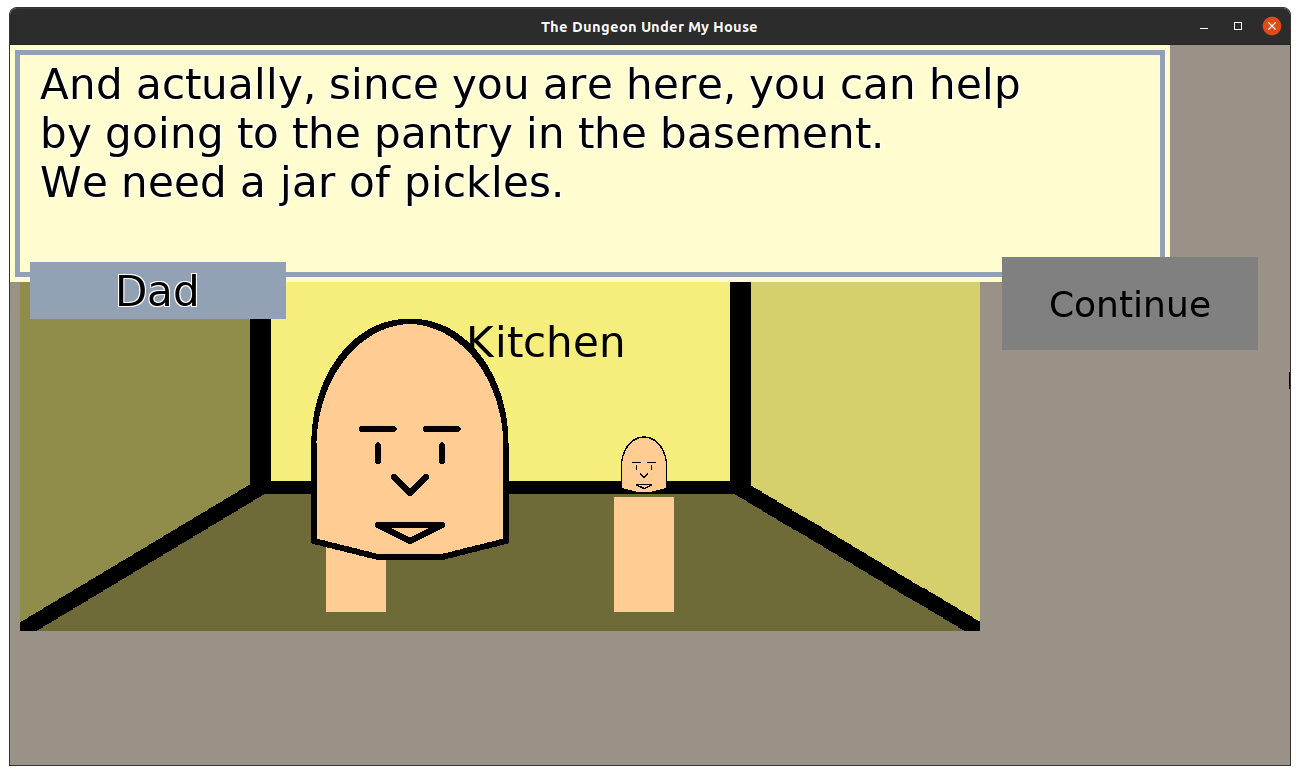
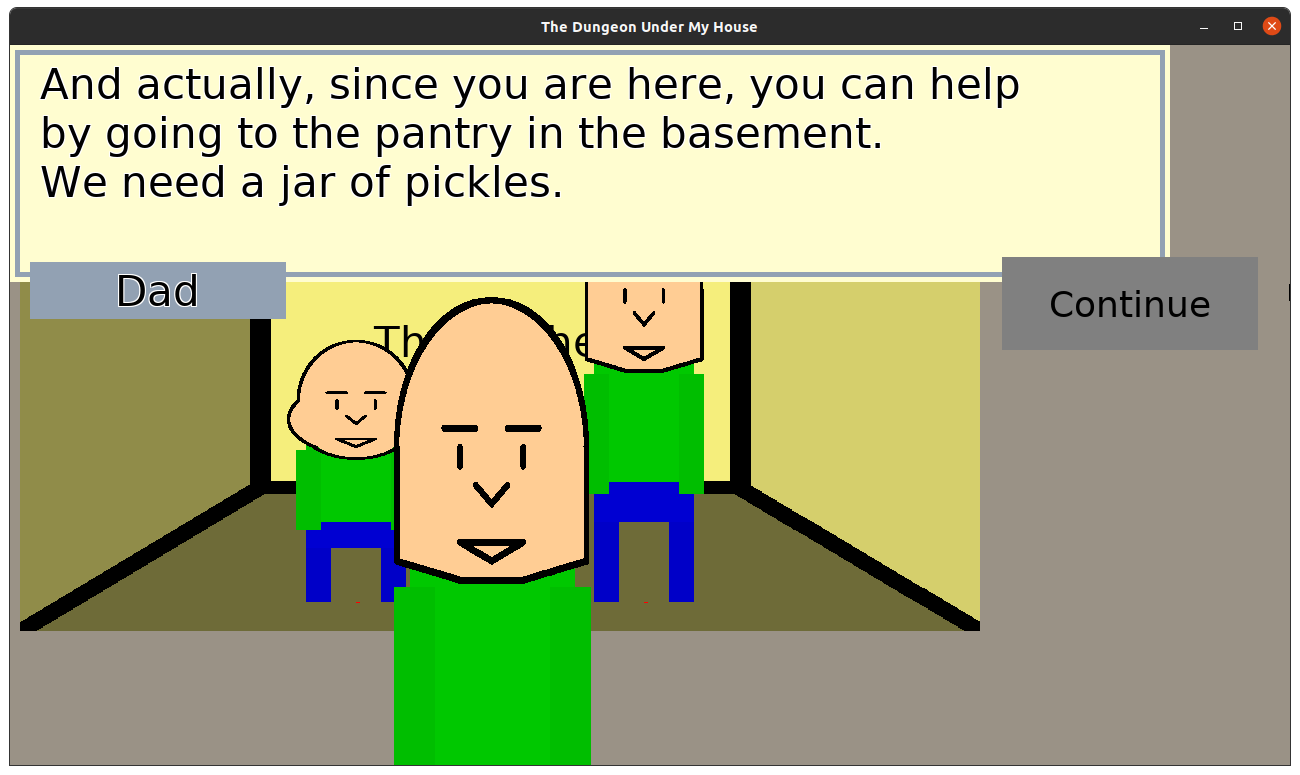
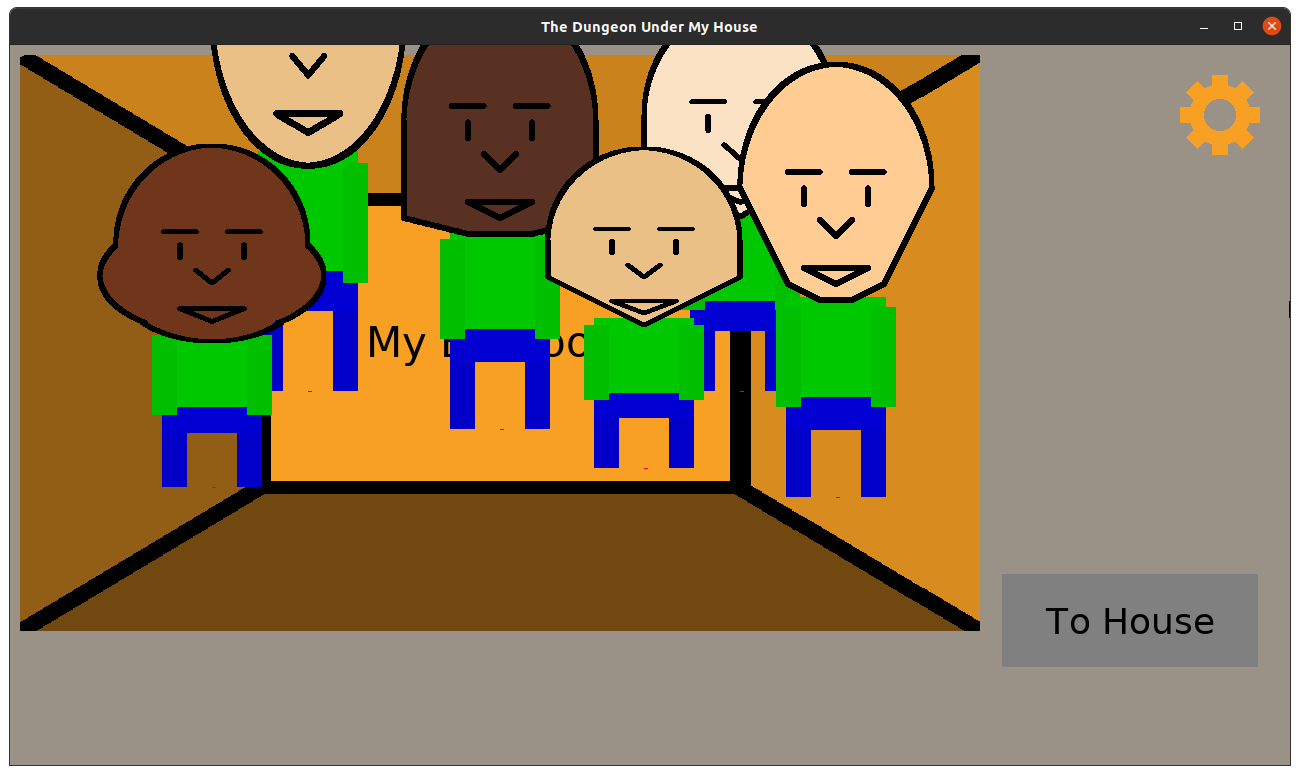
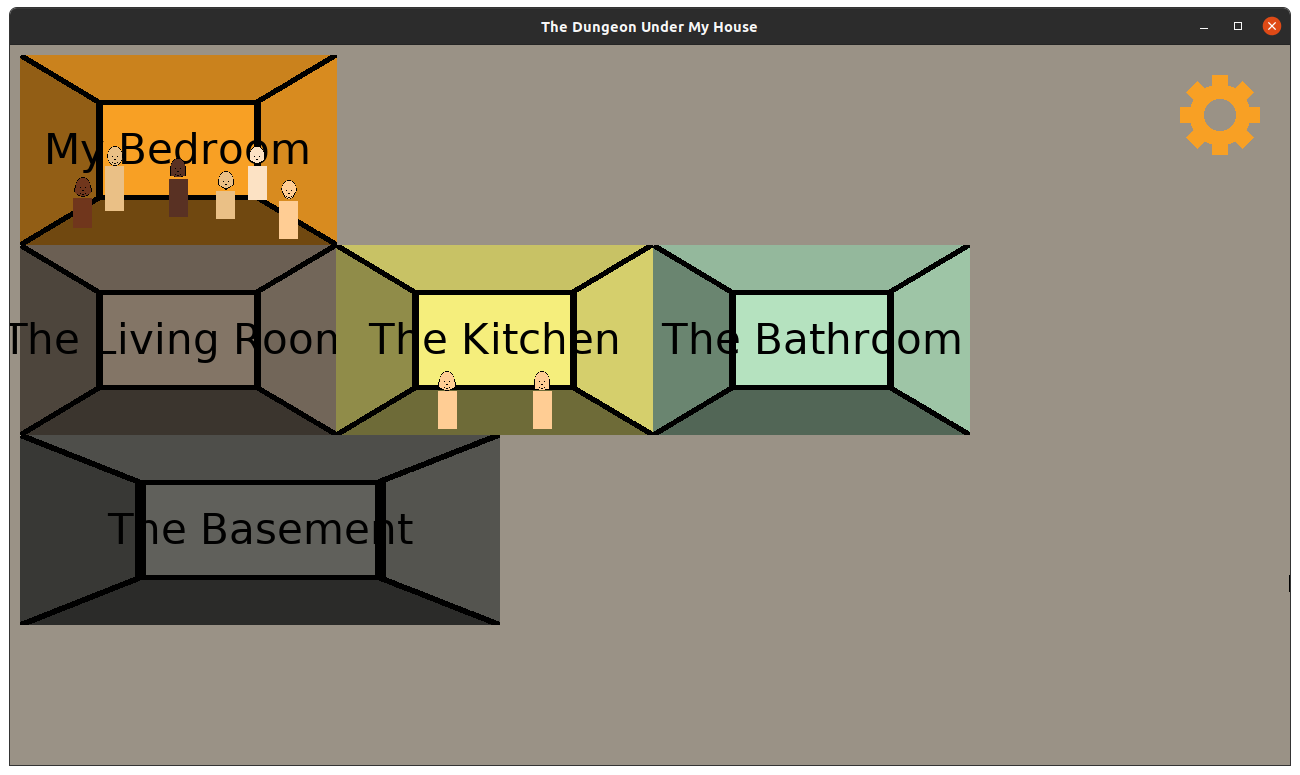
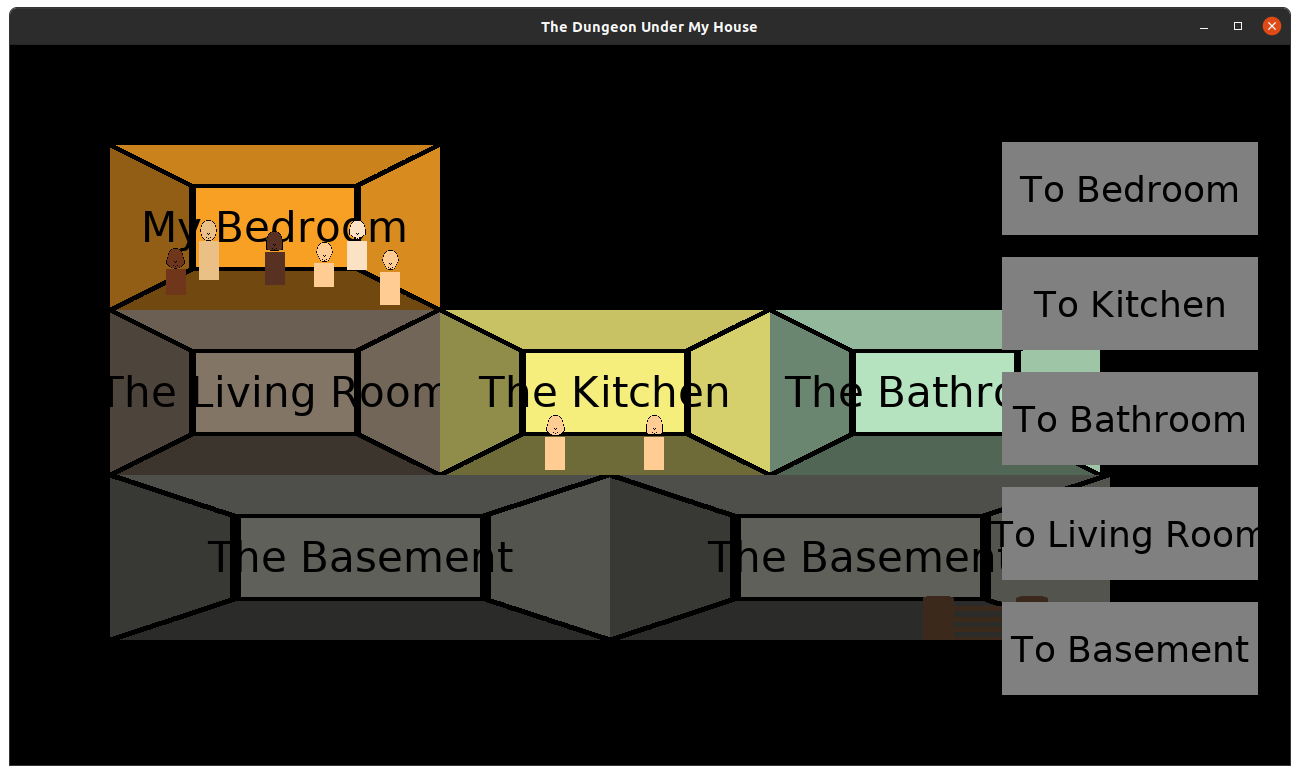
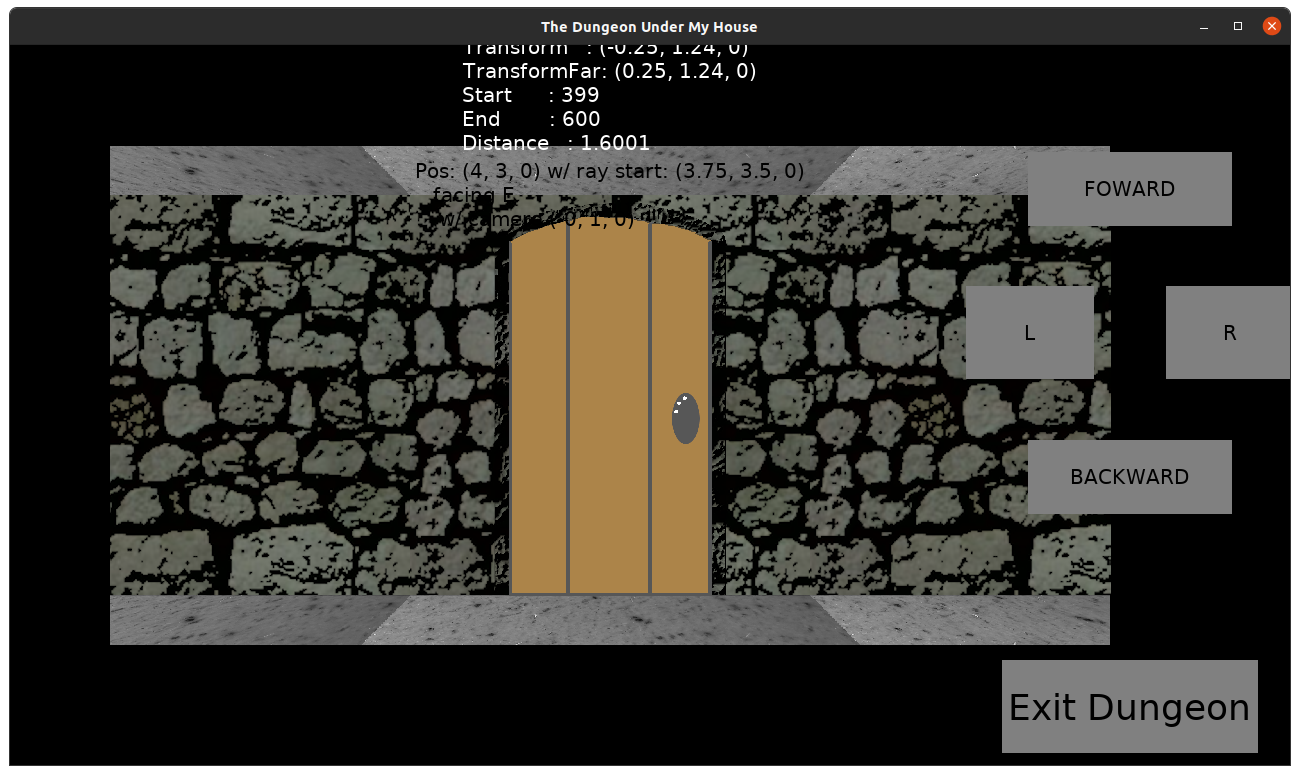
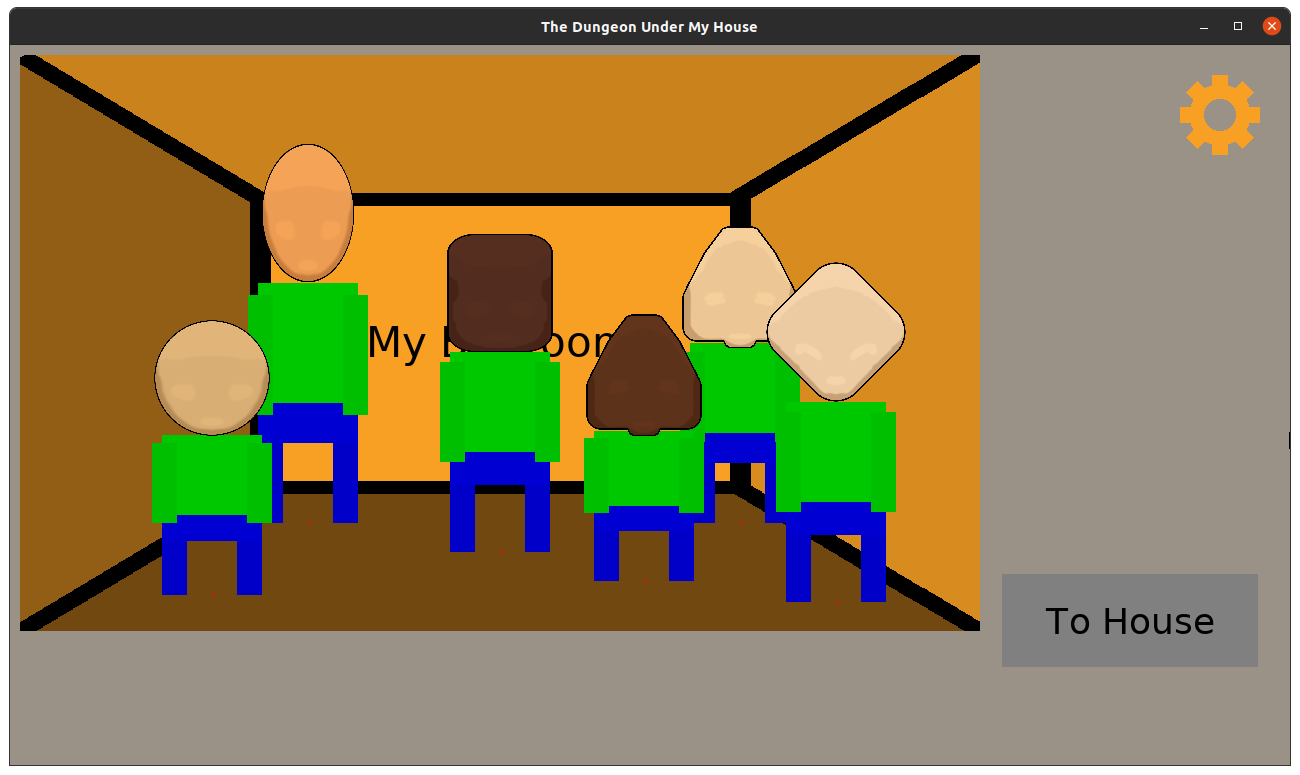
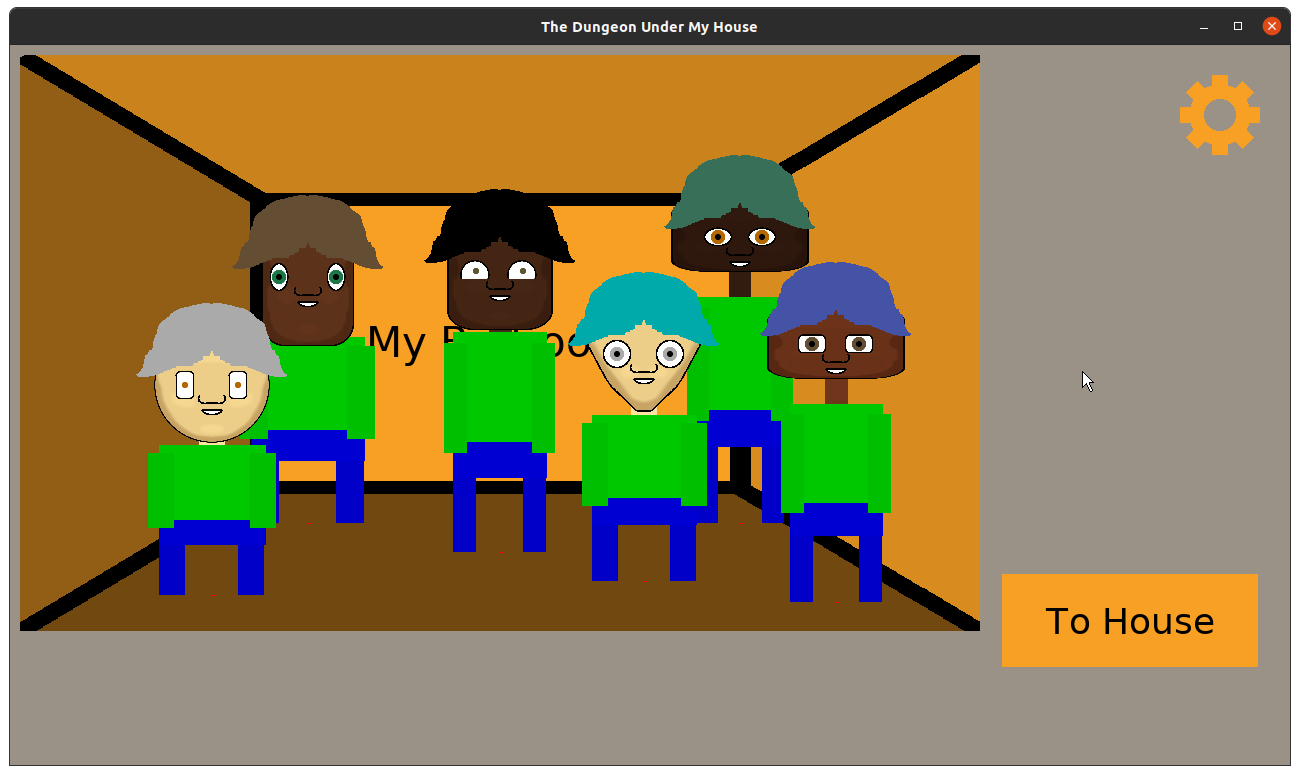
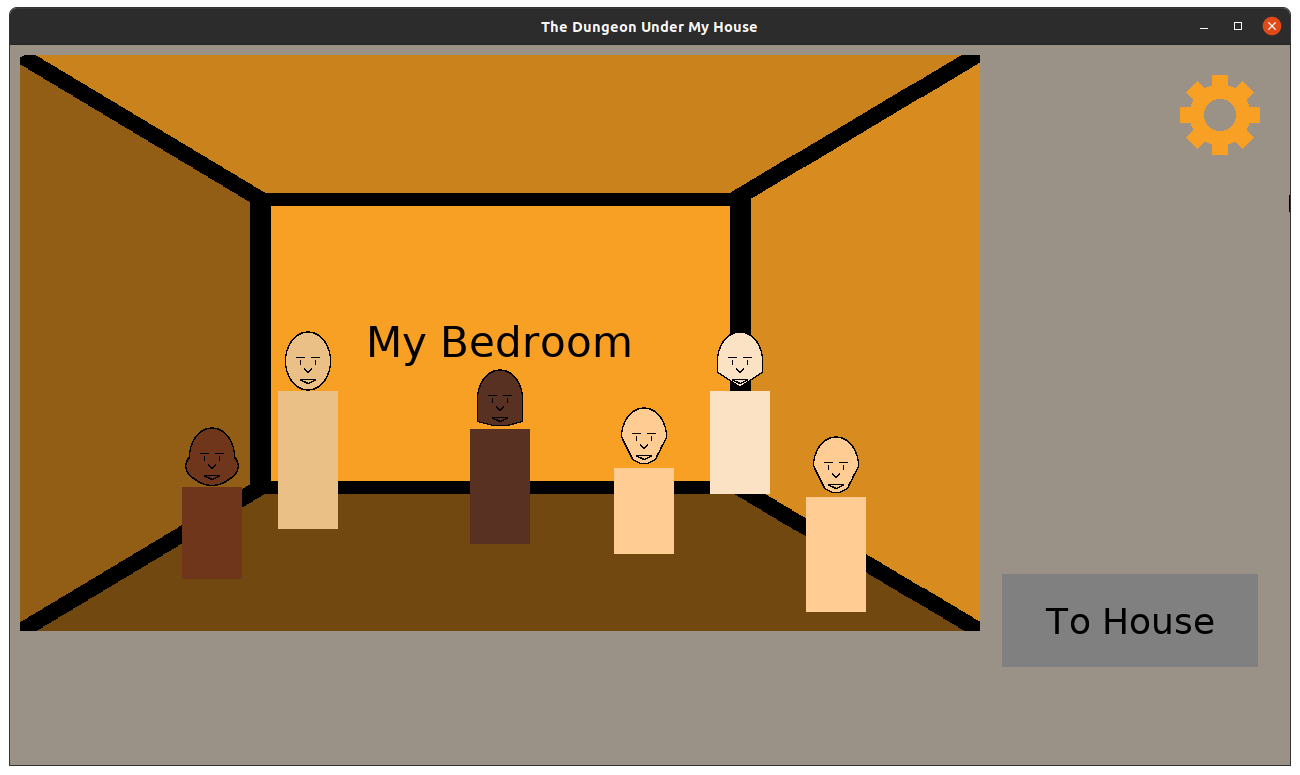
Next, I revisited the house. I wanted to get the Explorer’s Club and the parents into the game. While the dungeon is a 1st person view, the house is like a dollhouse seen from the side.

The Dungeon Under My House - friends and family in the house

The Dungeon Under My House - friends and family in the house

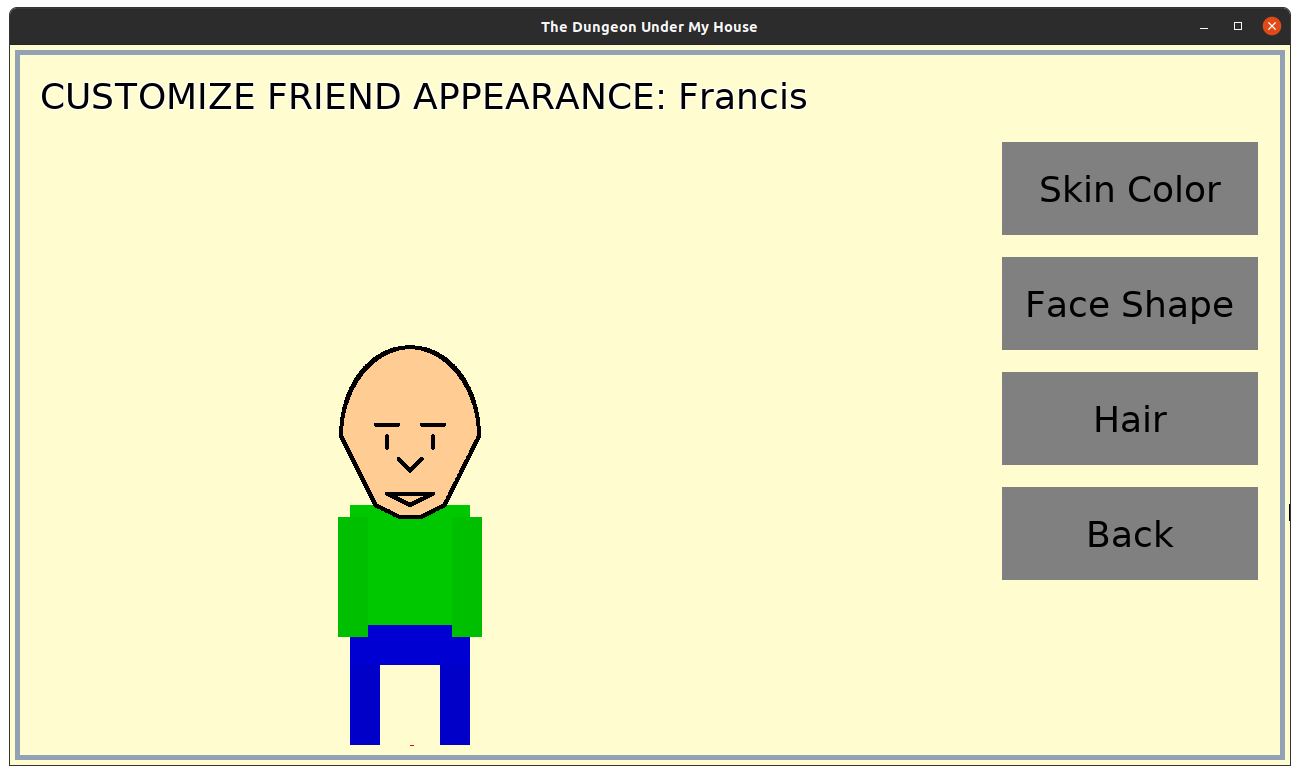
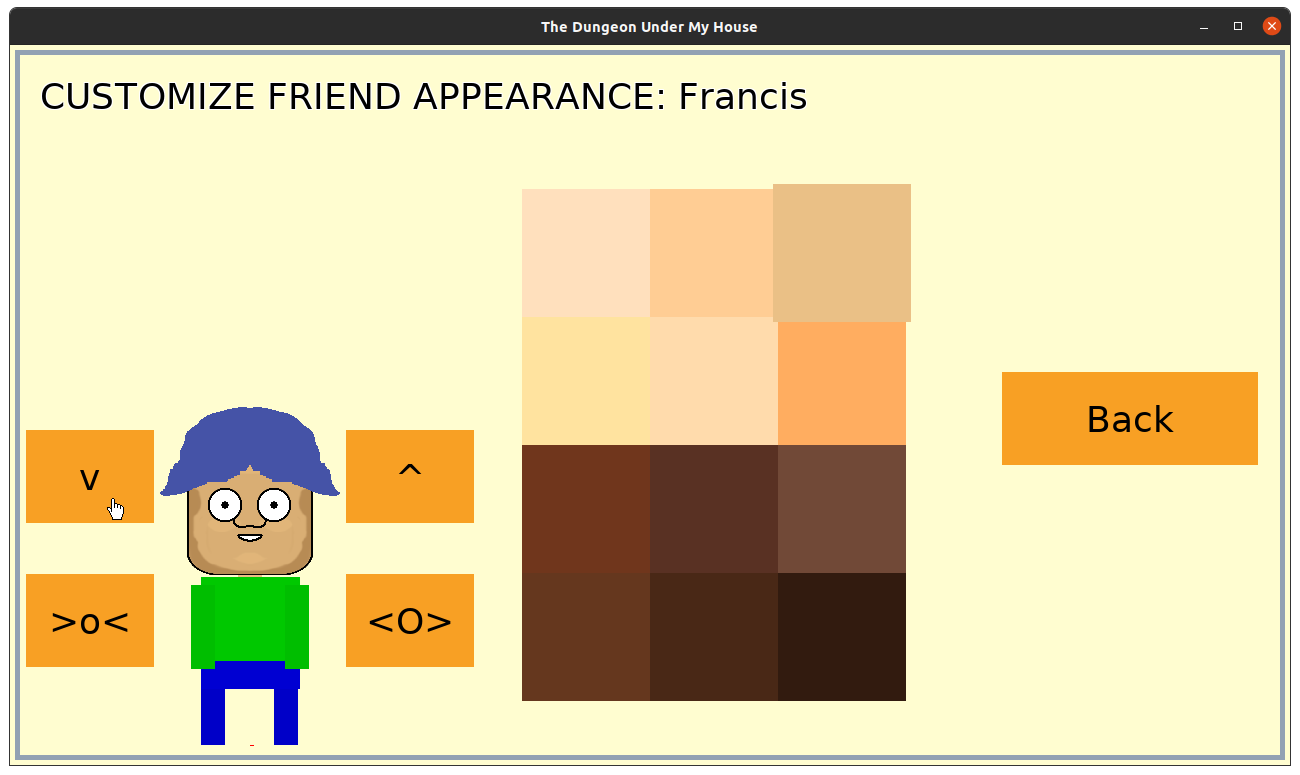
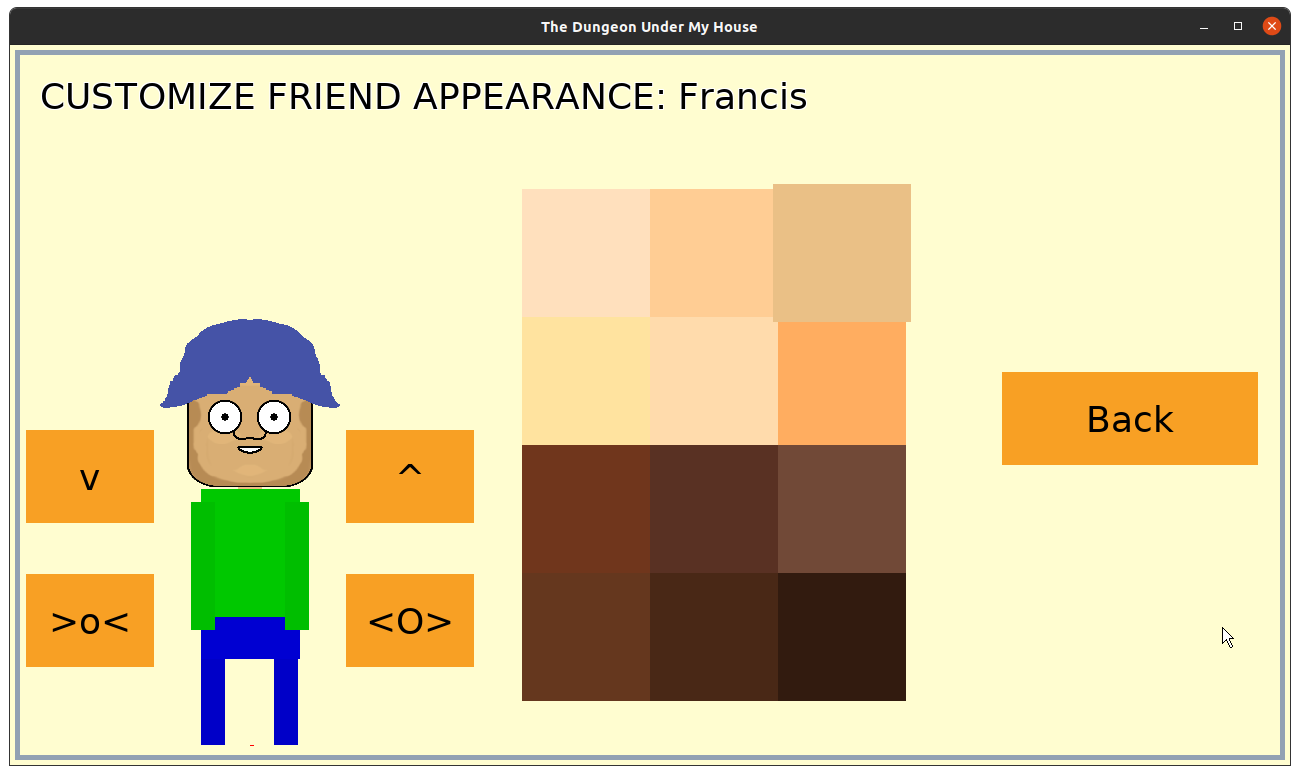
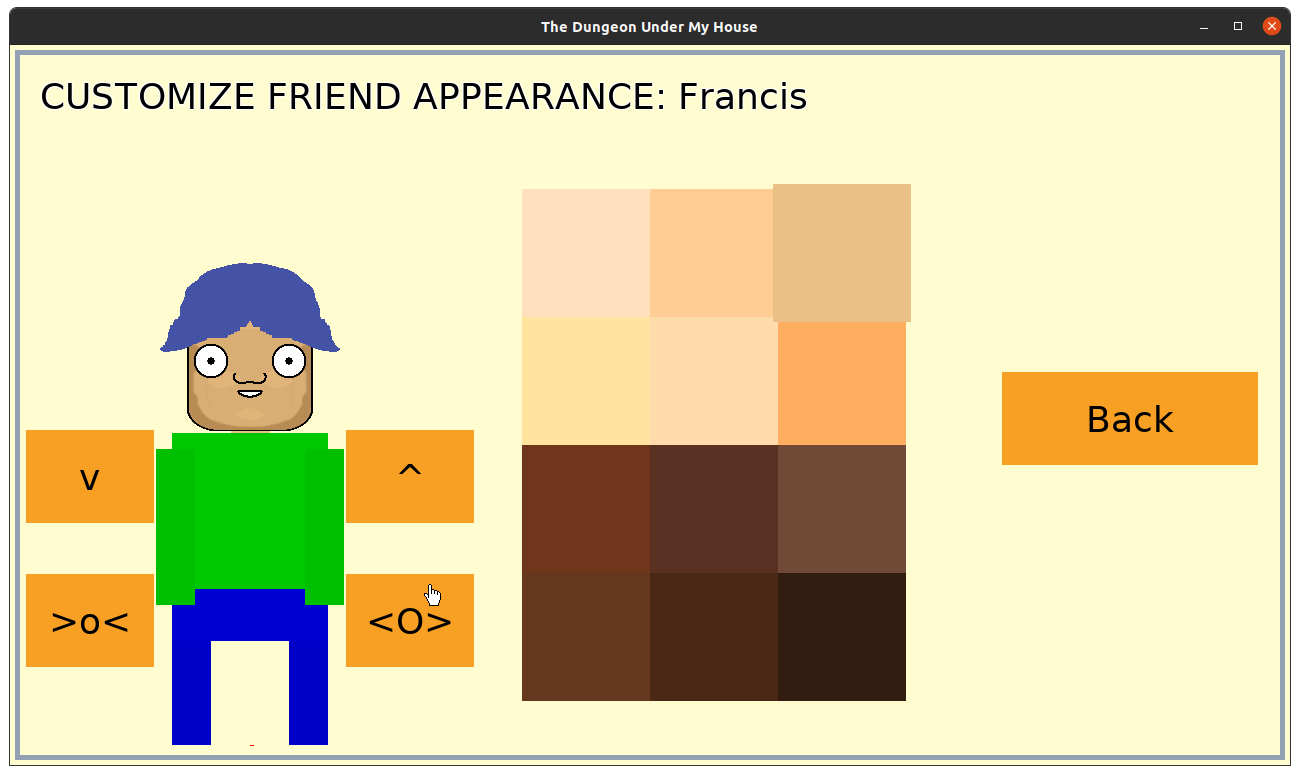
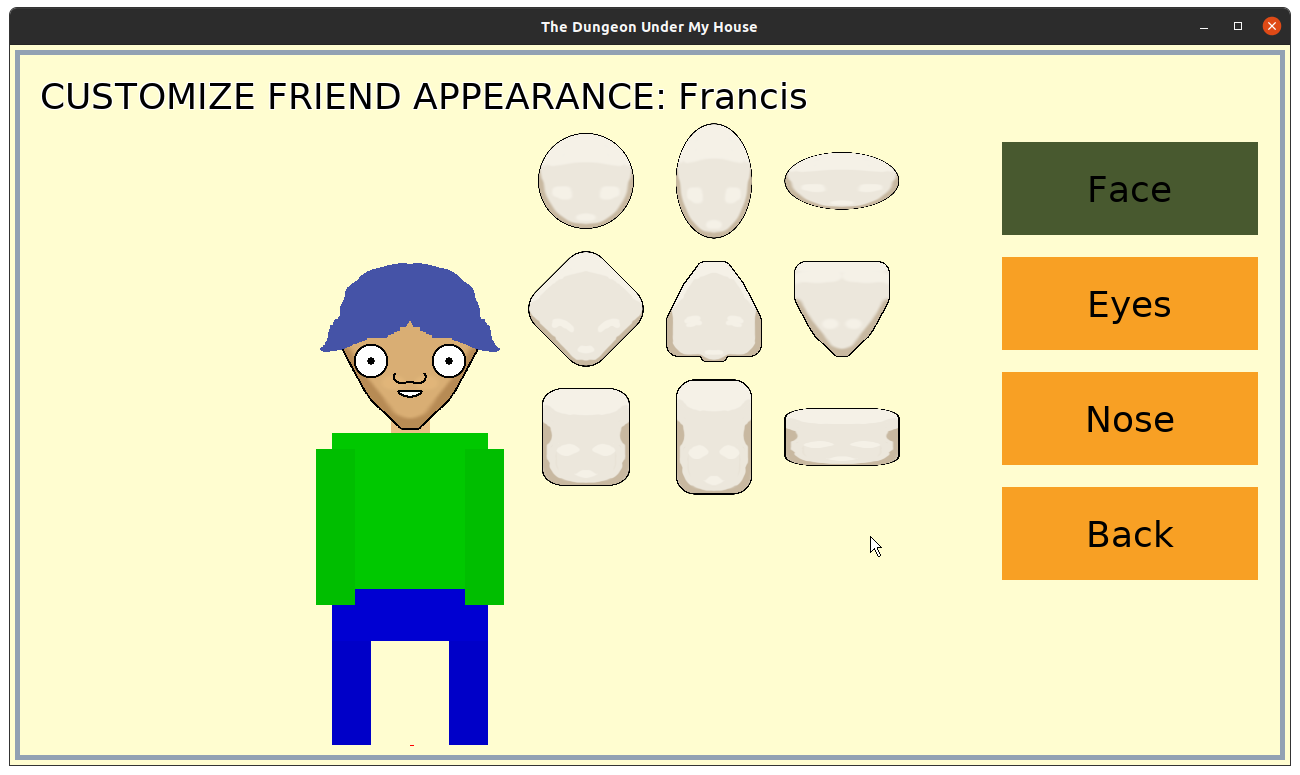
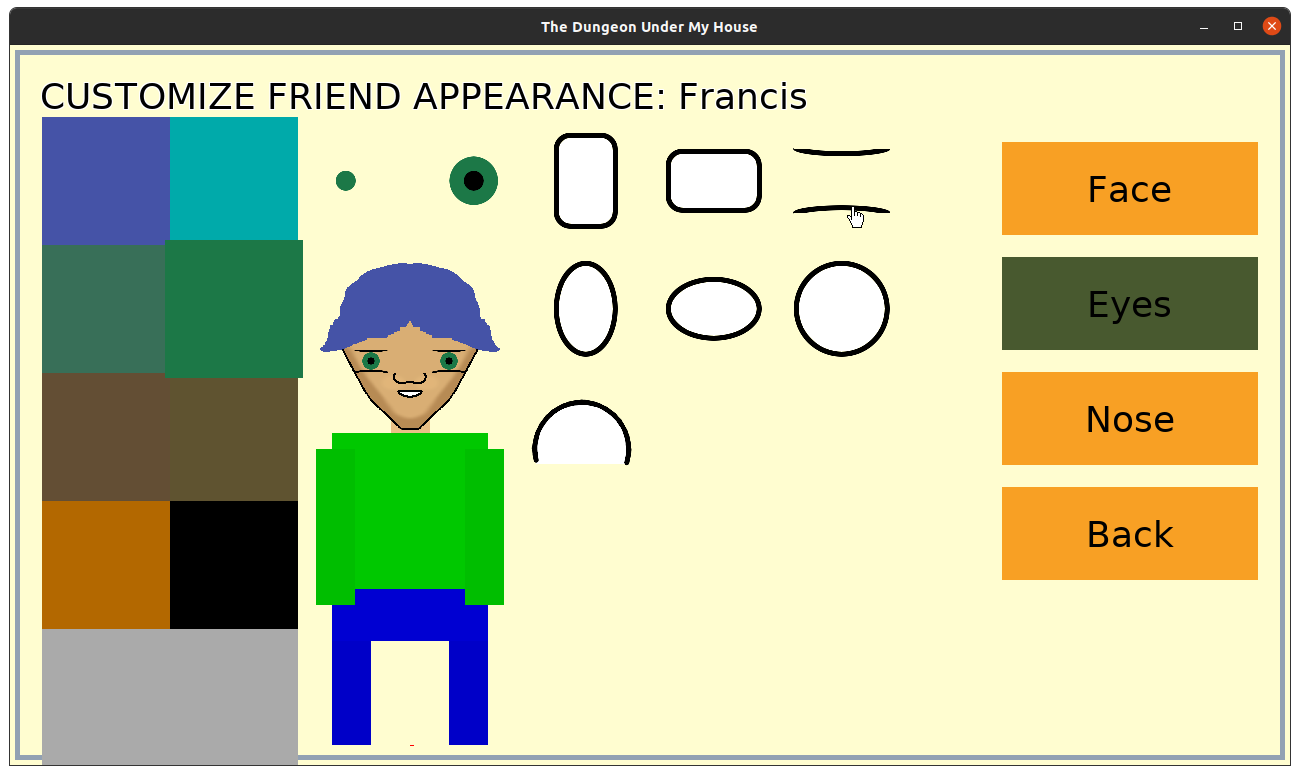
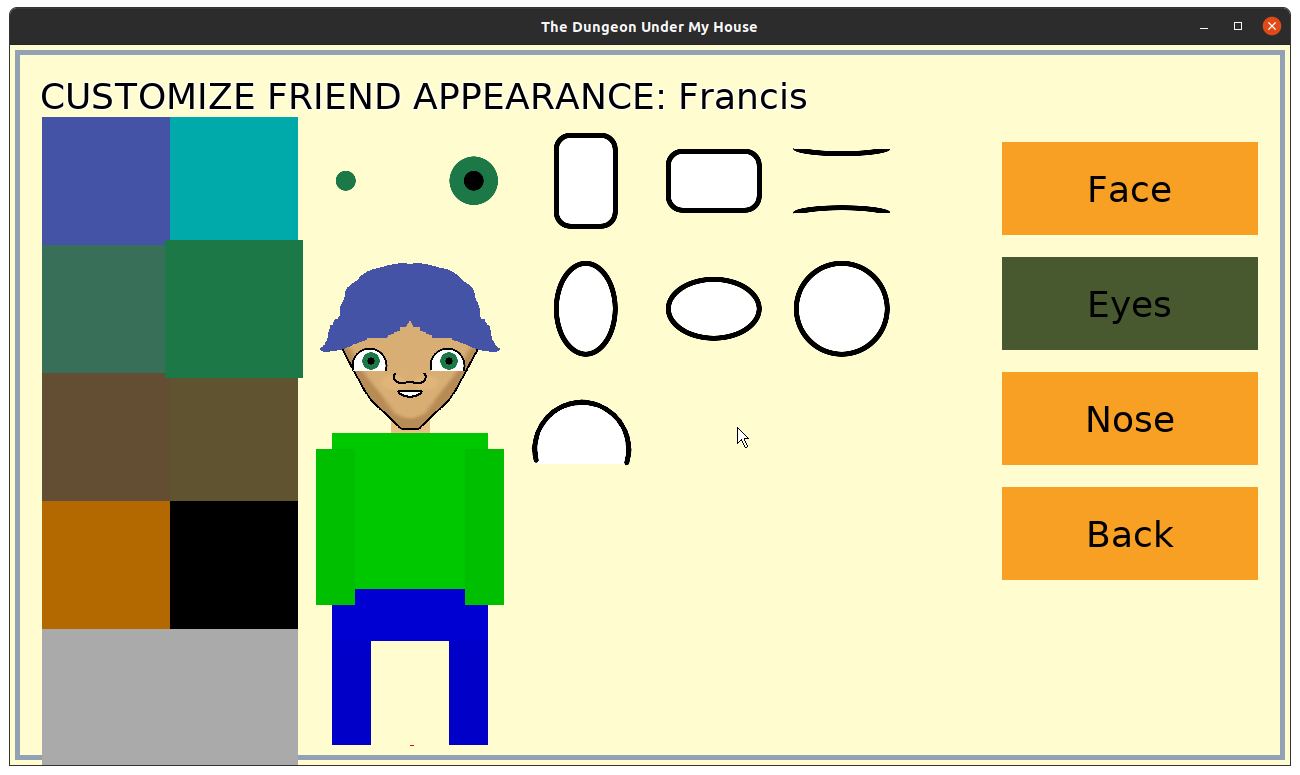
Eventually I want to replace this art, too, but I decided I needed to get the characters represented before I worry too much about how they look. So they have different faces over rectangle bodies, and they have different heights.

The Explorer’s Club is a group of kids who hunger for adventure in their sleepy suburban town, and I’m looking forward to exploring their world with them. I’ve written a bit of an intro to them, given them names and nicknames, and came up with the idea for their first quest: find some snacks.

By the end of the week, I found that I kept having to close the game and reopen it to start a new session so I can see my changes, and I decided that I needed to add a way to quit to the main menu from within the game, which required working on the in-game HUD a bit. Unfortunately, I ran out of time before I could do much, but after that task I’m looking forward to making it possible to interact with the Explorer’s Club in the coming week.

Thanks for reading!

Want to learn when I release The Dungeon Under My House, or about future Freshly Squeezed games I am creating? Sign up for the GBGames Curiosities newsletter, and download the full color Player’s Guides to my existing and future games for free!

Categories
Game Design Game Development Geek / Technical

Freshly Squeezed Progress Report: Doors, Doorways, and Ladders

I have been on a family trip for the last couple of weeks, but in my last sprint report I finally got the door to render properly and turned it into an obstacle that blocks your path in The Dungeon Under My House, my second Freshly Squeezed Entertainment project.

I fleshed out the rest of the door implementations and then some in the time before and after my trip.

Sprints 22 & 23: Pre-production and initialization

Planned and complete:

  • Doors can be opened/closed

Unplanned and complete:

  • Put ladder back into dungeon

I realized that many similar games implement doors in a much simpler way. Instead of swinging open, they slide sideways into the wall, much like the doors in Star Trek.

Oh, well. I have doors that swing open and close, and now doors actually prevent movement through them.

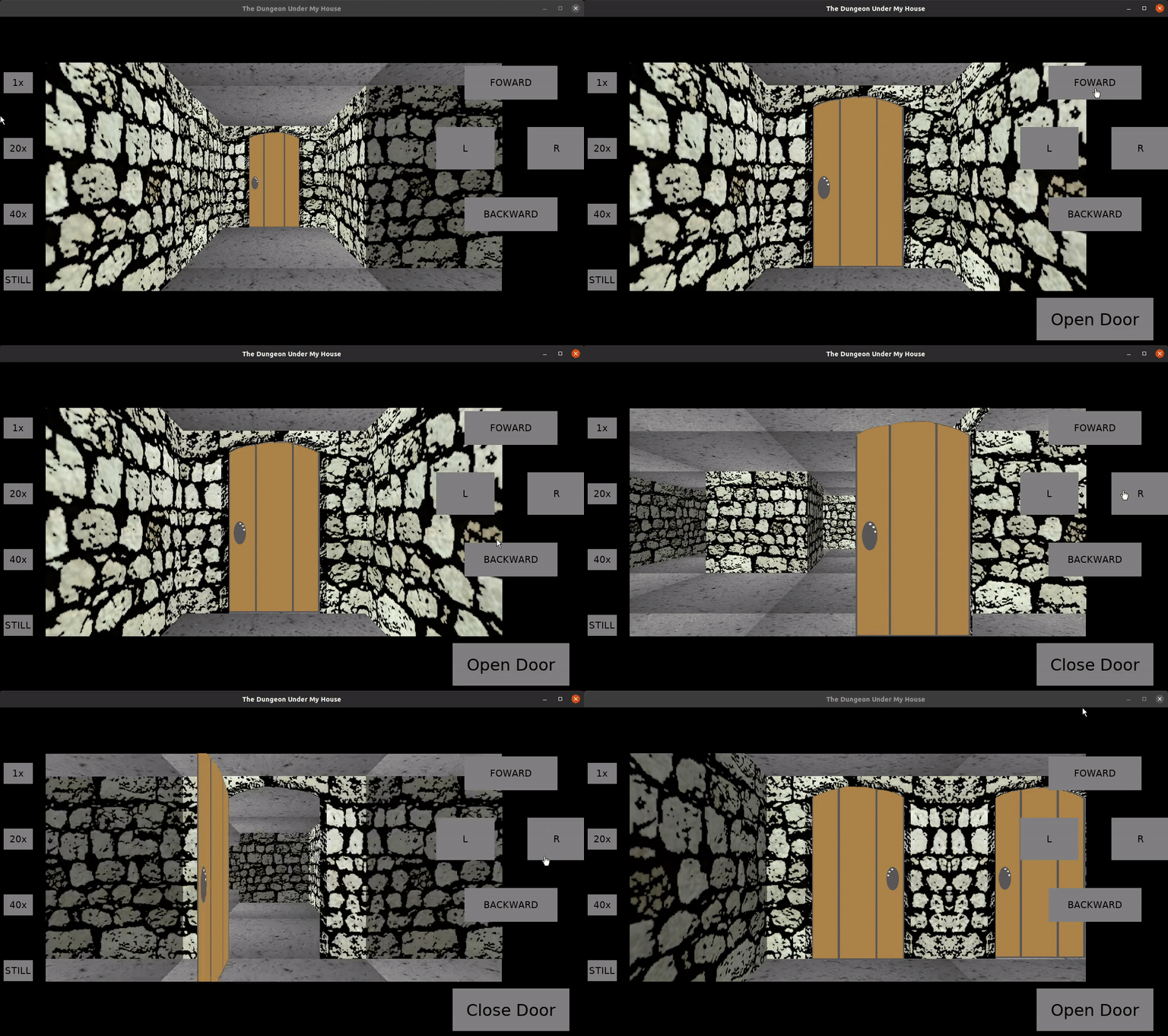
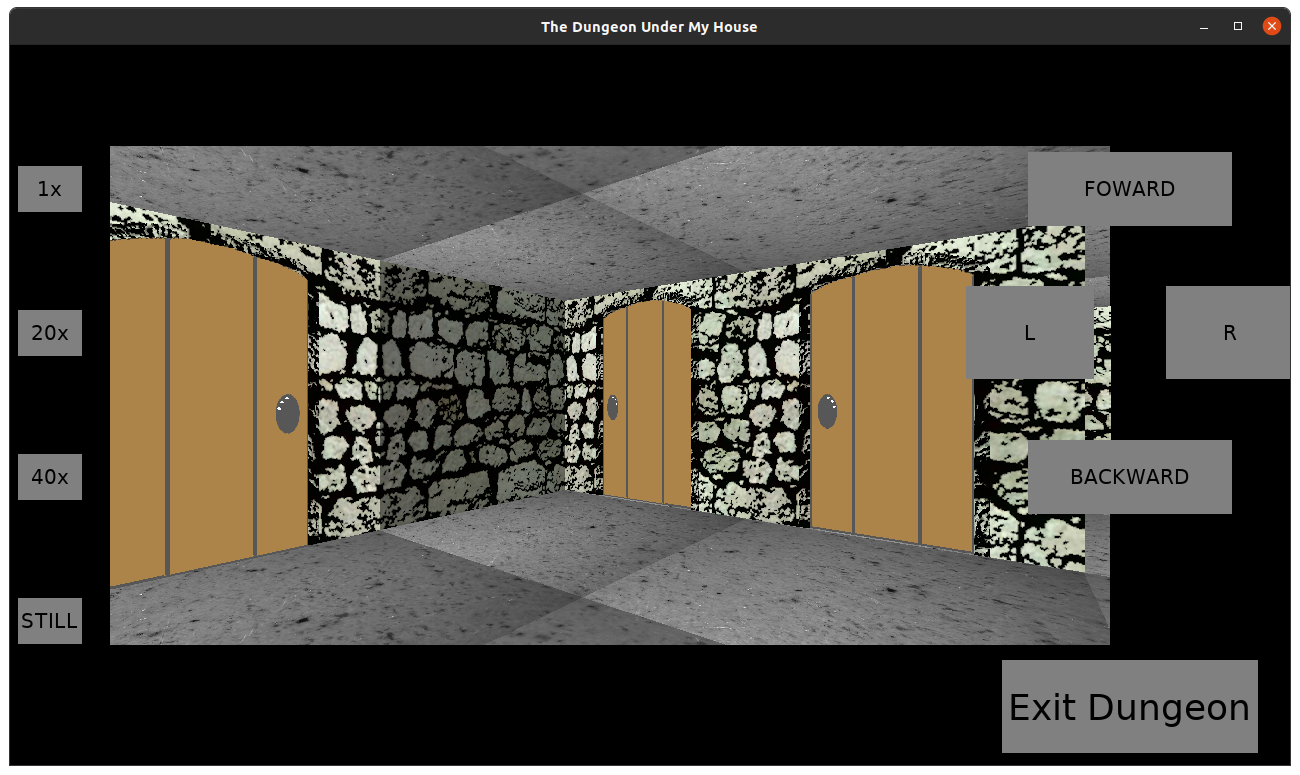
The Dungeon Under My House - doors as obstacles

The code to handle doors as obstacles was a little messy. If you are facing a doorway, and the door is closed, it’s simple. You just can’t go through the doorway in either direction, either to leave the cell that the door is in or to enter it. If the door is open, then you can traverse between the two cells that were previously blocked from each other.

But if the door is open, the blocking behavior essentially gets turned to its side. A door on the north end of a cell that is opened is now blocking the west cell, and from the west cell you can’t enter the cell with the door in it. However, you should be able to enter the door’s cell from the east side.

But what happens if you are IN the cell that has a door, opened the door, and turned to the right? Should the door block you?

It was visible on the screen, and so it seemed intuitive that it would block you, but logically it made no sense.

I decided to not draw the door if it was too close to the camera, and it works out fine.

So now basic doors are more or less finished, and the game now has the ability to block or free access in a hallway by opening or closing a door.

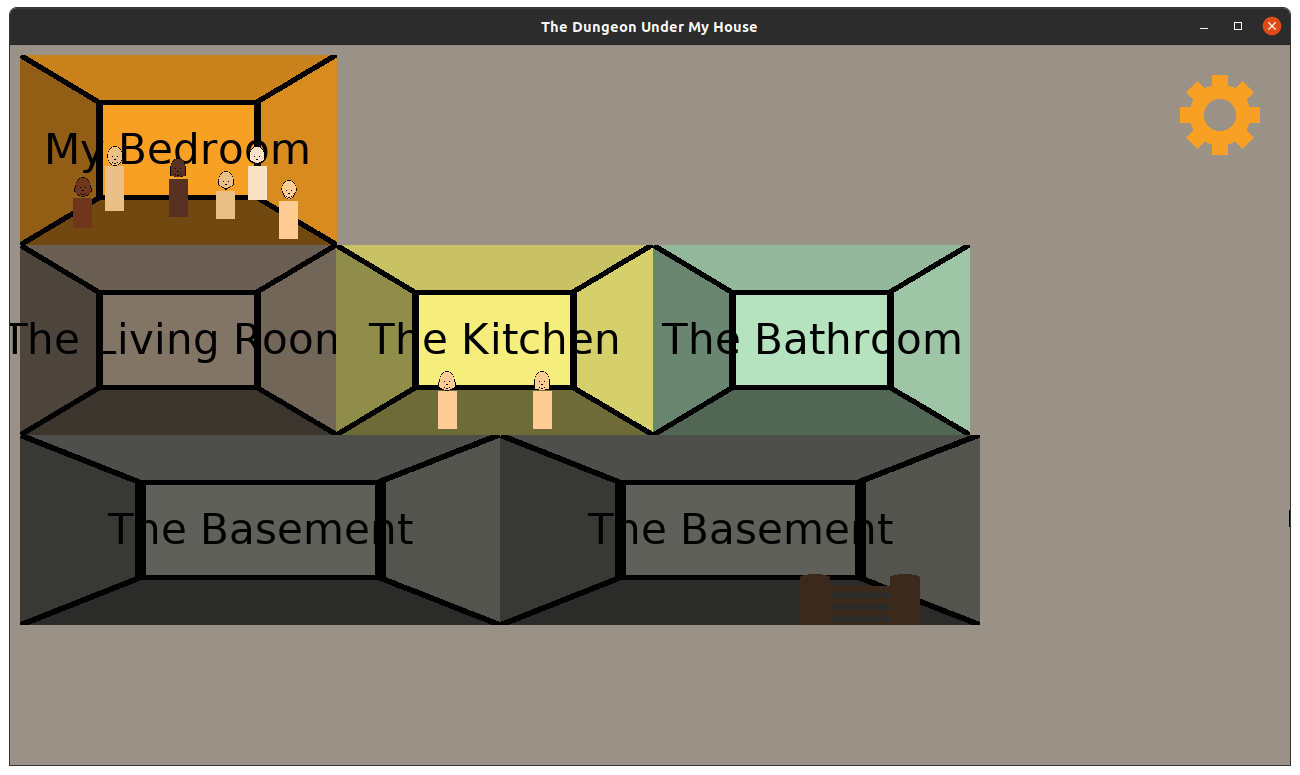
At one point I had hardcoded a ladder to get back out of the dungeon and into the basement of the house, but that ladder disappeared as I worked on dungeon rendering.

So I decided to make it a full-fledged object in the game. I implemented it as a generic “portal”, with the idea that while doors allow you to move from one cell to another while providing a moving obstacle, portals teleport you to another location entirely.

So the ladder teleports you back to the house, but a different ladder or a stairway can take you to the next level of the dungeon.

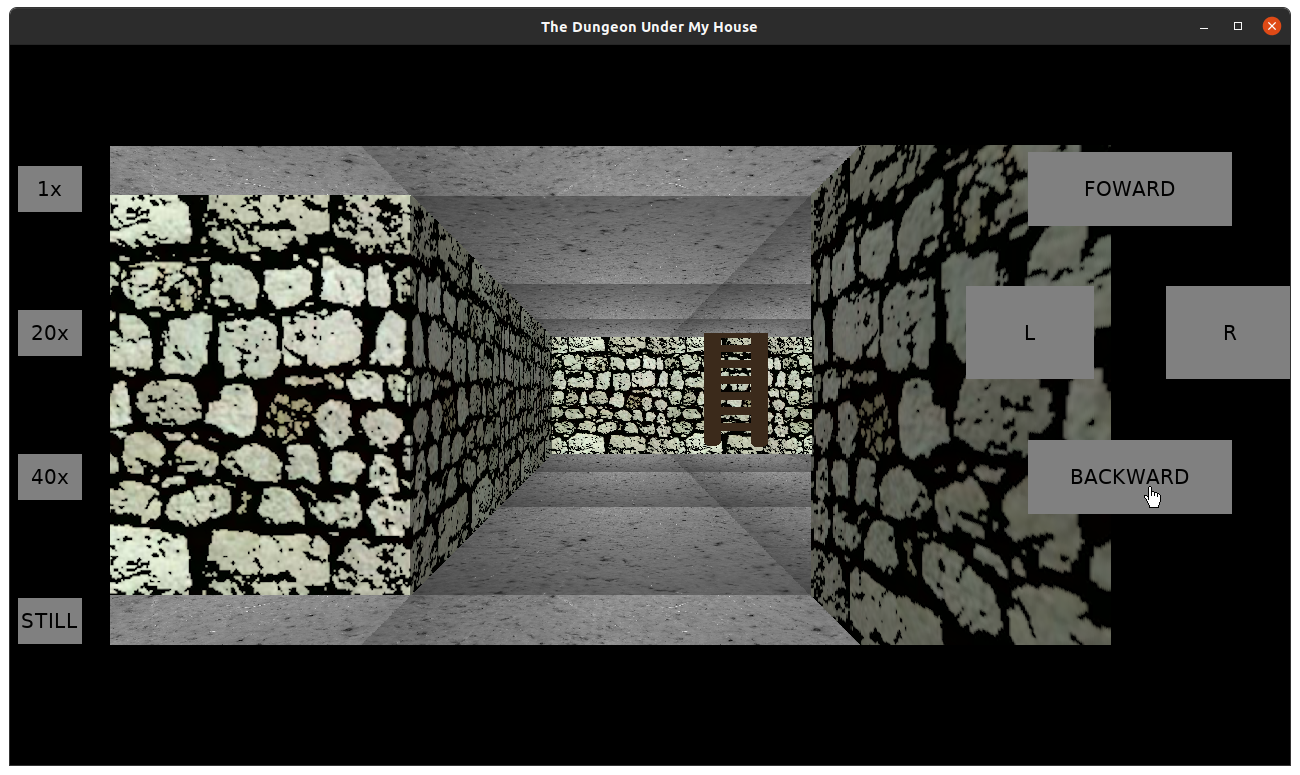
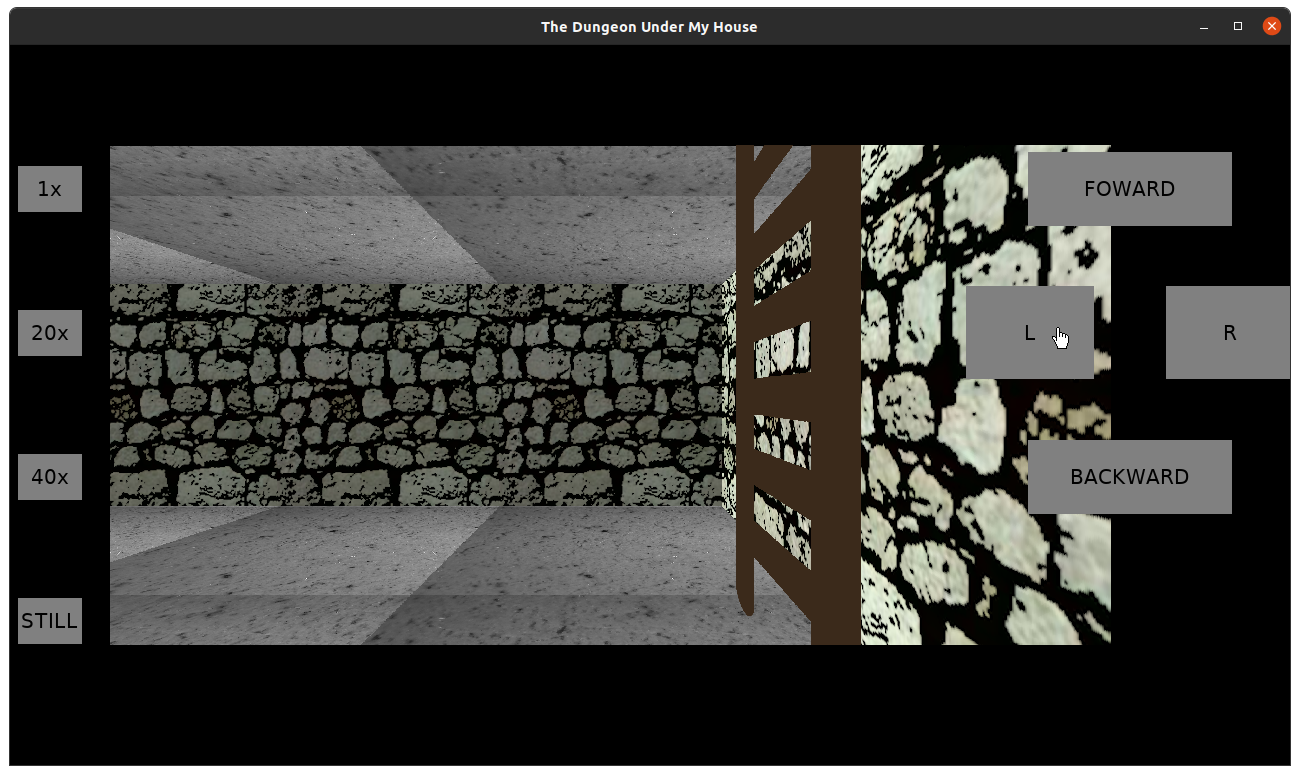
The Dungeon Under My House - ladder

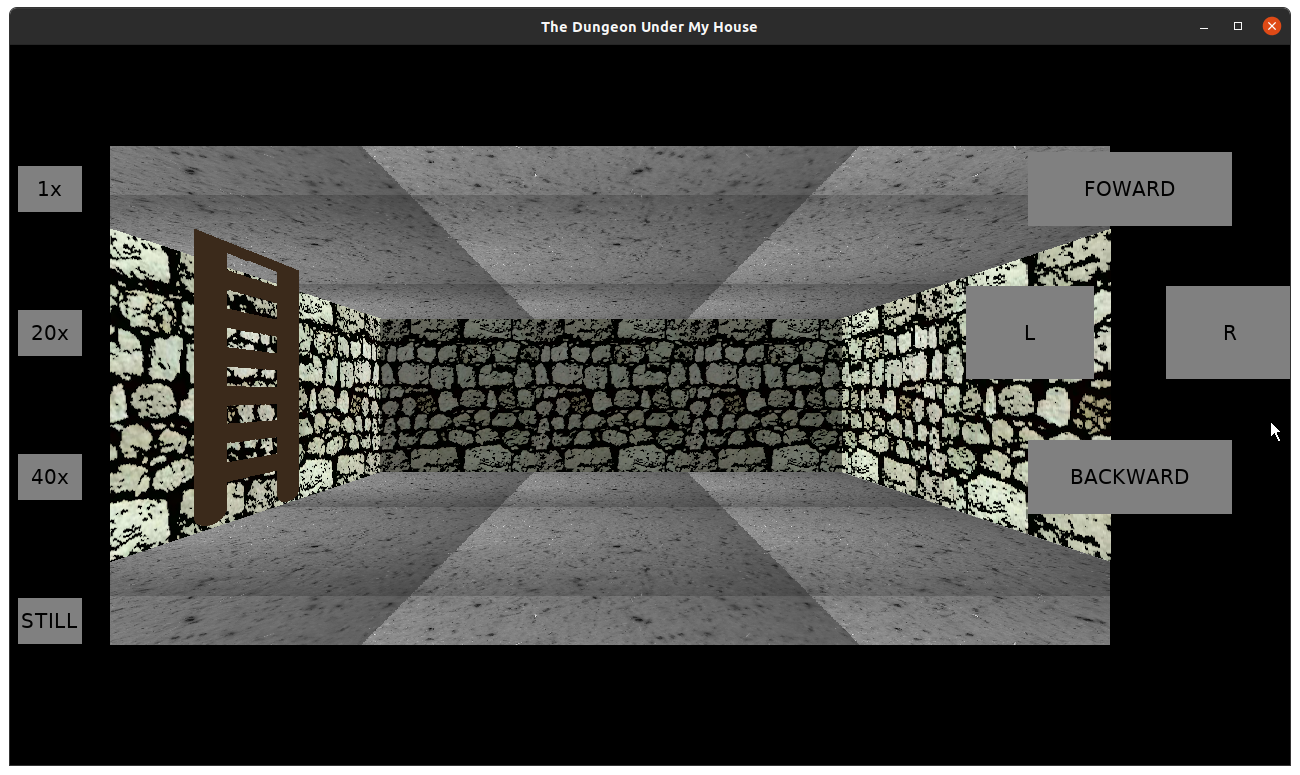
The Dungeon Under My House - ladder

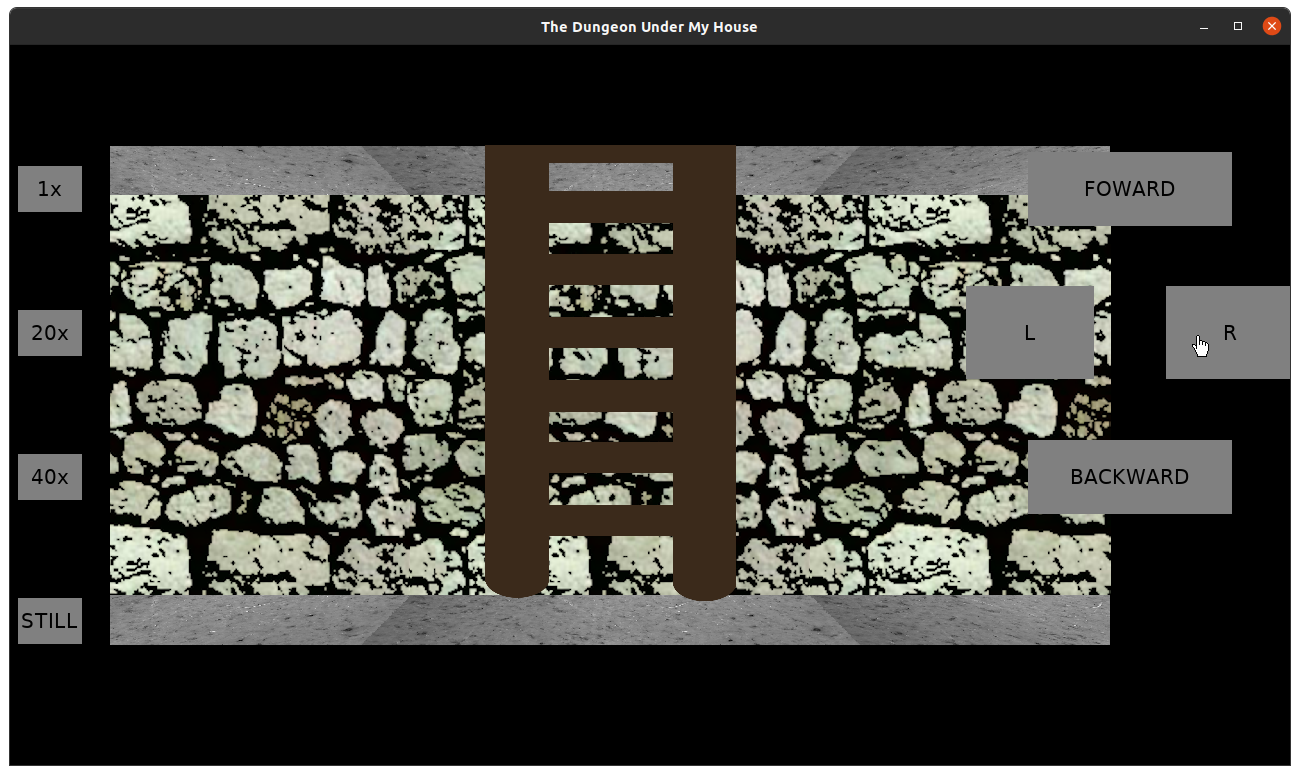
The Dungeon Under My House - ladder

The Dungeon Under My House - ladder

I’m pleased with how the ladder looks from different angles, but clearly I need a new ceiling tile for locations with ladders to make it look like the ladder goes through somewhere.

For now, though, you can once again enter and exit the dungeon from the house.

I mentioned I was on a trip for a couple of weeks. I did not take my laptop, but I did want to spend some downtime thinking about and planning conversation systems. Since the game is meant to be non-violent, I need something to replace the typical hack & slash mechanics you would find in a 1st person dungeon crawler.

And I intend for that replacement to be as compelling and intricate. It won’t be enough to merely have a branching dialogue that let’s the player repeat conversations and try different options until they hit on the “correct” response.

That is, I want conversations to be meaningful and consequential.

But I am woefully ignorant of the state of the art in game dialogue and conversation design, and so I spent some time not only reading about the nature of dialogue and conversation but also trying to find examples of games that handle conversation differently.

I haven’t been terribly thorough, but so far it seems the state of the art is still just branching dialogue? With maybe some persistence of state to handle relationships or other consequences?

At least tabletop games have people performing improv.

My trip was good, but I hope I can dedicate a lot more time into figuring out how conversations should work.

But one of my goals for this quarter was to get a playable demo of my game into someone else’s hands, and to that end, making a mobile port is what I’ll focus on next.

Thanks for reading!

Want to learn when I release The Dungeon Under My House, or about future Freshly Squeezed games I am creating? Sign up for the GBGames Curiosities newsletter, and download the full color Player’s Guides to my existing and future games for free!
Categories
Game Design Game Development Geek / Technical

Freshly Squeezed Progress Report: Finally Drawing Doors Right

In last week’s report, I talked about the challenges I was facing with correctly rendering doors in The Dungeon Under My House, my second Freshly Squeezed Entertainment project.

I finally made some breakthroughs this week.

Sprint 21: Pre-production and initialization

Planned and incomplete:

  • Doors can be opened/closed

After fighting with the math and code for so long, I am happy to say that the doors are visually correct now.

The Dungeon Under My House - door rendering

The fisheye effect I was seeing got eliminated as soon as I realized that the way I was trying to get the perpendicular distance was wrong. The current algorithm for rendering “things” such as a door (which can be effectively treated as 2D line segments) is to:

  1. Sort all things by distance from camera, so I can render them back to front.
  2. For each thing:
    1. Figure out the leftmost and right most columns to draw.
    2. For each column:
      1. Send out a ray from the camera to thing and figure out its intersection point, and use the relative distance along the line segment to determine which part of the source images to use when rendering.
      2. Then determine the distance from that point back to the camera plane (the perpendicular distance), which determines what height the thing should be drawn as and where vertically. Move onto the next column if this distance is greater than the distance to the nearest wall.
      3. Make various calculations to take into account the true height of the line based on whether part of it is cut off from being at the edges of the screen.
      4. Draw the column.

Part 2.ii was wrongly getting the perpendicular distance by trying to use the column to determine which position on the camera plane to shoot a ray out to the intersection point in Part 2.i. That ray was not perpendicular, unfortunately. Instead, I needed to project from the intersection point back to the camera plane. The position on the camera plane won’t have anything to do with the column I am currently drawing, which feels a bit counterintuitive to me, but after really digging deep and analyzing what was happening, it all made sense.

So the fisheye was removed, but there was still the phenomenon of the doors seemingly approaching the camera whenever the camera rotated between cardinal positions.

That is, if I was facing north, the doors all looked fine. And if I was facing east, the doors looked fine. But in between, the doors looked like they were separating from the walls/floors/ceilings and getting closer and then receding back.

After some more debugging and analyzing, I realized something: the way I was interpolating between the orientation vectors was linear.

My orientation vector was (0, -1) if I was facing north, and it was (1, 0) if I was facing east, but when I was facing north-east, it was (0.5, 0.5). The first two vectors are unit vectors, but the ones between them are shorter.

Shorter unit vectors for the orientation vector means that doors appear to get closer to the camera.

Once I changed from linearly interpolating between vectors to linearly interpolating between angles and deriving the orientation vector from that angle, suddenly not only did the doors seem to move in sync with the rest of the dungeon elements but the dungeon in general seems to render more correctly.

I will admit that I kind of liked how the walls and such looked when turning before I made this fix. It was a little off, but not so much that you might think there was something obviously wrong.

But it is amazing how there is one algorithm for the ceilings and floors, another for the walls, and a third of “things”, and they all use the orientation vector, but only one looked wrong if the orientation vector wasn’t a unit vector.

But now that doors render correctly, the next step was to make them solid. Up until now I could walk through them, which made it easy to debug the rendering code so I can see what they looked like on their reverse without having to go out of my way to walk around doors.

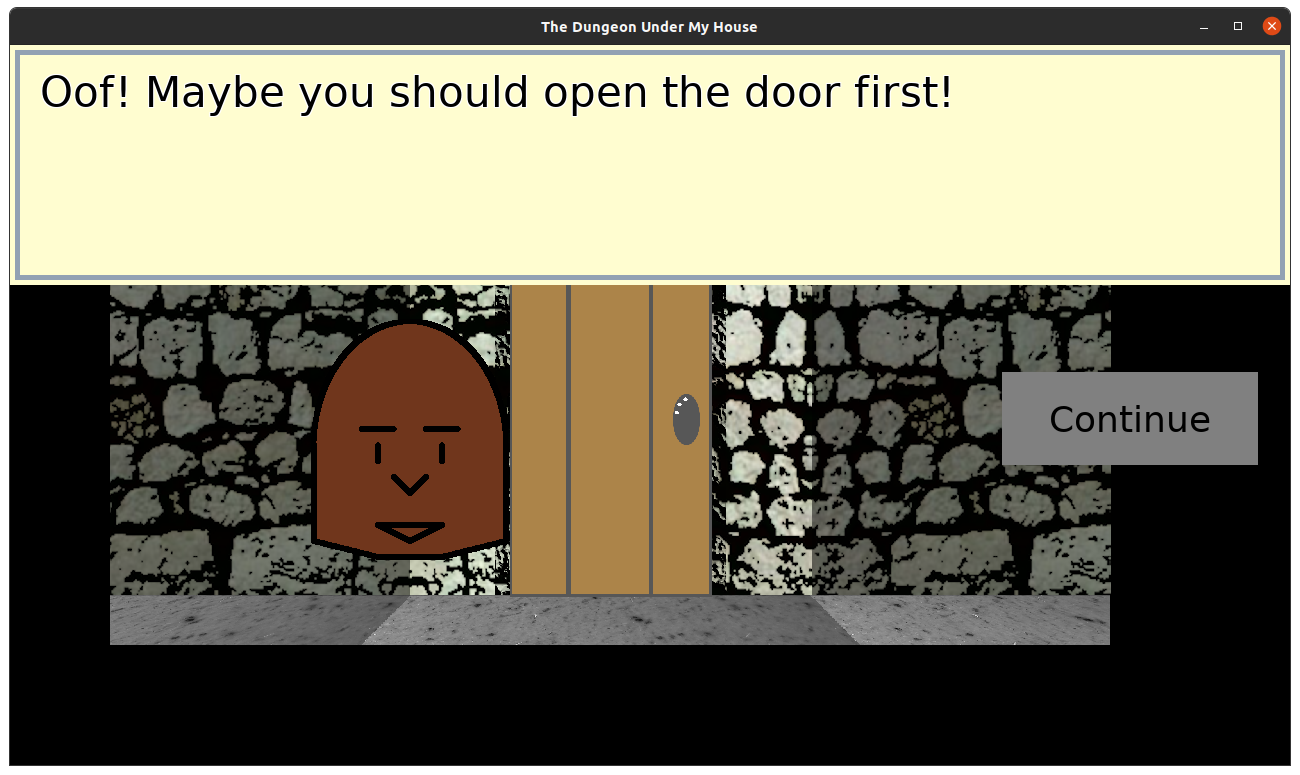
But now they block your way. I made a custom message for what you try to walk through a door.

The Dungeon Under My House - door rendering

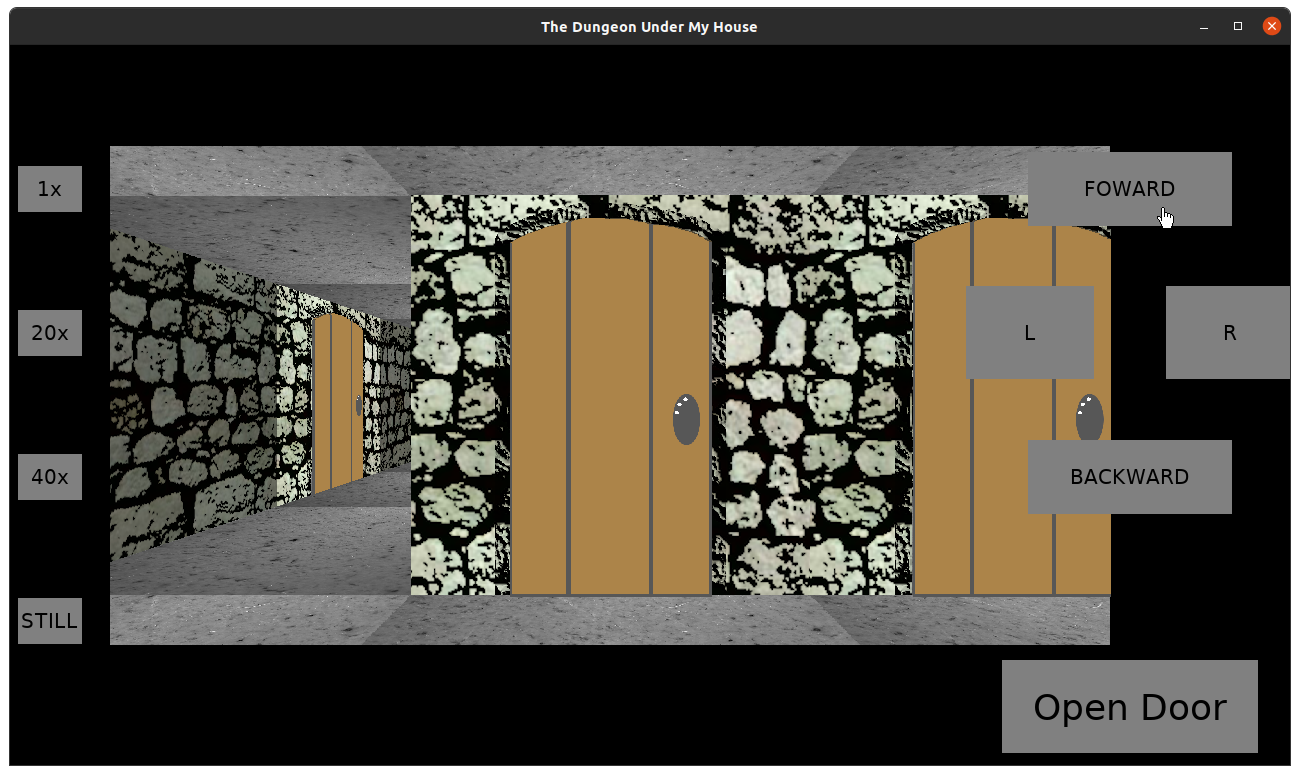
Next was to ensure the menu changed to let you try to open a closed door.

The Dungeon Under My House - door rendering

And then I ran out of time for the week.

The remaining work on doors is to animate them opening when you click open, to allow you to close a door again, and to also let an open door block your path. That is, if you are facing north, and the hinge is on the left, a closed door blocks your path north, but an opened door blocks your path west.

Since doors can be part of a grid cell but can block movement both out of the grid cell and into it, my obstacle detection code feels a bit long. I need to check if you are trying to leave a grid cell through a door or if you are entering a grid cell through a door, and now I need to check if those doors are similarly blocking adjacent directions if they are opened.

But I am fairly pleased to finally be working on something more interesting than merely drawing the door.

At least, I hope I’m done with that effort.

Thanks for reading!

Want to learn when I release The Dungeon Under My House, or about future Freshly Squeezed games I am creating? Sign up for the GBGames Curiosities newsletter, and download the full color Player’s Guides to my existing and future games for free!
Categories
Game Design Game Development Geek / Technical

Freshly Squeezed Progress Report: Rendering Doors, Incorrectly

Last time, I reported how door rendering was trickier than anticipated for The Dungeon Under My House, my second Freshly Squeezed Entertainment project.

The tricks just kept coming.

Sprints 19 & 20: Pre-production and initialization

Planned and incomplete:

  • Doors can be opened/closed

I’ll admit that I’m a bit frustrated. I’ve been working on rendering doors for way too long. Granted, in terms of actual hours, it is less than a week’s worth of full-time effort, but since I’m working on this project part-time, it has taken almost a month of effort according to the calendar on the wall.

Basically, I have doors rendering in the correct horizontal position, but vertically they seem to appear to be too close to the camera or too far, and while I am sure it has to do with a math error somewhere, I’m struggling to find that error.

When it came to drawing walls, I remember having a strange issue with how the walls were appearing until I figured out that I needed to truncate a value to an integer. Then suddenly a lot of things looked perfect.

And I suspect that there is something similar going on here.

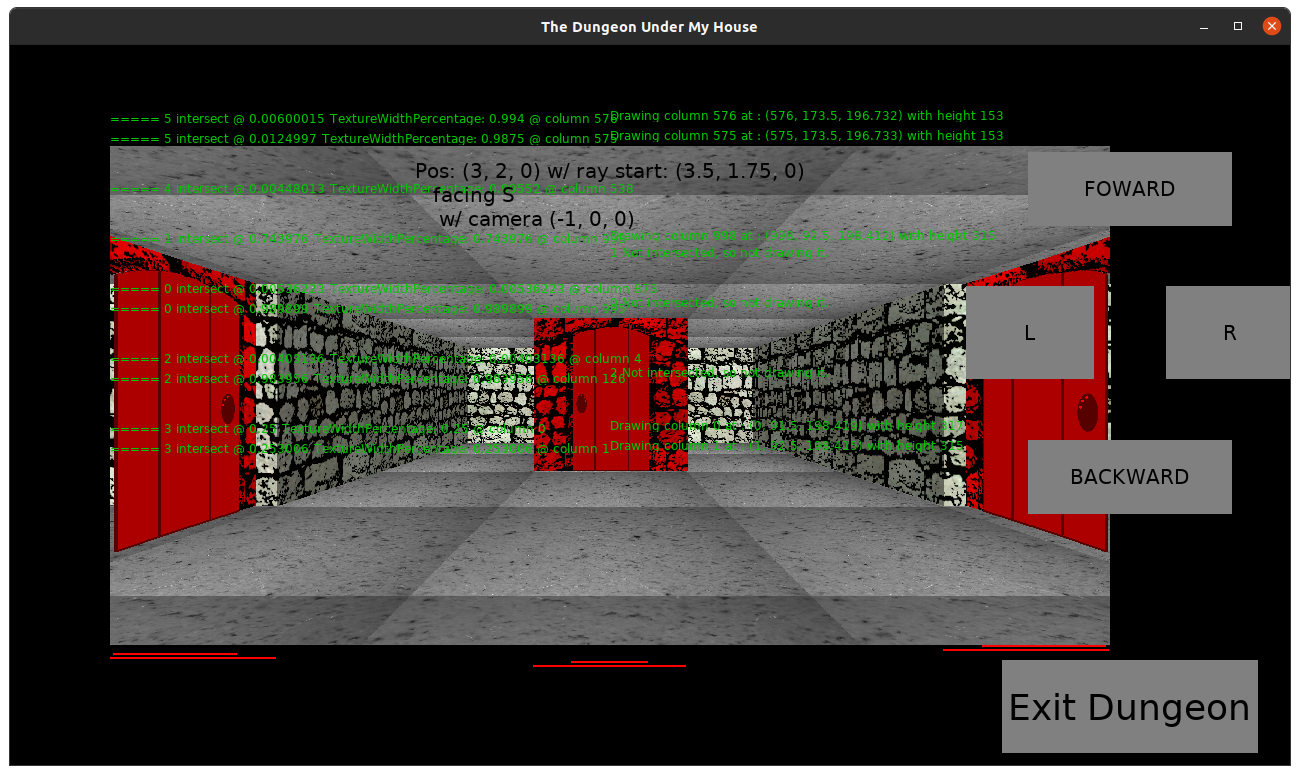
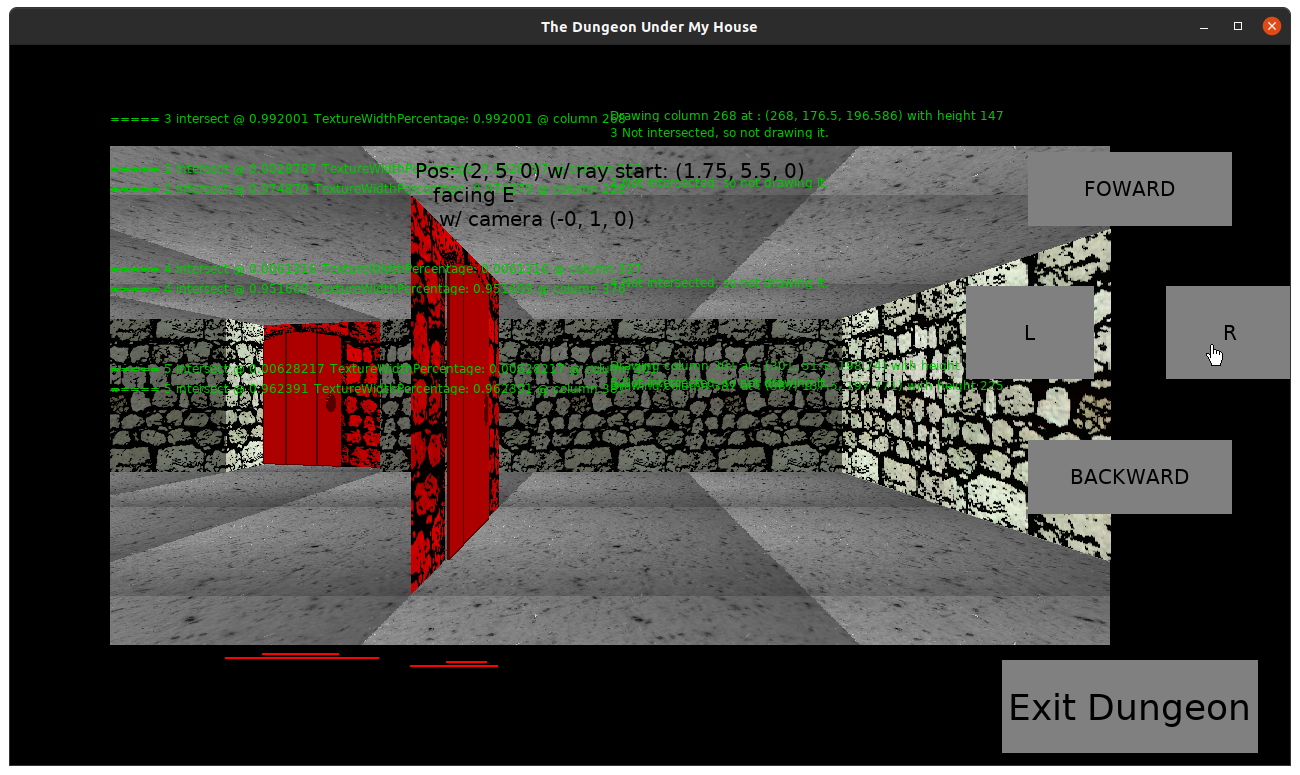
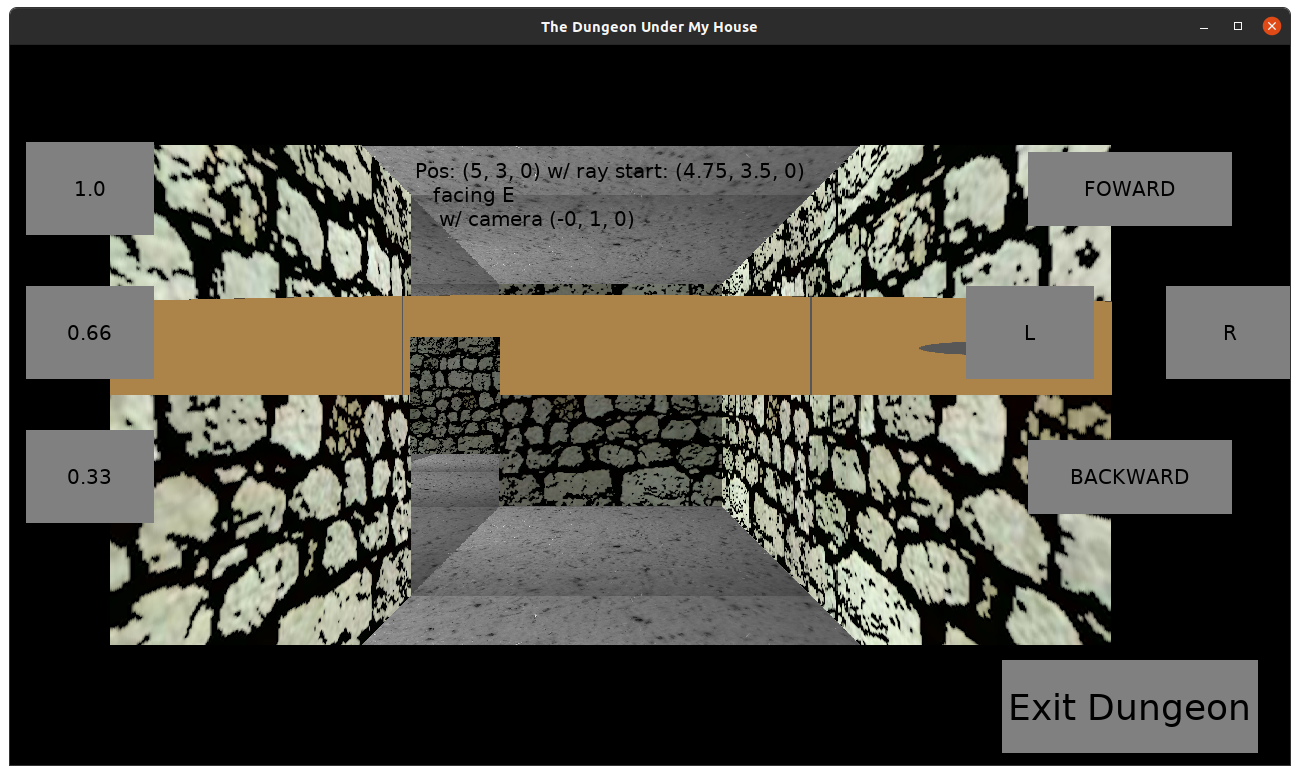
The Dungeon Under My House - door rendering

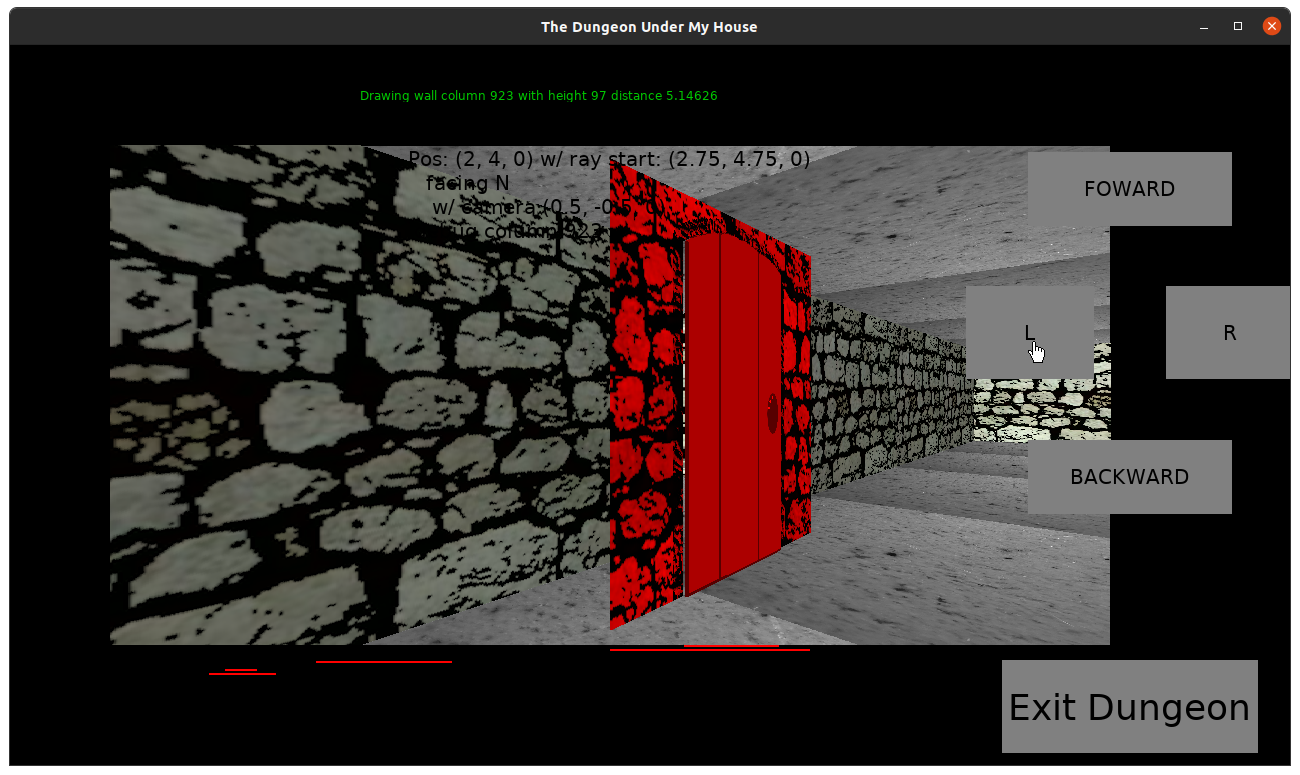
I tinted the door and the entryway with a red color so it is easier to see how it doesn’t line up with the walls/floors, especially when seen at the edges of the view.

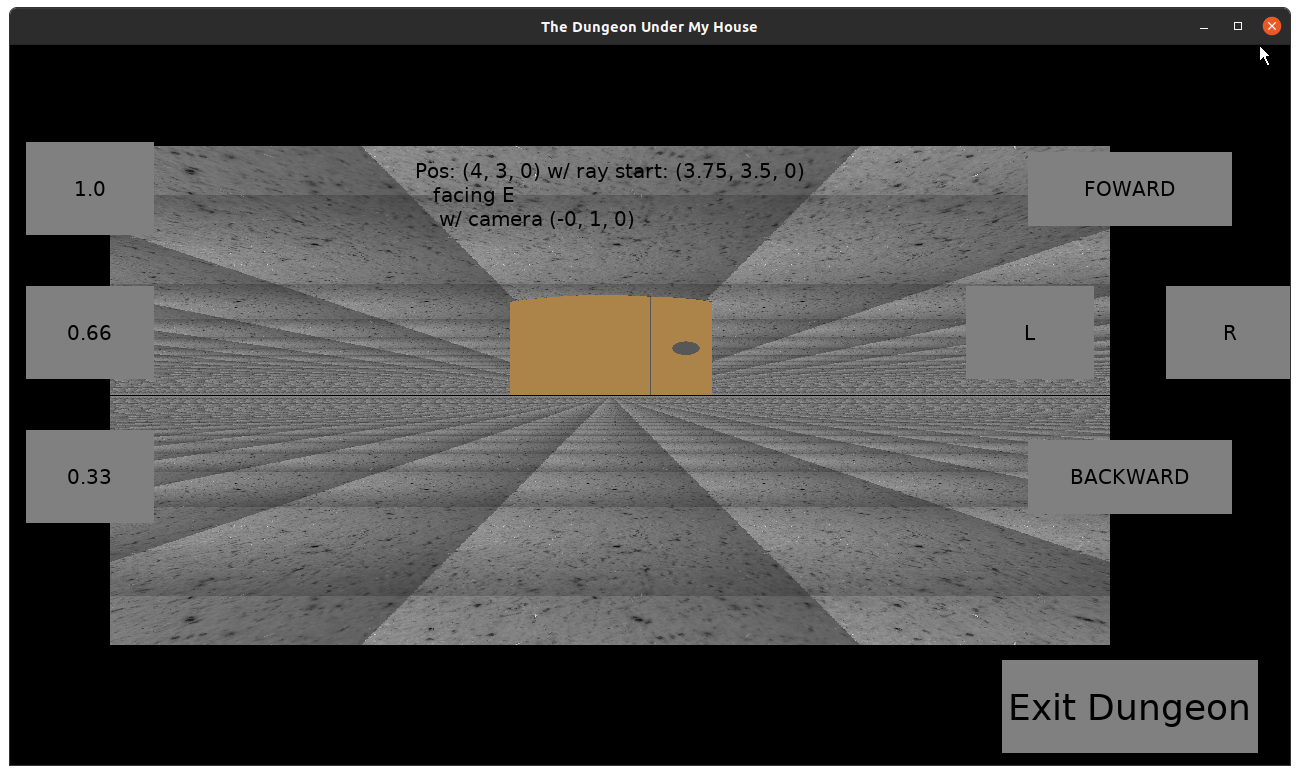
The Dungeon Under My House - door rendering

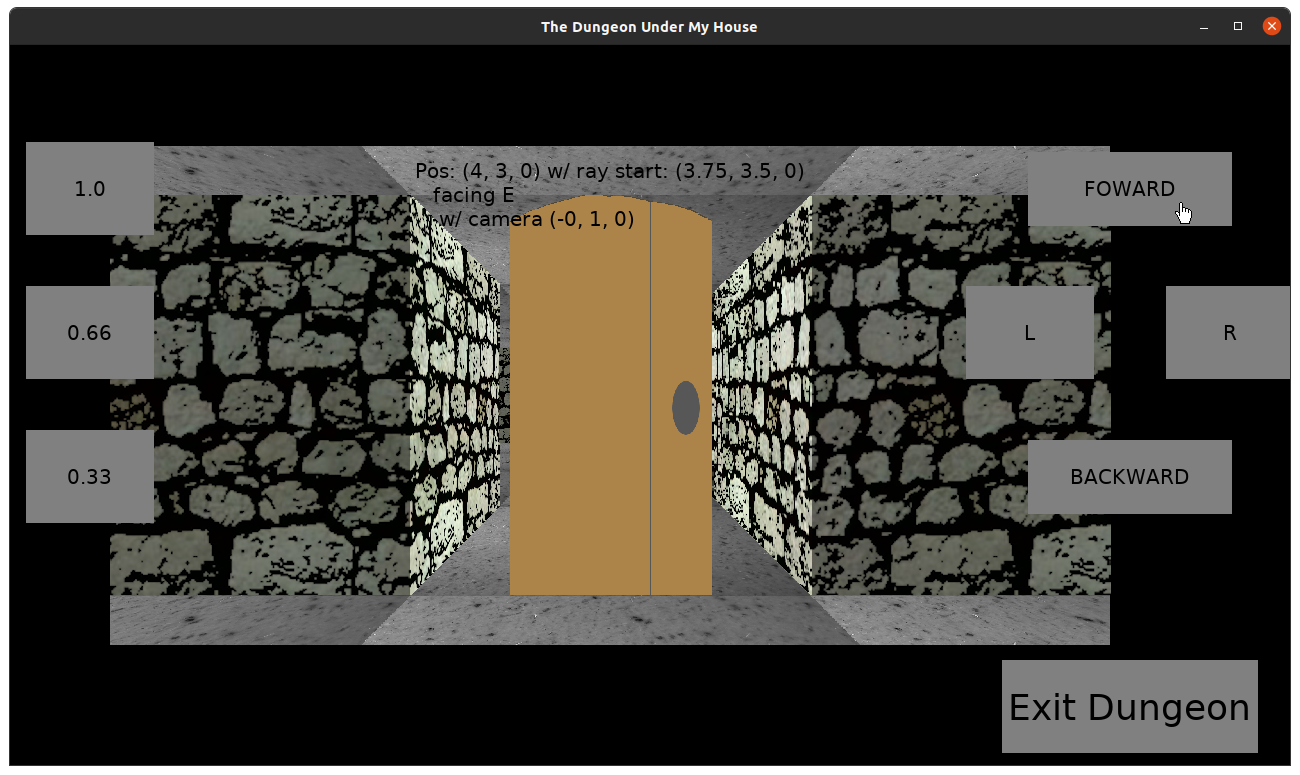
Even weirder is that if you turn to face a different direction, the doors seem to slide much closer to the camera before receding back to their only slightly wrong position.

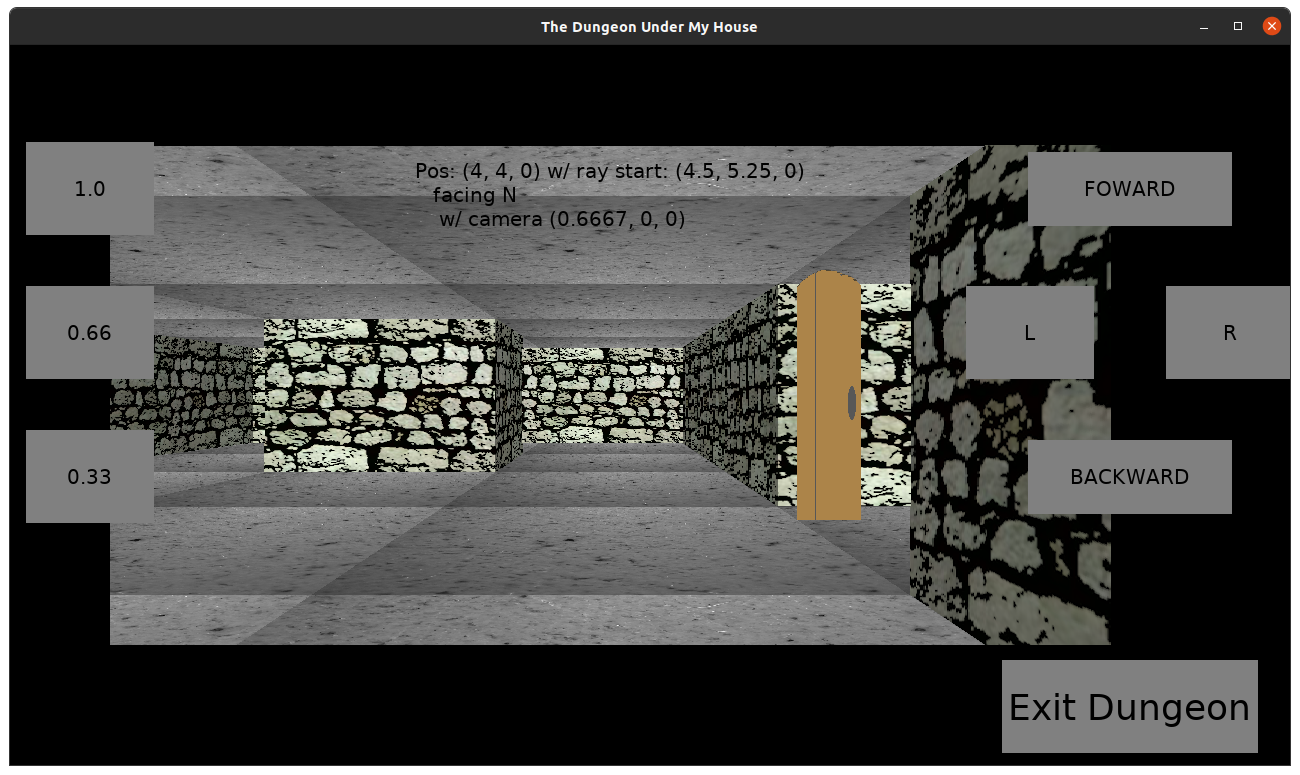
The Dungeon Under My House - door rendering

Why can’t I just use the wall rendering code? That code is taking shortcuts, with the assumption that walls are aligned with grid edges. Calculating the distance a ray travels to a wall involves incrementally adding to a value until you know how far along the grid that ray has traveled.

In this case, a “thing” can be a line segment that does not align cleanly with the edges of a grid cell, and so calculating the distance is done more directly. If I calculate the distance to a door from the player’s position, I’ll get a fisheye effect. Weirdly, as my calculations take that into account by trying to find the perpendicular distance instead of the direct distance, I still get a fisheye effect, but it is less severe.

And it still doesn’t explain why the doors seem to move closer when turning, whether I am calculating the distance directly or not.

I’m sure I’ll figure it out, but it would be nice if I could do so more quickly.

Thanks for reading!

Want to learn when I release The Dungeon Under My House, or about future Freshly Squeezed games I am creating? Sign up for the GBGames Curiosities newsletter, and download the full color Player’s Guides to my existing and future games for free!
Categories
Game Design Game Development Geek / Technical

Freshly Squeezed Progress Report: Rendering Doors and Things

In last week’s report, I started work on designing and implementing doors for The Dungeon Under My House, my second Freshly Squeezed Entertainment project.

I got doors to render quite soon after publishing that report, but there were a few tricky things happening that I needed to address.

Sprints 18: Pre-production and initialization

Planned and incomplete:

  • Doors can be opened/closed

The floors and ceilings render one way, the walls render another way, and then I have “things” like doors, which kinda need to act like walls, only they aren’t necessarily at grid edges the way walls are.

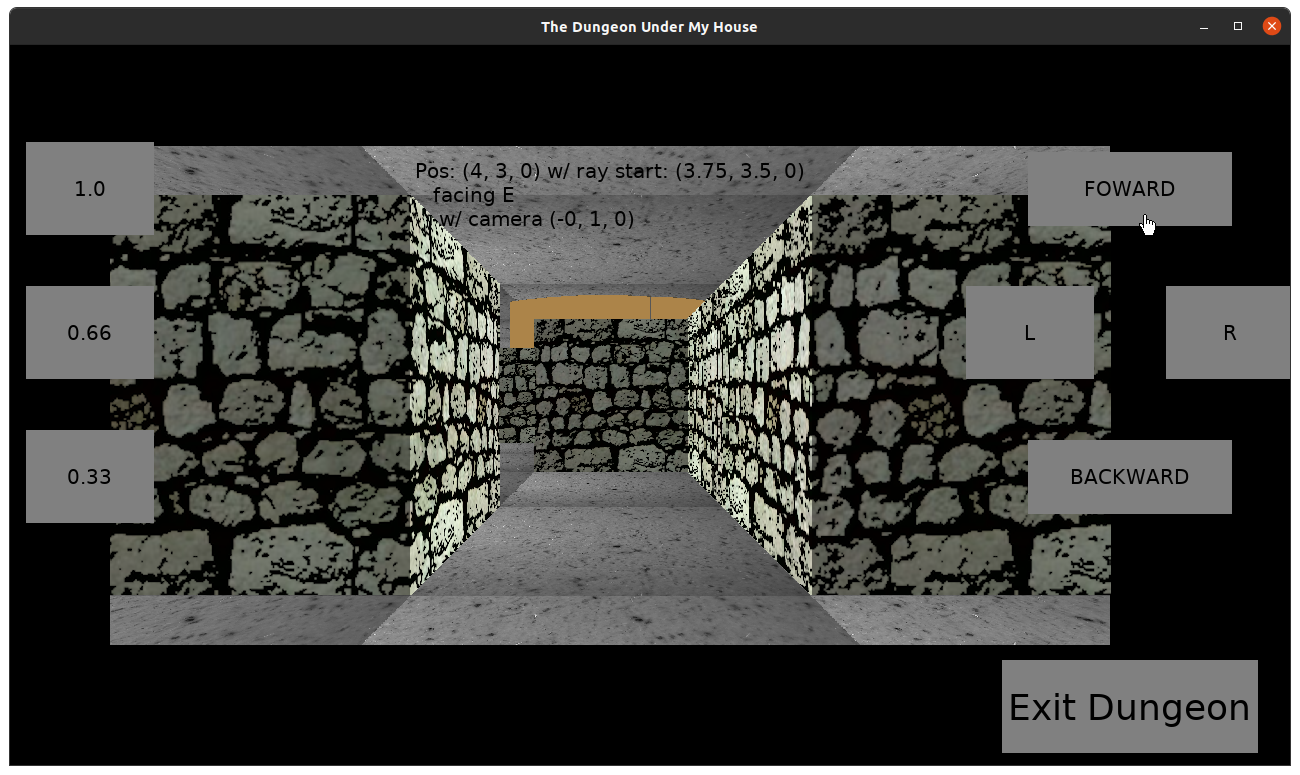
It took a little effort, but I was able to render doors in the arbitrary location I wanted them to be in.

The Dungeon Under My House - door rendering

The Dungeon Under My House - door rendering

The Dungeon Under My House - door rendering

The Dungeon Under My House - door rendering

Things need to render from back to front, and so they needed to pay attention to a depth buffer.

Then I needed to make sure that if the door was seen from an angle that it looked like it took space at an angle.

The Dungeon Under My House - door rendering

The Dungeon Under My House - door rendering

This involved interpolating a transform calculation between the hinge side of the door to the far side of the door.

I tried to make sure that the door was not taking up the entire height of the wall, since there is supposed to be a doorframe, and my math never quite worked out, but then I decided to just make the source image for the door itself with transparent pixels at the top to make it easier on me.

The Dungeon Under My House - door rendering

I had some weird glitches in which the door should be behind the player but still sometimes seemed to render in front of the player taking up the entire render area. I am sure there was some math I was not doing right, but at the moment my solution has been partially to hack in exceptions to when it should draw the door. I’m not happy with it, but sometimes it is easier to detect the problem than it is to figure out why the problem was happening.

One remaining challenge has been to fix the fisheye effect I was seeing when the door was drawn from an angle, an effect that was very obvious when the camera turned, since the walls don’t have the same effect.

I recognized that it was happening as a direct result of how I was interpolating the calculated distance between the hinge side and the far side of the door. I needed to use the perpendicular distance to the camera plane rather than the distance directly to the point source of the ray.

Drawing walls involves shooting rays from the leftmost column to the rightmost column, stepping through the grid cells until a wall is hit, then rendering that vertical slice of the wall.

When drawing doors, I can determine which column to start drawing from and which column to end drawing on, and then I interpolate both the source image vertical slices and the target vertical slice to draw it to, but I think I’ll need to modify how those rays are cast to similarly use the camera plane whereas at the moment I don’t.

Another thing I need to do is draw the door from the other side. The code technically could draw it in reverse, and in fact it did, but one of my hack/fixes prevents it now, so I will need to address it.

And of course, making the door functional will be key. There’s no point in having doors if they can’t be opened and closed. Ideally they should animate swinging open. And they should block movement through them in either orientation.

Thanks for reading!

Want to learn when I release The Dungeon Under My House, or about future Freshly Squeezed games I am creating? Sign up for the GBGames Curiosities newsletter, and download the full color Player’s Guides to my existing and future games for free!
Categories
Game Design Game Development Geek / Technical

Freshly Squeezed Progress Report: How to Design a Door

Last week, I reported that I finally figured out what I was doing wrong and could render the floors and ceilings for The Dungeon Under My House, my second Freshly Squeezed Entertainment project.

So next up was getting doors into the game.

Sprints 17: Pre-production and initialization

Planned and incomplete:

  • Doors can be opened/closed

Sometime back, I remember reading about a game design exercise called The Door Problem. A quick search online helped me find Liz England’s The Door Problem from 2014, which talks about how a seemingly mundane part of a game can actually be surprisingly complex to design.

A few years ago, Vox did a piece on the challenges of designing doors in games, and months later The Verge did their own piece on how universal is the challenge of implementing mundane things, even in major games such as The Last of Us II.

And I was aware of these thoughts when I started last week’s efforts, and I still thought, “Ok, but it won’t be that bad.”

After all, my game isn’t trying to look realistic. I “just” want doors that can be opened or closed after a menu selection.

Hmm, doors have hinges, and they can be on either side, so I should have doors that can open to the right or to the left based on where the hinge should be.

Eventually, I do want non-player characters to also be able to open and close doors.

And when a door is open, I want it to act as a barrier, which might be a strategic move the player can make.

And naturally there should be a way to block a door from being opened or closed, perhaps by putting a large object on one side of it.

Wait, let’s step back. There were a lot of things I am trying to anticipate and worry about. Let’s go slow.

I’m not making a sci-fi game, so the doors can’t just swish open like in Star Trek. They should swing out.

I expect such a door to be in a frame, which means that it won’t take up the entirety of a wall.

But I wasn’t sure how detailed it needed to be simulated. Can I get away with a flat line, or should the door have a little depth so that if it is seen from the side it doesn’t look like it disappears?

Should it swing, or just instantly open or close?

I think it makes the most sense to assign doors to a grid cell. I suppose I could have had doors in arbitrary locations within a cell, but I decided that they should be attached to the four potential walls in a cell.

The Dungeon Under My House - door design notes

The Dungeon Under My House - door design notes

At some point I decided that I just needed to start getting something into the game. My first task was to get a closed door implemented.

So I mocked up a door and then a new wall type that has a door frame:

The Dungeon Under My House - door mock-up

The Dungeon Under My House - door frame mock-up

Since my game is using raycasting, a door introduces the technical challenge that the rays up until now have stopped when they hit something like a wall. After all, if there is a wall, you are going to see that wall, and and you would see nothing behind it, which would probably just be a wall that is farther away and thus would be occluded anyway.

If a door can be open or closed, and presumably animated in between, then I need to draw not just the door but also behind the door, especially since a door isn’t always a perfect rectangle shape. And even if there is no door, the door frame wall type means that I should see what’s drawn behind it, too.

With my raycasting code, the algorithm currently draws all floors, all ceilings, and then draws the walls.

To draw things like doors and other objects, such as windows, that might need to draw the world behind them, my plan is to sort all of these kinds of objects by distance from the player, then draw back to front.

Unfortunately I ran out of week before I finished this implementation, so I am hoping that I can get doors visible in the game early this coming week.

Thanks for reading!

Want to learn when I release The Dungeon Under My House, or about future Freshly Squeezed games I am creating? Sign up for the GBGames Curiosities newsletter, and download the full color Player’s Guides to my existing and future games for free!
Categories
Game Design Game Development Geek / Technical

Freshly Squeezed Progress Report: Finally Rendering Floors and Ceilings

In my previous report, I had started working on raycasting the floor.

Sprints 15 & 16: Pre-production and initialization

Planned and complete:

  • Move player in dungeon view

Unplanned and complete:

  • Walls block movement

I was out of town last week and so I didn’t have a report for last Monday, but it would have just been me saying that I was running into trouble rendering floors correctly.

I was surprised because I was combing through my rendering code backwards and forwards, but I couldn’t find anything wrong, yet clearly something was wrong since the floors kept showing up as horizontal lines.

The Dungeon Under My House - in-dungeon floor rendering with horizontal lines

The Dungeon Under My House - in-dungeon floor rendering with horizontal lines

Basically, I suspected three things could potentially be wrong:

  • I was calculating the location of the source pixels incorrectly
  • I was putting the color of the source into the wrong target pixel buffer
  • I was updating the target image with the buffer incorrectly

I spent a lot of time looking at how SDL_Surface and its pixel formats could work.

I did find out that my source image was somehow the only one of my images that was loading as RGB and not RGBA, so I fixed that, and I found out that my original texture was not a perfect square of 1024×1024, so I fixed that, too.

I made sure that the pixel formats between the source and target textures were the same.

I tried to experiment with the pitch values to see when and if I should use them.

I tried to figure out if I was using the wrong byte size, or using the wrong values as an index through my pixel buffer when it should represent the bytes.

At the suggestion of the fantastically helpful Joel Davis, I tried smaller test images that were easier to work with. So instead of a 1024×1024 image that I was trying to map to the bottom half of my rendering target, I used a 16×16 test image and tried to map it to a different 16×16 target, then a 32×32 target.

The Dungeon Under My House - trying to copy pixels from a test image to an arbitrary image

So after a bunch of experiments and tests, I was able to determine that the code that updates my texture’s pixel buffer using the texture’s pitch is most likely fine.

And I was able to determine that my target pixel calculations were straightforward and easy. For a pixel buffer that is a one-dimensional array, the current target pixel index = current row * width of target + current column.

But I was seeing strangeness with my calculated source pixel index. It looked like only a subset of the source pixels were being checked.

And after rechecking and rechecking my rendering code, I found a line that wasn’t doing anything.

See, I recently changed a very basic data structure in my code base so that it was easier to work with.

GBLib::Point is represented as three floating point values: x, y, and z.

And if I wanted to make a new point that represented an offset of an existing point, I used to have to do something like this:

Point newPoint(oldPoint);
newPoint.moveBy(x, y, z);

Early in this project, I decided to finally change Point so that it worked more like this:

Point newPoint = oldPoint.moveBy(x, y, z);

So oldPoint stays the same, and moveBy() returns a new Point object with the values.

Joel Davis says that it is a confusing name, and I think I agree, because I completely missed a line of code that was doing nothing:

theFloor.moveBy(floorStep);

Basically, theFloor represented which part of the floor a ray was hitting, and this line was supposed to change it so that each column pointed at a different part. But it was not changing things at all, which explains why I was always getting horizontal lines rendered.

The code should have been:

theFloor = theFloor.moveBy(floorStep);

The Dungeon Under My House - in-dungeon floor rendering

The Dungeon Under My House - in-dungeon floor rendering

The Dungeon Under My House - in-dungeon floor rendering

The Dungeon Under My House - in-dungeon floor rendering

After banging my head against this for so long, I was worried I was going to need to give up on this raycasting experiment and either switch to a true 3D engine (and probably use Godot instead of trying to write my own from scratch) or give up on a 1st-person perspective altogether.

But I quickly got the ceiling rendering in, which required both flipping the perspective upside down so that it projected backwards instead of looking like a second floor AND making sure that it rotates correctly. I had a trippy experience in which the ceiling rotated the wrong way initially, and I really should write down how these bugs make cool effects because doing it on purpose might come in handy some day.

The Dungeon Under My House - in-dungeon floor and ceiling rendering

In the end, I spent much longer on this raycasting rendering code than I would have liked, and I now feel like I need to defend myself for continuing to use my own GBLib codebase instead of switching to something like Godot. If I’m going to be struggling with idiosyncratic code, why not something more established with better documentation and lots of other developers who can help each other?

And, yes, if I was starting out, or more specifically if I was giving advice to someone who was starting out, I would say without hesitation, “Learn Godot.” In fact, if you are someone I am giving advice to, go here: https://godotengine.org/

But why don’t I take my own advice? Because I’m not the target audience of that advice.

I’ve been working with my code base for a very long time. I’m excited about this raycasting code because it does not require more than merely USING my existing code, give or take the effort to access SDL2’s functionality that I need. I don’t need to implement an entire 3D engine, and if I needed a true 3D engine, I think I would in fact use an existing game engine rather than roll my own (unless…no…I mean, if I went for a simple, retro look…no…).

Anyway, call me stubborn or silly, but I’m sticking with GBLib.

Once I got walls, floors, and ceilings rendering correctly, my next task was to make sure that movement in the dungeon respected walls. That is, instead of allowing movement through walls as if they weren’t there, I needed to prevent movement if there was a wall.

If you recall from a previous update, I opted to represent the dungeon grid cells in a way that allows for more flexibility. Most tutorials have a cell as either empty or solid, which makes rendering and obstacle avoidance easy: if cellType == SOLID, then doSomething().

My code needed to determine that a wall was an obstacle only if the movement would go through that wall in particular. That is, if I am in a cell facing east and attempted to move forward into a target cell, an eastern wall of the original cell should prevent that movement, but a western wall in the original cell wouldn’t.

That seemed simple enough. But I also then tried to think ahead to what else counts as an obstacle. Walls are internal to a given cell, but what if there was a large object or entity blocking the way? Those kinds of obstacles would be in the target cell, since if they were in the original cell, the player wouldn’t be occupying it. So checking for obstacles would first check for walls preventing movement out of an origin cell and then check for things blocking the way in the target cell.

Before I thought too hard about how to make such an obstacle check elegant, I reminded myself that there are no objects or entities in the game yet, so I only checked for walls for now.

But I liked the idea of knowing what type of obstacle was preventing movement. I wanted to give the player feedback based on the type of obstacle, and so I added the first dialogue script in-game based on whether or not you tried to walk through a wall:

The Dungeon Under My House - dialogue when trying to walk into a wall

Which reminded me that I wanted to replace the art for the party members in the game.

Also, the dialogue/script code is very much hardcoded at the moment, and I eventually want to make it less so.

I now want to populate the dungeon with things, like doors, ladders/stairs, and items.

Thanks for reading!

Want to learn when I release The Dungeon Under My House, or about future Freshly Squeezed games I am creating? Sign up for the GBGames Curiosities newsletter, and download the full color Player’s Guides to my existing and future games for free!
Categories
Game Design Game Development Geek / Technical

Freshly Squeezed Progress Report: Starting the Raycasted Floor Work

Last week, I reported that I have a nicely animating set of walls that I can maneuver through.

I worked on the floor this past week.

Sprint 14: Pre-production and initialization

Planned and incomplete:

  • Move player in dungeon view

I had one of my least productive weeks according to my records, at least in terms of hours put into game development. One of the hazards of being a very, very part-time indie game developer is that there are going to be times when my business can’t take priority and my time needs to be dedicated elsewhere.

That said, I made slow and steady progress on rendering the floor. I wish I had more to show for it by now, but unfortunately I don’t.

My code is based on libSDL2, and for the most part I have been able to make games by loading textures from existing images. For raycasting the floor, I wanted to create a blank texture and populate it each frame with pixel data based on the angle the player’s party would be facing.

I quickly added the wrapper code for the relevant SDL2 functions, such as SDL_CreateTexture() and SDL_LockTexture().

And then, since I have never used SDL_LockTexture() and SDL_UnlockTexture() before, I spent time trying to understand it.

In fact, I originally was trying to use SDL_UpdateTexture(), but the documentation made it clear that I shouldn’t use in my use case:

This is a fairly slow function, intended for use with static textures that do not change often.

If the texture is intended to be updated often, it is preferred to create the texture as streaming and use the locking functions referenced below.

Now SDL_LockTexture()’s signature threw me off. I’m not a C programmer, so there are some C idioms that I am not used to.

int SDL_LockTexture(SDL_Texture * texture, const SDL_Rect * rect, void **pixels, int *pitch);

I’ve seen void pointers before, but a pointer to void pointers? Weird.

The docs say that it is the pointer to the locked pixels. It also says it is write-only access, and it says you can’t rely on those pixels pointing to old pixel data.

It took me a bit to wrap my head around what all this means, especially because there was no example provided in the docs, but also because I rarely use functions with arguments that get populated as a side-effect and so I didn’t recognize how this function was supposed to be used.

Basically if you treat the concept of pixel data as an array of data, then the way you would use this function is to pass in a void ** pointer, and the function will set it to point to some pixel data. You can then manipulate that data however you want (most likely with memset), and then you can call SDL_UnlockTexture() when you’re done.

So conceptually I get it, but I wanted to test-drive its integration into my codebase, and unfortunately I ran into problems getting my HardwareLayer to use the SDL wrapper for SDL_LockTexture() due to Google Mock’s SetArgPointee() not really working well with pointers to void pointers.

I got compiler errors initially as tried to figure out how I should be calling it and with what arguments in my unit test, but I ended the week with runtime seg faults when I ran my tests, mainly due to SetArgPointee() according to the stack trace.

I imagine that if I was working on this project full-time that this issue would have been solved within a day or two of concentrated effort. I assume I’ll figure it out this week.

For now, enjoy this rendering of the floor using an uninitialized texture, which I think is kind of neat and surprisingly less noisy than I thought it would be:

The Dungeon Under My House - in-dungeon floor with uninitialized data

Thanks for reading!

Want to learn when I release The Dungeon Under My House, or about future Freshly Squeezed games I am creating? Sign up for the GBGames Curiosities newsletter, and download the full color Player’s Guides to my existing and future games for free!
Categories
Game Design Game Development Geek / Technical

Freshly Squeezed Progress Report: Walking Through a Raycasted World

In last week’s report, I showed off some progress I made in rendering the walls of the sample dungeon I created.

I managed to fix a few issues and then produce something that looks fairly decent.

Sprint 13: Pre-production and initialization

Planned and incomplete:

  • Move player in dungeon view

I realized that I had a mistake in my code that used the wrong value, which was creating the weird effects I was seeing.

And suddenly, I had reasonable-looking walls!

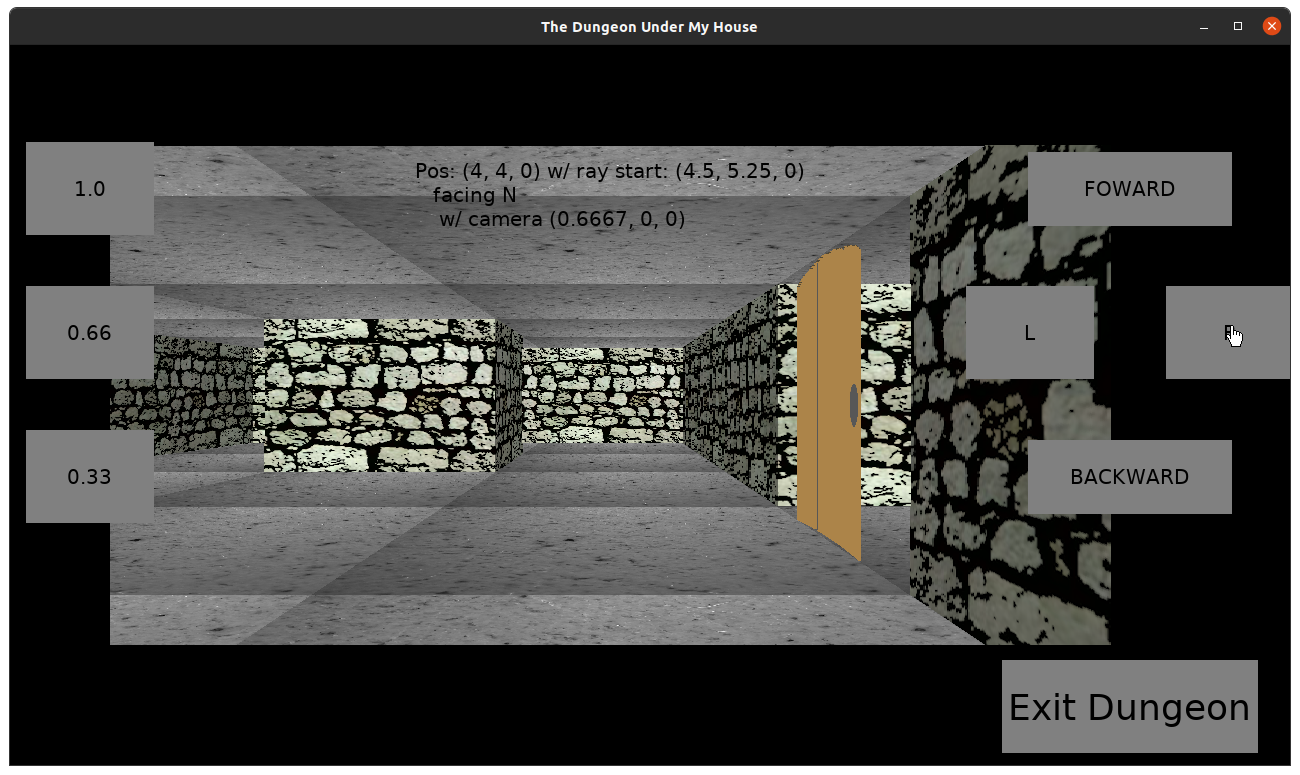
The Dungeon Under My House - in-dungeon raycasting walls

Now, strangely some of the walls were still popping out of the view area, and there was that weird gap on the right side.

Addressing the issue of rendering outside of the view area required that I add a few lines of code to determine not only if the lines should be clipped to the top and bottom of the view area, but also determining what part of the texture I needed to draw. That is, if the top was clipped, then I would need to start drawing from the top of the view area using the correct part of the texture as the start of the line. Otherwise, it would look off.

I fixed the red gap when I discovered that I was figuring out where to draw each column using the textureWidth variable instead of the width of the target area.

The next big issue was that it still felt like you had your face to the wall. I wanted to set the player’s view back a bit so they could see a bit of the floor and ceiling.

The nice thing was that my code was already differentiating between the player’s party’s position and the start of the rays that are cast to find the walls. Still, I needed to make what feels like a few hacks to get things rendering properly.

Basically, I needed to set the player’s view back by a certain amount. I chose to move the player’s view backwards 0.75 units.

The problem is that the ray was already being offset from the player’s position (0.5, 0.5) to center them in a grid cell, and moving another 0.75 back moves the ray’s start into a different cell.

So I when it came to stopping the ray, I had to ignore any wall encountered in the first step to the next grid line, because otherwise the wall from the cell behind the player would fill the view area.

I also had to add something to limit the number of times it would try to find a wall. Anytime I exited the play area, it would lock everything up as it stepped forever toward walls that didn’t exist.

Weirdly, if the limit was what I thought a reasonable amount, then I would see artifacts, especially when turning.

Oh, that’s right. I added animation. Now when the player steps forward to turns to the side, I interpolate from the original position/orientation to the target one.

Anyway, turning would produce walls that looked like they were protruding out, so I had to create a relatively large maximum limit of grid cell stepping. Unfortunately, if you ever do step outside of the boundaries of the dungeon somehow, it slows the game down to a crawl, and that’s on my main development machine which is relatively powerful.

So that just makes it all the more important to ensure that the player can’t ever see outside of the defined boundaries of the dungeon.

By the end of the week, I had walls that looked pretty decent and animation that looks pretty decent.

The Dungeon Under My House - in-dungeon raycasting walls

I still need to add floors and ceilings, which I expect will be relatively quick, although it might require using a slightly different technique compared to rendering walls. With the walls, I can draw a rectangle using part of an image as a source. With the floor, I might need to go pixel by pixel horizontally as I determine which part of the source image needs to be rendered at each area of the screen.

For now, though, it’s nice to be able to navigate my test dungeon, complete with animation.

Thanks for reading!

Want to learn when I release The Dungeon Under My House, or about future Freshly Squeezed games I am creating? Sign up for the GBGames Curiosities newsletter, and download the full color Player’s Guides to my existing and future games for free!
Categories
Game Design Game Development Geek / Technical

Freshly Squeezed Progress Report: Raycasting Actual Walls

Last week I reported that I had less time to work on implementing raycasting, which meant less time to debug what I was doing wrong.

I knew I was similarly not going to have as much time to do development this past week, but I made some big progress.

Sprint 12: Pre-production and initialization

Planned and incomplete:

  • Move player in dungeon view

Fairly quickly after my last report, I discovered a few things about how I was implementing the raycasting incorrectly.

First, instead of arbitrarily assigning a “camera plane” and then rotating it and hoping that it stays in place relative to the player’s direction, I determine the camera plane based on the direction of the player.

And I had those vectors defined incorrectly.

Basically, if I treat North/Up as the default, then I want negative Y to mean forward, and positive X to mean to the right. East should similarly treat positive X as forward and positive Y as to the right. And so on.

I realized at one point that the values I was getting when I was casting rays were weird, and I had to draw everything out because it was getting hard to think about direction and positive/negative values.

Once I got those vectors right, then I had walls drawing, but only on half of the screen.

The Dungeon Under My House - in-dungeon raycasting but only half of the screen for some reason

The Dungeon Under My House - in-dungeon raycasting but only half of the screen for some reason

I added logs and realized a few issues with the code.

One, the player’s position is represented as whole values. That is, the player could be at position (2, 4), which would represent being in the corner of a cell in the grid that represents the dungeon layout.

So now I start the ray at (2.5, 4.5), the center of the cell.

Two, part of the algorithm was dividing by zero, which is why the left half of the screen was missing any rendered lines.

Then I made a change, but the side walls and the back walls were not lining up.

The Dungeon Under My House - in-dungeon raycasting but walls weren't lining up

The Dungeon Under My House - in-dungeon raycasting but walls weren't lining up

Unfortunately, while I was digging through logs and trying certain changes, I then reverted a change, and suddenly everything looked relatively right?

I wish I could say why.

I then tried to do a simple change to add the stone wall texture, but my simple change was too simple, and everything was distorted.

The Dungeon Under My House - in-dungeon raycasting but textures aren't right

The Dungeon Under My House - in-dungeon raycasting but textures aren't right

The Dungeon Under My House - in-dungeon raycasting but textures aren't right

And as you can see, the algorithm seems to be drawing the walls outside of the viewport.

I have since read through the existing algorithms and think I see how to address this issue.

I also want to make sure that the horizon line isn’t centered. Centered is a bit boring.

And currently if you are facing a wall in your grid cell, it fills the entire view area, and I want you to be able to see some floor in the cell you’re currently in.

But so far, I made good progress, and the neat thing is that I was able to maneuver through my test dungeon level, and after I get the wall textures right, I can focus on the floor and ceiling.

Thanks for reading!
Want to learn when I release The Dungeon Under My House, or about future Freshly Squeezed games I am creating? Sign up for the GBGames Curiosities newsletter, and download the full color Player’s Guides to my existing and future games for free!