
In my last report, I added a neat transition effect for my second Freshly Squeezed Entertainment project called Clown Alley Creator, a creativity tool about creating your own fun clowns.
I kept on adding polish to the effect and started to get feedback from testers this past week.
Sprints 2024-28: Adding pizzazz!
Completed:
- Create special effects when option changes clown preview
- Defect: crashes whenever deleting make-up option on any layer
Last week I had a neat curtain closing and opening animation whenever you choose a different option in creator mode.
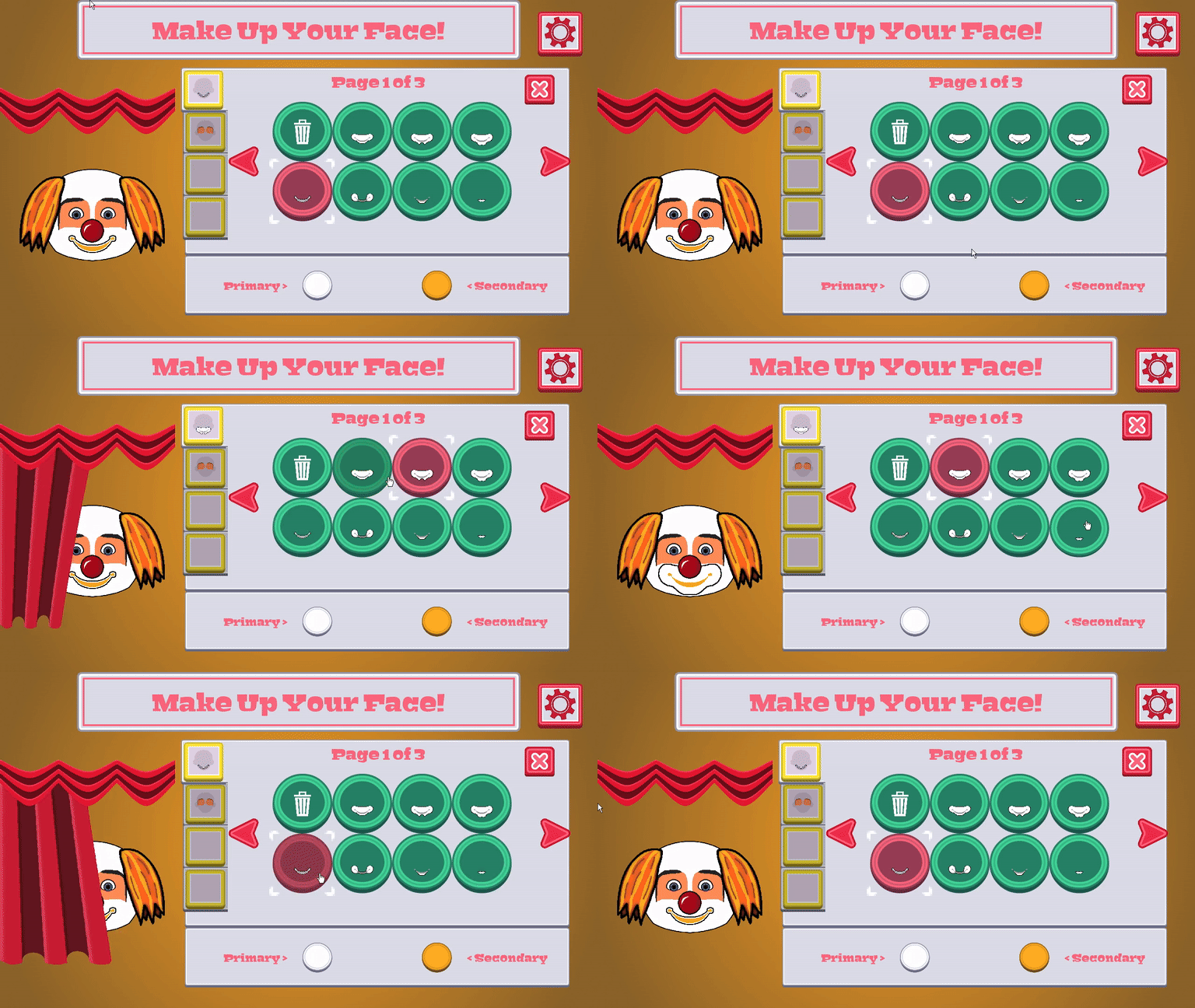
But I didn’t like that the curtain looked like it was standing on its own, so I created a nice background to go with it.
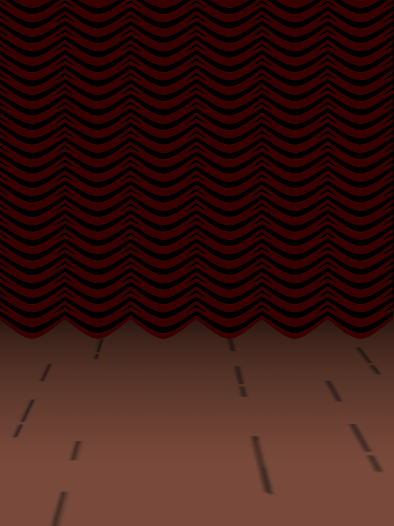
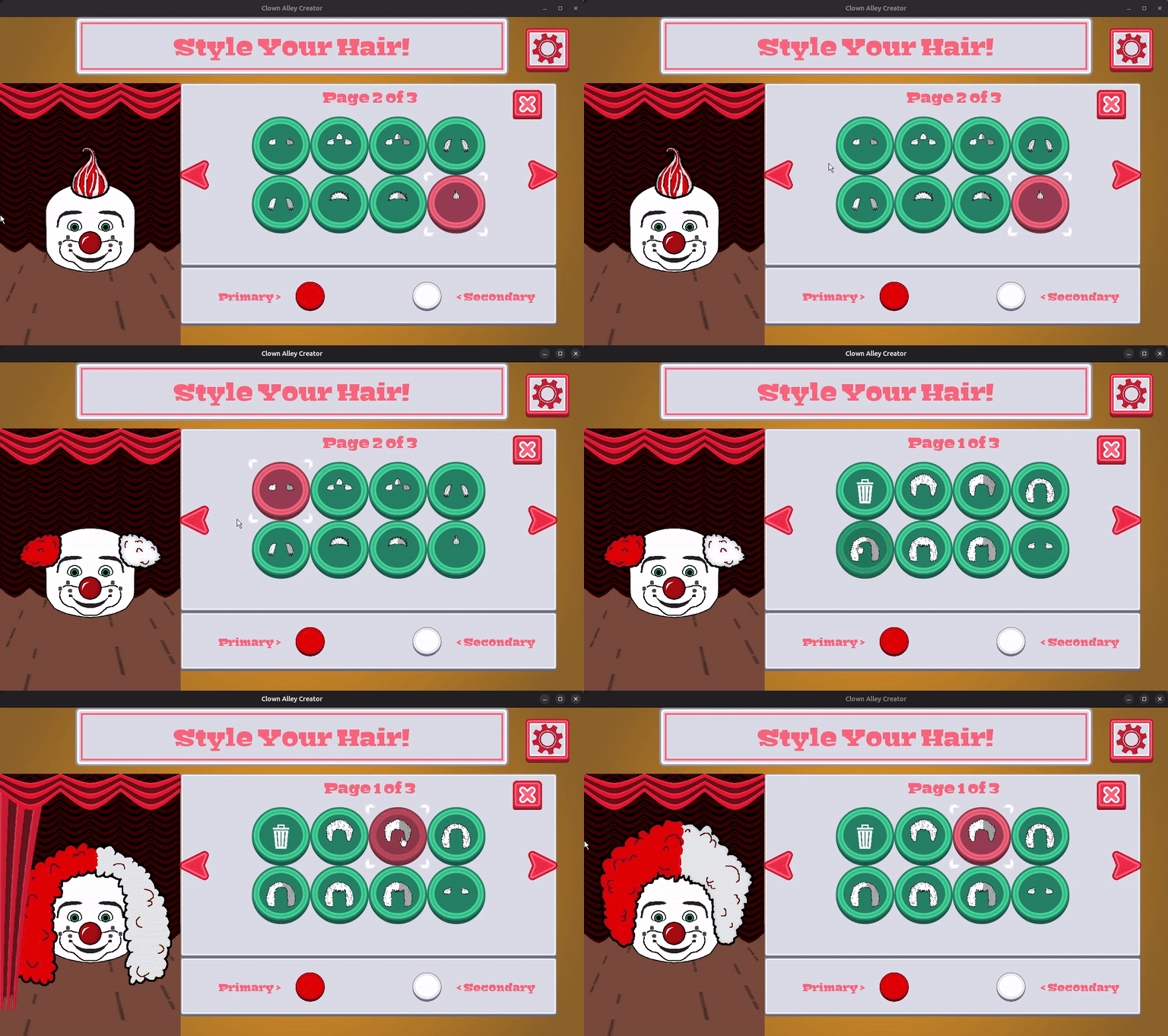
I think it helps give the animation some context, but it still feels off to me. I think it is because the curtains and background are just kind of…there? There’s nothing anchoring it to the background.
I have some ideas on how to address it, but in the meantime, a tester discovered a pretty easy-to-reproduce crash bug. Basically, when working in the make-up submenu, which is a layered set of menus, if you select the trash button, it should clear the current layer’s make-up.
And it worked…until I added the curtain transition, in which case after the curtain was done closing, it tried to set the make-up layer to that trash menu option instead of a special NOT SELECTED value, and since there was no actual make-up sprite to render, it crashes.
I’ve fixed this defect and plan to send out another release for my testers soon.
Thanks for reading, and stay curious!
—
Want to learn about future Freshly Squeezed games I am creating? Sign up for the GBGames Curiosities newsletter, and download the full color Player’s Guides to my existing and future games for free!